
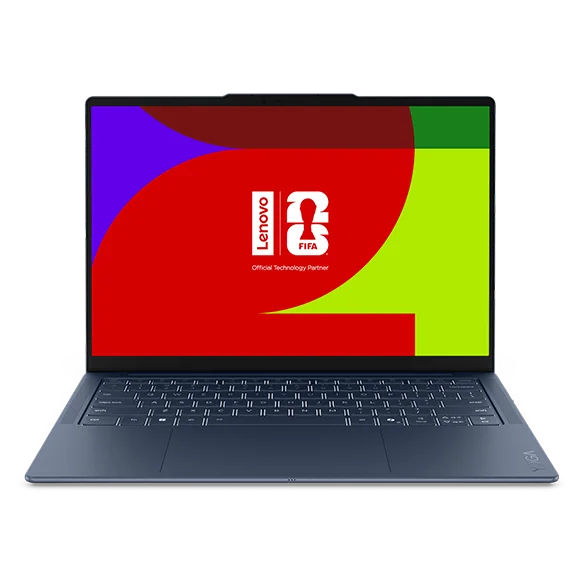
Ultraportable (thin-and-light)
Prioritizes low weight and long battery life, usually with integrated graphics (graphics built into the CPU).
Best for: Students, travelers, and remote workers who want a laptop that is easy to carry and quiet.
New buying guides and full reviews, by email.

Laptop Research
Laptops let you do real computer work anywhere without being tied to a desk. This guide breaks down the few specs and design choices that actually change speed, battery life, screen comfort, and what it is like to live with a laptop every day.
Most laptop regret comes from buying the wrong kind of performance. A machine that feels fast for web and office work can still struggle with photo editing, engineering apps, or light gaming because the graphics and cooling are different, not because you picked the wrong brand. On the other hand, paying for a powerful GPU (graphics processor) and a thick cooling system can mean more weight, more fan noise, and shorter battery life than you wanted for class or travel.
The best laptop choice usually comes down to four things: the size you will actually carry, the screen you can stare at for hours, the performance level your apps demand, and the ports you need for your real setup. Ownership details matter too. Battery capacity, charger size, keyboard feel, webcam quality, and repairability affect daily use more than a long feature list. If you match the laptop to your workload and your carry habits, you get a machine that stays pleasant to use instead of one you tolerate until you replace it.
Prioritizes low weight and long battery life, usually with integrated graphics (graphics built into the CPU).
Best for: Students, travelers, and remote workers who want a laptop that is easy to carry and quiet.
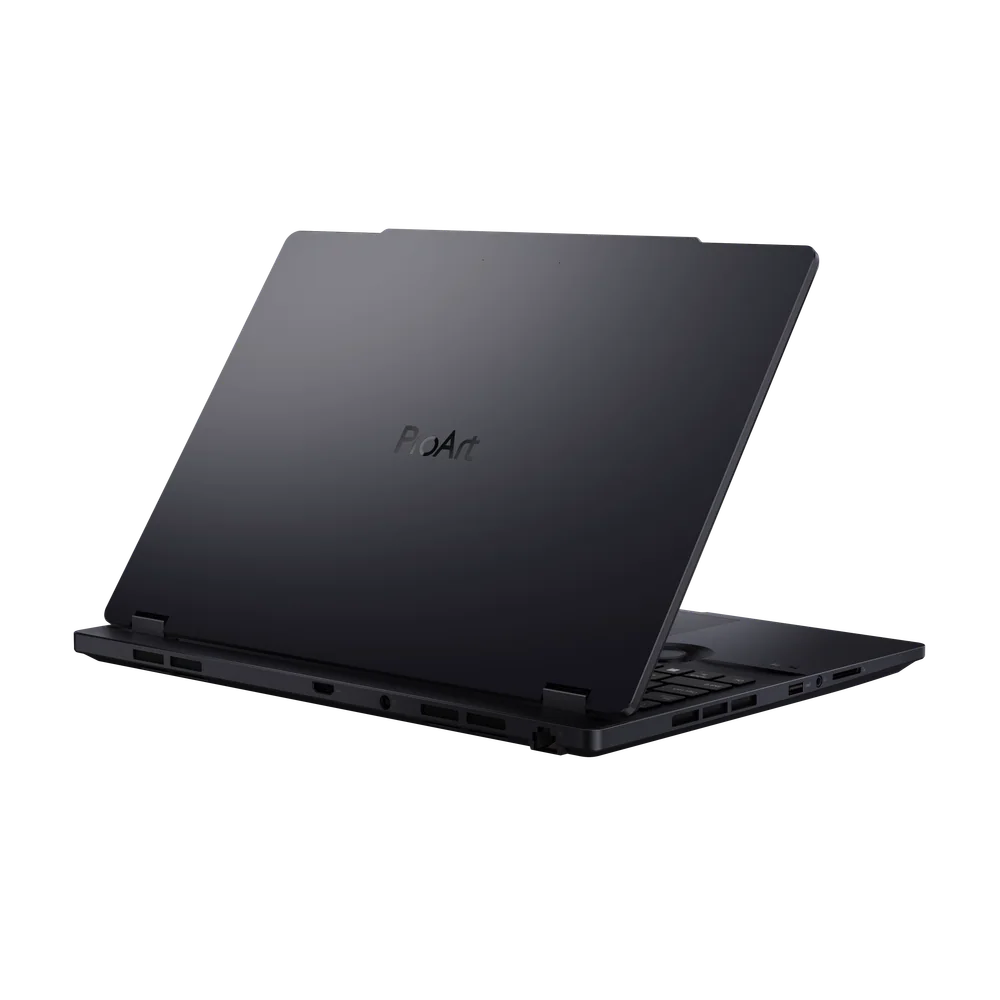
Uses stronger cooling and often a dedicated GPU (a separate graphics chip) for sustained heavy work.
Best for: Photo and video editors, content creators, and anyone running demanding apps for long sessions.
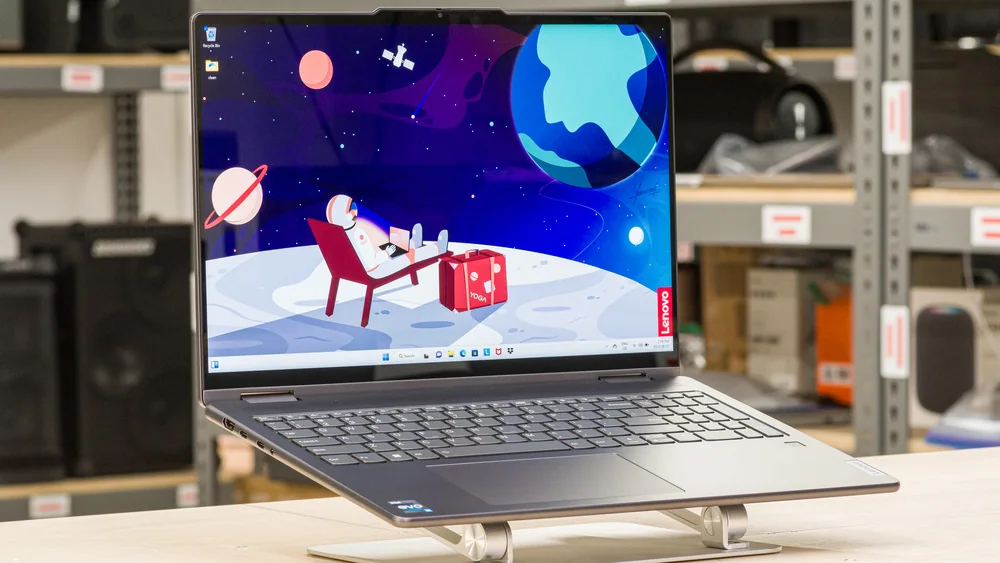
A laptop with a hinge that folds into tablet mode, often with optional pen support.
Best for: Note-takers, presenters, and people who want one device for typing and occasional tablet-style use.
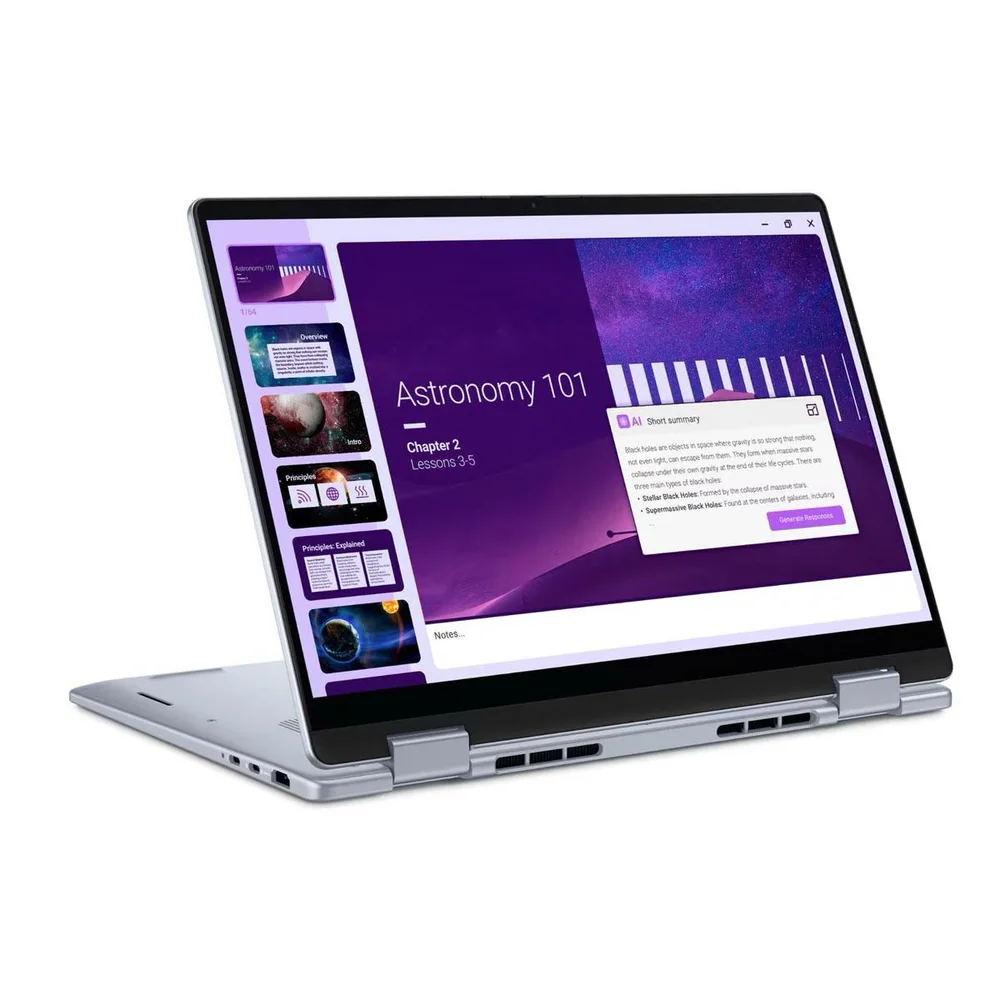
Focuses on price, with enough performance for browsing, documents, and streaming, but fewer premium materials and screens.
Best for: Families and basic users who want a capable machine without paying for high-end display or graphics.
 Buying guide
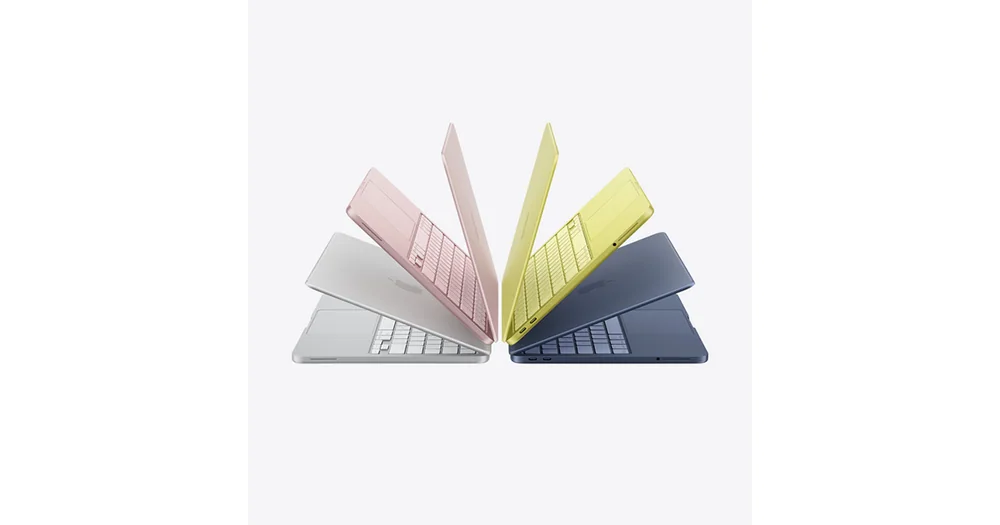
10 Best Budget Laptops for College Students in 2026
A ranked, no-nonsense guide to the best cheap laptops for college students in 2026, covering Windows, macOS, and ChromeOS options that hold up through a full semester.
Buying guide
10 Best Budget Laptops for College Students in 2026
A ranked, no-nonsense guide to the best cheap laptops for college students in 2026, covering Windows, macOS, and ChromeOS options that hold up through a full semester.
 Buying guide
10 Gaming Laptops With the Best Battery Life in 2026
Looking for a gaming laptop that survives a full day unplugged? We rank 2026's best options by independently measured battery life, not marketing claims.
Buying guide
10 Gaming Laptops With the Best Battery Life in 2026
Looking for a gaming laptop that survives a full day unplugged? We rank 2026's best options by independently measured battery life, not marketing claims.
 Buying guide
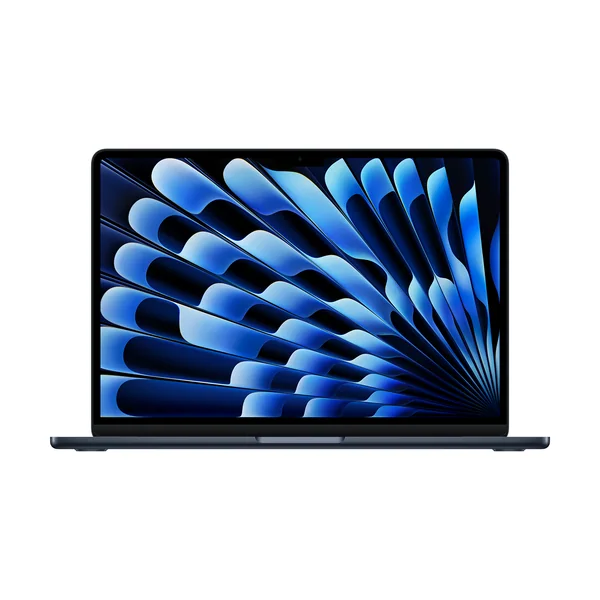
8 Best Laptops of 2026
Pickori’s recommendations for the best laptops in 2026, including a top everyday MacBook, a premium Windows ultraportable, and several gaming-focused laptops.
Buying guide
8 Best Laptops of 2026
Pickori’s recommendations for the best laptops in 2026, including a top everyday MacBook, a premium Windows ultraportable, and several gaming-focused laptops.
 Buying guide
10 Best 2-in-1 Laptops of 2026
Pickori’s recommendations for the best 2-in-1 laptops in 2026, including a standout 14-inch flip for most people, Surface Pro detachables for tablet-first use, and a couple of strong value and Chromebook options.
Buying guide
10 Best 2-in-1 Laptops of 2026
Pickori’s recommendations for the best 2-in-1 laptops in 2026, including a standout 14-inch flip for most people, Surface Pro detachables for tablet-first use, and a couple of strong value and Chromebook options.
Product reviews
Read the full reasoning, important specifications, ownership details, and alternatives for every product covered in this research.
Pickori may earn a commission from affiliate links.


Practical ownership help
Practical guides for choosing, setting up, maintaining, and living with a laptop day to day.

Learn the Category
Plain-English guides to sizing, features, setup, maintenance, and the questions that change which laptop makes sense.
 Laptop adviceChromebook vs Windows Laptop vs MacBook for CollegeA clear decision rule for choosing between ChromeOS, Windows, and macOS for college, based on software, price, battery, and major.Read the article →
 Laptop adviceDo You Need a Gaming Laptop for College?Weighing a gaming laptop against a regular one for college? Here's how to decide based on your major, gaming habits, and how much weight you want to carry.Read the article →Laptop adviceHow to Make a Gaming Laptop Battery Last LongerPractical, ordered settings that stretch unplugged gaming time, and which ones cost you real frame rate. A Pickori guide to gaming laptop battery habits.Read the article →Laptop adviceMinimum Laptop Specs for College Students in 2026A concrete spec checklist for college laptops in 2026: CPU, RAM, storage, display, battery, ports, and weight minimums versus comfortable targets.Read the article →Laptop adviceThe Quiet Laptop Trap: Why “Fast Enough” Can Still Feel Slow After a MonthA practical way to match laptop performance to your real workload so you avoid fan noise, lag, and buyer’s remorse.Read the article →Laptop adviceWhat Kind of Laptop Do You Need for College in 2026?A decision framework for choosing a college laptop by major, software, battery life, and campus routine, not just a spec list.Read the article →Laptop adviceWhen a Cheap College Laptop Is Enough and When It Is NotA practical guide to when a budget college laptop makes sense, and when low RAM, small storage, or weak displays turn savings into regret.Read the article →Laptop adviceWhy Gaming Laptops Drain Battery So FastThe GPU, CPU, screen, and cooling fans all draw serious power under load. Here's why gaming laptop battery life collapses once you actually start playing.Read the article →


These specifications affect how laptops perform, fit, and feel to own after the first week.
The main chip that runs your apps and handles most everyday tasks.
Why it matters: A faster CPU improves responsiveness and shortens waits in heavy spreadsheets, coding, and exports. It also affects battery life because efficient chips can do the same work using less power.
Short-term working space for apps and browser tabs so the laptop does not constantly shuffle data to storage.
Why it matters: Too little RAM causes slowdowns when multitasking. More RAM matters most for heavy browsing, creative apps, and engineering tools that keep large projects open.
The internal drive that holds your files and apps. SSD means solid-state drive, which is much faster than older hard drives.
Why it matters: Storage size determines how long you can go before managing space. SSD speed affects boot time, app launches, and large file transfers, which is noticeable in daily use.
The screen you look at all day. Panel type describes how the screen makes color and contrast; common types include IPS and OLED.
Why it matters: A better display reduces eye strain and makes text and color work easier. Screen size and brightness also change portability and how usable the laptop is in bright rooms or near windows.
"Up to" battery life: Battery numbers are usually measured under light, controlled use. Real battery life drops with higher brightness, video calls, lots of browser tabs, and demanding apps.
"Desktop-class performance": Short bursts can be fast, but sustained performance depends on cooling. Thin laptops may throttle, meaning they slow down to avoid overheating.
"AI PC" or "Copilot Plus": These labels can indicate newer chips with dedicated AI acceleration (an NPU, or neural processing unit), but the practical benefit depends on the apps you use and whether features run locally or in the cloud.
Brands in the Category
Use these brand notes to narrow the field, then open the linked reviews for the model-specific details.
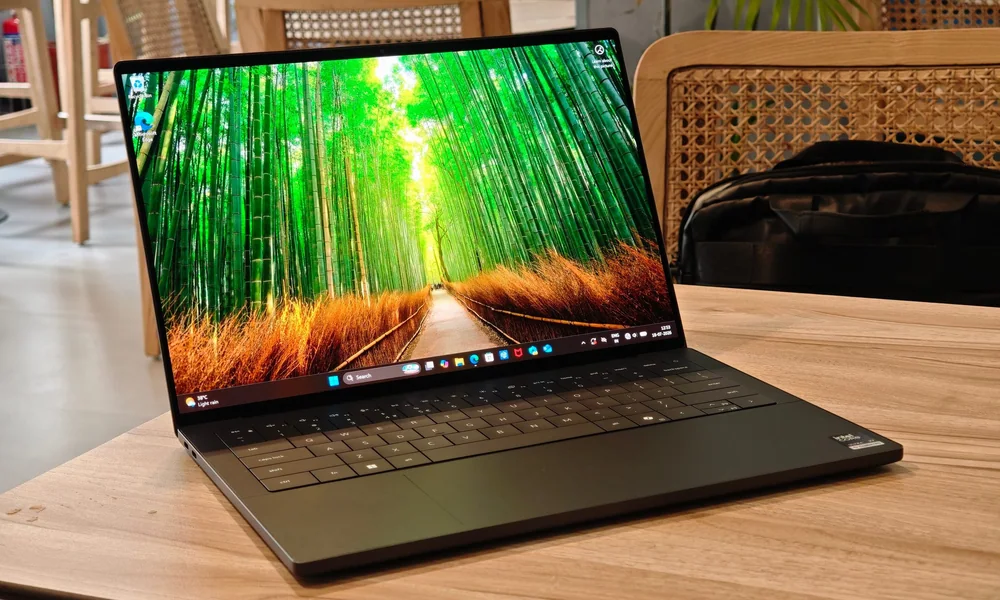
Dell’s reviewed lineup here leans premium and productivity-first, with XPS models aimed at shoppers who want a flagship-feeling Windows ultraportable or a screen-forward creator laptop. The Dell 14 Plus 2-in-1 is positioned as the straightforward, mainstream option for school and everyday work.
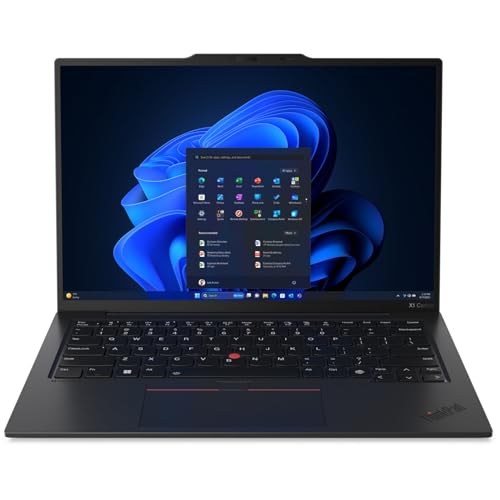
Lenovo’s models in this set cover portability and flexibility, from light, battery-minded ultraportables to larger-screen touchscreen and 2-in-1 options. The ThinkPad X9 15 Aura Edition is framed as a business-friendly touchscreen pick that stays portable, while the IdeaPad Slim 3x 15 targets budget endurance.
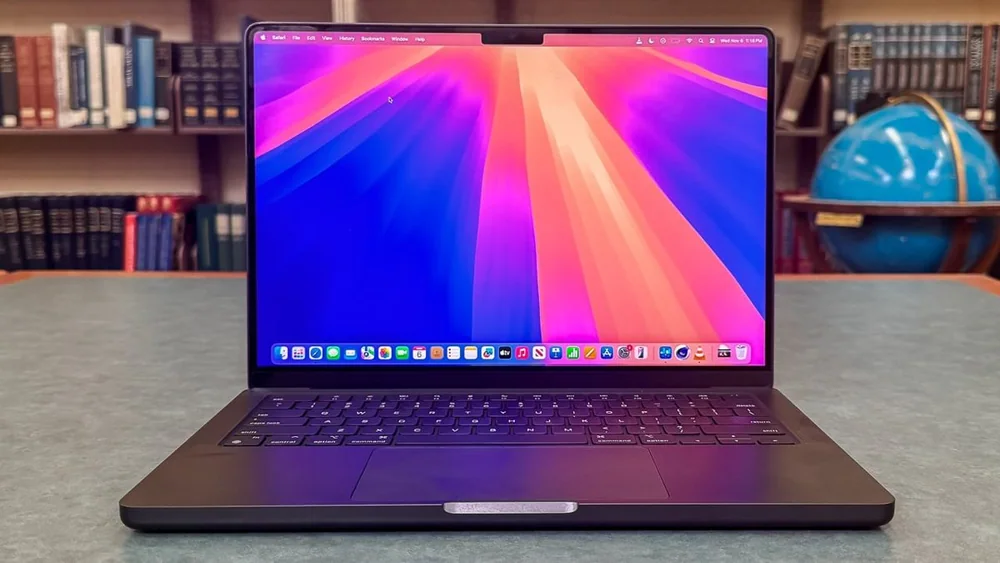
Apple’s reviewed MacBooks here focus on light, fast everyday computing and clear value tiers for macOS shoppers, from the MacBook Air line to a creator-ready MacBook Pro 14. The MacBook Neo is positioned as a simpler value decision for students who want macOS for less than typical MacBook Air pricing.
HP’s set spans gaming, 2-in-1 portability, big-screen productivity, and mobile-workstation style power. The OMEN MAX 16 is aimed at demanding AAA gaming, while the OmniBook models focus on premium-feeling everyday use and long stretches away from a charger.
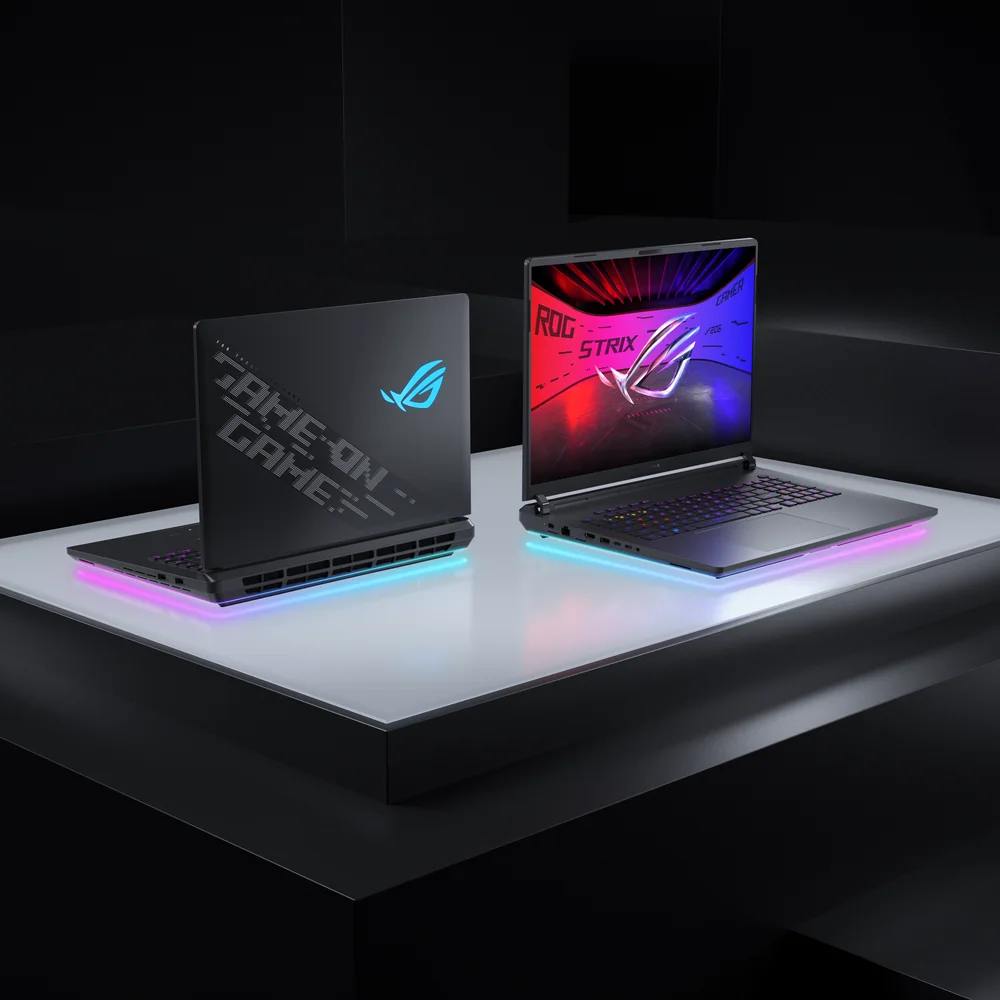
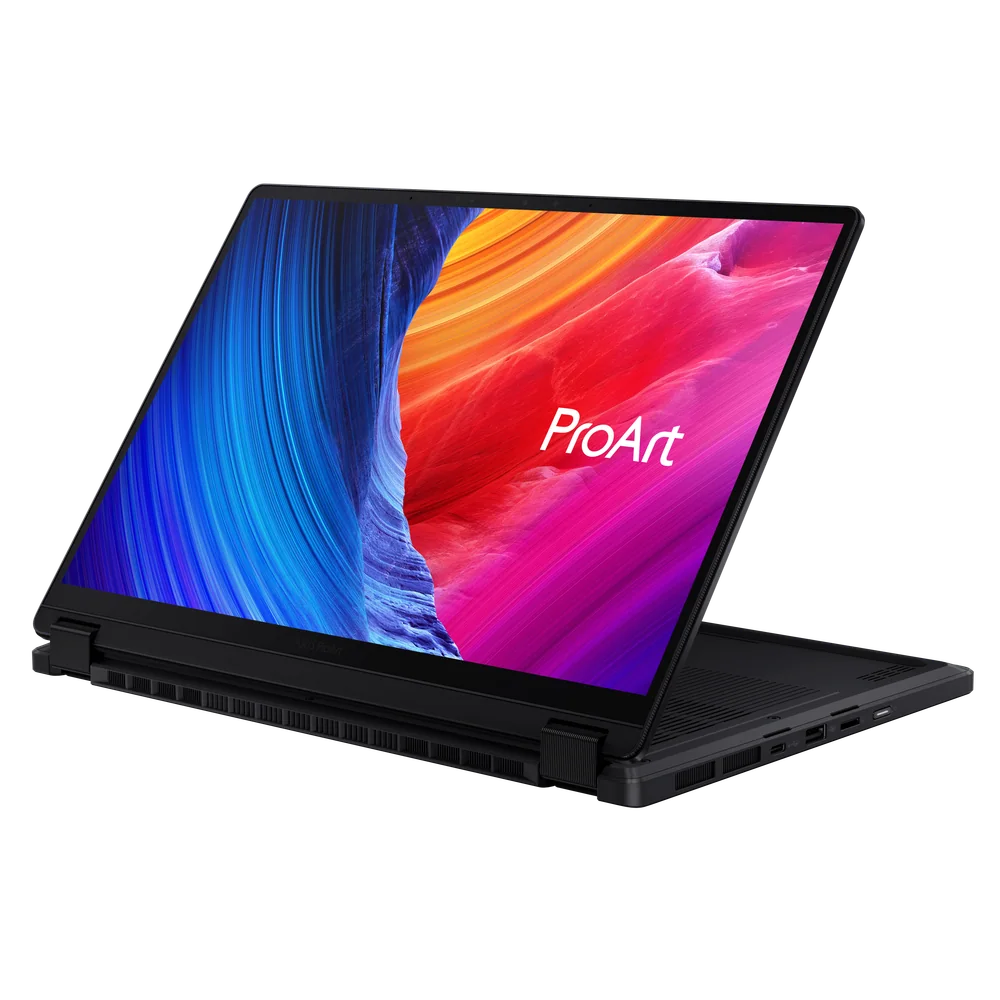
Asus in this lineup splits between portable premium ultrabooks and performance-forward gaming machines, including both compact and desktop-replacement styles. The Zenbook models emphasize carry weight, runtime, and OLED appeal, while the ROG line targets gaming and creator performance without always going huge.
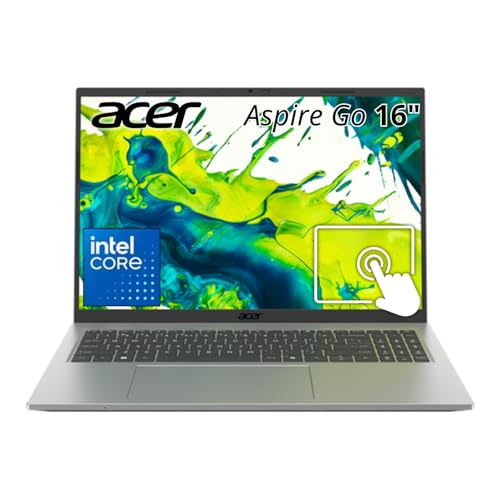
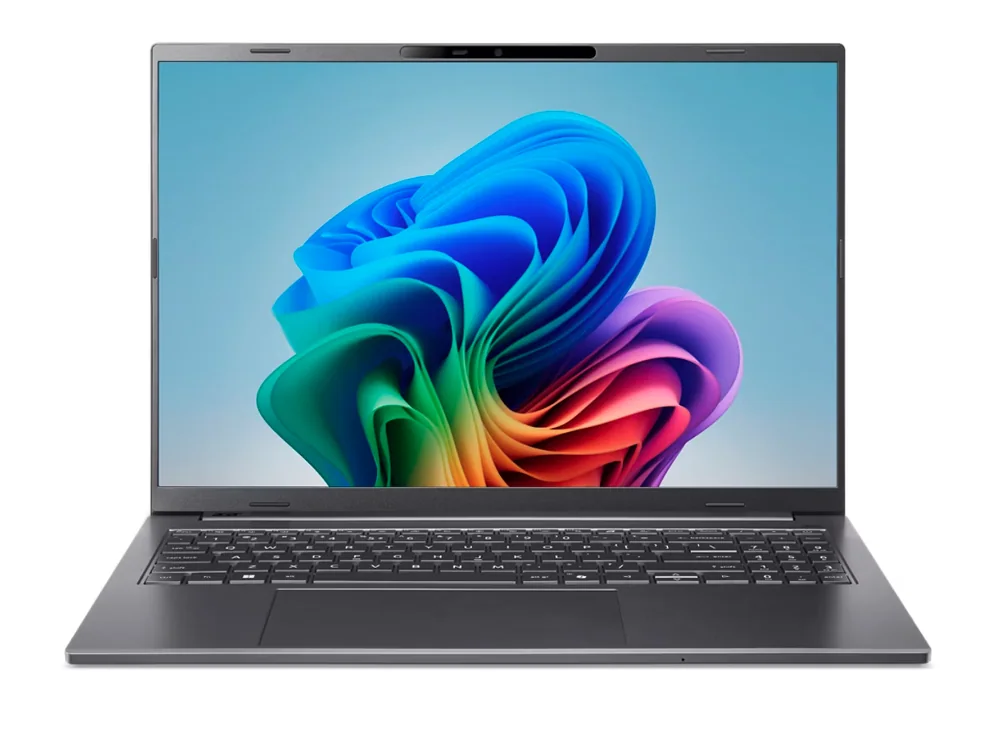
Acer’s reviewed options focus on value and straightforward everyday computing, including a budget Chromebook for web-first work and Windows laptops positioned as premium-feeling without being fussy. The Aspire Go 16 is framed as a basics-first big-screen budget pick, while the Swift 14 AI and Swift 16 AI cover value and mainstream premium Windows needs.
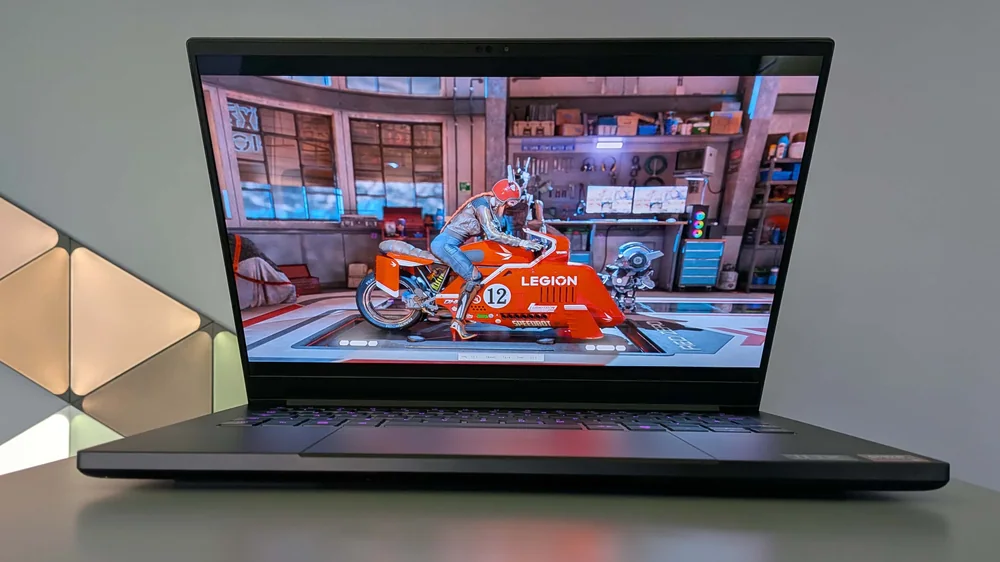
Razer’s Blade lineup here is consistently positioned as premium and performance-driven, with an emphasis on luxury feel, strong gaming capability, and high-end display experiences. The range covers highly portable gaming (Blade 14), premium 16-inch power (Blade 16), and a large-canvas 18-inch option for creators (Blade 18).
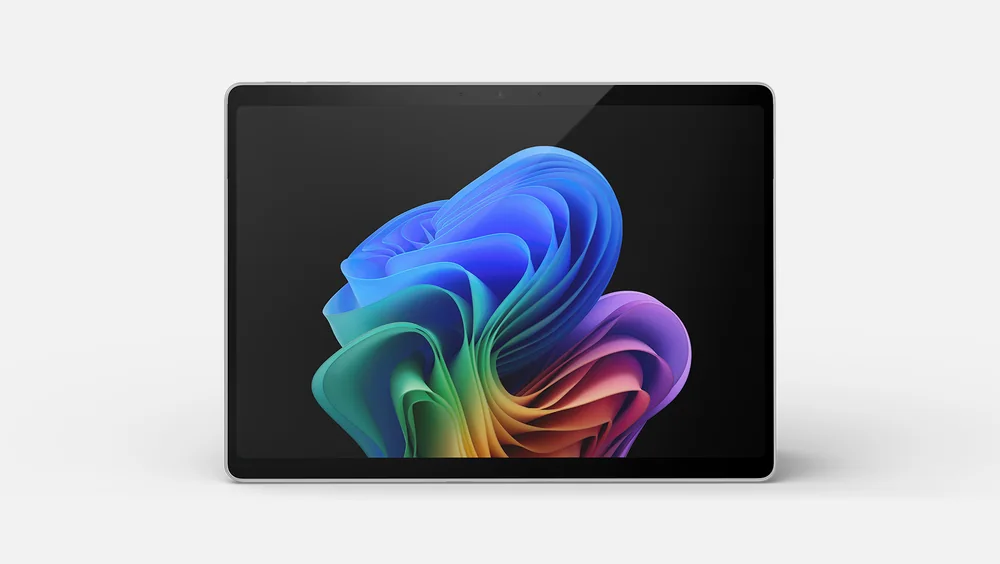
Microsoft’s Surface lineup in this set centers on clean, portable Windows hardware, with clear splits between detachable 2-in-1 tablet-first devices and traditional clamshell laptops. The Surface Laptop models are framed as premium ultraportables for office and school, including a travel-friendly Snapdragon X Elite configuration aimed at all-day use with a sharp display.
Apple MacBook Air 13-inch (M5) is the safest recommendation for most people because it balances portability, quiet operation, and enough performance for typical school and work.
Dell XPS 14 (2026) is the best premium Windows choice in this list for shoppers who want a flagship-feeling ultraportable with a focus on speed, efficiency, and battery life.
Choose the 13-inch MacBook Air (M5) for maximum portability. Choose the 15-inch MacBook Air (M5) if you want more room for multitasking and a bigger view without moving to a heavier pro-style laptop.
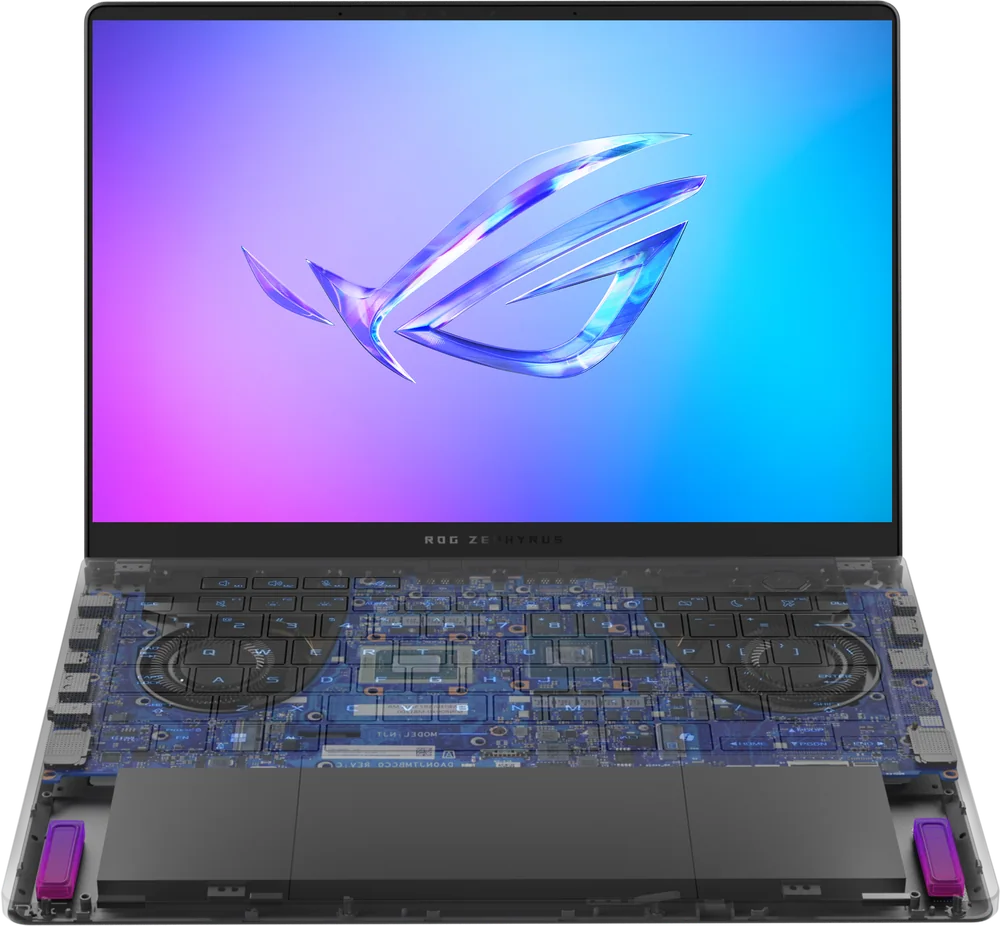
Asus ROG Zephyrus G14 is the best fit for gaming on the go because it delivers strong gaming performance in a more portable design.
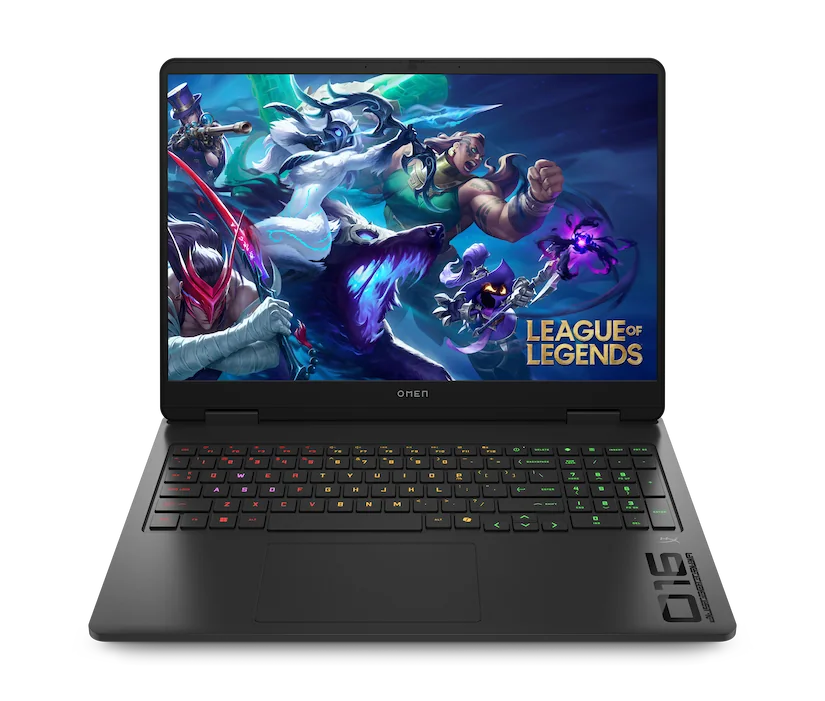
HP OMEN MAX 16 (2025) is the strongest all-around gaming performance choice here, with configurations built for smooth gameplay in demanding AAA titles and high-refresh display options.
Acer Chromebook Plus 514 makes more sense when your work lives in the browser (docs, email, web apps) and you want a simpler, lower-cost laptop for school or home use.