
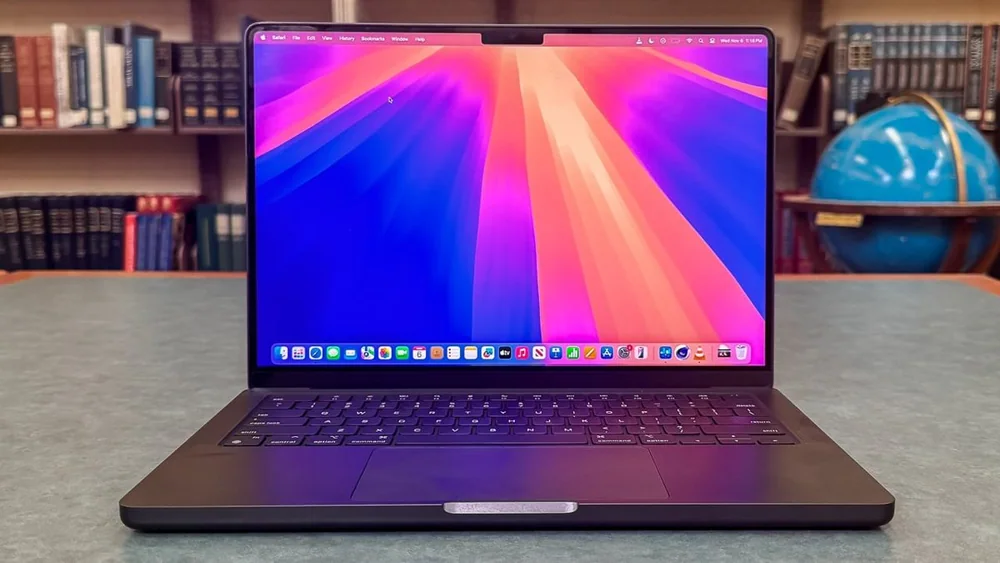
What to know first
- Battery life is a headline feature: around 16 hours in light use and nearly 16 hours for local video playback.
- The Mini LED Liquid Retina XDR display is sharp, colorful, and well-calibrated, with a 120Hz ProMotion refresh rate.
- You get an excellent 1080p webcam, plus a large haptic touchpad that is easy to control precisely.
- Port selection is unusually generous for a thin 14-inch premium laptop, so you rely less on adapters.
- Not a great pick for demanding gaming: macOS support is limited and performance varies by title.
What the Apple MacBook Pro 14 (2024) is
The Apple MacBook Pro 14 (2024) is Apple’s portable “do real work” MacBook. It is built for people who want a laptop that can handle everyday office life plus heavier tasks like programming and video editing, without turning into a charger-dependent desk machine.
In practical terms, it sits in the sweet spot for a lot of shoppers: a 14-inch size that is easy to carry, with the kind of screen, battery life, and input devices that make it comfortable for all-day use. It is also designed as a step up from an Air-style ultraportable when you want more headroom for demanding apps and longer sessions.
This is still a laptop, not a tower replacement. The entry-level configuration is described as excellent for general productivity and capable for some demanding work, but it can struggle in highly intensive workloads that need lots of memory or GPU horsepower.
Why it stands out
Battery life is the big reason to pay for this tier. The Apple MacBook Pro 14 (2024) is documented at around 16 hours in light use, and nearly 16 hours for local video playback. That is the difference between bringing a charger “just in case” and confidently leaving it at home for most days.
The display is another daily-use upgrade you notice immediately. It uses Apple’s Liquid Retina XDR panel technology (Mini LED) with a sharp 3024 by 1964 resolution and a 120Hz ProMotion refresh rate. The result is crisp text for long documents, rich color for photo and video work, and smoother motion when you scroll or scrub timelines.
Apple also nails the parts you touch all day. The haptic touchpad is large and easy to use, and the webcam is a standout 1080p unit. If your week includes a lot of video calls, that matters more than most spec sheets admit.
Finally, it has a wide port selection for a thin premium laptop. That means fewer dongles when you want to plug into a monitor, connect storage, or build a simple desk setup.
What it is like to own
Day to day, the Apple MacBook Pro 14 (2024) is built around friction-free work. It is compact and easy to carry, and the battery life is strong enough that you can work through a full day of email, docs, research, and calls without constantly watching the percentage.
The keyboard is described as spacious and tactile. One caveat: the keys have short travel, and heavy typers may find that tiring over long sessions. If you type for hours every day, it is worth paying attention to that detail because it affects comfort more than most people expect.
For media and downtime, it is a great couch and travel laptop. The Mini LED display produces deep blacks that look good for dark-room viewing and HDR content, and the speakers are described as loud, natural, and surprisingly full with a good amount of bass.
When you do push it with heavier tasks, it is noted for minimal throttling and for not getting overly hot or loud under load. That is the kind of thing you appreciate during long exports or when you are running demanding apps while on a call.
What to know before you buy
Gaming is the clearest weak spot. The base Apple silicon configuration is described as mediocre for gaming in highly demanding titles, and macOS support limits what you can play. Even when a game runs, performance can vary a lot depending on whether it is optimized for Apple silicon.
There is no touch input. If you are coming from a touchscreen Windows laptop or you want to tap and swipe your way through work, this is not the machine for that.
If you are shopping for a true workstation, pay attention to your workload. The entry-level configuration is framed as more of a general productivity device that can handle some demanding tasks, but it can struggle in highly intensive work, especially if you need lots of memory or GPU power. It is also noted that you can only get up to 32GB of RAM, and that RAM is soldered.
The specs that matter
This is the difference between hunting for outlets and just working. For many people, it means you can get through a full workday of docs, email, and browsing without packing the charger.
If you travel or you use your laptop for long stretches of offline video, you can realistically get through multiple movies or a full day of downloaded content.
Mini LED helps with contrast and deep blacks, and the high resolution keeps text and UI crisp. It is a real quality-of-life upgrade if you stare at a screen all day.
Scrolling feels smoother, and motion looks cleaner in video and animation work. It is not required, but once you get used to it, 60Hz can feel choppy.
A better webcam makes you look clearer in everyday calls without needing an external camera. If you are remote or hybrid, this matters weekly.
If you like tapping through apps, taking handwritten notes, or using touch as an accessibility option, you will want a different laptop.
If your work regularly pushes memory hard (big video projects, heavy multitasking, large datasets), you want to choose your configuration carefully up front because you cannot upgrade later.
Who this product fits
You want a 14-inch laptop that lasts all day for real work
The Apple MacBook Pro 14 (2024) is built for exactly this. Around 16 hours of light-use battery life means you can work a full day of email, docs, research, and calls without planning your schedule around outlets.
You edit photos and video but still need portability
This model is a strong fit for creator workflows because it combines a sharp, accurate-looking Mini LED display with performance that can handle demanding creative apps, plus battery life that does not force you back to your desk.
You are on video calls constantly
Between the excellent 1080p webcam and the large haptic touchpad, this laptop makes daily meetings feel less annoying. You look clearer on camera, and navigation feels precise and consistent.
You want a premium laptop but hate living on dongles
The port selection is described as unusually generous for a thin 14-inch premium laptop. That makes it easier to plug into monitors and accessories without turning your bag into an adapter kit.
What else to compare
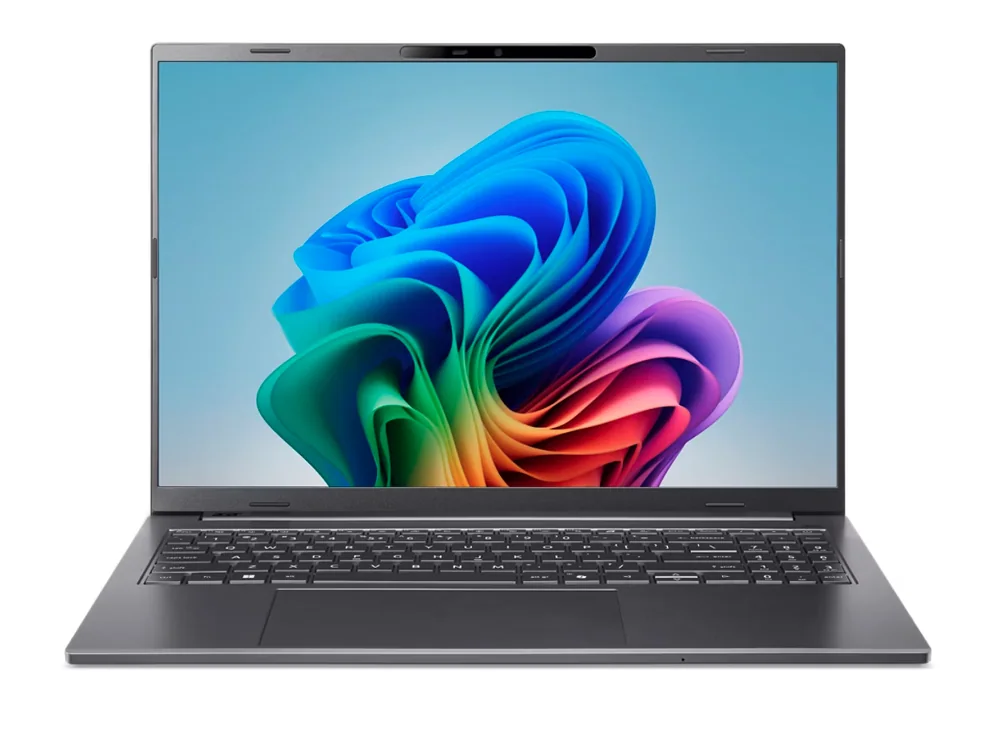
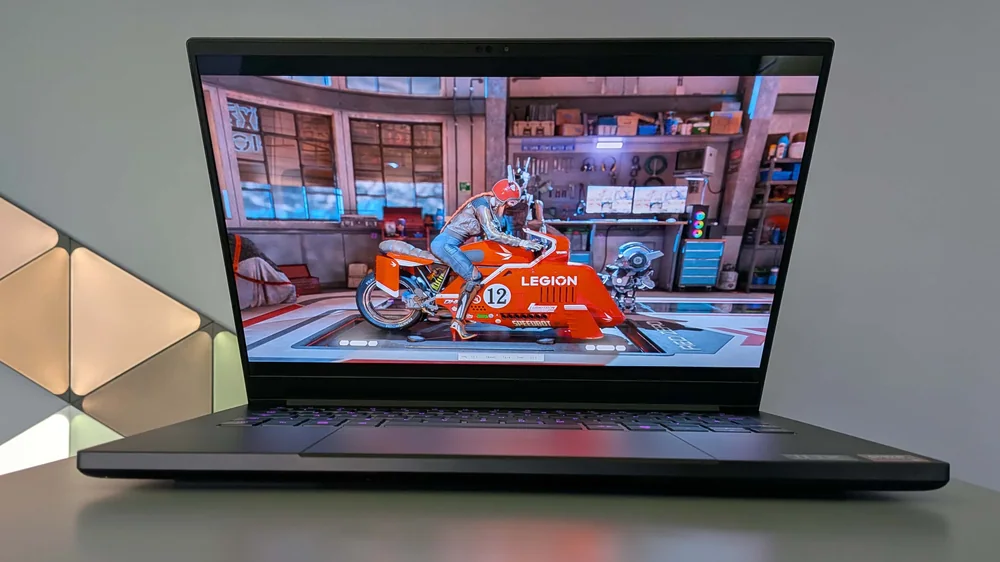
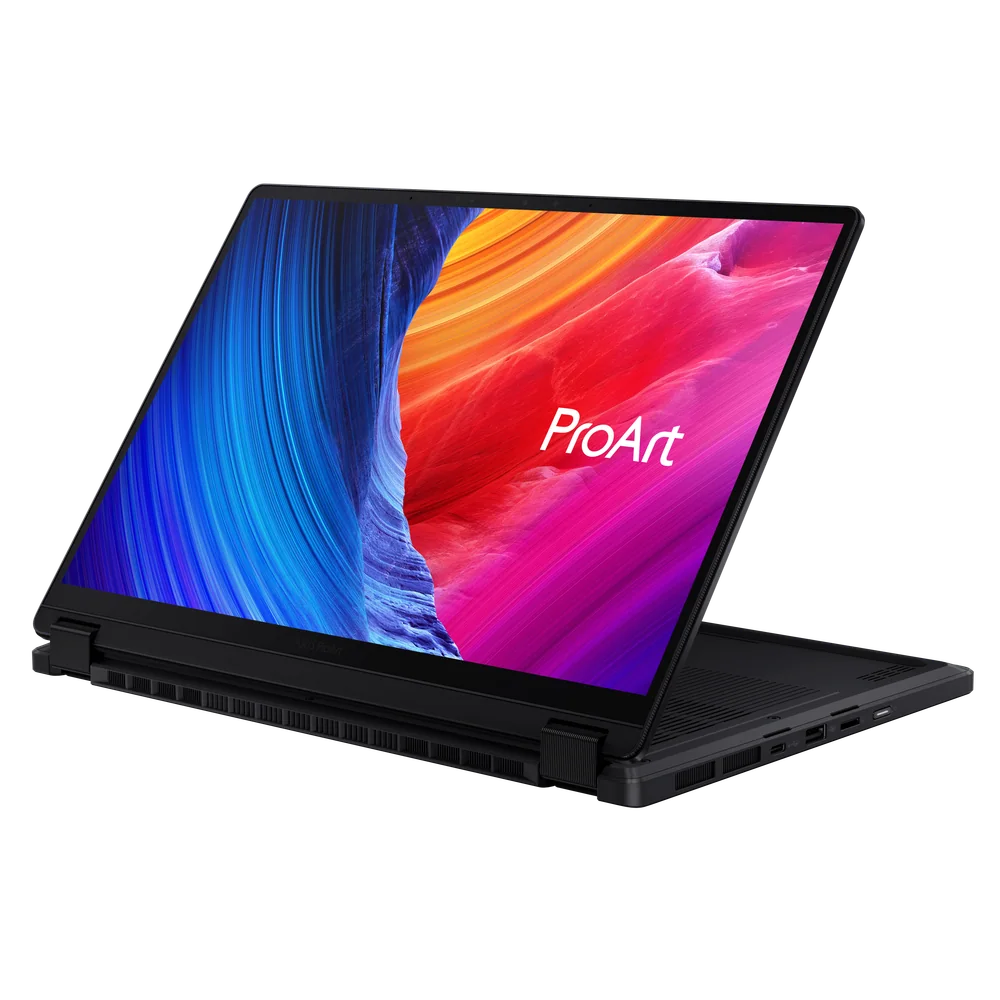
If the Apple MacBook Pro 14 (2024) is not the right fit, these are the alternatives that make the most sense depending on what you value most.
Apple MacBook Pro 14 (2024) FAQ
How long does the Apple MacBook Pro 14 (2024) battery last in real use?
It is documented at around 16 hours in light use, and nearly 16 hours for local video playback. Like any laptop, battery life will drop with higher brightness, lots of browser tabs, and demanding apps.
Is the Apple MacBook Pro 14 (2024) good for video editing?
Yes for many editors who want a portable machine. It is a strong fit for creator workloads thanks to its performance and sharp, accurate-looking Mini LED display, plus battery life that can carry a workday. For highly intensive projects that need lots of memory or GPU power, you will want to be careful about configuration.
Is the Apple MacBook Pro 14 (2024) good for gaming?
Not really, at least not for demanding games. It is described as mediocre for gaming due to base graphics limits, limited macOS game support, and performance that can vary when games are not optimized for Apple silicon.
Does the Apple MacBook Pro 14 (2024) have a touchscreen?
No. If touch is important to how you work, you should look at a Windows laptop with a touchscreen or a convertible design.
What is the screen like on the Apple MacBook Pro 14 (2024)?
It uses a 14.2-inch Liquid Retina XDR Mini LED panel with a 3024 by 1964 resolution and a 120Hz ProMotion refresh rate. Practically, that means crisp text, strong contrast with deep blacks, and smoother motion when you scroll or watch video.
Should you buy the Apple MacBook Pro 14 (2024)?
Buy the Apple MacBook Pro 14 (2024) if you want a premium 14-inch laptop that can handle everyday work and demanding creative tasks while still delivering around 16 hours of light-use battery life. The sharp Mini LED display, excellent 1080p webcam, and large haptic touchpad make it feel like a polished tool you can rely on every day.
Look elsewhere if your main goal is gaming, if you need touch input, or if you know your workload is truly workstation-level and memory-hungry. For everyone else who wants a portable Mac that stays fast and lasts all day, the Apple MacBook Pro 14 (2024) is an easy recommendation.