
What to know first
- Strong gaming performance in demanding AAA titles, with minimal thermal throttling.
- Multiple 16-inch display options: 165Hz FHD+ and 240Hz QHD+ (IPS or OLED), with G-SYNC support.
- Good port selection for a gaming desk setup, including gigabit Ethernet.
- Speakers can get reasonably loud, but sound is more clear than bassy.
- Battery life is under eight hours for light use, and around six hours for local video playback.
- Keyboard feel can be mushy and may take time to adapt to.
What the HP Omen 16 is
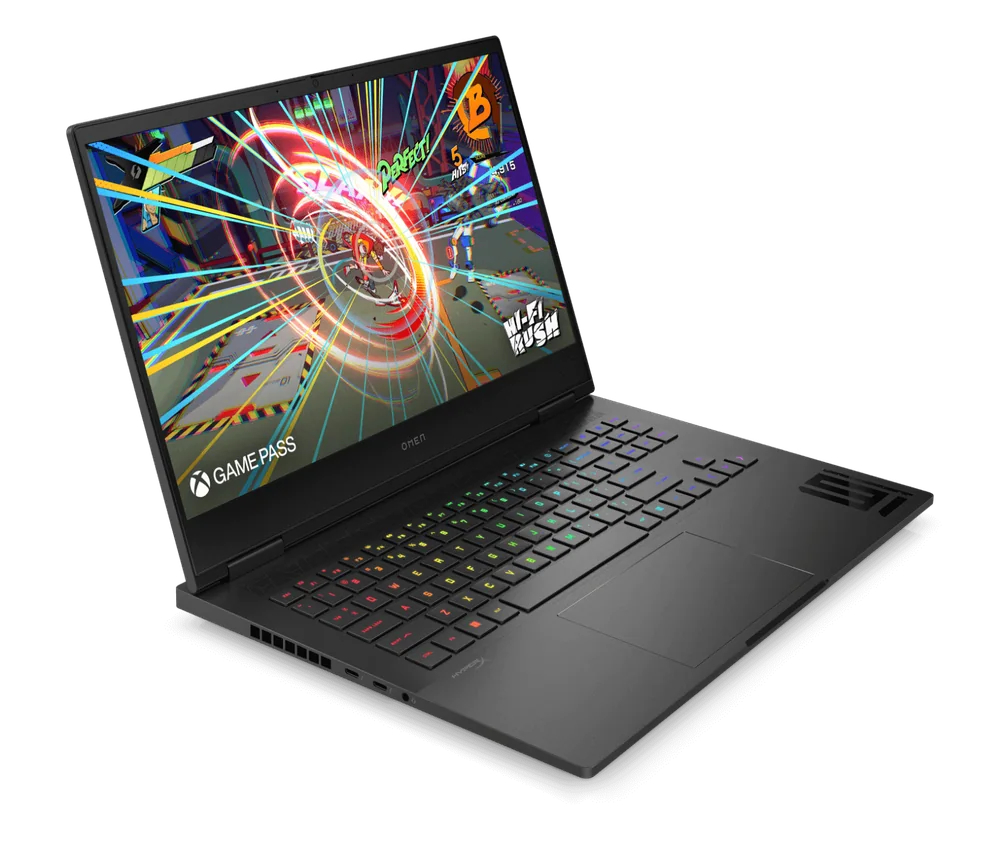
HP Omen 16 is a 16-inch gaming laptop aimed at people who want a mainstream-size screen and the hardware to run modern games smoothly. Depending on configuration, it’s available with Intel CPUs and NVIDIA GeForce RTX 50-series graphics, which is the core reason it can keep up with demanding AAA titles (including ray tracing, if you set expectations and use sensible settings).
The bigger story with the HP Omen 16 is that it’s not locked into one good enough screen. You can pick a faster panel for competitive games or step up to a higher-resolution, higher-end option if you want your laptop to double as a movie machine.
Think of it as a laptop that’s happiest living on a desk: plugged in, driving an external monitor, and handling long gaming sessions without constantly falling off a performance cliff.
Why it stands out
The HP Omen 16 delivers high, consistent frame rates in demanding games while keeping thermal throttling to a minimum. In plain English, it’s less likely to start strong and then slow down halfway through a long session because it got too hot.
Its display lineup is unusually flexible for a mainstream gaming laptop. Configurations include a 165Hz FHD+ panel and 240Hz QHD+ panels (IPS or OLED), and they support G-SYNC to reduce screen tearing. If you play fast shooters, high refresh helps motion look smoother. If you’re more into single-player games and media, the higher-end QHD+ options, especially OLED where available, are the ones that make the laptop feel more premium day to day.
It’s also built for real-world gaming setups. You get lots of ports for peripherals and external displays, plus the option of Wi-Fi 6E or Wi-Fi 7 depending on configuration, and a gigabit Ethernet port when you want the most stable connection.
Finally, it’s not a sealed box. The RAM and storage are user-replaceable, which matters because gaming laptops tend to age out on memory and storage before the CPU and GPU feel truly obsolete.
What it is like to own
As an everyday laptop, the HP Omen 16 is a mixed bag. The 16-inch screen is genuinely useful for multitasking, and the touchpad is responsive. It can easily handle typical productivity work like browsing, documents, and spreadsheets, but the overall daily driver experience can feel just okay compared with thinner, more school-focused laptops.
The keyboard is the main adjustment. It’s described as mushy, which usually means you may not love it on day one if you type a lot. Some people adapt, but if you’re buying this primarily for writing, note-taking, or coding all day, note it before you commit.
For media, it does a nice job for a gaming laptop. There are configurations with an OLED panel that can look excellent in a dark room and for HDR, and the speakers get reasonably loud with minimal distortion at higher volumes. Don’t expect big bass, though. The sound is more clear enough than room-filling.
On battery, set realistic expectations. Light-use battery life is under eight hours, and local video playback is around six hours. That’s fine for moving around the house or a couple classes, but it’s not the laptop you buy to leave the charger at home.
What to know before you buy
Configuration matters more than usual here. The HP Omen 16 name covers multiple display options (including different refresh rates and an OLED option on some models), plus different wireless adapters (Wi-Fi 6E or Wi-Fi 7). If you’re paying extra, make sure you’re paying for the specific screen and connectivity you actually want.
It’s also not a stealthy laptop. It’s described as bulky, and the fans can get loud under load. That’s not shocking for a gaming laptop that’s trying to keep performance steady, but it does affect where it fits into your life. If you’ll game in shared spaces, fan noise can matter as much as frame rate.
If you’re shopping for professional workloads, the HP Omen 16 can handle demanding tasks thanks to its CPU and discrete GPU, but it doesn’t offer a professional GPU tier. For some specialized apps and workflows, that can be a real limitation.
The specs that matter
A 16-inch panel gives you more room for game HUDs, timelines, and side-by-side windows. The flip side is a bigger chassis that’s harder to carry daily.
165Hz and 240Hz can make fast games feel smoother. QHD+ looks sharper than FHD+ for everyday use and single-player games, and OLED (where available) is the one that can make movies and HDR look dramatically better.
G-SYNC helps reduce screen tearing when frame rate and refresh rate don’t perfectly match, which makes gameplay look cleaner in motion.
Either can be great, but it’s worth checking the exact model if you’re buying for a busy Wi-Fi environment. Wi-Fi 7 is the newer standard, but you only benefit if your network supports it.
If you play competitive games or stream, wired Ethernet is still the simplest way to avoid random Wi-Fi hiccups.
You can extend the useful life of the laptop by adding memory or more SSD space later, instead of replacing the whole machine when games get bigger.
This is a laptop you should plan to charge daily. It can travel, but it’s not built around all-day battery the way an ultrabook is.
Who this product fits
You want a near-premium feel without leaving the mainstream 16-inch class
HP Omen 16 makes sense when you’re tired of the cheapest gaming laptops and want something that holds performance steadier and gives you better screen choices. Pick the display that matches how you actually play, not just the cheapest configuration.
You play competitive games and hate screen tearing
With high-refresh options and G-SYNC support, the HP Omen 16 is set up for smoother-looking motion and fewer distracting tear lines, especially when your frame rate bounces around.
You’re building a simple gaming desk setup
The HP Omen 16 is a good fit if you’ll plug in a mouse, headset, maybe an external monitor, and you want the option to use gigabit Ethernet. It’s designed to live connected to stuff.
You also edit or create content, but gaming comes first
The CPU and discrete GPU can handle demanding work, and the higher-end QHD+ OLED option (where available) is the one to prioritize if color and HDR matter to you. Just don’t buy it expecting workstation-class graphics options.
What else to compare
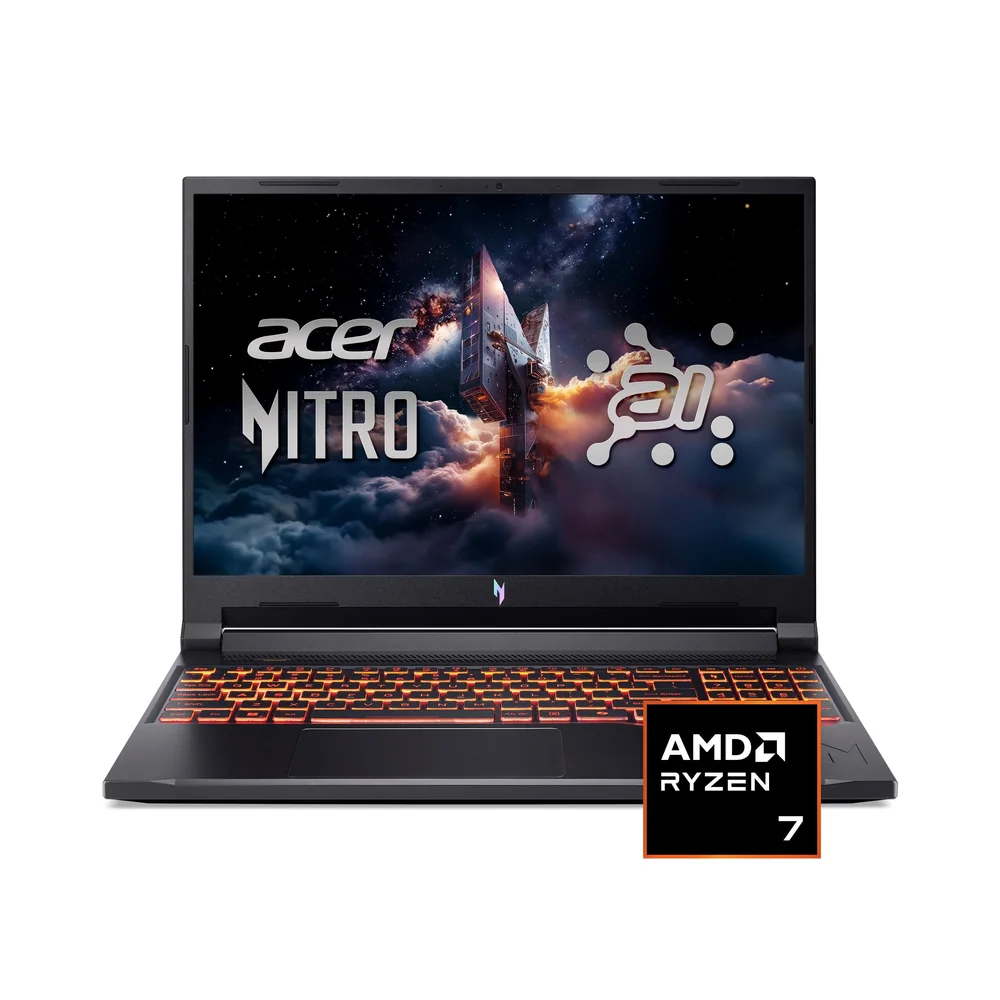
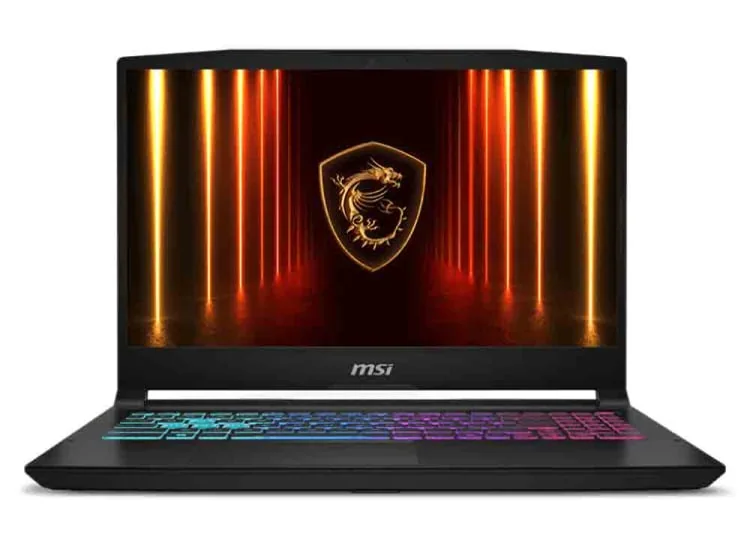
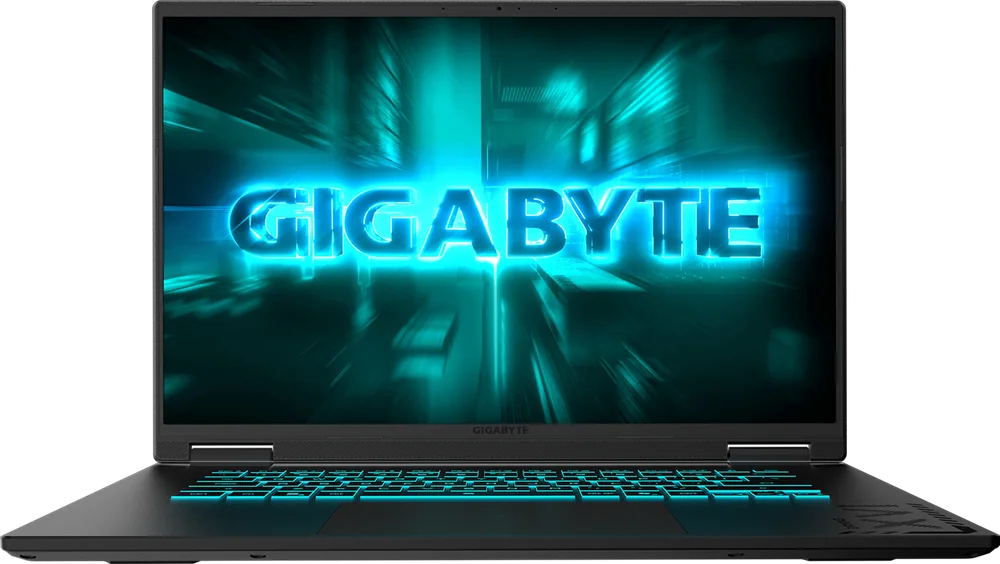
If the HP Omen 16 isn’t the right fit, these are the models I’d look at next depending on what you value most.
HP Omen 16 FAQ
Is the HP Omen 16 good for AAA gaming?
Yes. In demanding AAA titles, it can deliver smooth gameplay and keep performance more consistent by limiting thermal throttling. The exact experience will still depend on the CPU and GPU configuration you buy.
Which HP Omen 16 display should I choose: FHD+ 165Hz or QHD+ 240Hz?
If you mostly play competitive games and want a straightforward, fast panel, the 165Hz FHD+ option makes sense. If you want a sharper screen for everyday use and single-player games, the 240Hz QHD+ options are the upgrade to target, with OLED (on some configurations) being the image-quality choice for dark-room viewing and HDR.
Does the HP Omen 16 support G-SYNC?
Yes, the listed display options include G-SYNC support. That helps reduce screen tearing and can make motion look cleaner when frame rates fluctuate.
Can you upgrade the HP Omen 16 later?
Yes. The RAM and storage are user-replaceable, which is useful if you want to add more SSD space for large game libraries or extend the laptop’s lifespan with a memory upgrade.
Is the HP Omen 16 good for school or office work?
It can handle productivity tasks easily, and the large screen is nice for multitasking. The catch is the overall everyday experience can feel so-so, with a keyboard that may take time to get used to, plus bulk and battery life that’s under eight hours in light use.
How loud is the HP Omen 16?
Under load, fan noise can be loud. That’s part of how it maintains performance without heavy throttling, but it’s worth considering if you game in quiet rooms or shared spaces.
Should you buy the HP Omen 16?
Buy the HP Omen 16 if you want a mainstream 16-inch gaming laptop that feels more grown-up than the cheapest options. The combination of smooth AAA performance, minimal thermal throttling, and genuinely useful display choices is what makes it easy to recommend.
Pass on it if you need an all-day, carry-everywhere laptop. The HP Omen 16 is bulky, battery life is limited for light use, and the keyboard feel can be an adjustment. Buy it for what it does best: a gaming laptop you’ll mostly use plugged in that can also handle everyday tasks.