
Pickori

Laptop advice

What Actually Drains a Laptop Battery

Battery life depends on screen brightness, chip efficiency, cooling, and how your daily apps keep the system working.

Laptop battery life is not a single spec you can trust. It is the result of how much power the screen and chips draw, how efficiently the laptop can do your tasks, and whether heat forces the system to work harder. Two people can buy the same laptop and get very different results. Brightness, video calls, lots of browser tabs, and demanding apps can cut battery life dramatically compared with the light, controlled use behind many "up to" claims.

Reading time: 9 minutesBest for: Anyone who works away from outlets and wants predictable battery life for school, travel, or meetings
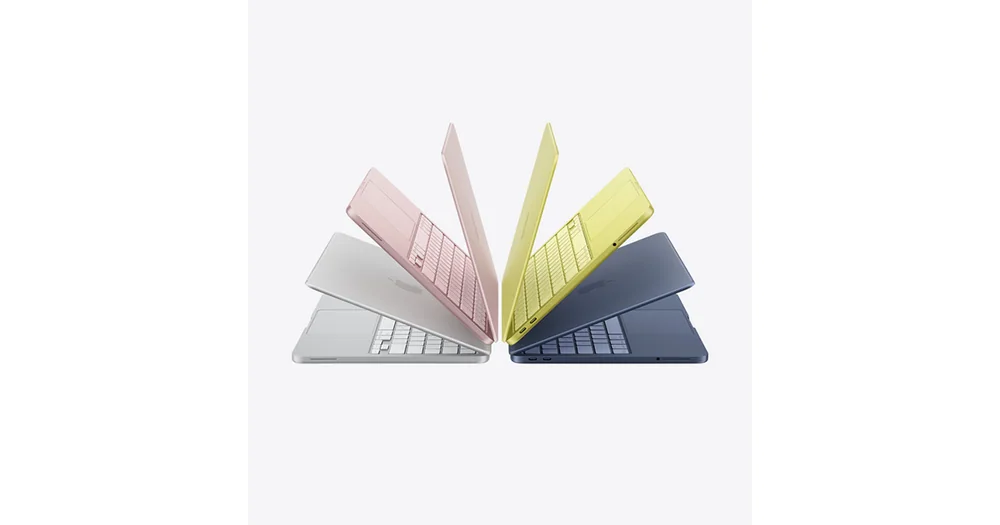
Apple MacBook Neo

The display is usually the biggest battery lever

Screen brightness is one of the fastest ways to change battery life. A bright display can be the difference between comfortably working near a window and constantly hunting for shade, but it also draws more power. If you buy a high-resolution screen and run it at high brightness to overcome reflections or a dim panel, you pay twice: more pixels to drive and more backlight power. Panel type and finish also matter in practice. Glossy screens can look great indoors but push you to raise brightness in bright rooms because reflections reduce perceived contrast. OLED screens can show deep blacks, but bright full-screen content can increase power draw. The ownership consequence is simple: if your environment forces high brightness, prioritize a screen that stays readable without living at the top of the brightness slider.

Your apps decide whether the CPU can sip power or has to sprint

CPU, or processor, power draw changes with workload. Light tasks like reading and writing let the CPU run at low power, while heavy spreadsheets, code builds, and exports push it higher. Efficient CPUs can finish work quickly and return to low power sooner, which is why efficiency often matters more than peak speed for battery life. Browser habits are a hidden drain. Dozens of tabs, heavy web apps, and constant background activity keep the CPU awake and prevent deep sleep states. Video calls are especially demanding because they combine camera processing, audio, networking, and often background blur. If your day is call-heavy, battery life will look nothing like a light browsing test, even on a laptop with a large battery.

Dedicated graphics and cooling can shorten unplugged time

A dedicated GPU, meaning a separate graphics chip, can be great for creative work and gaming, but it can also draw significant power when active. Some laptops switch between integrated graphics and the dedicated GPU, but certain apps and external monitors can trigger the dedicated GPU more often than you expect. The result is battery life that drops sharply during tasks that feel "normal" to you, like driving a high-resolution external display. Cooling affects battery life indirectly. When a laptop runs hot, fans spin faster and the system may use more power to maintain performance. Thin designs can be efficient for light work, but if your workload keeps the system warm for long stretches, you may see both more fan noise and faster battery drain. This is why a laptop that feels fine for quick tasks can disappoint on a long flight when you try to do real work for hours.

Battery size, charging habits, and settings that actually help

Battery capacity sets the ceiling, but it does not guarantee results. A larger battery helps, yet a power-hungry screen or GPU can still burn through it quickly. Charger size matters for ownership too: a small USB-C charger is easier to carry, but it must provide enough wattage to keep up with your workload or you will slowly lose charge during use. A few settings make a real difference because they reduce constant background work. Lowering brightness to the lowest comfortable level, using power-saving modes when you are writing or reading, and closing apps that keep syncing in the background can extend unplugged time. If a laptop is marketed with labels like "AI PC" or "Copilot Plus," it may include an NPU, or neural processing unit, for certain AI tasks. That can help in specific supported features, but it does not replace the basics of brightness, efficient CPU behavior, and avoiding unnecessary background load.

What this guide helps you understand

Predict battery life by looking at your brightness needs, call time, and whether your workflow triggers dedicated graphics.

Track one normal day: average brightness level, hours of video calls, and whether you use an external monitor, then choose a laptop designed for that power draw.

Technique notes

If you often work unplugged, prioritize a laptop that stays efficient under your real workload, not one that only posts a big "up to" number.

Safety note: Avoid using the laptop on soft surfaces that block airflow, since heat can increase fan use and reduce battery efficiency.

More from Laptops

As an Amazon Associate I earn from qualifying purchases.

← Back to Laptops