
What to know first
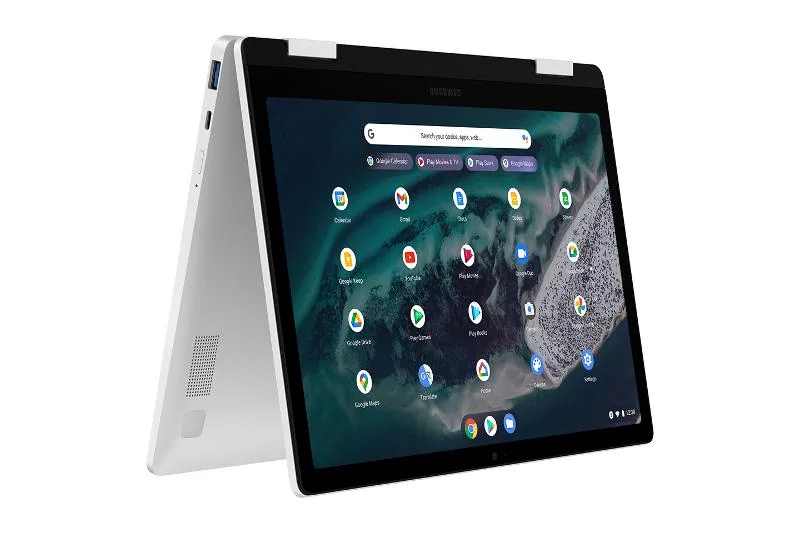
- A 360-degree convertible Chromebook: laptop mode, tent mode, and tablet-style fold-back use
- Best fit when your work is browser-based and centered on Google apps
- A practical choice for reading and streaming because you can fold it back and tap the screen
- Not the right buy if you are trying to replace a Windows laptop
What the Samsung Galaxy Chromebook 2 360 is
The Samsung Galaxy Chromebook 2 360 is a Chromebook with a 360-degree hinge. That hinge is the whole point: it lets you use it like a normal laptop, fold it into a tent for watching video, or flip it back into a tablet-style shape for reading and touch-first tasks.
Software-wise, it runs ChromeOS. That means it is built around the Chrome browser and web apps, with a workflow that tends to be simpler than a traditional Windows laptop. If you already like how Chromebooks work, this model is basically that experience in a more flexible body.
Think of it as a ChromeOS-first 2-in-1. It is for people who want a convertible form factor for everyday computing, not for someone trying to mimic a Windows laptop with a different logo.
Why it stands out
The main reason to buy the Samsung Galaxy Chromebook 2 360 is that it is a straightforward convertible Chromebook. You are not paying for a bunch of Windows-centric features you will not use if your life is already in the browser.
That 360-degree hinge changes how you use it day to day. In laptop mode, it is your normal typing and browsing setup. In tent mode, it is easier to set on a kitchen counter or coffee table for streaming. Folded back, it becomes a more casual, touch-friendly screen for reading, scrolling, and quick interactions.
It is also a distinct non-Windows option in the 2-in-1 category. If you want a simple, Google-centered computer and you do not want to manage a Windows machine, this product fits the job without overcomplicating it.
What it is like to own
Owning the Samsung Galaxy Chromebook 2 360 is mostly about the ChromeOS routine. You will spend your time in Chrome tabs and Google apps, and the overall feel is geared toward quick, everyday tasks instead of deep system tweaking. For a lot of people, that is the appeal.
The convertible hinge gives you more ways to use the same device throughout the day. Laptop mode is for typing and schoolwork. Tent mode is for watching shows without the keyboard taking up space in front. Tablet-style fold-back is for reading, scrolling, and tapping around when you do not feel like using a trackpad.
If you are coming from a Windows laptop, the biggest ownership change is expectations. ChromeOS is great when your work is web-based. If you regularly need Windows-only software, you will spend your time fighting the platform instead of getting things done.
What to know before you buy
Do not buy the Samsung Galaxy Chromebook 2 360 as a Windows replacement. If your job depends on Windows apps, or your school requires Windows software, a Chromebook can turn into a daily workaround project. In that case, a Windows 2-in-1 is the smarter move.
Also be honest about how you want to use a 2-in-1. This is a fold-back convertible, not a detachable. If you want something that feels more like a tablet you can occasionally turn into a laptop, a detachable 2-in-1 will fit that style better.
Finally, the reason to pay for this model is the combination of ChromeOS and the 360-degree hinge. If you do not care about folding it into tent or tablet-style positions, you may be just as happy with a simpler, non-convertible Chromebook.
The specs that matter
ChromeOS is ideal when your work lives in the browser and Google apps. It is a poor fit if you need Windows-only programs and want a traditional Windows laptop experience.
You can switch between laptop mode for typing, tent mode for streaming, and a tablet-style fold-back position for reading and touch interactions. It makes the same device work better in more places around the house.
When you fold it back, tapping and scrolling feels more natural than reaching for a trackpad. This is the part of a 2-in-1 that you will notice immediately in daily use.
Who this product fits
You want a couch-friendly laptop for browsing and streaming
Samsung Galaxy Chromebook 2 360 lets you flip into tent mode for shows and fold it back for casual scrolling. You still have a full laptop when you need to type an email or knock out a doc.
You are a student who uses Google Docs and web-based school tools
If your assignments live in the browser and in Google apps, this gives you the Chromebook simplicity plus the ability to fold the screen back for reading and quick touch navigation.
You are trying to simplify a family computer
As a shared home laptop for email, bills, school portals, and streaming, ChromeOS keeps the workflow straightforward. The 2-in-1 hinge makes it easier to use in different rooms without fussing with a separate tablet.
What else to compare
If you like the 2-in-1 idea but ChromeOS is not the right fit, these are better matches for different styles of buyers.
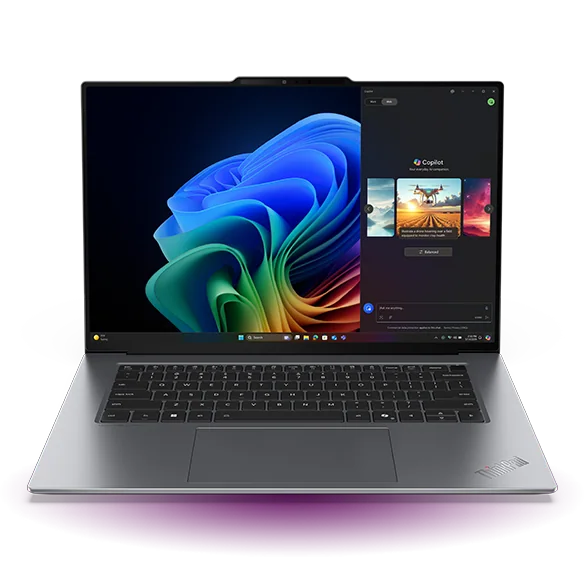
Samsung Galaxy Chromebook 2 360 FAQ
Is the Samsung Galaxy Chromebook 2 360 a good choice if I already like Chromebooks?
Yes. It is built for people who want ChromeOS and also want a flexible 360-degree hinge for laptop, tent, and tablet-style positions. If you are already happy living in the browser, the form factor is the main upgrade.
Can the Samsung Galaxy Chromebook 2 360 replace a Windows laptop?
Not reliably. If you need Windows apps for work or school, you should buy a Windows 2-in-1 instead of trying to force a Chromebook into that role. This model makes the most sense when your work is web-based and Google-centered.
What does “360-degree” mean on the Samsung Galaxy Chromebook 2 360?
It means the hinge rotates all the way around so you can fold the screen back. That gives you multiple positions, including laptop mode for typing, tent mode for watching video, and a tablet-style fold-back mode for touch use.
Who should buy a detachable 2-in-1 instead of the Samsung Galaxy Chromebook 2 360?
Buy a detachable if you want something that feels like a tablet first, with a keyboard you attach when needed. The Galaxy Chromebook 2 360 is a convertible, so the keyboard stays attached and folds behind the screen.
What are the best alternatives if I need a Windows 2-in-1?
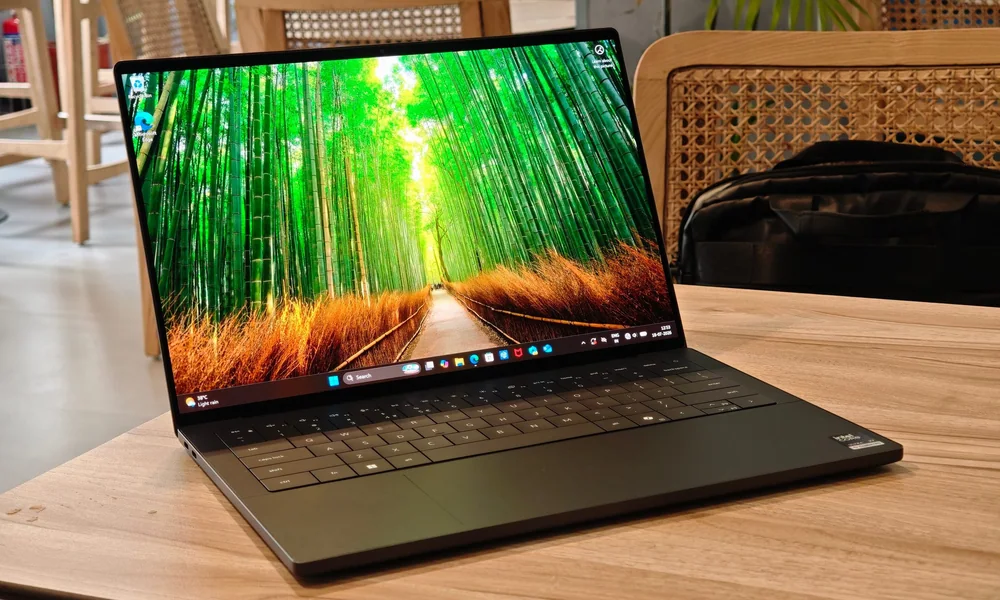
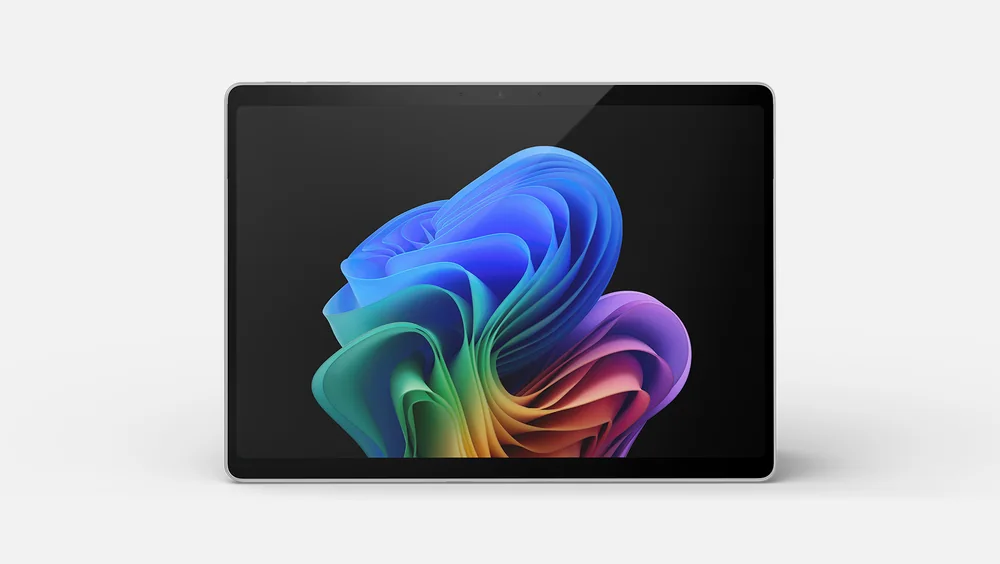
If you want a Windows convertible instead of ChromeOS, look at the HP OmniBook X Flip 14. If you want a detachable style, the Microsoft Surface Pro 11 is the more direct fit.
Should you buy the Samsung Galaxy Chromebook 2 360?
Buy the Samsung Galaxy Chromebook 2 360 if you want ChromeOS and you will actually use the 360-degree hinge. It is a clean, practical way to get a convertible that works well for browsing, Google apps, reading, and streaming in different positions.
Skip it if you are shopping with a Windows mindset or you need Windows software. In that case, you will get a smoother day-to-day experience from a Windows 2-in-1 like the HP OmniBook X Flip 14, or a detachable like the Microsoft Surface Pro 11.