Explore Laptops for more buying guides, in-depth reviews, comparisons, and practical advice.
These are Pickori’s recommendations for the best laptops for productivity in 2026, covering everyday office and school work, premium Windows productivity, 2-in-1 note-taking, big-screen multitasking, and long-term repairable ownership.
Pickori may earn a commission from affiliate links.
1
Best Overall
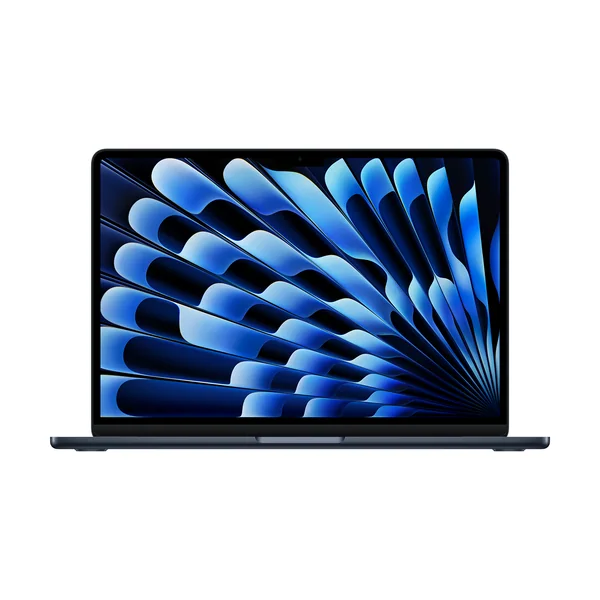
Apple MacBook Air 13-inch (M5)
Apple MacBook Air 13-inch (M5) is the one to get for most people who want a fast, portable laptop for everyday productivity. It’s the easiest recommendation here because it fits the way most people actually work: lots of browser tabs, docs, email, video calls, and light creative tasks, without feeling bulky. If you need a bigger screen or heavier sustained performance, you are shopping in a different lane than what the Air is built for.
Best fit for general productivity, school, and office work
Prioritizes portability for daily carry
A strong choice when battery life matters as much as speed
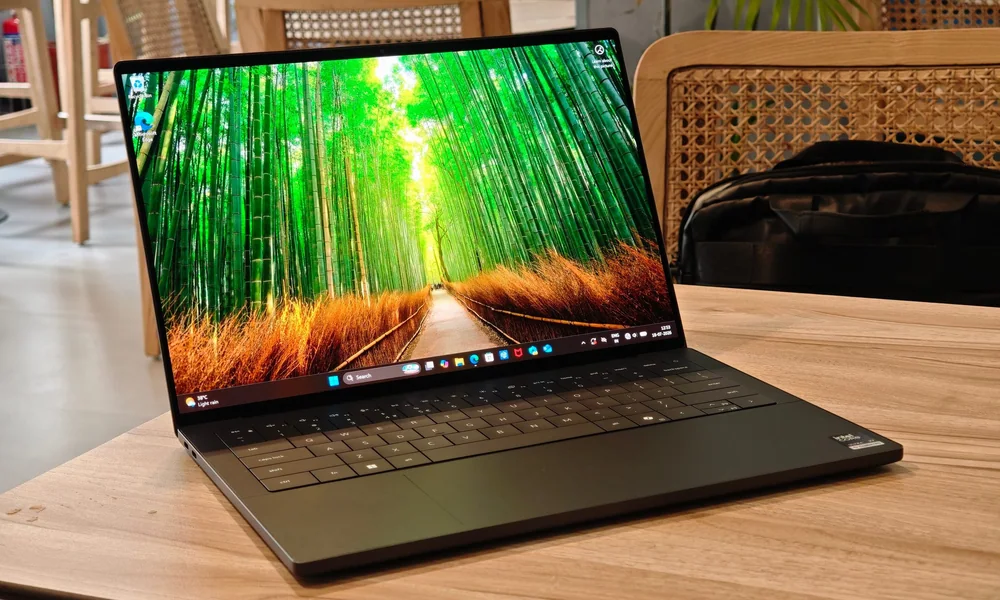
Dell XPS 14 (2026) is for Windows buyers who want a premium, compact laptop that still feels serious for day-to-day work and heavier productivity. The appeal is the combination of a flagship build with a modern efficiency and speed boost, so it stays responsive when your workload is more than just email. Choose it when you want a top-tier Windows laptop experience without stepping up to a much larger machine.
Premium Windows productivity laptop with a compact 14-inch footprint
Designed around updated Intel Core Ultra efficiency and speed
A strong fit for office work plus creative productivity
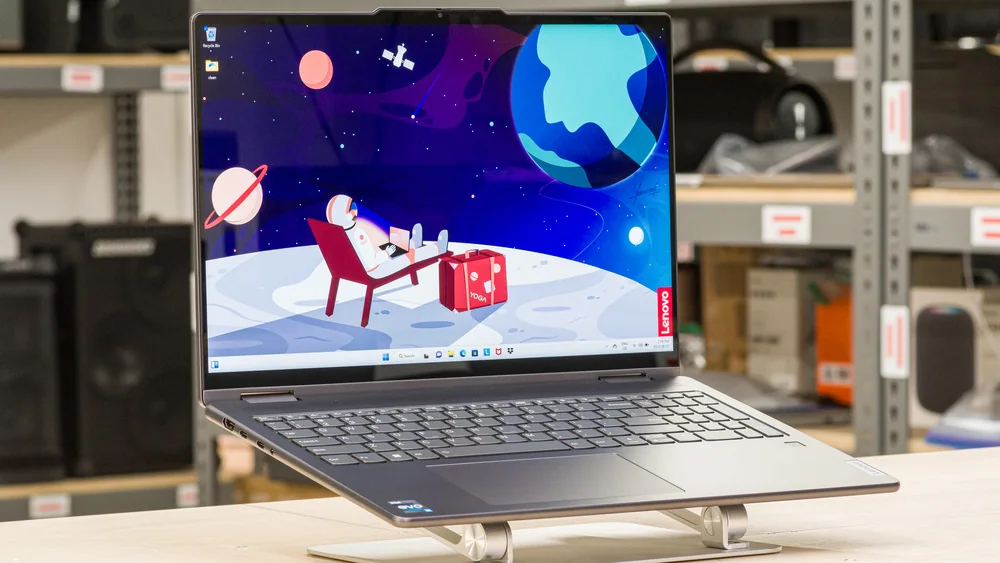
Lenovo Yoga 7i 16 (2023) makes sense for students and commuters who want a portable laptop that can comfortably last through a school day and still feels great to type on. It’s especially appealing if you like the flexibility of a touchscreen and 2-in-1 design for notes, reading, and casual media. Skip it for gaming or heavy 3D work, since the evidence points to it being better for light to moderately demanding tasks than true workstation loads.
Strong school and everyday productivity fit with all-day style battery life for light use
Portable for its screen size, with a user experience built around comfort
Good for media time, including long local video playback
Not a gaming-focused laptop, and not intended as a workstation replacement
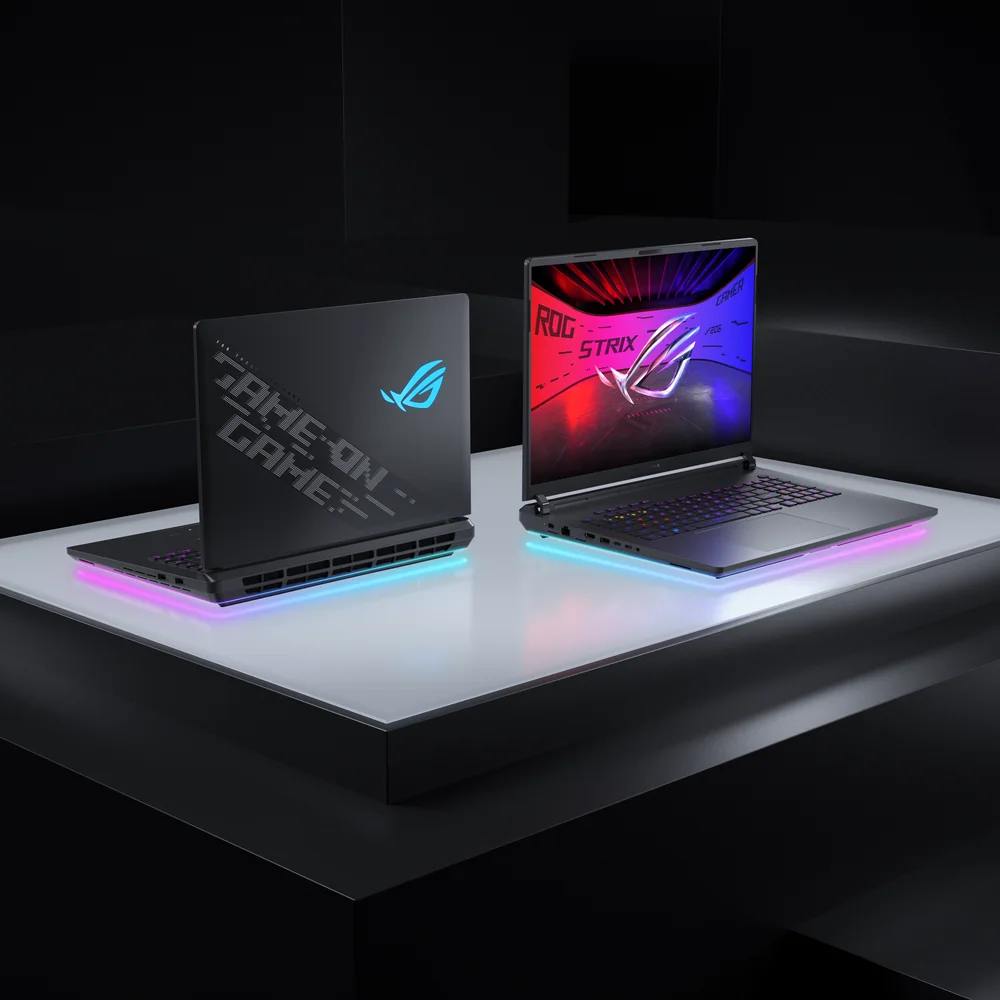
Asus ROG Strix SCAR 18 (2026) is for power users who want a big, high-performance laptop that can double as a serious multitasking machine. The reason to consider it for productivity is simple: this class of large-screen, high-output laptop is built for demanding workloads and long sessions where screen space and speed matter. It is overkill for typical office work and hard to justify if you prioritize portability.
Built for demanding workloads in a large-screen, high-performance class
Best suited to heavy multitasking and long desk sessions
A specialty choice, not a general-purpose carry-everywhere laptop
HP OmniBook X Flip 14 is a great match for Windows shoppers who want a compact 2-in-1 for school or everyday work, plus an OLED touchscreen for reading, note-taking, and media. It’s easy to live with on the go, and the convertible design is genuinely useful when you want tent mode for videos or tablet mode for quick tasks. Don’t buy it expecting gaming performance or workstation-class headroom, since it’s positioned for light to moderately demanding work.
Excellent for school use with a compact, easy-to-carry design
2-in-1 convertible with OLED touch (and pen support) for notes and media
Strong everyday user experience for office tasks and remote work
Not designed for gaming or highly intensive workstation workloads
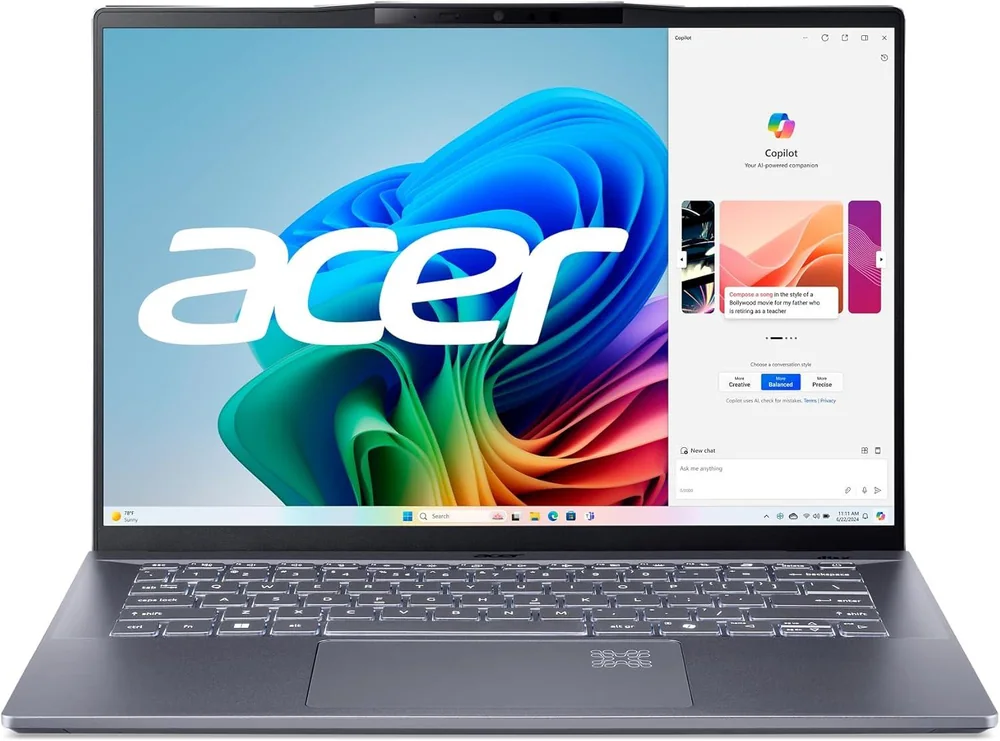
Acer Swift 14 AI is for shoppers trying to keep spending under control while still getting a well-built laptop that can handle a full day of writing, browsing, and office work. It earns its spot by covering the basics well: portability, a sharp display that works for split-screen, and battery life that can make it through a typical workday. If your “productivity” includes gaming or heavy graphics work, this is the wrong category of laptop.
Strong general productivity fit with battery life that can cover a typical workday
Portable build that works well for school and commuting
Sharp display with enough space for split-screen multitasking
Not designed for gaming, and not a workstation replacement
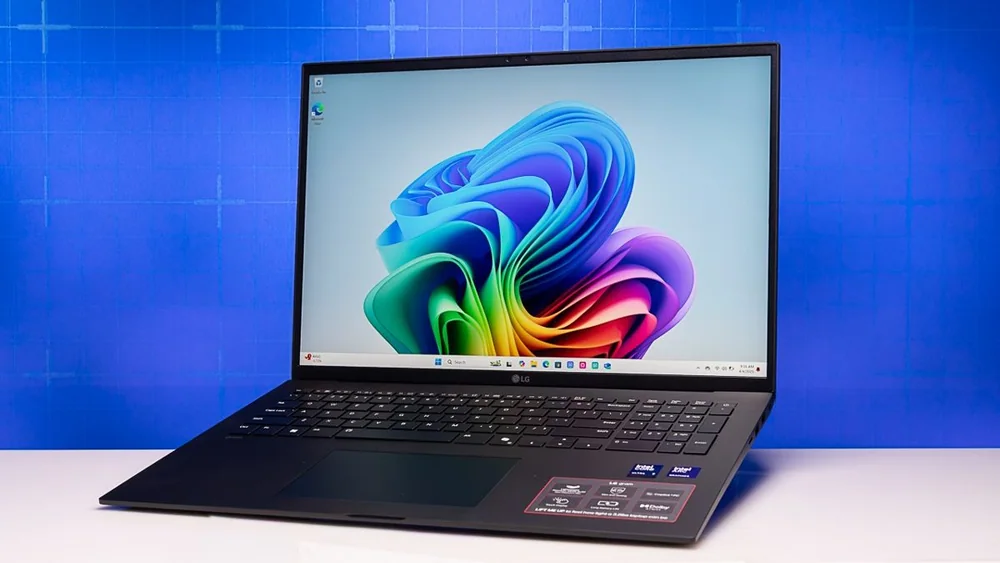
LG Gram 17 (2025) is the productivity laptop for people who want a truly big screen for spreadsheets and multitasking but still need something light enough to travel with. The main benefit is obvious the moment you start working: more room for side-by-side windows without hauling a typical heavy 17-inch laptop. If you want a large display and you hate the usual weight penalty, this is the cleanest answer in this list.
Large, vibrant 17-inch class screen for multitasking and spreadsheet work
Exceptionally light for a big-screen laptop
A strong desk-plus-travel choice when you want screen space without bulk
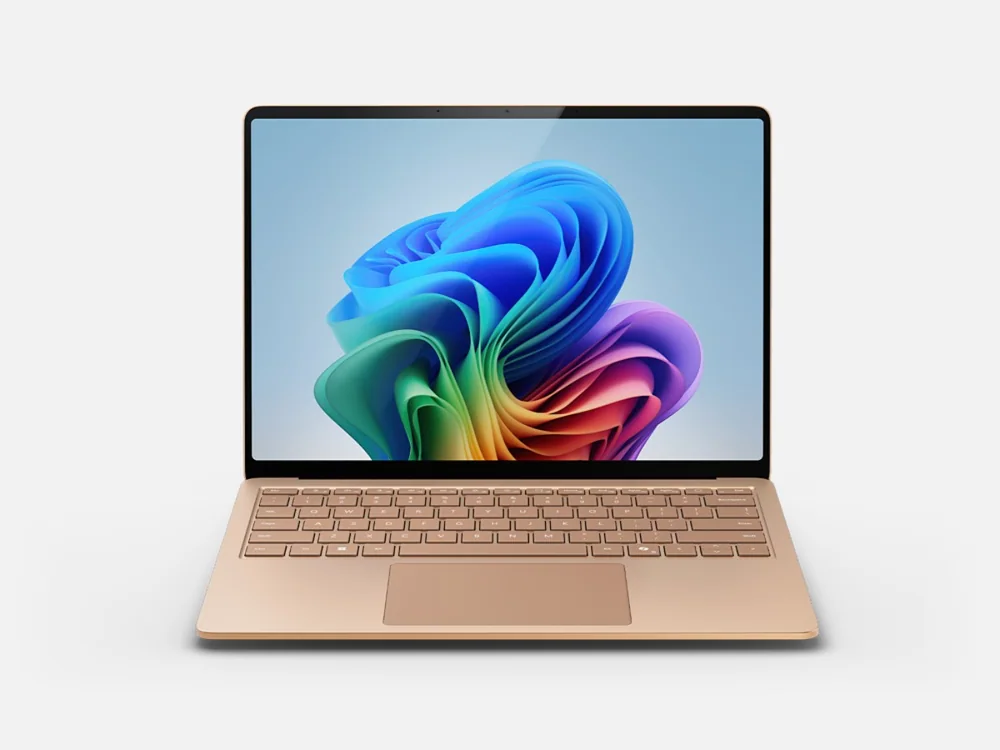
Microsoft Surface Laptop 7 is for Windows users who care most about a polished, highly portable laptop for writing, email, and everyday office work. It fits the buyer who wants a clean, straightforward laptop experience and plans to carry it constantly. Battery life and portability keep it in the conversation, but the Dell XPS 14 (2026) is the more convincing all-around Windows choice for demanding productivity.
Premium, portable Windows laptop for office and school tasks
Best for note-taking and everyday productivity on the go
Consider it when design and portability are the main priorities
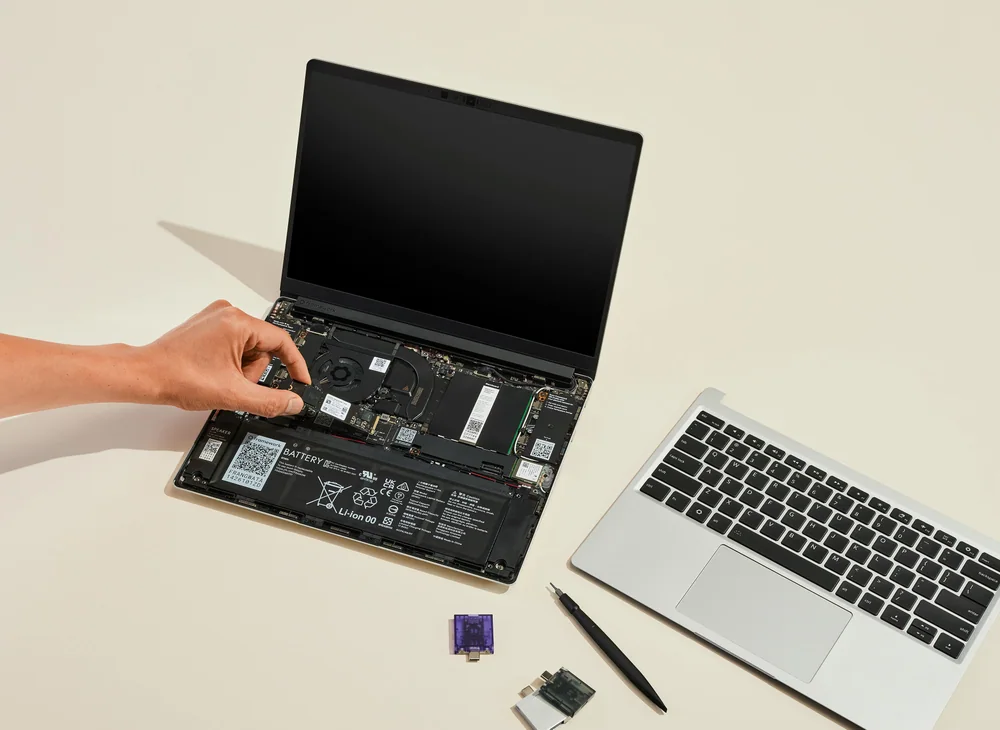
Framework Laptop 13 is for people who plan to keep a laptop for years and want the ability to repair and upgrade parts instead of replacing the whole machine. The modular design is the point: components are designed to be accessible, clearly labeled, and supported with step-by-step guidance. If you want the most power for the money in a traditional sealed design, the Dell XPS 14 (2026) is the more straightforward productivity buy.
Designed for easy repair and upgrades, with clearly labeled parts and guided replacements
A strong long-term ownership choice for DIY maintenance
Thin-and-light for a modular laptop, with battery life aimed at a full workday
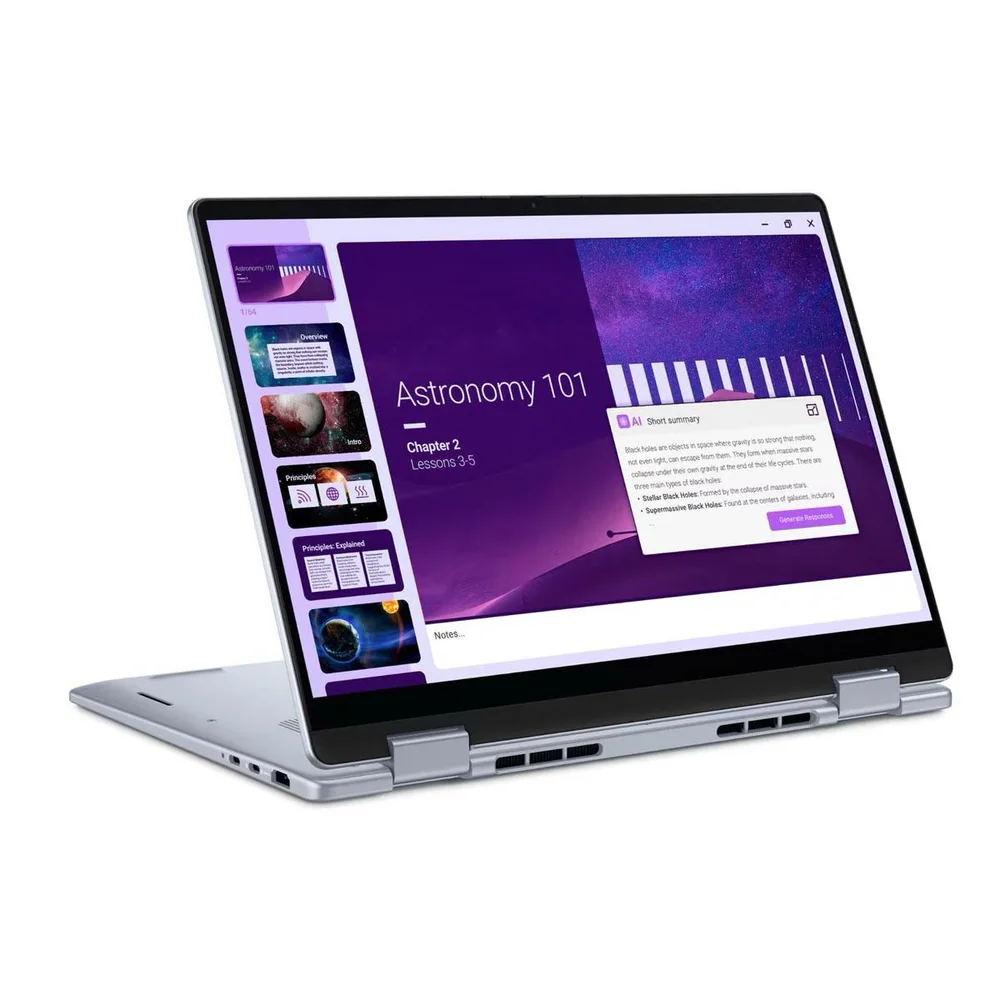
Dell 14 Plus 2-in-1 is for buyers who want a mainstream Dell laptop that covers everyday work and school tasks with standout battery life. It’s the practical choice when you want a 14-inch class Windows laptop that can run a long time away from an outlet. If you are sensitive to keyboard design quirks, note that this line uses a tighter, more stylized keyboard layout that not everyone enjoys.
Mainstream 14-inch Dell laptop aimed at everyday productivity
Very long battery life (over 20 hours in the cited configuration)
Which laptop here is the safest choice for everyday productivity?
Apple MacBook Air 13-inch (M5). It’s the clearest fit for typical productivity workloads like documents, email, web apps, and video calls in a portable design.
What should I buy if I need a premium Windows laptop for work?
Dell XPS 14 (2026). It’s positioned as a flagship Windows productivity laptop with a compact build and updated Intel Core Ultra performance and efficiency.
Which laptops are best for school and note-taking?
Lenovo Yoga 7i 16 (2023) and HP OmniBook X Flip 14. Both are supported as strong school-friendly choices, and the HP adds a 2-in-1 OLED touch experience that’s especially nice for notes and media.
I want a big screen for spreadsheets but I travel. What’s the best fit?
LG Gram 17 (2025). It’s built around a large display while staying unusually light for a big-screen laptop.
Which laptop should I choose if I care about repairability and upgrades?
Framework Laptop 13. It’s designed to be easy to repair and upgrade, with parts that are accessible and clearly documented.