
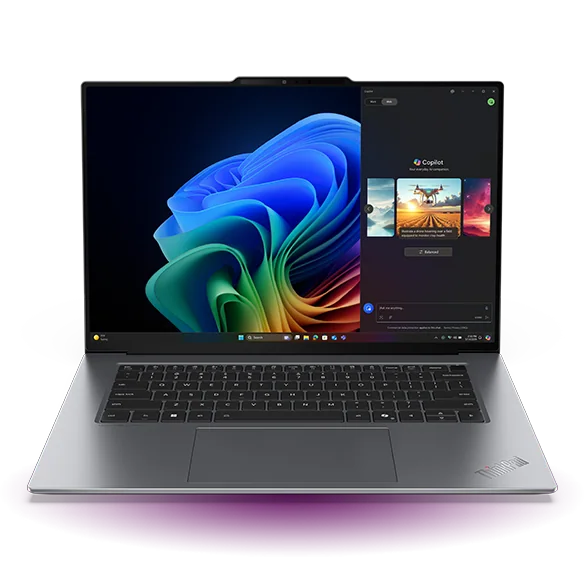
What to know first
- Battery life is the headline feature: around 15 hours in light use and nearly 19 hours of video playback.
- The 15-inch 2.8K OLED touchscreen is sharp, colorful, and great for dark scenes and HDR.
- It is a strong everyday productivity machine, not a gaming rig or heavy workstation.
- You get a large haptic touchpad and a comfortable keyboard, which matters if you type all day.
- Ports are better than many thin laptops, including two Thunderbolt 4 ports and HDMI.
- Security and login options include a fingerprint sensor and an IR camera for facial recognition.
What the Lenovo ThinkPad X9 15 Aura Edition is
The Lenovo ThinkPad X9 15 Aura Edition is a 15-inch Windows laptop built for business and school style productivity, with a touchscreen OLED display and a focus on portability and battery life. It is the kind of machine you buy because you want a bigger screen without stepping up to a bulky, charger-dependent 16-inch performance laptop.
Inside, it uses an Intel Lunar Lake system-on-a-chip (SoC). In plain English, that means it is designed to be efficient and responsive for everyday work, not to run at high power for long stretches like a gaming laptop or a mobile workstation.
The overall package is meant to feel premium and practical: a sturdy all-aluminum build, a comfortable keyboard, a large haptic touchpad, and a webcam setup that is strong enough for constant video calls.
Why it stands out
The main reason to choose the Lenovo ThinkPad X9 15 Aura Edition is battery life that changes how you use a 15-inch laptop. For light tasks, it is pegged at around 15 hours, which is the difference between carrying a charger “just in case” and leaving it at home. For video playback, it is listed at nearly 19 hours, which is the kind of number you notice on flights, long train rides, or hotel nights.
The display is the other big differentiator. You are getting a 15-inch 2.8K OLED panel with a 120Hz refresh rate. OLED gives you deep blacks and strong contrast, so movies and darker scenes look better than they do on typical IPS laptop screens. The higher refresh rate makes scrolling and general motion look smoother, which is a small quality-of-life upgrade you feel every day.
It also gets the “work stuff” right. The keyboard is described as comfortable, the touchpad is a large haptic design (so clicks are simulated rather than mechanical), and the laptop is noted as staying relatively cool and quiet under load with minimal throttling. That matters if you are in meetings, classrooms, or shared spaces where fan noise gets old fast.
Finally, it is unusually well-rounded for a thin, premium laptop on ports and security. You get two Thunderbolt 4 ports and an HDMI port, plus both fingerprint and facial recognition via an IR camera. That is a very business-friendly setup if you bounce between conference rooms, external displays, and hot desks.
What it is like to own
Day to day, the ThinkPad X9 15 Aura Edition is built around a simple workflow: open it, sign in fast, and get to work. The fingerprint sensor and IR facial recognition give you two quick ways to log in without typing a password every time, which is especially nice if you are constantly opening and closing your laptop between classes or meetings.
The 15-inch screen is a real productivity upgrade if you live in documents and browser tabs. You can keep a research window open next to a paper draft, or park a spreadsheet next to email without feeling cramped. And because it is a touchscreen, it is also easier to do quick actions like scrolling long pages, zooming in on a chart, or tapping through a presentation when you are standing up.
For calls, the webcam is specified as 1440p, which is a step up from the 1080p cameras that still dominate laptops. Combined with the note that the speakers are loud and well-balanced, it is set up well for remote work and hybrid school life.
On the road, the battery numbers are the difference between “find an outlet” and “work wherever.” Just keep expectations realistic: any laptop will drop faster with higher brightness, lots of video calls, and heavier apps. The point here is that this model starts from a strong place.
What to know before you buy
This is not a gaming laptop. The integrated GPU in the Intel Lunar Lake chip can handle some demanding games at 1080p with low settings, but many modern titles will be too heavy to run smoothly. The OLED panel is 120Hz with fast response time, which is nice for casual play, but it does not support FreeSync or G-SYNC, so you can still see tearing.
It is also not a true workstation. The chip is described as low-power and aimed at light to moderately demanding tasks. Memory is capped at 32GB and it is soldered, which means you cannot upgrade it later. If you do big creative projects, heavy engineering tools, or anything that regularly pushes RAM limits, you should shop in a different class.
OLED comes with two real considerations. First, it is susceptible to permanent burn-in over time. Second, the display flickers at 480Hz, which may bother some people and cause eye strain. If you know you are sensitive to flicker, it is worth being cautious about any OLED laptop, including this one.
The specs that matter
A 15-inch OLED gives you more room for split-screen work and richer contrast for movies. Touch makes quick navigation and scrolling easier, even if you never use “tablet mode.”
Text looks crisp, and color work is more realistic than on a typical laptop screen. It is not a replacement for a pro workstation, but it is good enough for tasks like color correction where screen quality matters.
Scrolling web pages and moving windows looks smoother than on a standard 60Hz laptop. It is a comfort feature you notice every day, not just in games.
This is tuned for efficient, responsive productivity and good battery life. It is the wrong tool for sustained heavy workloads like long renders or high-end gaming.
32GB is plenty for most people, including heavy browsing and office work. Because it is soldered, you need to buy the amount you will want long term since you cannot upgrade later.
You can plug into modern docks and fast peripherals via Thunderbolt 4 and still have HDMI for a simple projector or monitor connection without an adapter.
You look sharper on calls, and you can sign in quickly in a way that fits business and school life (especially if you open and close your laptop constantly).
Who this product fits
You want a big-screen laptop for school without carrying a charger all day
The Lenovo ThinkPad X9 15 Aura Edition gives you a 15-inch display for research and writing, plus around 15 hours of battery life in light use. That is the difference between hunting for outlets and just working through the day.
You travel for work and live in email, docs, and video calls
This model is built for business use with a sturdy all-aluminum build, a comfortable keyboard, a large haptic touchpad, and quick login options (fingerprint and face). The long battery life and HDMI plus Thunderbolt 4 ports make it easier to work from airports, hotels, and conference rooms.
You want a Windows laptop that is great for movies at night
The 2.8K OLED screen delivers deep blacks and strong contrast for dark scenes and HDR content, and the battery is rated for nearly 19 hours of video playback. It is a laptop you can actually binge on without hovering near an outlet.
You do light creative work but care about screen quality
For photo and color-focused tasks that are not workstation-level, the OLED panel with full DCI-P3 and near-full Adobe RGB coverage is a real advantage. Just keep expectations in check on heavy exports and big projects since the chip is low-power and RAM tops out at 32GB.
What else to compare
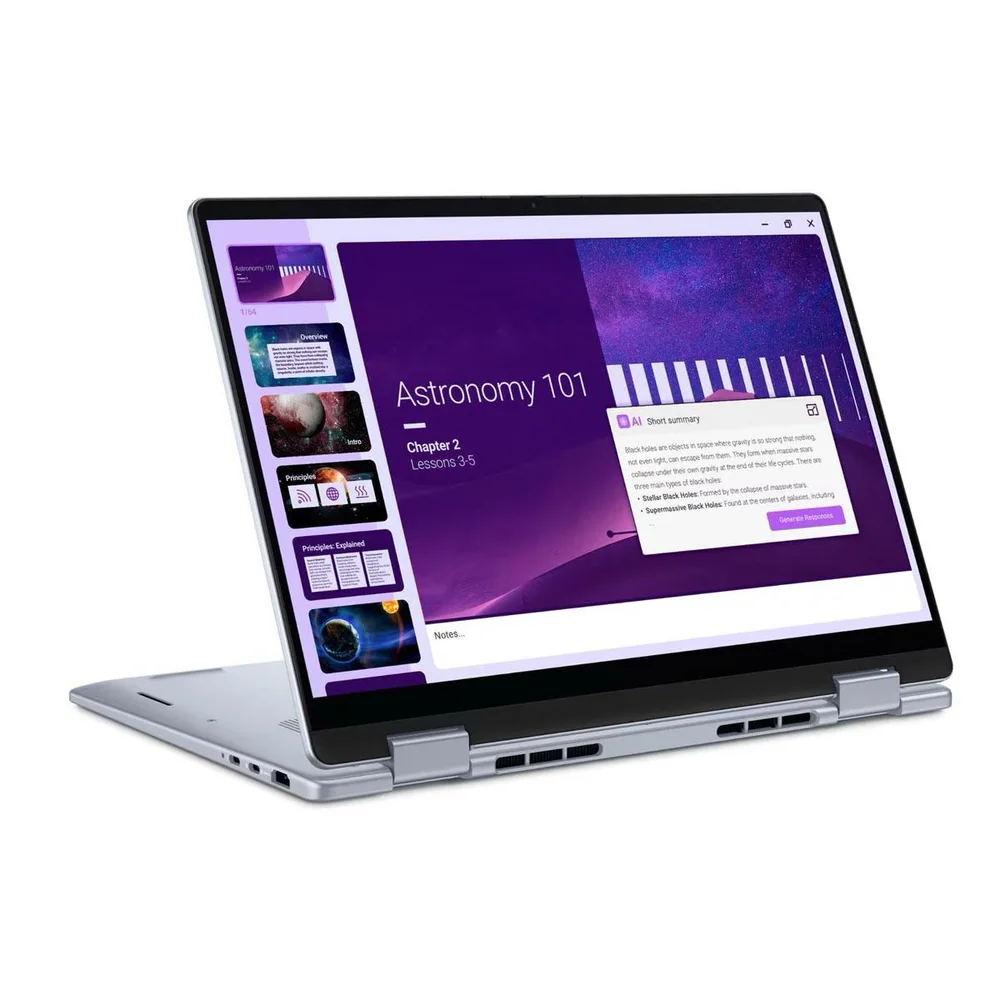
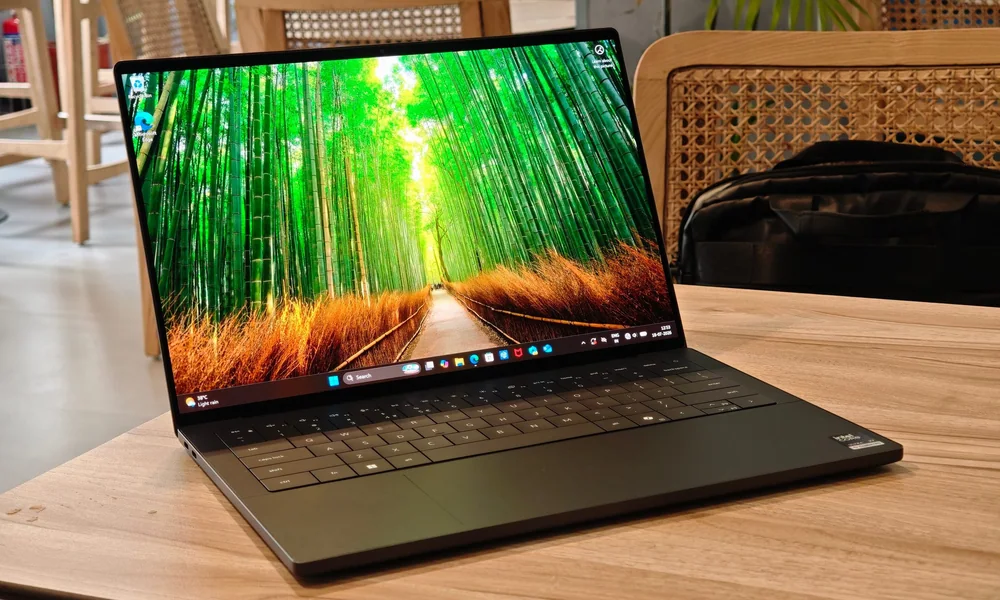
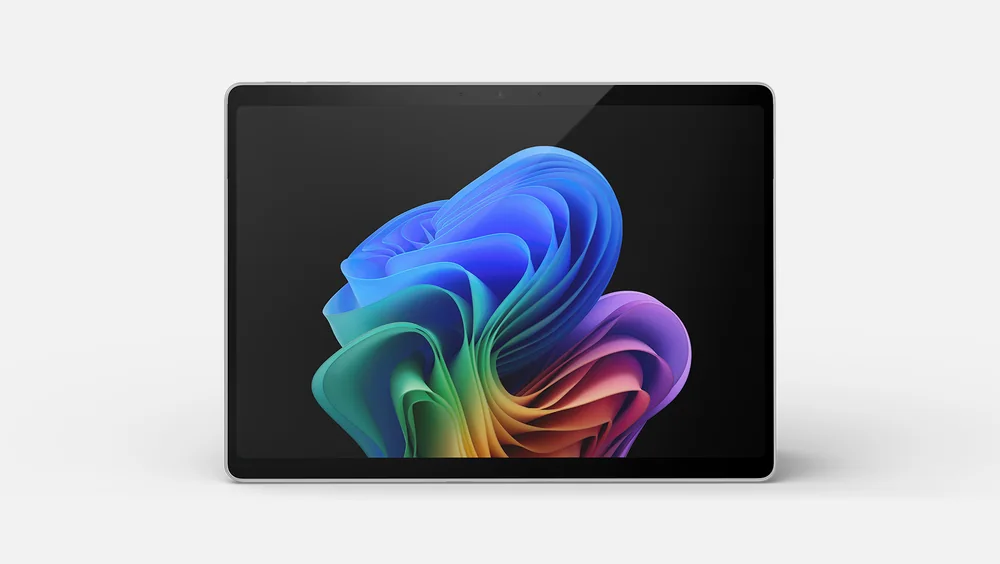
If you like the idea but want a different size, form factor, or price point, these are the closest alternatives to consider.

Lenovo ThinkPad X9 15 Aura Edition FAQ
Is the Lenovo ThinkPad X9 15 Aura Edition a 2-in-1?
It is a touchscreen business laptop that overlaps with 2-in-1 shopping priorities like portability and battery life. The evidence here supports touchscreen availability, but it does not confirm a 360-degree hinge or detachable design.
How good is the battery life on the Lenovo ThinkPad X9 15 Aura Edition?
It is listed at around 15 hours in light use and nearly 19 hours of video playback. Real life will vary with brightness, video calls, and heavier apps, but the baseline is strong for a 15-inch laptop.
Can the Lenovo ThinkPad X9 15 Aura Edition handle gaming?
It is not designed as a gaming laptop. The integrated graphics can run some demanding games at 1080p on low settings, but many titles will be too intensive to run smoothly, and there is no FreeSync or G-SYNC support.
Is the Lenovo ThinkPad X9 15 Aura Edition good for photo or video editing?
For lighter creative work, the 2.8K OLED display with full DCI-P3 and near-full Adobe RGB coverage is a real plus. For heavy projects, it is limited by a low-power Intel Lunar Lake chip and a maximum of 32GB of soldered RAM.
Does the Lenovo ThinkPad X9 15 Aura Edition have good ports for monitors and docks?
Yes. It includes two Thunderbolt 4 ports for modern docks and fast peripherals, plus an HDMI port for easy monitor or projector hookups without an adapter.
What are the downsides of the OLED screen on this laptop?
OLED can be susceptible to permanent burn-in over time. This display also flickers at 480Hz, which may cause eye strain for some people.
Should you buy the Lenovo ThinkPad X9 15 Aura Edition?
Yes, if you want a large-screen Windows laptop that still feels portable and you care more about day-to-day usability than raw horsepower. The combination of a sharp 15-inch 2.8K OLED touchscreen, a comfortable keyboard and haptic touchpad, and genuinely long battery life makes it a great fit for school and business travel.
No, if your laptop needs to double as a gaming machine or a heavy workstation. The Intel Lunar Lake platform and the 32GB soldered RAM ceiling put it firmly in the premium productivity lane. If that is your lane, the Lenovo ThinkPad X9 15 Aura Edition is an easy buy.