
Pickori

Laptop advice

How to Choose a Laptop for the Way You Work

Match your workload and carry habits to the right mix of performance, screen comfort, and ports.

Most laptop regret comes from buying the wrong kind of performance. A laptop can feel quick for web and office work but still struggle with photo editing, engineering apps, or light gaming because graphics and cooling are different, not because you picked the wrong brand. The best laptop choice usually comes down to four things: the size you will actually carry, the screen you can stare at for hours, the performance level your apps demand, and the ports you need for your real setup. Ownership details like battery life, charger size, keyboard feel, webcam quality, and repairability decide whether the laptop stays pleasant to use.

Reading time: 9 minutesBest for: Shoppers who want a laptop that fits their real apps, travel routine, and desk setup
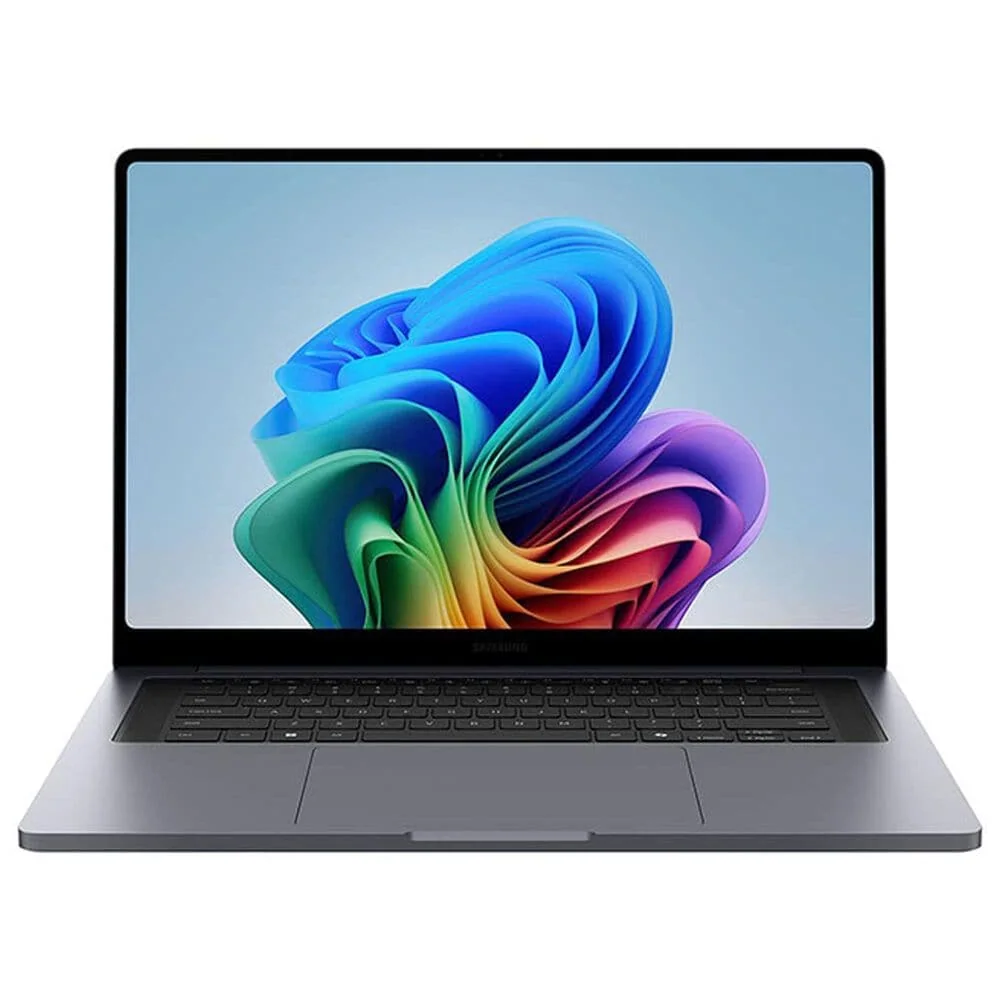
Samsung Galaxy Book6 Ultra

Laptops that fit your bag and your day

Portability is not just screen size. Weight, thickness, and charger size decide whether you actually bring the laptop, and that changes how much value you get from it. Thin-and-light laptops are easier to carry and usually quieter because they use integrated graphics, meaning graphics built into the CPU. That design often supports longer battery life, but it can limit sustained heavy work because there is less room for cooling. Performance laptops lean on stronger cooling and often a dedicated GPU, which is a separate graphics chip. That helps with long exports, 3D work, and gaming sessions because the laptop can hold higher speeds without overheating. The tradeoff is ownership friction: more fan noise, more heat on your lap, and a heavier power brick that you will notice every day you commute or travel.

Screen comfort is a performance feature you feel

The display is the part you use all day, so comfort matters as much as speed. Size and resolution affect how much you can see at once, but brightness determines whether the screen is usable near windows, in bright classrooms, or under office lighting. A high-resolution screen that is not bright enough can feel worse than a lower-resolution screen that stays readable, because you end up squinting or cranking brightness and draining the battery. Panel type is how the screen produces color and contrast. IPS is common and tends to look consistent from different angles, while OLED can deliver deeper blacks and punchier contrast but may encourage you to run higher brightness because it looks so good. If you edit photos or video, color quality matters for accuracy. If you mostly read and write, consistent brightness and comfortable text rendering matter more than extreme color.

Performance is CPU, RAM, graphics, and cooling working together

CPU, or processor, is the main chip that runs your apps. A faster CPU improves responsiveness and shortens waits in heavy spreadsheets, coding, and exports, but efficiency also matters because efficient chips can do the same work using less power. RAM, or memory, is short-term working space for apps and browser tabs. Too little RAM causes slowdowns when multitasking because the laptop has to shuffle data to storage instead of keeping it ready. Graphics and cooling decide whether the laptop stays fast after the first few minutes. A dedicated GPU can accelerate creative apps and games, but it also adds heat that the cooling system must remove. If cooling is limited, the laptop may throttle, meaning it slows down to avoid overheating. That is why claims like "desktop-class performance" can be misleading in thin designs: short bursts can be fast, but sustained performance depends on cooling capacity and airflow.

Ports and setup reality: monitors, storage, and accessories

Ports determine whether your laptop fits your actual setup or forces you into dongles. If you use an external monitor, check for the right video output and whether the laptop can charge and drive a display at the same time without juggling cables. If you import photos or video, an SD card slot can save time and reduce the chance you forget a reader. If you use wired internet for stable calls or gaming, you may want built-in Ethernet or plan for an adapter. Storage matters in two ways: size and speed. SSD means solid-state drive, which is much faster than older hard drives, so it affects boot time, app launches, and large file transfers you feel every day. Size determines how long you can go before managing space, and running low can slow you down because you start moving projects to external drives or deleting files. Underbuying RAM or storage to hit a price is one of the most common ways people end up replacing a laptop sooner than planned.

What this guide helps you understand

Decide which laptop type and spec level you need by starting with your apps, your carry routine, and your real ports and accessories.

Write down your top 5 apps and how long you use them in one sitting, then choose performance and cooling to match sustained sessions, not just quick tasks.

Technique notes

If you expect to keep the laptop for years, prioritize enough RAM and SSD space up front, because many models cannot be upgraded later.

Safety note: Keep vents clear on soft surfaces like beds and couches so the laptop can cool properly during long sessions.

More from Laptops

As an Amazon Associate I earn from qualifying purchases.

← Back to Laptops