Pickori
A person checking a fitness watch during a workout in a realistic everyday setting

Fitness Watch Research

Fitness Watches

Fitness watches track workouts, daily movement, and recovery so you can train with more consistency and less guesswork. This Fitness Watches page explains which sensors and features actually change accuracy, comfort, and battery life, plus what ownership is like after the first week.

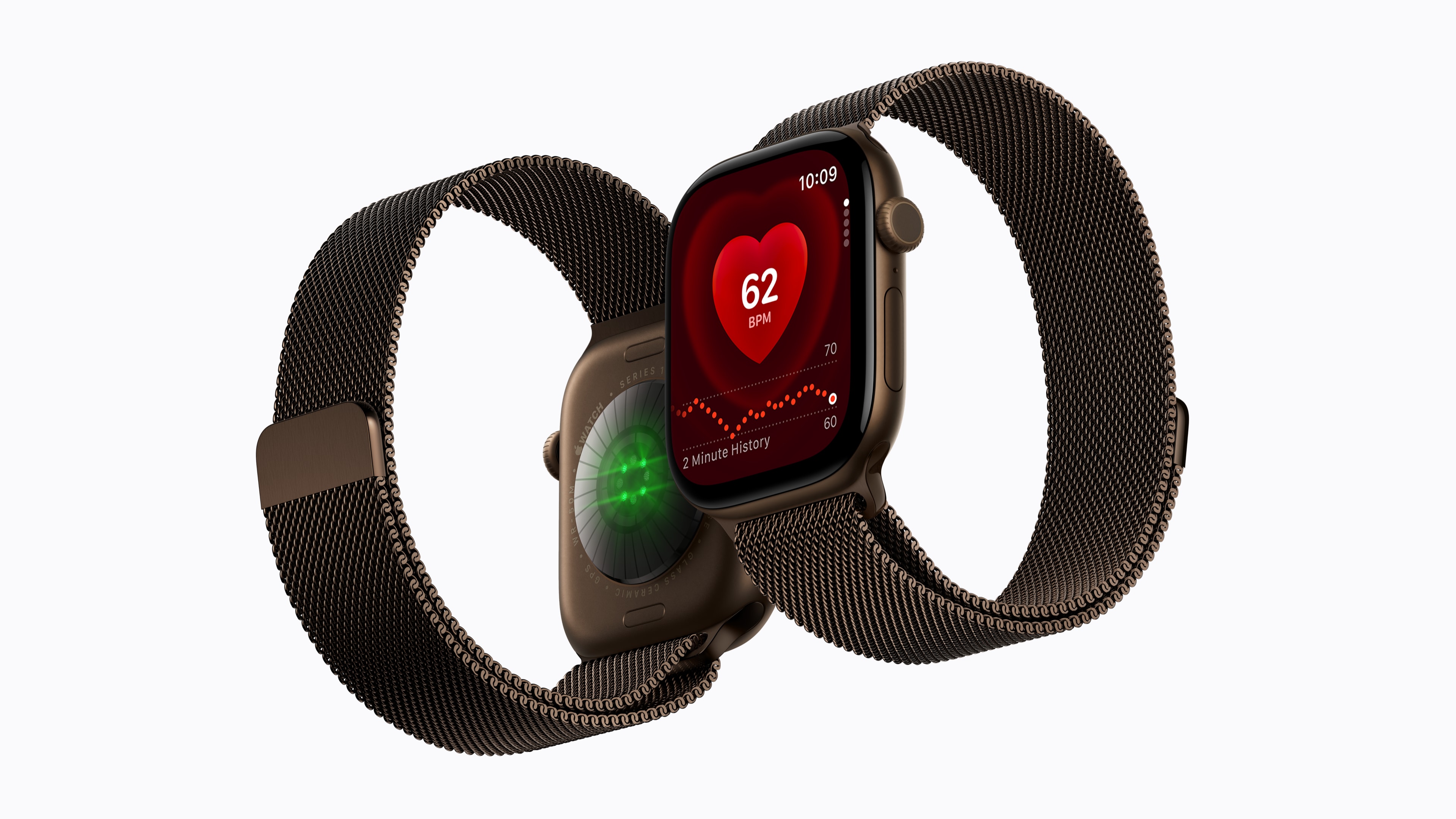
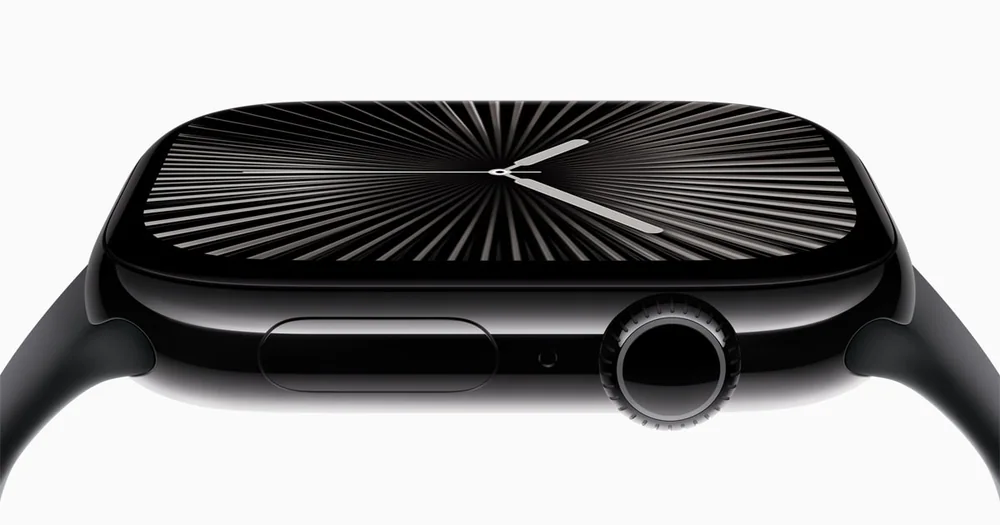
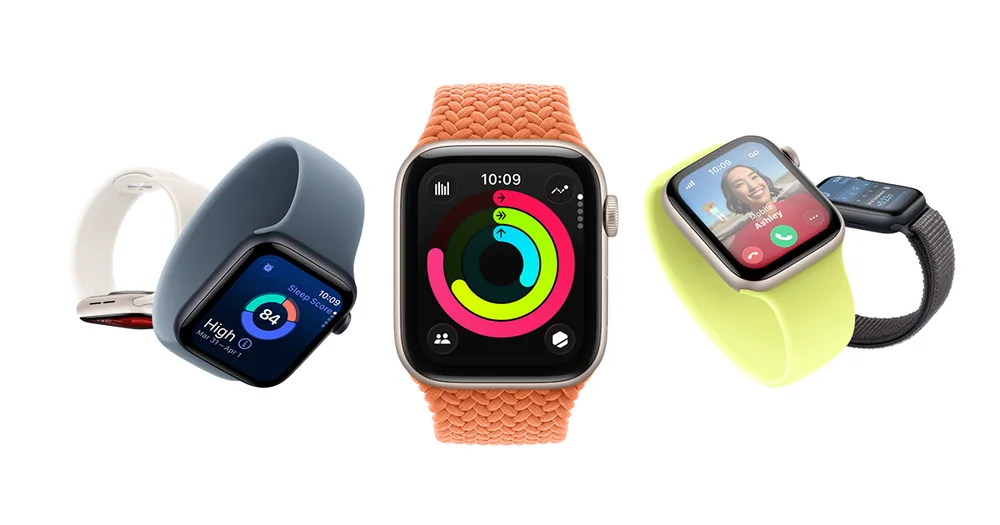
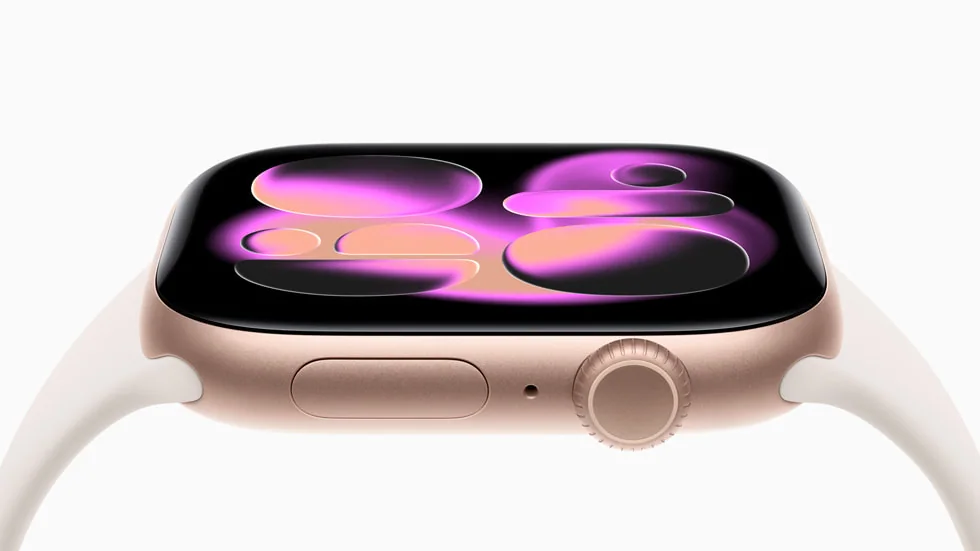
Two Apple Watch Series 12 models showing the display and rear sensors
Image: Apple

Apple Watch launch analysis

Apple Watch Series 12 and Ultra 4: what actually changed

Apple's 2026 watches introduce new health sensing and a stronger Ultra battery claim. Our launch analysis separates the upgrades worth watching from the ones current owners can skip.

Read the full Apple launch analysis

Fitness watches turn your workouts and recovery into trackable, repeatable habits

A fitness watch is a wrist-worn tracker that uses sensors to estimate things like heart rate, steps, sleep, and workout effort. The practical value is not the number itself. It is what the number helps you do: pace an easy run so it stays easy, notice when your sleep is trending down, or keep strength sessions honest by tracking sets, rest time, and weekly volume.

Most shopping mistakes come from assuming every metric is equally accurate, or that more features automatically means a better watch. Wrist heart rate can be thrown off by fit, skin contact, and movement. GPS accuracy depends on antenna design and how the watch handles tall buildings and trees. Battery life changes dramatically with always-on display, GPS use, and music. The best fitness watch is the one you will actually wear, charge, and understand, with the right mix of comfort, durability, and data you will use.

Types of fitness watches

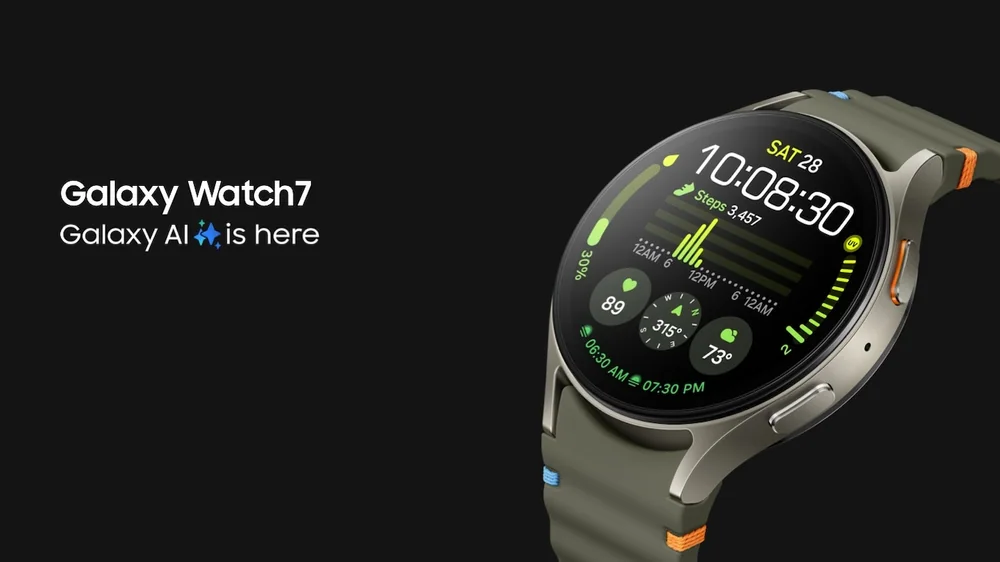
Samsung Galaxy Watch 7

Everyday fitness tracker watch

Focuses on steps, heart rate, sleep, and guided workouts, usually with simpler training tools and lighter builds.

Best for: People building consistent daily activity habits, casual gym users, and anyone who wants health and workout basics without a steep learning curve.

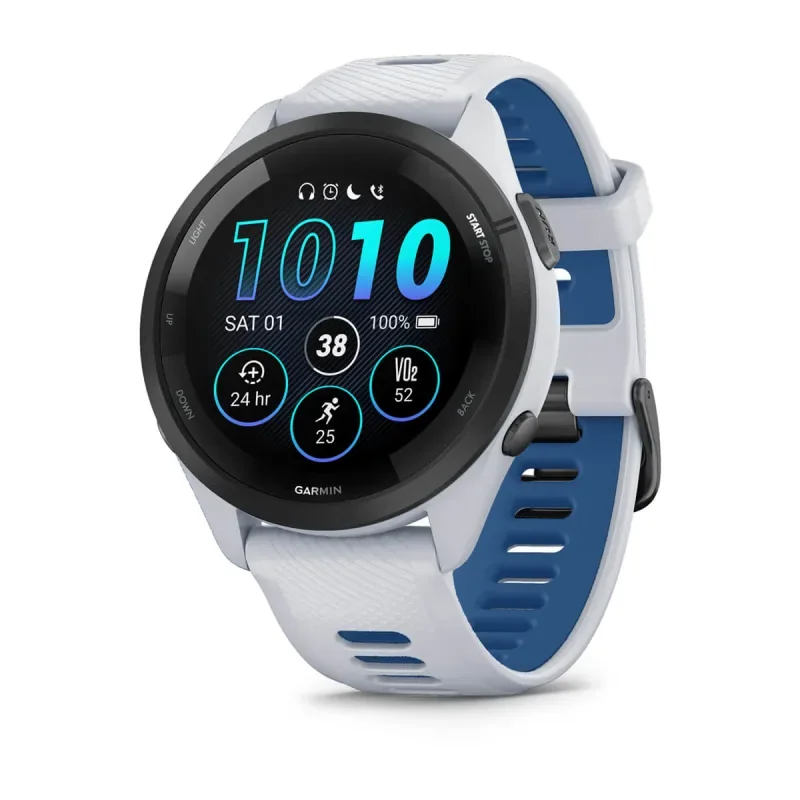
Garmin Forerunner 265

Training focused multisport watch

Adds deeper workout profiles, structured training plans, performance trends, and often better GPS tools.

Best for: Runners, cyclists, triathletes, and anyone who trains several days a week and wants planning and progress tracking.

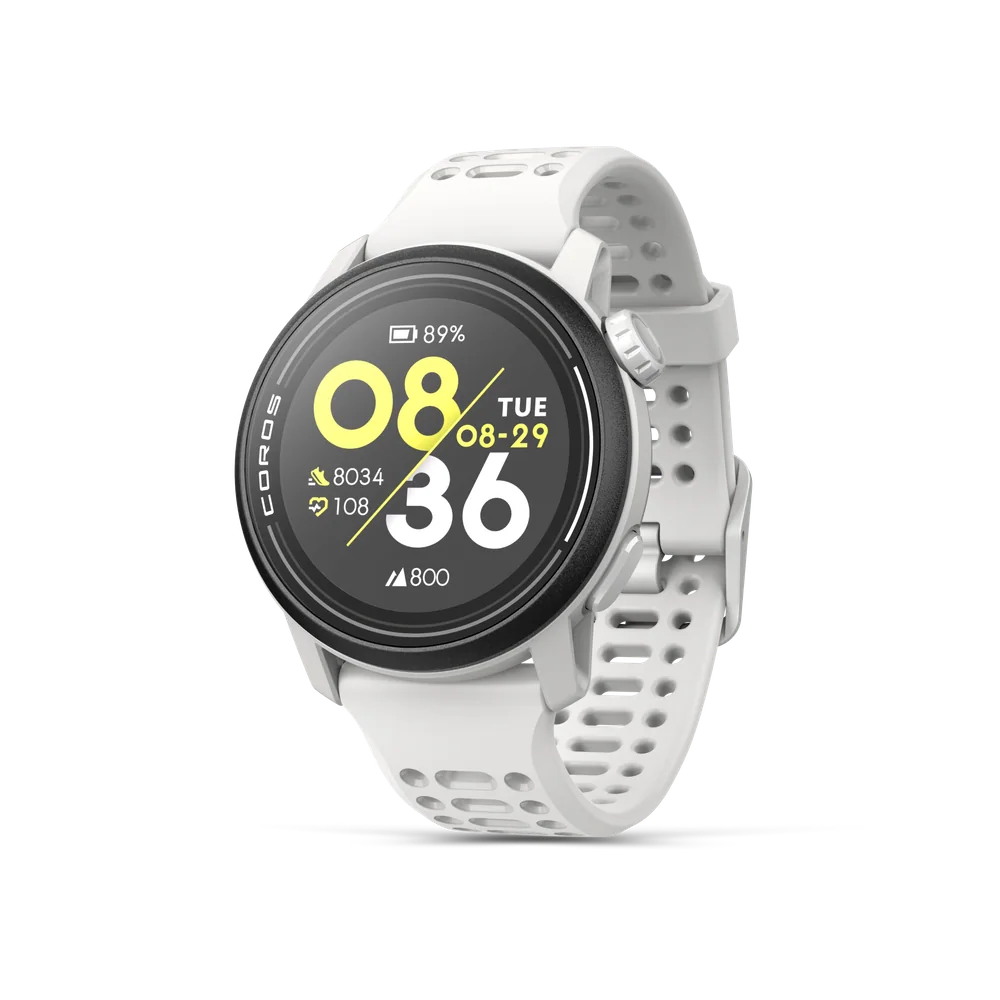
COROS Pace 3

Outdoor and navigation watch

Prioritizes GPS reliability, route tools, and durability, sometimes with offline maps and longer battery modes.

Best for: Hikers, trail runners, and people who need navigation and battery life more than smartwatch apps.

Apple Watch Series 10

Smartwatch with fitness features

Leans into notifications, calls, apps, and convenience features while still offering solid workout tracking.

Best for: People who want one watch for daily life and workouts, and care about phone integration as much as training metrics.

Fitness Watch Buying Guides and Comparisons

Product reviews

In-Depth Fitness Watches Reviews

Start with the newest reviews and substantial refreshes, then open the complete directory when you need a specific model.

Browse all 49 in-depth fitness watch reviewsEvery full product review, organized by brandView complete archive

Amazfit6 reviews

Apple6 reviews

Coros1 review

COROS1 review

Fitbit4 reviews

Garmin13 reviews

Google2 reviews

Oura2 reviews

Polar3 reviews

Samsung6 reviews

Suunto2 reviews

WHOOP2 reviews

Xiaomi1 review

Practical ownership help

Fitness watch setup, accuracy, and everyday ownership guides

Practical help for getting cleaner data, better comfort, and fewer surprises after you buy.

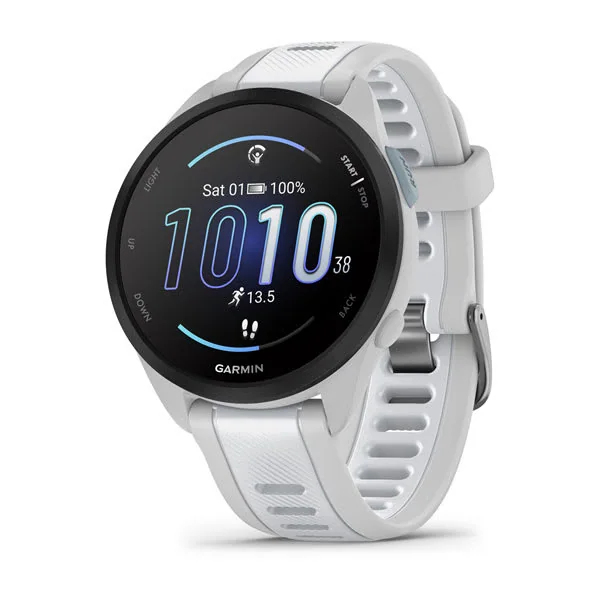
Garmin Forerunner 165
Practical guide Fitness watch heart rate zones explained for everyday training Learn how to use fitness watch heart rate zones as practical effort guides instead of treating wrist readings as exact instructions. Read the guide →
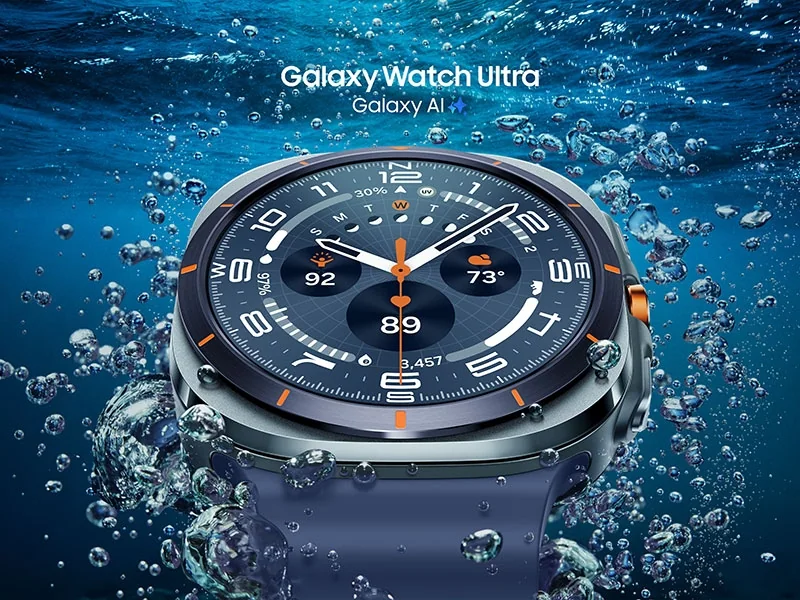
Samsung Galaxy Watch Ultra
Safety and care Water resistance on fitness watches explained for swimmers and shower users Water resistance is about reducing risk, not making a watch immune to water, heat, soap, and time. Read the guide →
Apple Watch Series 11
How it works What to trust in fitness watch sleep tracking Sleep tracking is best for spotting patterns in your nights, not for proving exact sleep stages minute by minute. Read the guide →
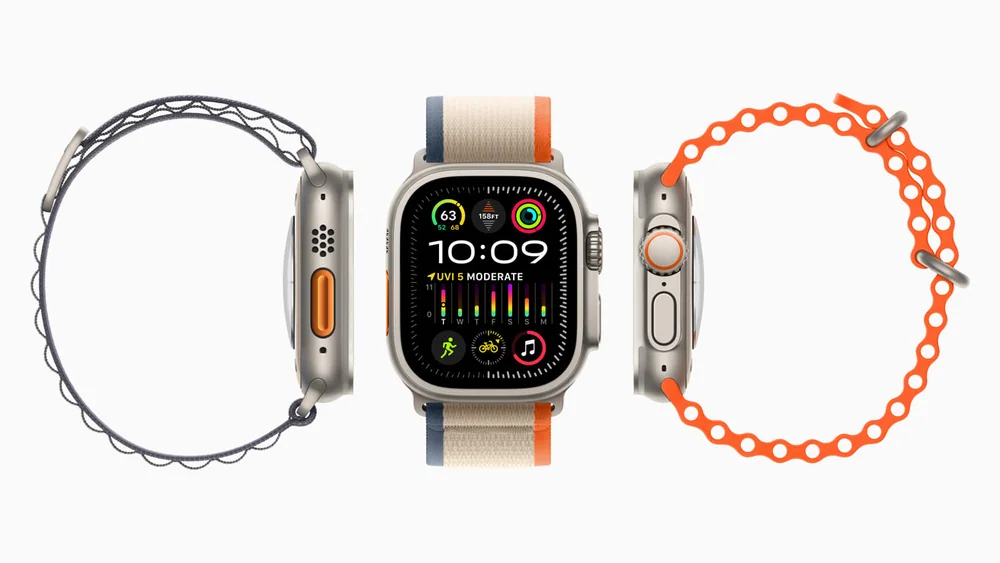
Apple Watch Ultra 2
Workout setup How to set up strength training on a fitness watch so it is actually useful Set up strength tracking around timers, simple logging, and repeatable routines so your watch supports progress instead of creating busywork. Read the guide →
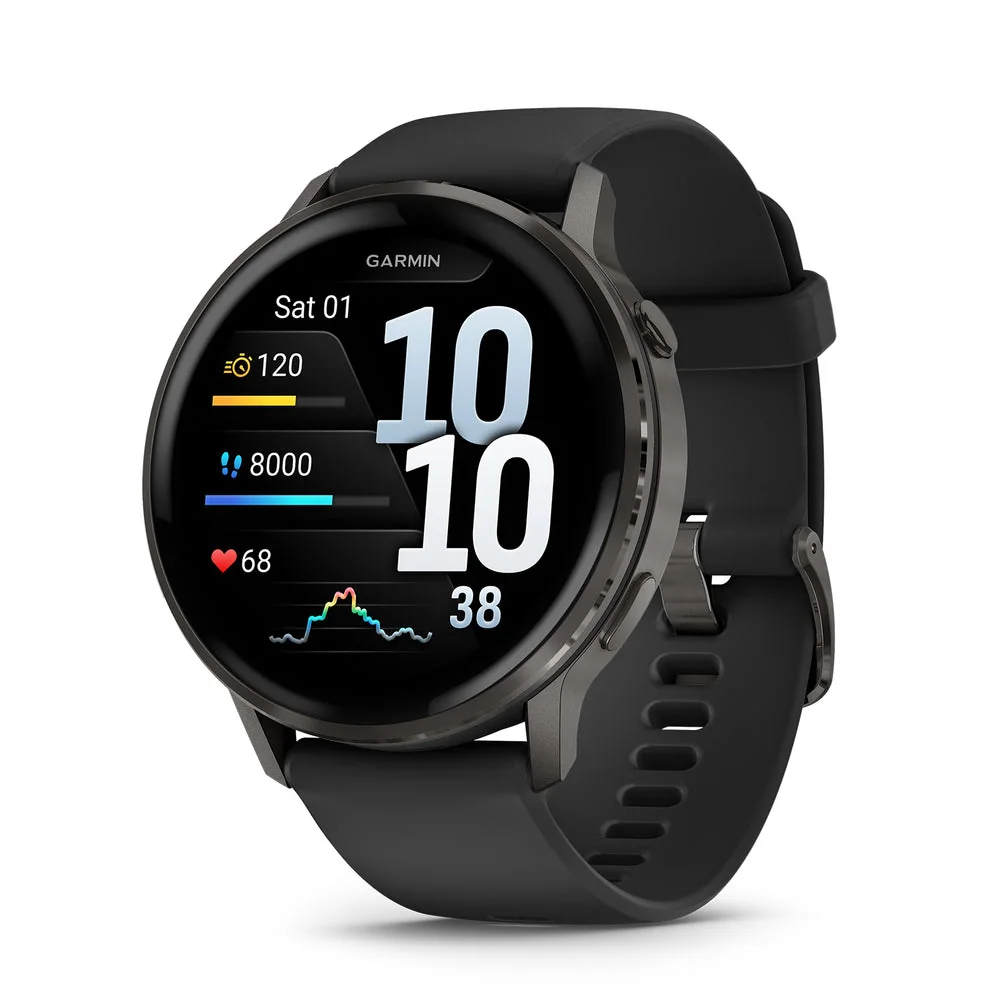
Garmin Venu 4
Troubleshooting Why step counts differ between fitness watches and how to compare them Learn why step counts vary and how to use steps as a consistent personal trend instead of a perfect measurement. Read the guide →
Samsung Galaxy Watch Ultra
Buying help When it makes sense to upgrade your fitness watch Upgrade when your watch is blocking consistency, comfort, or training decisions, not just because new features exist. Read the guide →
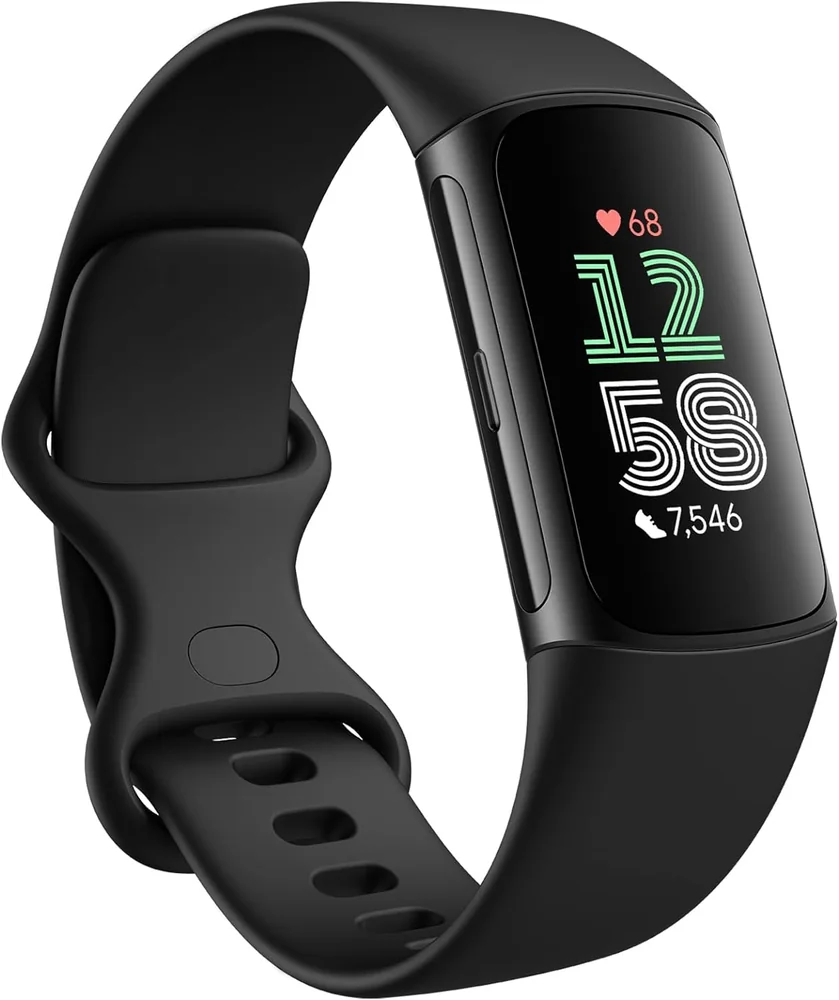
Fitbit Charge 6
Setup guide How to wear a fitness watch for better heart rate and sleep data Small changes in placement and strap tension can reduce heart rate dropouts and make sleep trends more consistent. Read the guide →
Samsung Galaxy Watch Ultra
Troubleshooting Why your fitness watch GPS looks wrong and how to improve it GPS tracks can drift and cut corners, but the right satellite settings and a few habits can make pace and distance more dependable. Read the guide →
Fitbit Charge 6
How it works Recovery metrics explained: readiness, HRV, and resting heart rate Recovery metrics are trend tools that help you adjust training load, not a daily permission slip to work out or skip. Read the guide →
Fitbit Charge 6
Setup guide Setting notifications on a fitness watch without getting distracted Allow only the alerts that support training, safety, and logistics, and turn the rest into scheduled check-ins. Read the guide →
Fitbit Charge 6
Care guide Fitness watch strap care and skin irritation fixes A few fit and cleaning changes can prevent most watch-related rashes, odor, and pressure spots. Read the guide →
Apple Watch SE 3
Ownership guide Battery life settings that matter on a fitness watch Battery life depends more on your settings and habits than the box claim, and a few changes can make charging fit your routine. Read the guide →
Fitbit Charge 6
Getting started How fitness watch apps store your data and what to set up first A clean app setup and consistent sync habits prevent missing workouts and make your trends easier to trust. Read the guide →

Learn the Category

Understand Fitness Watches Before You Buy

Plain-English guides to sizing, features, setup, maintenance, and the questions that change which fitness watch makes sense.

Apple Watch Series 11
Fitness Watch advice What HRV means on a fitness watch and how to use it for training HRV is a trend signal about recovery and stress, and it works best when you compare your own baseline over time. Read the guide →
Apple Watch Series 11
Fitness Watch advice Waterproof vs water resistant on fitness watches: what the labels mean Learn what water ratings really imply for swimming and showering, and how to prevent water exposure from turning into long term damage. Read the guide →
Apple Watch Series 11
Fitness Watch advice What sleep stages on fitness watches can and cannot tell you Sleep stage charts are estimates, but your watch can still help you improve sleep consistency and recovery habits. Read the guide →
Fitbit Charge 6
Fitness Watch advice When to listen to a recovery score and when to ignore it Use readiness style scores as a trend and a conversation starter with your body, not as a rule that replaces judgment. Read the guide →
Fitbit Charge 6
Fitness Watch advice What a fitness watch can track during strength training Learn what your watch can measure in the gym, what it guesses, and how to log lifting so the data actually helps you progress. Read the guide →
Apple Watch Series 11
Fitness Watch advice Fitness watch vs smartwatch: what changes your daily routine The right choice depends on whether you want training guidance and long battery life, or phone-like convenience on your wrist. Read the guide →
Samsung Galaxy Watch Ultra
Fitness Watch advice How fitness watches estimate calories and what to do with the number Calorie burn on a watch is an estimate built from heart rate and personal stats, best used for comparing your own effort over time. Read the guide →
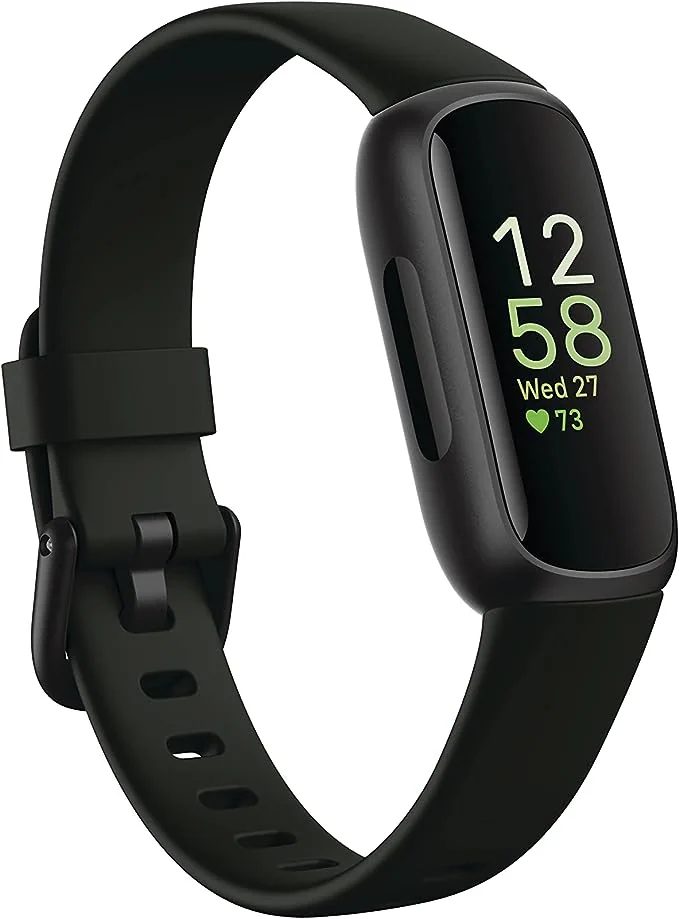
Fitbit Inspire 3
Fitness Watch advice GPS modes explained: accuracy, battery, and when each one makes sense GPS settings change how your watch balances pace and distance accuracy against battery life, especially in tough signal areas. Read the guide →
Fitbit Charge 6
Fitness Watch advice Heart rate zones on fitness watches explained in plain English Heart rate zones turn a noisy wrist heart rate number into training guidance you can actually use. Read the guide →
Fitbit Charge 6
Fitness Watch advice How to choose a fitness watch size that you will actually wear Pick a size and fit that stays comfortable all day and night, because comfort directly affects sensor accuracy and whether you keep wearing it. Read the guide →

Category Knowledge

How Fitness Watches Work

The details below explain why fitness watches behave differently and which differences you are likely to notice at home.

Category knowledge

Fitness watch vs smartwatch: what changes your daily routine

The right choice depends on whether you want training guidance and long battery life, or phone-like convenience on your wrist.

A fitness watch is built around workouts and trends over time: heart rate during training, GPS pace and distance, sleep consistency, and simple coaching tools like intervals and recovery prompts. A smartwatch with fitness features is built around daily convenience: notifications, calls, apps, and quick interactions. Both can track steps and workouts, but they feel different to live with because the priorities are different. The biggest day to day differences usually come down to battery habits, how much you want to interact with the screen, and whether you want the watch to push your training forward. If you want to charge once in a while and mostly glance at data, a fitness watch style tends to fit. If you want your wrist to act like an extension of your phone, a smartwatch style tends to fit, with the tradeoff of more frequent charging and more settings to manage.

Training focused watches usually give you more ways to structure a workout, not just record it. That can include interval builders (for example, warmup, then repeat 400 meter hard efforts with timed rest), pace or heart rate targets, alerts when you drift out of a zone, and longer term views like weekly training load. The practical benefit is less mental math during a workout and more consistency across weeks. Smartwatches often do a solid job logging runs, rides, and gym sessions, but the training depth can be lighter. You might get basic zones and summaries, yet fewer tools for planning and fewer knobs to tune what the watch shows mid workout. If you mostly want a record and a rough sense of effort, that is fine. If you want the watch to help you execute a specific session, the training-first approach matters.

Smartwatches shine when you want to handle small tasks without pulling out your phone. Notifications, quick replies, calls, calendar nudges, music controls, and third party apps can genuinely change your routine. The tradeoff is attention. More alerts and more on-wrist interactions can pull you out of workouts, meetings, or sleep, unless you take time to set up focus modes and notification filters. Fitness watches usually keep apps simpler and more limited on purpose. That can be a benefit if you want fewer distractions and a more consistent interface during exercise. Before buying, think about which moments you actually want your wrist to interrupt. If you only need texts from a few people and workout controls, you can often get that with a simpler watch and careful notification settings.

What this means when shopping: Choose based on the routine you want: training guidance and long battery life, or phone-like convenience and apps.

Category knowledge

What HRV means on a fitness watch and how to use it for training

HRV is a trend signal about recovery and stress, and it works best when you compare your own baseline over time.

HRV stands for heart rate variability. It is the small, natural variation in time between heartbeats, not your heart rate itself. Many fitness watches estimate HRV using the optical heart rate sensor while you sleep, when your body is relatively still. In plain terms, HRV is often treated as a window into how recovered or stressed your system is, but it is not a direct measure of fitness or readiness on its own. The useful way to think about HRV is as a personal trend line. Your number is not meant to match someone else's. What matters is how your HRV compares to your usual range, and whether it is moving up, down, or staying stable alongside sleep, training load, and life stress. Used well, HRV can help you decide when to push, when to keep it easy, and when to take recovery seriously.

HRV reflects how your nervous system is balancing stress and recovery. Many people associate higher HRV with being more recovered and lower HRV with being more strained, but the relationship is personal and context dependent. A single low night can happen for ordinary reasons like poor sleep, dehydration, alcohol, a late meal, travel, or a hard workout. That does not automatically mean you are getting sick or that you should stop training. HRV is also not a precise medical diagnostic tool in a watch context. Wrist sensors can be affected by fit, movement, and skin contact. Treat HRV as a signal that can be wrong sometimes, but still useful over weeks. If you want one rule: do not make big decisions from one data point. Look for patterns that repeat and line up with how you feel and how you performed.

A baseline is your normal range, built from consistent measurements. HRV is most reliable when the watch captures it under similar conditions, usually overnight. That means wearing the watch to sleep, keeping the strap snug enough for steady contact, and giving it time to learn your typical range. If you only wear the watch some nights, the baseline gets noisy and the trend becomes less meaningful. Give yourself a few weeks of steady wear before you treat HRV as a training input. During that time, keep your routine as consistent as you can: similar bedtimes, similar caffeine and alcohol habits, and similar training patterns. You do not need perfection, but you do need enough consistency to tell the difference between normal ups and downs and a real shift. Once you have a baseline, compare today to your usual, not to a chart on the internet.

What this means when shopping: Use HRV as a personal trend signal to guide intensity, not as a daily pass or fail grade.

Category knowledge

How fitness watches estimate calories and what to do with the number

Calorie burn on a watch is an estimate built from heart rate and personal stats, best used for comparing your own effort over time.

A fitness watch cannot directly measure calories. What it can do is estimate energy use from signals it can sense, mainly heart rate, movement, and sometimes GPS pace and elevation. It also uses the personal details you enter, like age, sex, height, weight, and sometimes resting heart rate. The result is a number that can be directionally useful, but it is not precise enough to treat like a food label. The best use of watch calories is consistency. If you do the same run route at the same effort and the watch reports a similar burn, that is a useful pattern. If your weekly training volume goes up and the watch calories trend up too, that can help you understand workload. Problems start when people use the number as a strict daily budget, then get frustrated when weight change does not match the math.

Most watches split calories into two buckets: resting calories (what your body uses just to stay alive) and active calories (extra energy from movement and exercise). Resting calories are usually based on your profile stats and time. Active calories are estimated from a mix of heart rate response, accelerometer data (a motion sensor that detects steps and wrist movement), and sometimes GPS speed and grade. The watch is essentially asking: how hard does your body seem to be working, and for how long? Heart rate is a major driver because it changes with intensity. That is why fit matters. If the optical heart rate sensor loses contact during intervals or strength training, the watch may undercount effort. Movement can also confuse things. For example, cycling can show less wrist movement than running, and lifting can create wrist flex that disrupts readings. The more the watch misunderstands intensity, the more the calorie estimate drifts.

Two people can do the same workout and burn different calories because bodies differ in efficiency, muscle mass, and training history. A watch cannot fully capture that. It also cannot see factors like heat, wind, terrain softness, or how tense you are while running. Even hydration and caffeine can change heart rate without changing actual energy use in a simple way. That is why calorie estimates can look "wrong" even when the watch is working normally. Strength training is a common trouble spot. Heart rate can spike from bracing and short bursts, but the relationship between heart rate and energy use is not as steady as it is in continuous cardio. Some watches let you log sets and rest, which helps the session record, but the calorie number is still a rough estimate. Treat lifting calories as a broad indicator of session size, not a precise output.

What this means when shopping: Treat watch calories as a consistency and workload signal, not an exact measure you must balance perfectly with food.

Category knowledge

GPS modes explained: accuracy, battery, and when each one makes sense

GPS settings change how your watch balances pace and distance accuracy against battery life, especially in tough signal areas.

A fitness watch can track distance and pace using GPS, but most watches actually offer several positioning modes. These modes change how often the watch checks satellites, whether it uses more than one satellite system (GNSS), and whether it leans on your phone or internal motion sensors to fill gaps. The result is that the same run can look slightly different depending on the mode you picked. The goal is not to chase perfect maps. It is to pick a mode that matches your workout and your environment so the numbers stay consistent enough to guide training. A long trail day needs a different setup than a 30 minute neighborhood jog. If you understand what each mode trades away, you can avoid the common frustration of jumpy pace, short distance, or a dead battery halfway through a session.

Most watches offer a standard or best accuracy mode, plus one or more battery saver modes. Standard mode typically samples satellite data frequently and uses more processing to smooth the track. Battery modes usually sample less often, simplify the track, or rely more on the watch's accelerometer (a motion sensor) between satellite checks. Some watches also offer a phone assisted mode that uses your phone's GPS to save watch battery. The practical effect shows up in two places: instant pace and total distance. Instant pace is the most sensitive because it is calculated from short time windows. When the watch checks satellites less often, pace can lag or spike, especially when you change speed. Total distance can drift if the watch cuts corners on turns or loses signal under trees or between buildings. Battery modes can still be great, but they are easiest to trust on steady efforts and open terrain.

GNSS is the umbrella term for satellite navigation systems. A watch may let you choose GPS only, or combine GPS with other systems. Some watches also offer multi-band (sometimes called dual-frequency), which listens on more than one signal band to reduce errors caused by reflections off buildings and rock walls. More signals and more bands can improve reliability, but they usually cost battery. If you run in a city, near tall trees, or on twisty trails, stronger GNSS options can make splits and routes cleaner. If you mostly run in open suburbs or on a track, GPS only may be plenty and can extend battery. The key is consistency. Switching GNSS settings every week makes it harder to compare pace and distance trends. Pick a default that fits your typical routes, then change it only when the day's conditions truly demand it.

What this means when shopping: Choose a GPS mode that matches your environment and workout so your pace and distance stay consistent without draining the battery.

Specs That Matter When Choosing Fitness Watches

These specifications affect how fitness watches perform, fit, and feel to own after the first week.

Optical heart rate sensor

A light based sensor on the back of the watch that estimates pulse by measuring blood flow changes in your wrist.

Why it matters: It affects workout intensity tracking, calorie estimates, and recovery metrics. Fit and strap tension matter because poor skin contact can create noisy readings, especially during intervals or lifting.

GPS and GNSS support

GPS is satellite positioning. GNSS is the broader term that includes multiple satellite systems the watch can use for location.

Why it matters: It changes pace and distance accuracy, especially in cities, tree cover, and trails. Better positioning usually means more reliable splits and cleaner maps, but it can cost battery.

Battery life in real use

How long the watch lasts based on how you actually use it, including GPS workouts, screen settings, and notifications.

Why it matters: It determines whether the watch fits your routine. A watch that needs frequent charging is easier to stop wearing, which breaks the habit and the data trends.

Water resistance rating

A rating that indicates how well the watch resists water exposure. It is not the same as being safe for every water activity.

Why it matters: It affects whether you can swim, shower, or train in heavy rain without worry. It also changes long term durability because water exposure is a common failure point.

Claims that need context

"Accurate calorie burn": Calorie estimates are driven by heart rate and general body stats, and they can be directionally useful without being precise. They are best for comparing your own workouts over time, not as a strict daily budget.

"Recovery score" or "readiness": These scores combine signals like sleep, heart rate trends, and recent training load. They can help you notice patterns, but they are still an interpretation and can be thrown off by travel, illness, alcohol, stress, or a bad sensor night.

"Sleep tracking accuracy": Sleep stages are inferred from movement and heart rate patterns, not directly measured. Total sleep time and consistency trends are often more useful than obsessing over exact stage minutes.

Brands in the Category

Fitness Watch Brands Explained

Use these brand notes to narrow the field, then open the linked reviews for the model-specific details.

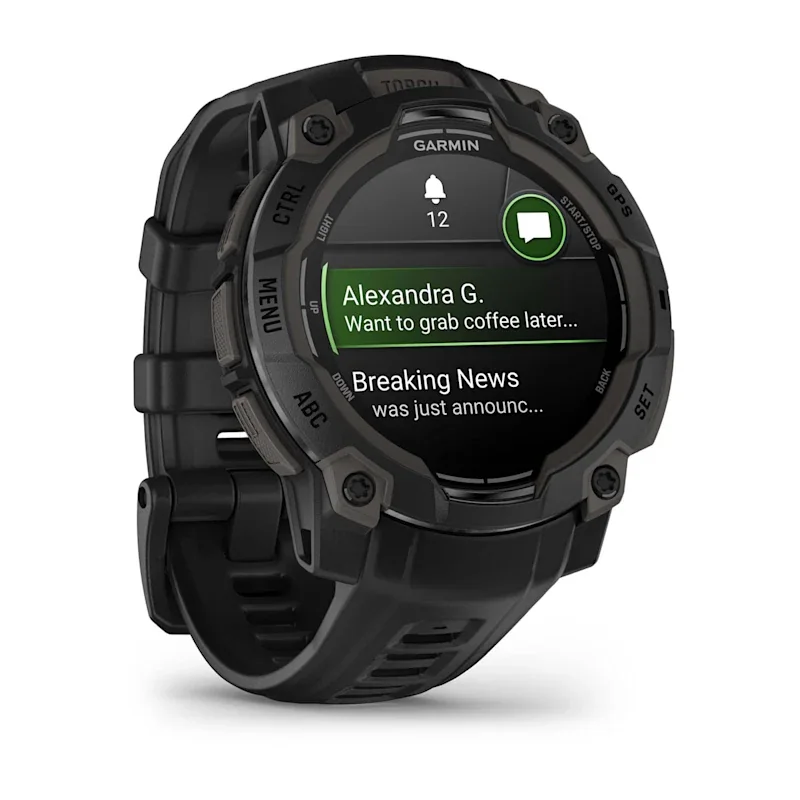
Garmin Instinct 3
Brand guide

Garmin

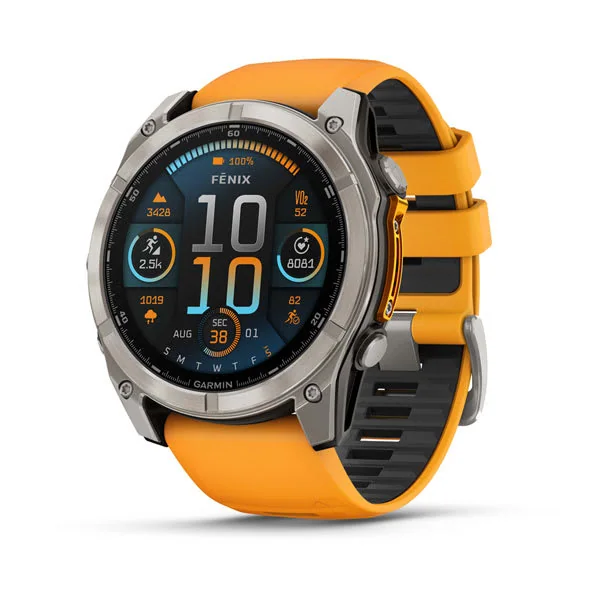
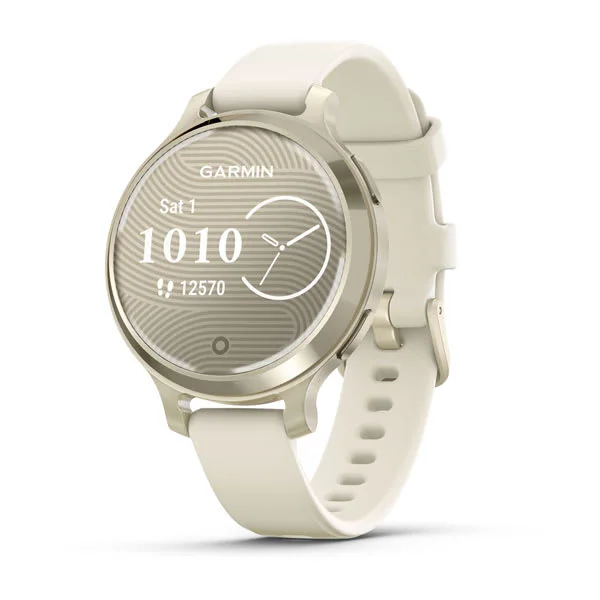
Garmin fitness watches in this collection lean toward training-first tracking while still covering everyday smartwatch basics. The reviewed models range from beginner-friendly health metrics like HRV to more tool-like options for outdoor training and navigation.

What to know: Pick Garmin if you want deeper fitness and health tracking than simple step counts, especially for lifting, small-wrist premium fits, or outdoor-focused training where the watch feels like training gear, not just a phone companion.

Apple Watch Series 11
Brand guide

Apple

Apple Watch models here are built around the iPhone experience, pairing strong smartwatch convenience with fitness and health features. The lineup includes everything from small-wrist value picks to outdoor-ready options for longer days.

What to know: Pick Apple if you use an iPhone and want fitness tracking bundled into a full smartwatch you will actually use daily, whether you want the most complete overall experience, a smaller value watch, or a tougher option for long outdoor days.

Fitbit Charge 6
Brand guide

Fitbit

Fitbit models in this category focus on simple, approachable tracking for activity, workouts, and rest, with options that range from basic bands to watch-style designs. They are especially straightforward for beginners who do not want full smartwatch complexity.

What to know: Pick Fitbit if you want an easy setup and a wellness-first feel, whether you want the simplest beginner tracker, a balanced everyday fitness watch, or a larger watch-style option that stays focused on health and routine.

Samsung Galaxy Watch 7
Brand guide

Samsung

Samsung Galaxy Watch models here are Android-native smartwatches that still take training and recovery seriously. The reviewed options include swim-friendly picks and tougher builds meant for everyday wear that can handle outdoor use.

What to know: Pick Samsung if you are on Android and want a true smartwatch that also supports real training, especially if you want an outdoor-ready rugged option, a value-leaning model that still tracks recovery, or a swim-friendly daily watch.

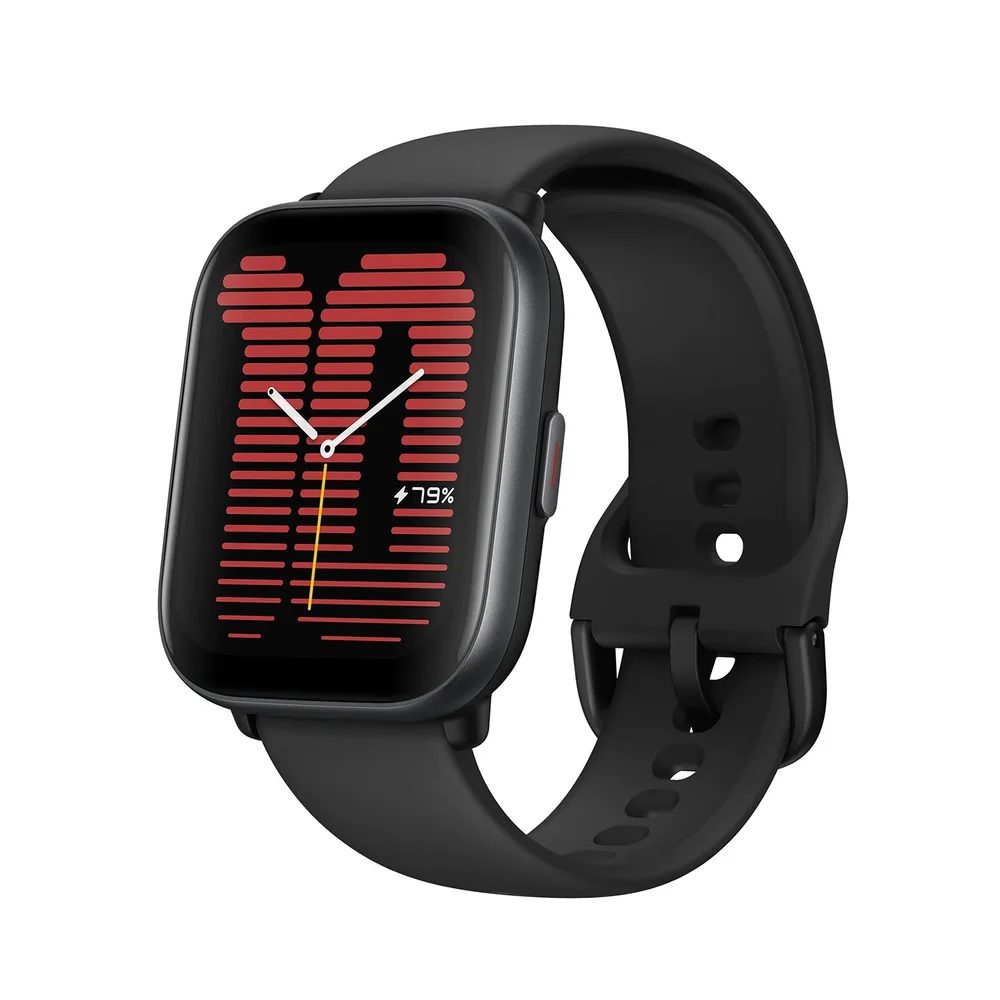
Amazfit Active
Brand guide

Amazfit

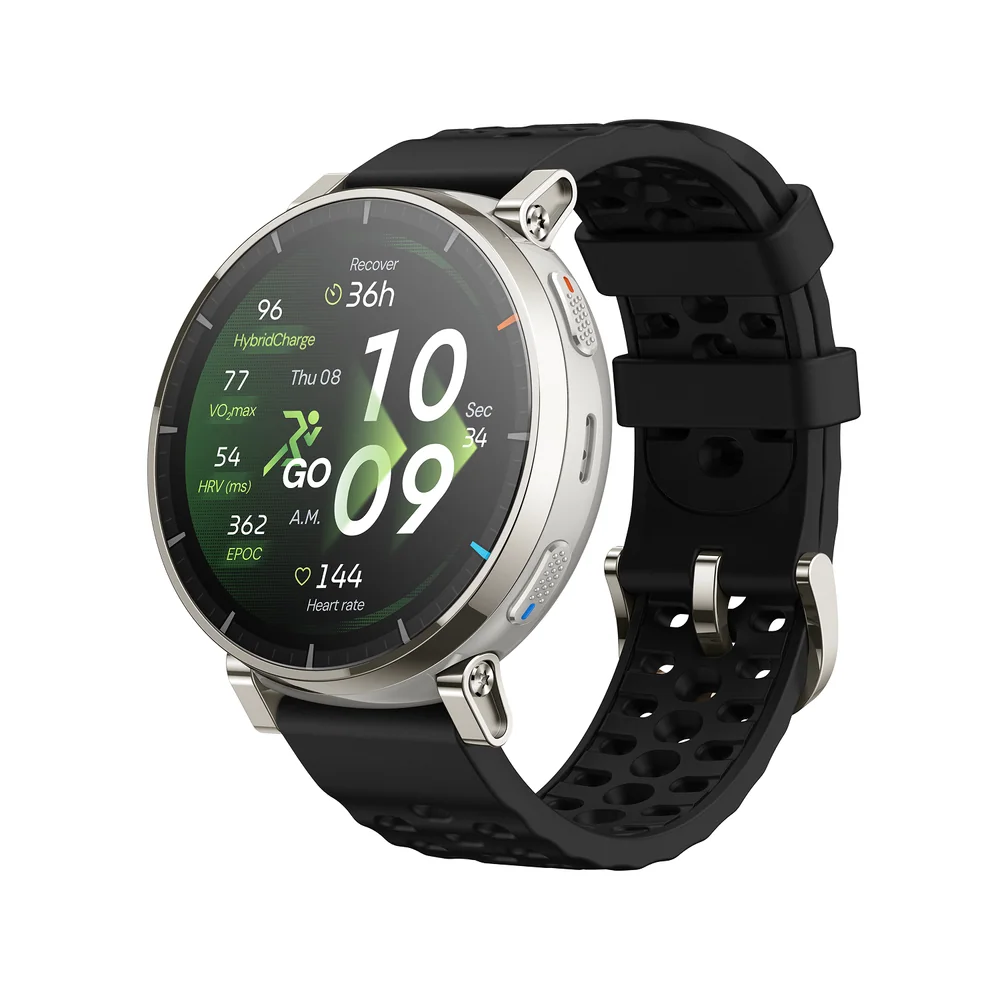
Amazfit watches in this collection aim at the smartwatch look and everyday tracking without requiring a premium ecosystem buy-in. The reviewed models cover budget watch-style designs, always-on display priorities, and wellness-forward watches that you do not want to charge constantly.

What to know: Pick Amazfit if you want a more affordable smartwatch-style fitness watch, especially if you care about getting an always-on display on a budget, avoiding premium ecosystem lock-in, or prioritizing wellness plus training with less frequent charging.

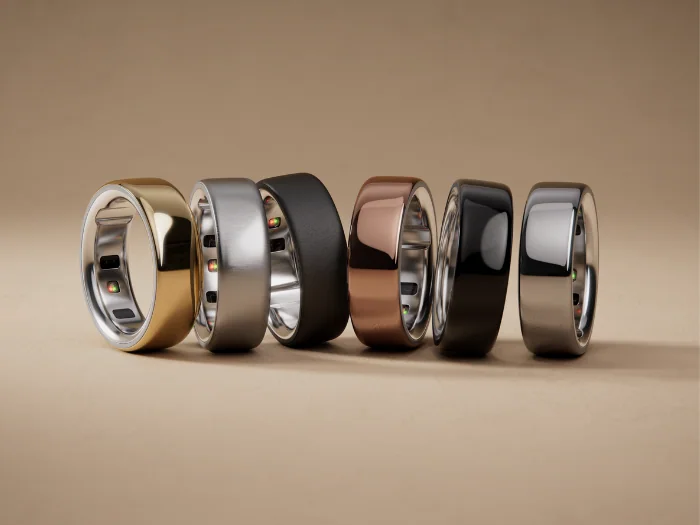
Oura Ring 4
Brand guide

Oura

Oura models here are rings that track health without putting anything on your wrist. They are positioned for people who dislike watches, have very small wrists, or simply want a no-wrist tracking option.

What to know: Pick Oura if you want health tracking but do not want to wear a fitness watch at all, especially if wrist comfort or small wrists make even slim bands feel annoying.

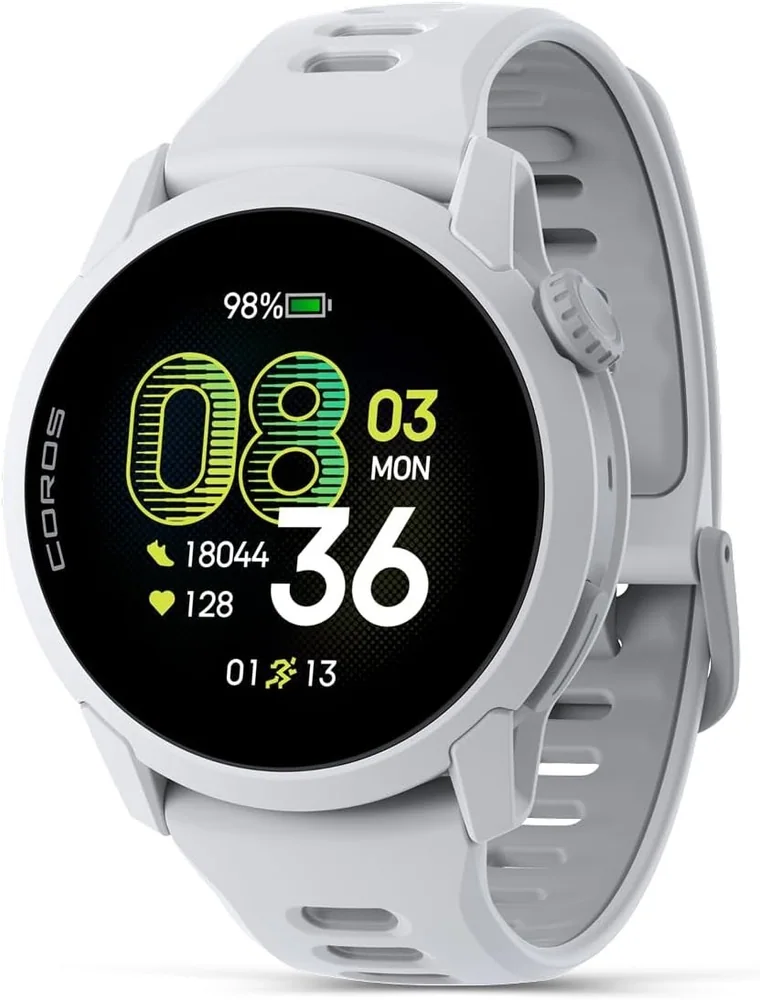
Coros Pace 4
Brand guide

Coros

Coros in this category is represented by a dedicated GPS running watch that stays focused on running rather than trying to be a tiny phone on your wrist. It is framed as a beginner-friendly entry into purpose-built run tracking.

What to know: Pick Coros if your main goal is running and you want a dedicated GPS running watch experience instead of a general smartwatch that happens to track workouts.

Google Pixel Watch 4
Brand guide

Google

Google Pixel Watch here is positioned as a clean, modern smartwatch choice for Android users that still covers calorie and fitness tracking. It is aimed at people who want a straightforward Android-friendly wrist setup.

What to know: Pick Google if you are on Android and want a modern smartwatch first, with fitness and calorie tracking handled in the background without overcomplicating the experience.

How to Choose a Fitness Watch

  • Optical heart rate sensor: It affects workout intensity tracking, calorie estimates, and recovery metrics. Fit and strap tension matter because poor skin contact can create noisy readings, especially during intervals or lifting.
  • GPS and GNSS support: It changes pace and distance accuracy, especially in cities, tree cover, and trails. Better positioning usually means more reliable splits and cleaner maps, but it can cost battery.
  • Battery life in real use: It determines whether the watch fits your routine. A watch that needs frequent charging is easier to stop wearing, which breaks the habit and the data trends.
  • Water resistance rating: It affects whether you can swim, shower, or train in heavy rain without worry. It also changes long term durability because water exposure is a common failure point.

Fitness Watches FAQ

Should a beginner buy a simple tracker or a full smartwatch?

If you mainly want steps, workouts, and sleep with minimal fuss, start with a tracker like Fitbit Charge 6 or Fitbit Inspire 3. If you want notifications, apps, and deeper smartwatch features, move to Apple Watch Series 11 (iPhone) or Samsung Galaxy Watch 7 (Android).

What’s the easiest -do everything- fitness tracker for a first-time buyer?

Fitbit Charge 6 is the most well-rounded beginner choice here: it covers daily activity and rest, adds built-in GPS, and stays simpler than a full smartwatch.

I run a lot. Which beginner watch should I get?

If running is the main goal, Coros Pace 4 is the most direct running-first choice in this list. If you want a more general fitness tracker that can still handle runs, Fitbit Charge 6 is the better all-around option.

Is WHOOP 5.0 a good beginner wearable if I don’t want a screen?

Yes, if your priority is recovery and long-term health insights and you’re comfortable with a subscription. If you want detailed workout and sleep tracking without an ongoing fee, a traditional tracker like Fitbit Charge 6 is the safer beginner buy.

What’s the best beginner fitness watch for iPhone owners?

Apple Watch Series 11 is the cleanest fit for iPhone because it’s built around watchOS and tight iPhone integration, while still delivering strong health and activity tracking.

Should I buy a fitness watch based on my phone first?

Yes. iPhone owners will generally have the smoothest experience with Apple Watch models, while Android owners will usually be happiest with Samsung Galaxy Watch or Google Pixel Watch. Start there, then choose based on whether you want a full smartwatch or a simpler fitness tracker.