
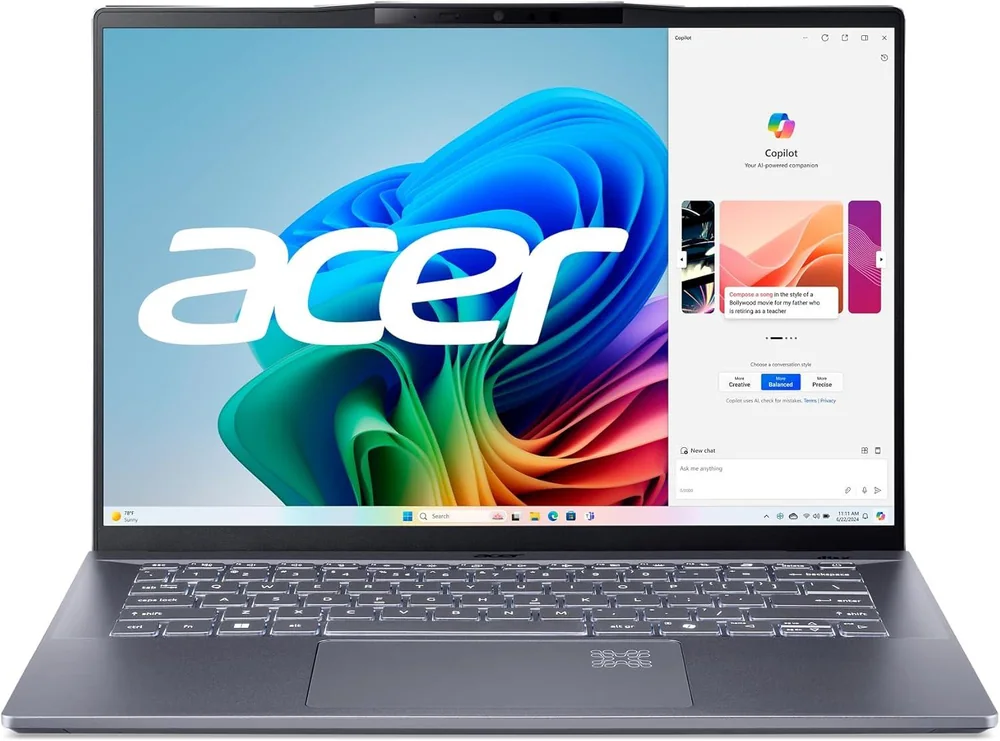
What to know first
- Strong everyday productivity fit with battery life that can cover a typical workday.
- Portable 14 inch class design that is easy to carry for commuting or school.
- Sharp display that is comfortable for split screen multitasking.
- Not built for demanding gaming or workstation workloads because it relies on integrated graphics.
- If you choose an OLED configuration, you can get richer contrast and wider color coverage than a basic IPS panel.
What the Acer Swift 14 AI is
The Acer Swift 14 AI is a thin, portable Windows laptop aimed at everyday productivity. Think remote work, school, and general home use: writing, spreadsheets, web apps, streaming, and video calls.
This model sits in the value lane. The point is not to chase the fanciest materials or the most extreme performance. It is to cover the stuff most people do all day with a laptop, while staying light enough to actually take with you and efficient enough to last through a typical workday.
The “AI” branding mainly signals that it is part of the newer wave of laptops built around modern chips with on device AI acceleration. That can matter over time as Windows features and apps lean into it, but it should not be the main reason you buy this laptop. The main reasons are still portability, screen usability, and battery life.
Why it stands out
For remote work and school, the Acer Swift 14 AI stands out because it is balanced. It is a budget productivity option that still feels like a complete laptop, not a stripped down special. That matters if you are trying to keep spending under control but do not want to fight your computer every day.
Battery life is a big part of that balance. The Swift 14 AI is described as lasting through a typical workday, which is the difference between bringing a charger everywhere and treating it as a just in case item. In real life, that means you can take calls, write, browse, and work in a coffee shop without planning your seat around an outlet.
The screen is another practical win. A sharp display with enough space for split screen work makes a 14 inch laptop feel less cramped. If you keep a doc open next to a browser window or a chat app, that extra clarity and usable space matters more than a spec sheet number.
Finally, this is a portability first laptop. If you commute, bounce between rooms, or travel for work, the Swift 14 AI is built to be easy to carry. That is a simple feature that pays you back every day.
What it is like to own
Day to day, the Acer Swift 14 AI is a laptop you can open and get to work on without fuss. It is meant for the steady rhythm of modern productivity: lots of browser tabs, documents, email, and video calls. It is not trying to be a gaming rig, and it is not trying to be a mobile workstation.
If you are typing for hours, pay attention to keyboard comfort. There is evidence that the keyboard on this family can cause some fatigue over extended periods. That does not mean it is unusable, but if you are a heavy typist, it is worth being picky here because keyboard feel is hard to fix after you buy.
For media and casual use, it is a good fit for streaming and general entertainment on the go. Just keep expectations realistic about audio. Thin laptops often have limited speaker output, and this line is noted as having quiet speakers with little bass.
Portability is the part you will notice most. A 14 inch laptop that is easy to carry is simply easier to live with, whether you are moving between meetings, classes, or working from different spots at home.
What to know before you buy
The big limitation is graphics. The Acer Swift 14 AI is not built for demanding gaming, and it is not a workstation replacement. Integrated graphics are fine for everyday productivity and lighter games, but modern, graphics heavy titles are not what this laptop is built for.
Memory is another boundary. This line is available with up to 32GB of soldered RAM. Soldered means it is not meant to be upgraded later, so you want to buy the amount of RAM you will need for the life of the laptop. For typical office work, that is usually fine. For heavier engineering tools or very large creative projects, it can be a deal breaker.
Display options matter. Some configurations in this broader Swift family include IPS and OLED choices. OLED can look fantastic for contrast and color, but you should pick based on your actual use. If you mostly do documents and calls, a good IPS panel can be perfectly fine. If you care about rich blacks and wider color for photo or video work, OLED is the more appealing option.
The specs that matter
This is a snapshot of general CPU capability. In plain terms, it points to a laptop that should feel responsive for everyday work and handle heavier bursts like big spreadsheets or multitasking better than older budget machines.
Single core performance affects the snappy feel of many everyday tasks like launching apps, navigating the OS, and working in lighter programs.
This is the main reason the Swift 14 AI is not a gaming laptop or a workstation replacement. It is fine for productivity and lighter graphics tasks, but it is not built for demanding 3D work or modern AAA games.
32GB can be plenty for office work and lots of browser tabs, but soldered RAM means you cannot upgrade later. If you expect your workload to grow, choose your configuration carefully.
For remote work and school, this is the difference between carrying a charger everywhere and confidently working away from an outlet for most of the day. Real battery life still depends on brightness, video calls, and how many apps you run.
A sharp, roomy 14 inch screen makes it easier to keep two windows open side by side, which is how many people actually work now.
Who this product fits
You work from home and take video calls all day
The Acer Swift 14 AI fits this routine well: it is portable enough to move around the house, efficient enough to get through a typical workday, and the screen is sharp enough to keep notes open next to your meeting window.
You are a student who carries a laptop to class
If you want a 14 inch Windows laptop you can carry all day, the Swift 14 AI fits. It handles writing and research comfortably, and the sharp screen helps when you are studying with two windows open at once.
You want a budget friendly Windows laptop that does not feel cheap
The Swift 14 AI focuses on the parts of the experience you notice every day: smooth performance for common apps, a screen that works well for multitasking, and battery life that is positioned to last through a typical workday.
What else to compare
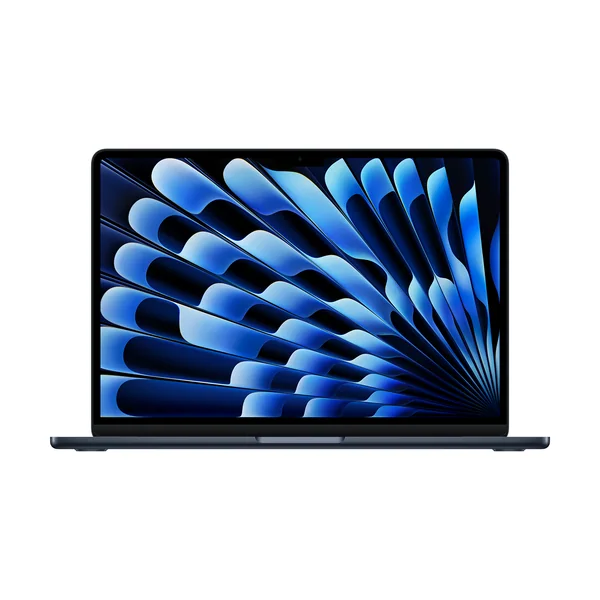
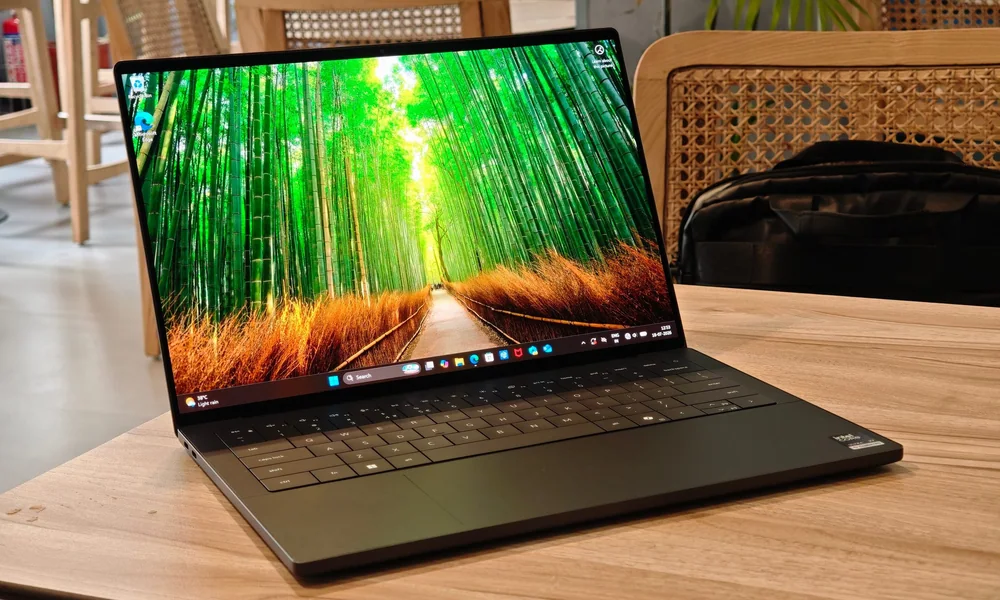
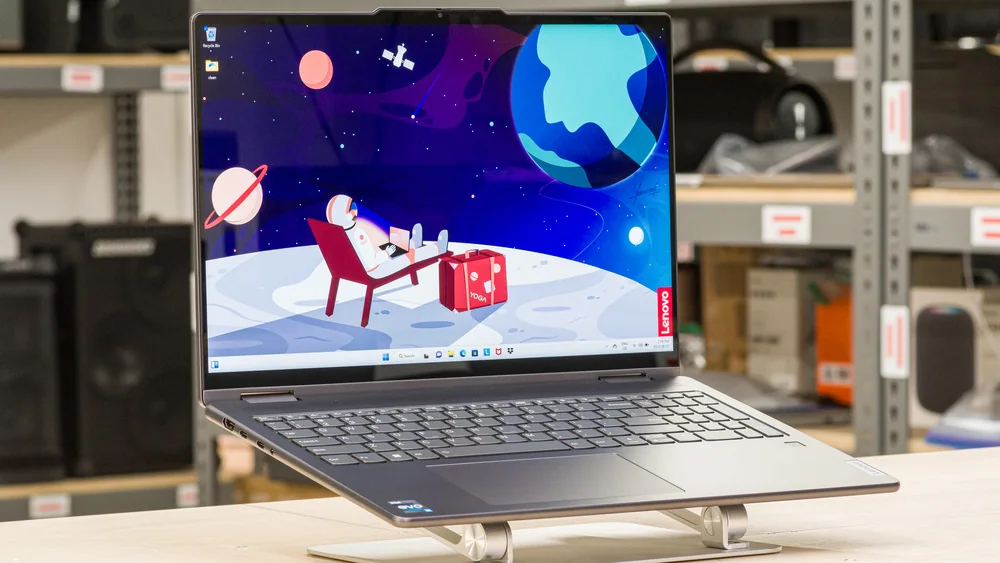
If you want a different operating system, a 2-in-1 design, or a more premium portable, these are the next places I would look.

Acer Swift 14 AI FAQ
Is the Acer Swift 14 AI good for remote work?
Yes, it is a strong fit for remote work basics like writing, browsing, office apps, and video calls. It is also positioned to last through a typical workday, which matters more than peak performance for most work from home setups.
Can the Acer Swift 14 AI handle gaming?
It is not built for demanding gaming. Because it uses integrated graphics and has no discrete GPU option, it makes more sense as a productivity laptop that can handle lighter games than as a machine for modern graphics heavy titles.
Is the Acer Swift 14 AI a workstation replacement?
No. It can handle demanding CPU tasks in bursts, but it is limited by having no dedicated GPU and by topping out at 32GB of soldered RAM. If your work depends on heavy graphics processing, you should shop in a different class.
What should I look for in the display configuration?
Prioritize a sharp display that is comfortable for split screen work. If you have an OLED option, it can bring deeper blacks and wider color coverage than a basic IPS panel, which matters more for photo and video work than for documents.
What does soldered RAM mean for buyers?
Soldered RAM is not meant to be upgraded later. That makes it more important to buy the amount of memory you will need long term, especially if you multitask heavily or use more demanding apps.
Should you buy the Acer Swift 14 AI?
If you want a portable Windows laptop for real life productivity, the Acer Swift 14 AI is an easy yes. It is aimed at the stuff most people do every day, and it focuses on the right wins: a sharp, usable screen, portability, and battery life that can cover a typical workday.
Just be honest about your workload. If you need serious gaming performance or workstation class graphics, this is the wrong tool. But if your day is documents, web apps, and calls, the Acer Swift 14 AI is a smart way to get a capable laptop without paying for a premium tier.