Pickori
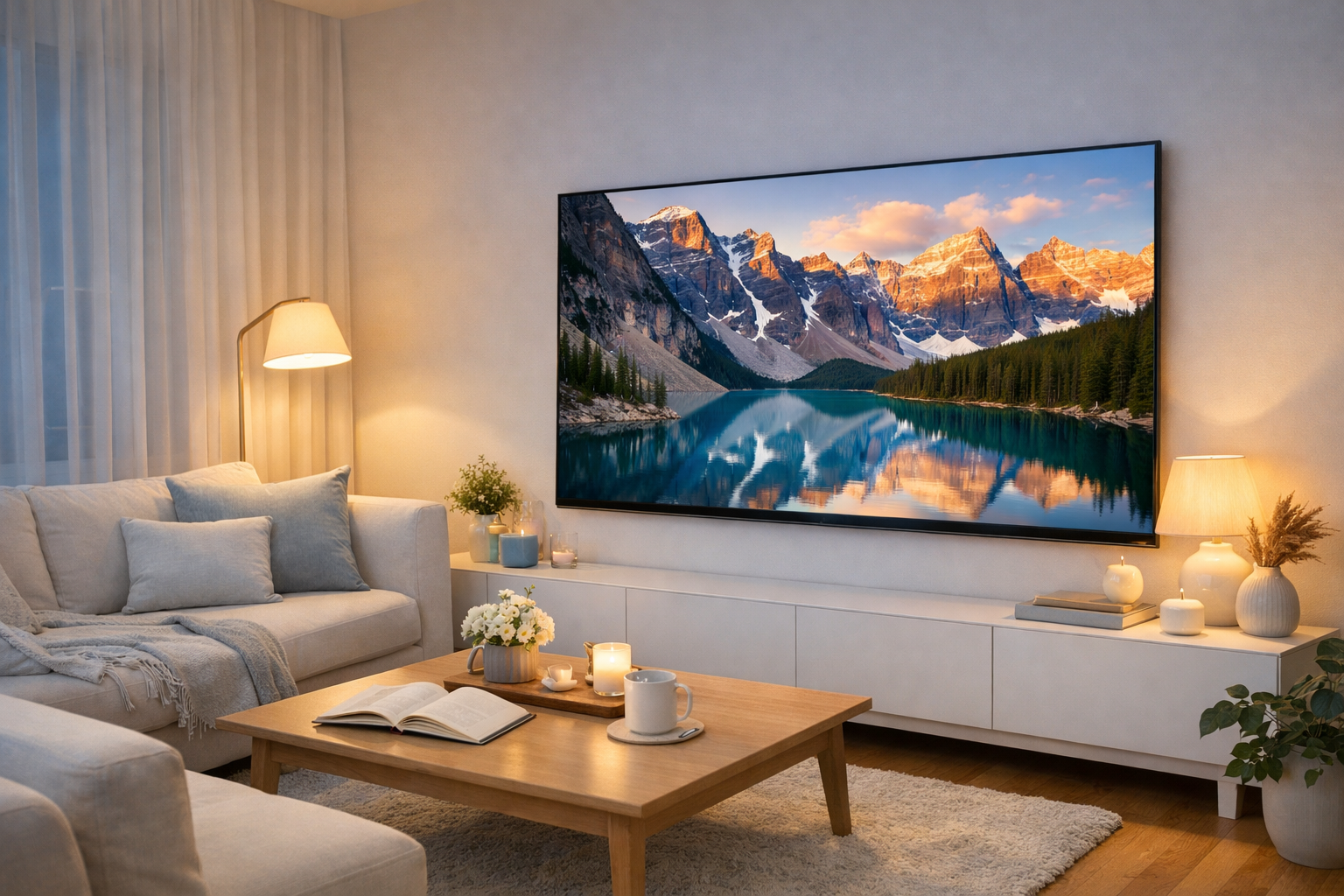
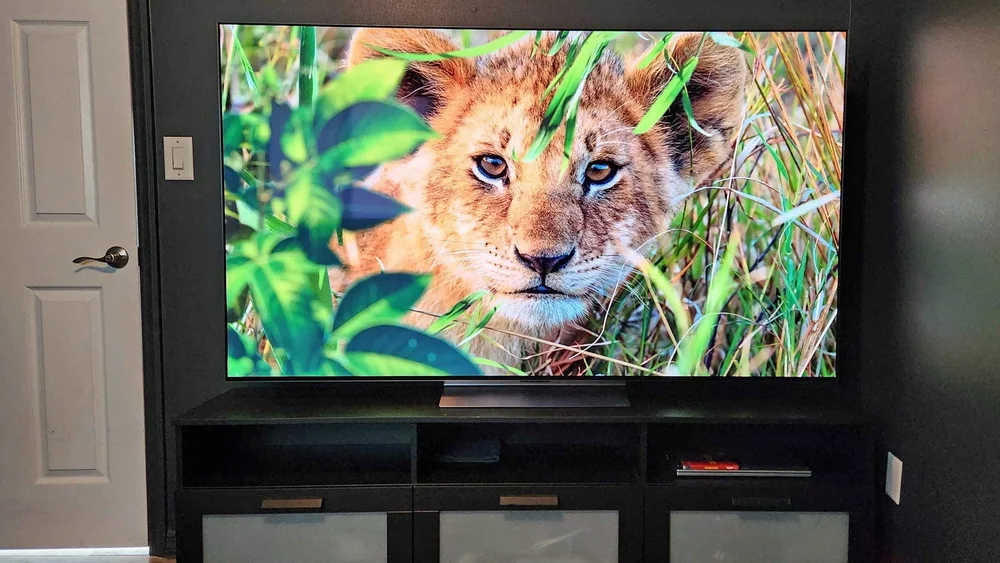
A modern living room with a smart TV mounted on the wall showing a vivid nature scene

Smart Tv Research

Smart Tvs

The best smart TVs combine convincing picture quality with software that feels quick and easy every day. Start with the screen size your room can support, then compare panel type, motion handling, dark-scene performance, gaming features, app support, and the remote before deciding which model earns your money.

Picture quality, room fit, and smart software matter most

Screen size gets all the attention on the showroom floor, but panel type is what decides how a TV performs once it's in your living room instead of under fluorescent lights. OLED panels turn off individual pixels for true black, which matters most in a dark room during a moody scene. LED and Mini LED sets rely on backlighting zones that have gotten sharper over the years but still can't fully match that contrast. Then there's processing: how well the TV upscales a lower-resolution show, how it smooths or muddies fast motion, and whether HDR formats like Dolby Vision actually get used by the content you watch.

The smart platform matters just as much as the panel, and it's the part buyers underestimate. A gorgeous screen running a sluggish, ad-cluttered interface turns every evening into a small chore. Remote design, voice search accuracy, app support for the services you actually subscribe to, and how quickly the thing boots up after being off all day: these are the details that decide whether a TV feels effortless or annoying six months in. Pair that with room size and viewing distance, and you get a much shorter, more honest list of what to compare.

Types of smart tvs

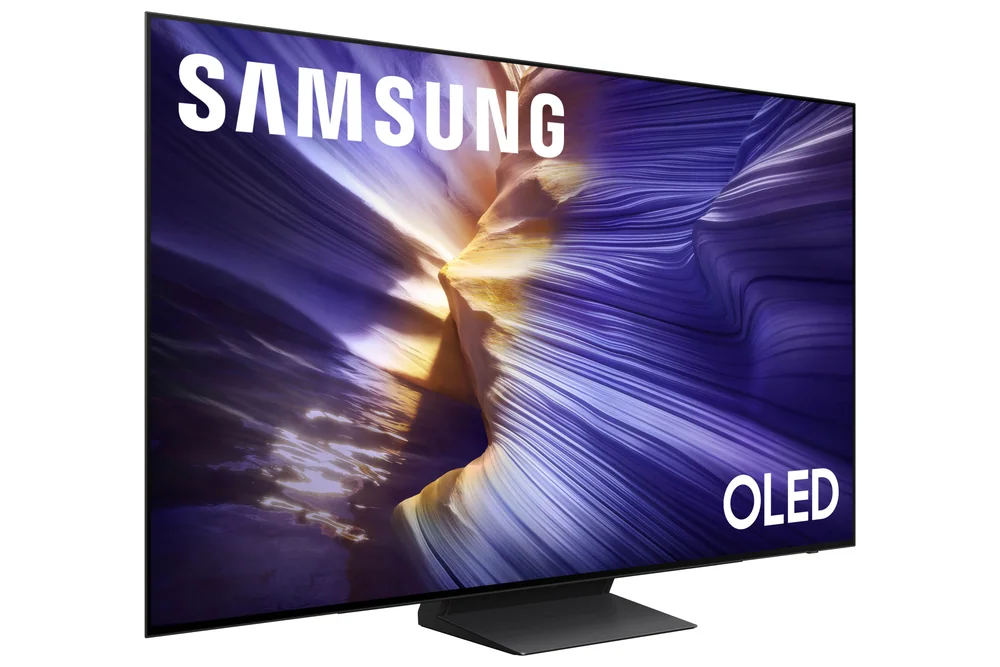
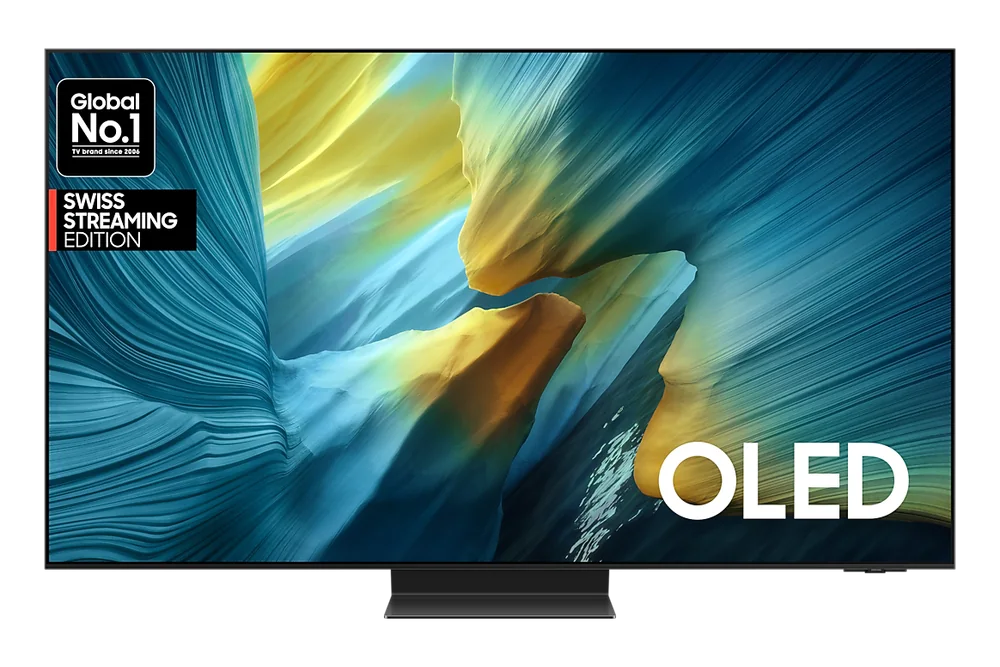
Samsung S95H OLED

OLED

Each pixel produces its own light and can shut off completely, giving true black and sharp contrast.

Best for: Movie and TV fans who watch in dim or dark rooms and care about picture depth over raw brightness.
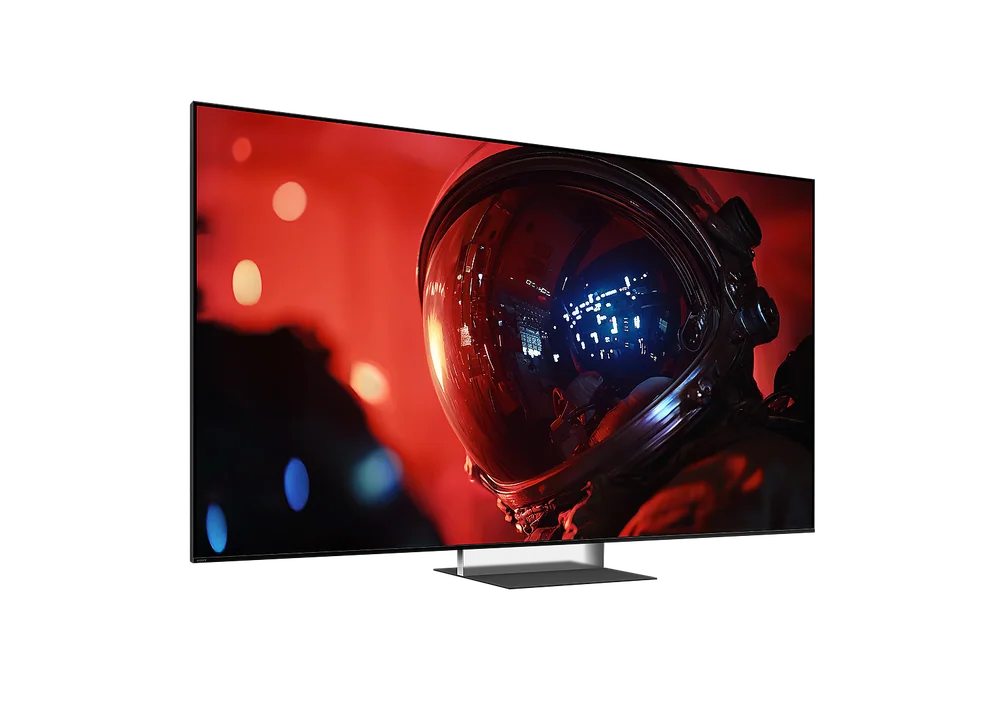
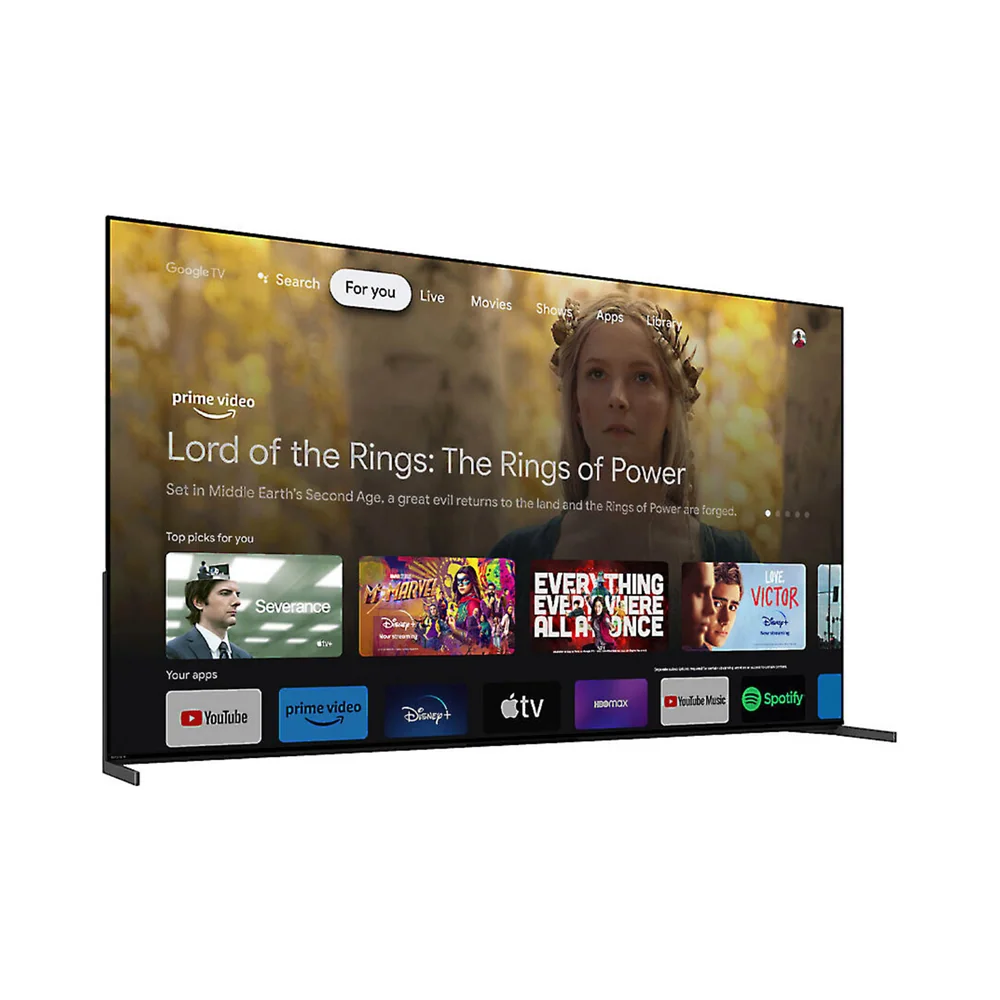
Sony Bravia 9 II Mini LED TV

Mini LED / QLED

A backlight made of many small LED zones sits behind a quantum dot or standard LCD layer, pushing brightness higher.

Best for: Bright living rooms, daytime sports watching, and buyers who want vivid color without OLED pricing.
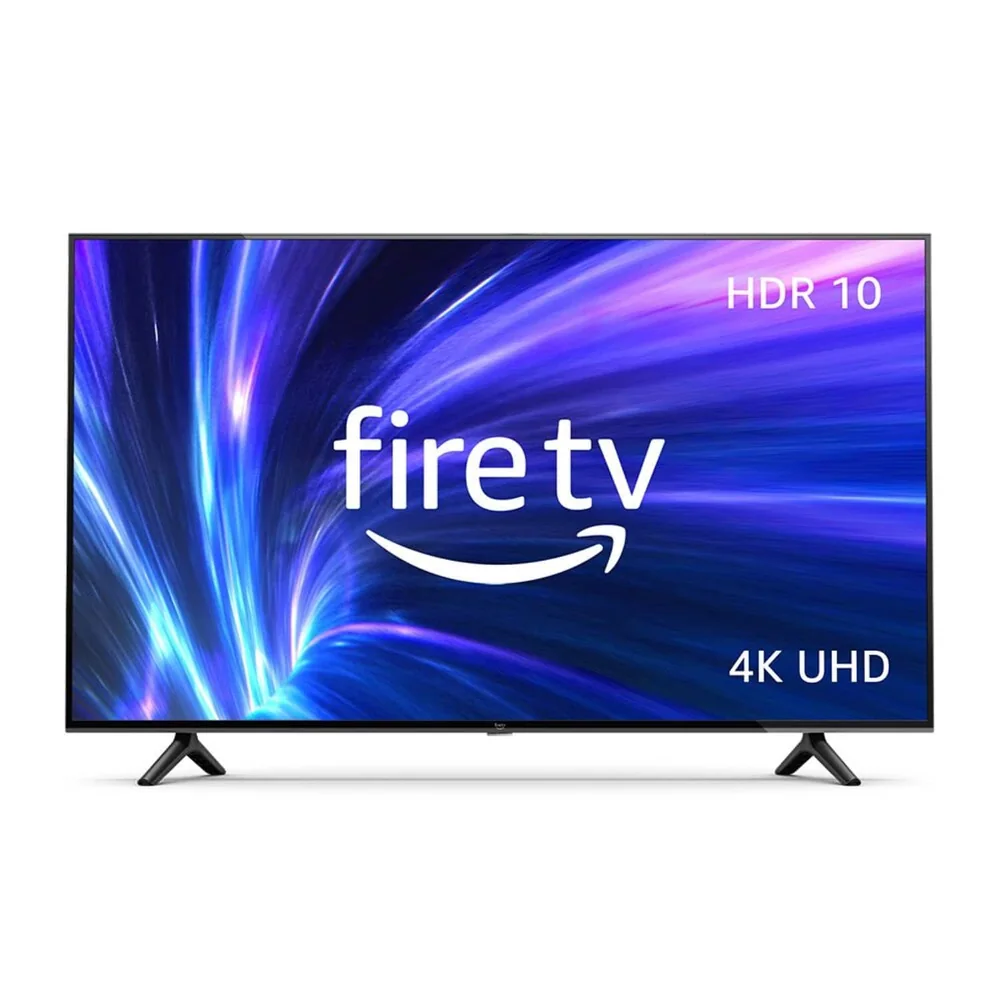
Amazon Fire TV 43-inch 4-Series LED TV

Standard LED

A simpler, single-zone backlight lights the whole screen at once.

Best for: Budget bedrooms, kids' rooms, and secondary TVs where picture perfection matters less than price.
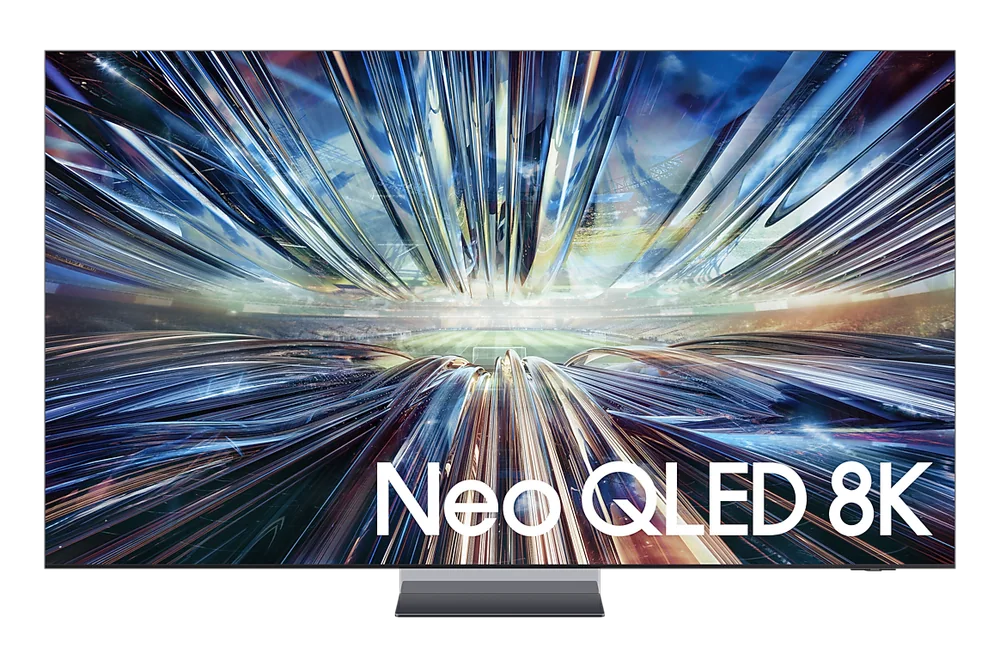
Samsung QN900D Neo QLED 8K TV

8K / High-End 4K

Extra resolution and premium processing chips aimed at large screens and enthusiast setups.

Best for: Buyers with 65-inch-plus screens, close seating, and a real interest in next-generation source content.
Smart Tv Buying Guides and Comparisons

Product reviews

In-Depth Smart Tv Reviews

Read the full reasoning, important specifications, ownership details, and alternatives for every product covered in this research.

Browse all 30 in-depth smart tv reviewsEvery full product review, organized by brandView complete archive

Amazon2 reviews

Hisense2 reviews

LG7 reviews

Panasonic1 review

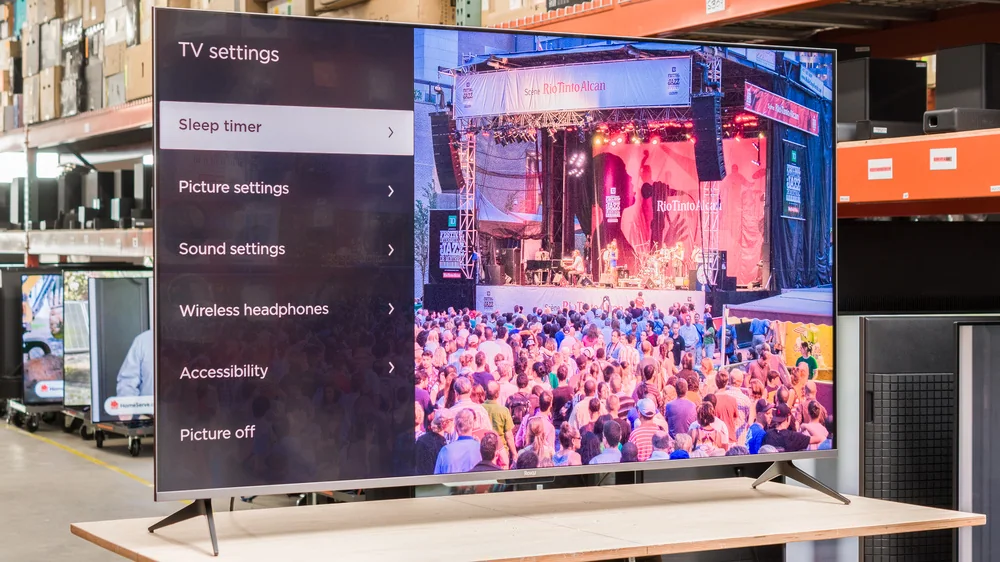
Roku4 reviews

Samsung6 reviews

Sony3 reviews

TCL4 reviews

Vizio1 review

Practical ownership help

Setup, care, and troubleshooting help for the smart TV you actually own

Practical guides for getting a new TV set up correctly and keeping it running well for years.
Samsung S95H OLED
Setup Guide Setting Up a New Smart TV Without the Headache A practical walkthrough for getting a new smart TV unboxed, connected, and set up right the first time. Read the guide →
Samsung OLED 4K S90F Smart TV
Tutorial Getting the Picture Settings Right for Your Room A practical guide to moving past factory picture defaults toward settings that actually suit your room and viewing habits. Read the guide →
LG OLED evo AI C6 42-inch TV
Troubleshooting Fixing a Smart TV Remote That Won't Cooperate A troubleshooting guide for the pairing, lag, and voice command problems that make a smart TV remote frustrating to use. Read the guide →
LG G6 OLED
Troubleshooting Why a Streaming App Keeps Crashing on Your Smart TV A practical breakdown of why streaming apps freeze, buffer, or crash on smart TVs, and which fixes actually solve the problem. Read the guide →
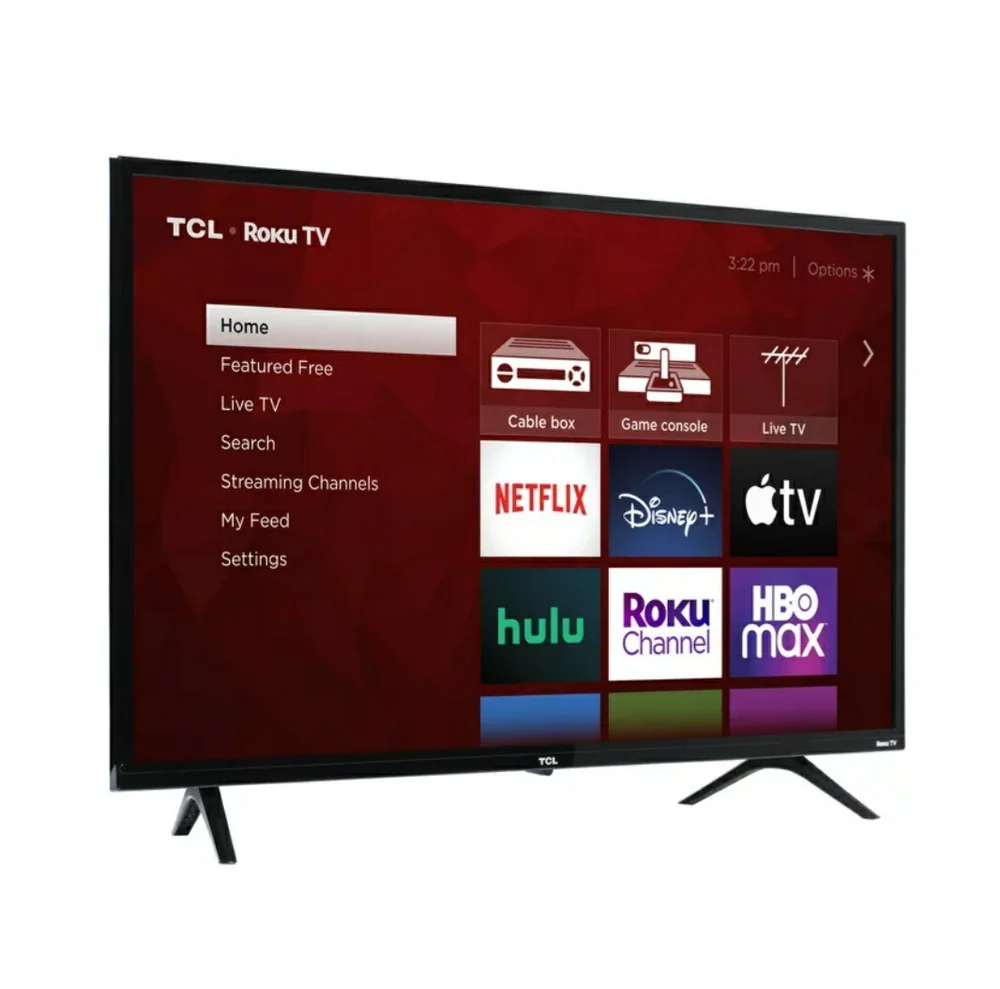
TCL 32" Class 3-Series Roku Smart TV (TCL 32-inch Roku, reviewed as kids' room TV)
Safety Guide What to Know Before Mounting a TV on Drywall A grounded guide to finding studs, matching mounts to TV weight, and avoiding the mistakes that lead to a TV coming loose from the wall. Read the guide →
Hisense QD7QF 43-inch QLED Smart TV
Care Guide How to Clean a Smart TV Screen Without Damaging It A practical guide to cleaning smart TV screens safely, including what to avoid and how OLED and LED panels differ in care. Read the guide →
Sony Bravia XR A95L OLED 4K HDR Google TV
Tutorial Reducing Input Lag for a Better Gaming Experience How to cut the delay between pressing a button and seeing it happen onscreen. Read the guide →
Samsung Q8F 32-inch TV
Care Guide Simple Habits That Help a Smart TV Last Longer Everyday habits that protect the panel and electronics over years of use. Read the guide →
Roku Pro Series QLED 4K TV (2025, current 2026 lineup)
Setup Guide Connecting a Soundbar or Speakers to Your Smart TV How to wire up better audio and avoid the sync and volume headaches that come with it. Read the guide →
Roku Pro Series TV
Setup Guide Setting Up Parental Controls on a Smart TV How to lock down content, purchases, and screen time on a shared household TV. Read the guide →
Samsung QN900D Neo QLED 8K TV
Guide Understanding Smart TV Data Collection and Privacy Settings What ACR tracking actually does and how to turn off the parts you don't want. Read the guide →
Samsung UN32F6000F 32-Inch Smart TV
Buying Help Figuring Out What TV Size Actually Fits Your Room The distance math that matters more than the number on the box. Read the guide →

Learn the Category

Understand Smart Tvs Before You Buy

Plain-English guides to sizing, features, setup, maintenance, and the questions that change which smart tv makes sense.
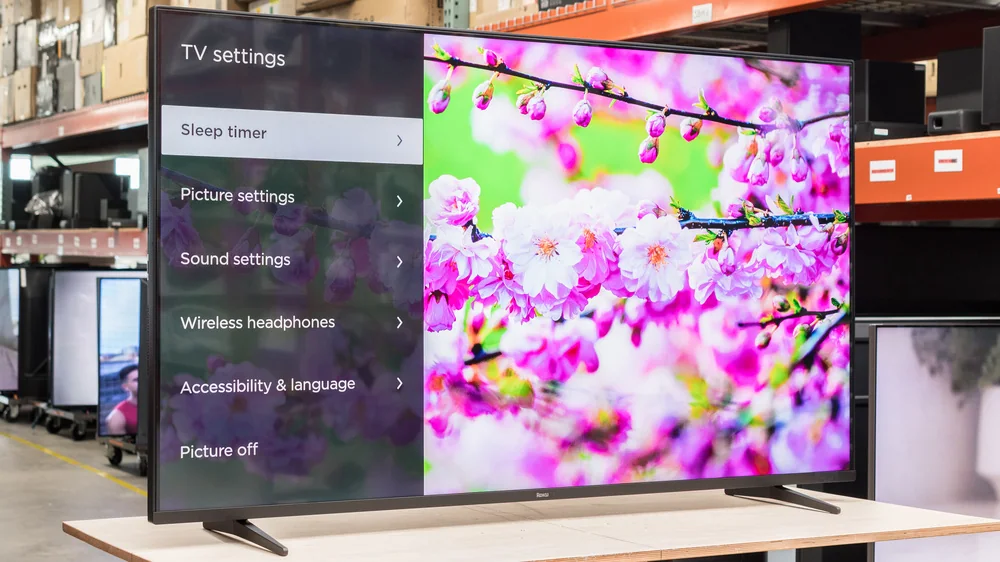
Sony BRAVIA 9 II
Smart Tv advice What Actually Separates OLED and Mini LED Picture Quality A clear breakdown of how OLED and Mini LED panels produce light differently, and what that means for the shows and games you actually watch. Read the guide →
Roku Pro Series QLED TV
Smart Tv advice Making Sense of Dolby Vision, HDR10+, and Standard HDR A practical explanation of the major HDR formats and why owning the hardware isn't the same as getting the benefit. Read the guide →
Samsung 55" S95F OLED 4K Smart AI TV (2025)
Smart Tv advice Why Refresh Rate Numbers Don't Tell the Whole Motion Story A grounded look at what refresh rate actually controls, and why a higher number alone doesn't guarantee smoother motion. Read the guide →
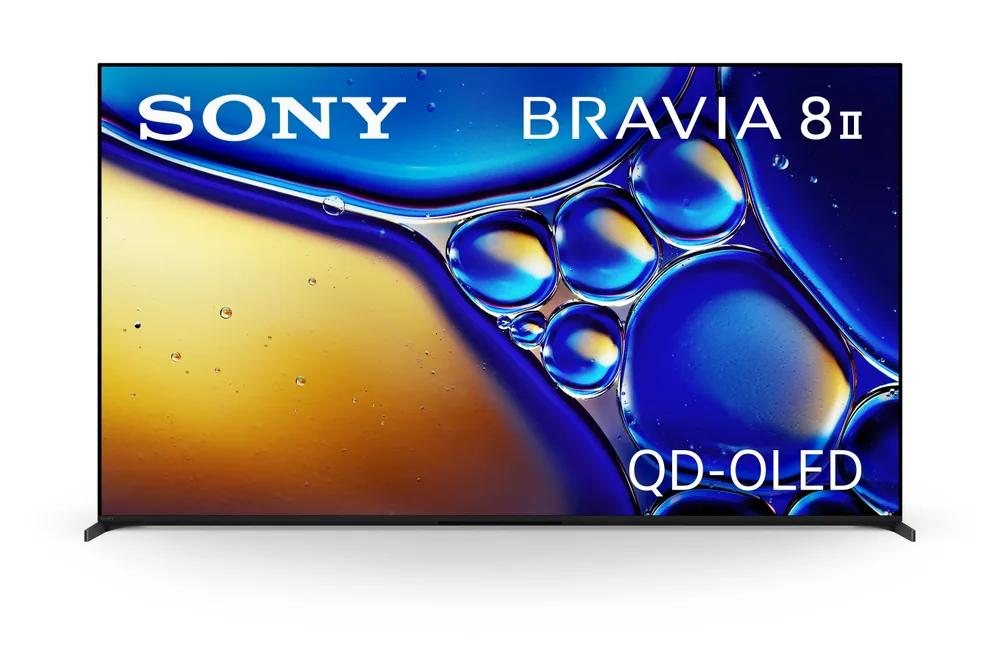
Sony BRAVIA 8 II QD‑OLED 4K HDR Smart TV
Smart Tv advice How Google TV, Roku, Tizen, and webOS Actually Differ Day to Day A practical comparison of the operating systems running on modern TVs, and what changes about your daily routine depending on which one you get. Read the guide →
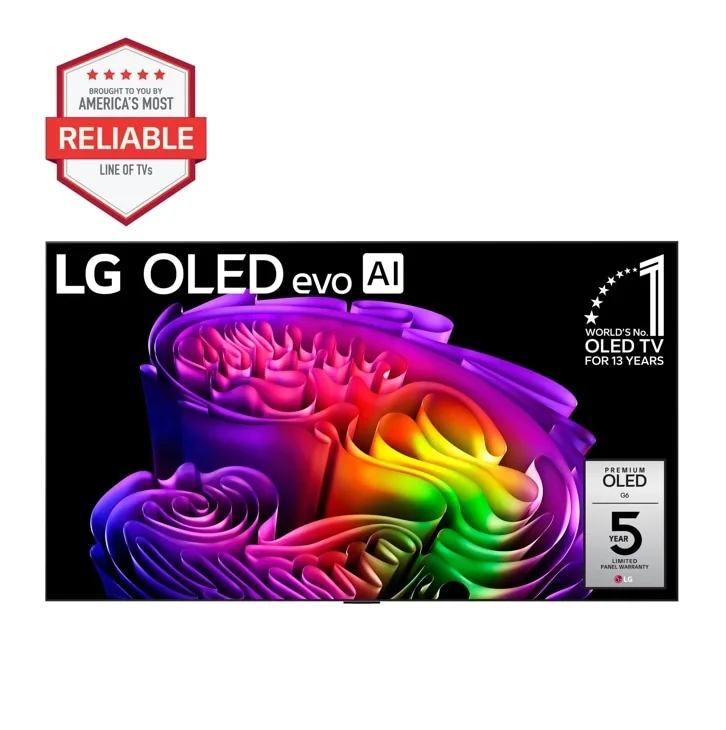
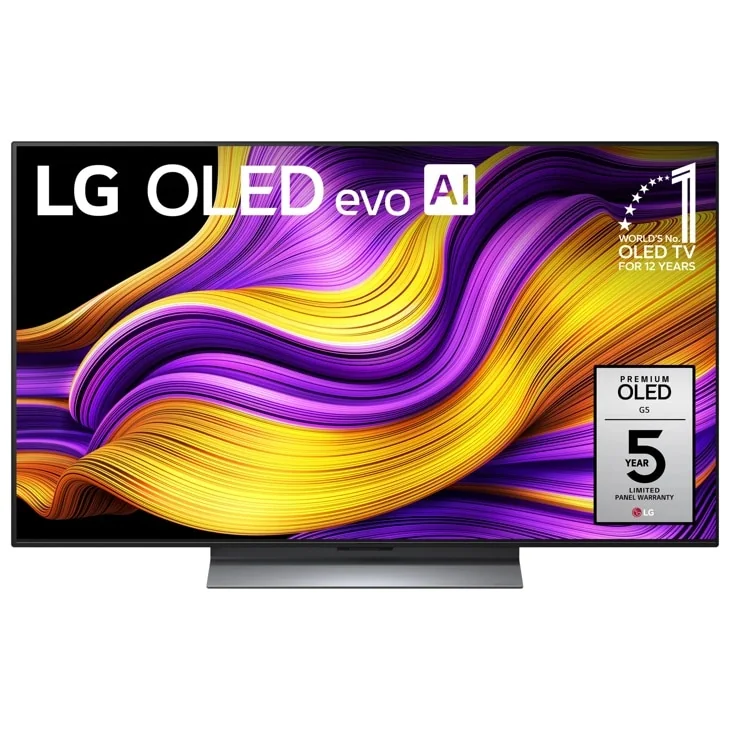
LG OLED evo G5 4K TV
Smart Tv advice What HDMI 2.1 Changes for Gaming and Home Theater Setups A clear breakdown of what HDMI 2.1 actually enables, and who genuinely needs it versus who's paying for a spec they won't use. Read the guide →
LG C6H OLED 4K TV
Smart Tv advice The Relationship Between Screen Size and How Far You Sit Why the right TV size depends on your couch distance and resolution, not just how big a screen looks impressive in the store. Read the guide →
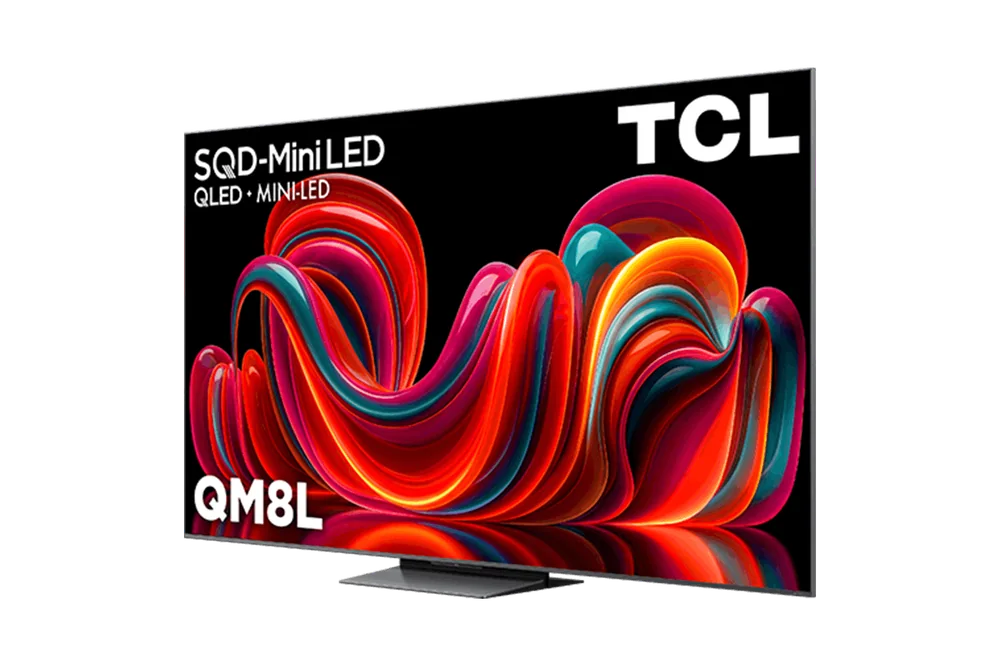
TCL QM8L Mini‑LED 4K TV
Smart Tv advice What Causes Screen Burn-In and Which TVs Are Actually at Risk A clear-eyed look at what burn-in actually is, why OLED sets get singled out for it, and what real-world habits determine whether it's ever a problem for you. Read the guide →
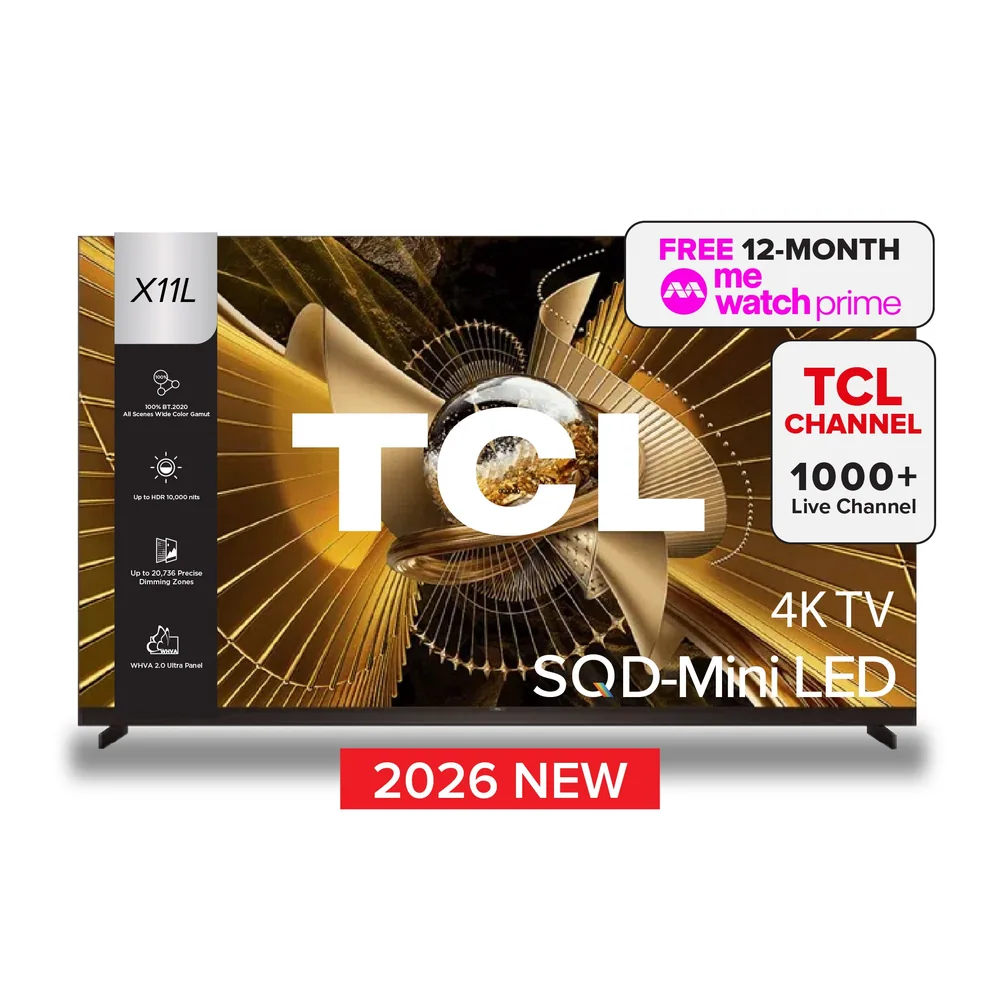
TCL X11L SQD Mini‑LED 4K TV
Smart Tv advice How a TV's Processor Turns Old Content Into a Sharper Picture What upscaling really does to lower-resolution video, why it can only go so far, and how to judge whether a TV's processing is actually good. Read the guide →
Roku Plus Series QLED TV
Smart Tv advice What Accessibility Features to Look for on a Smart TV A practical rundown of closed captioning, voice guidance, and other built-in accessibility tools, and why the details matter more than whether a feature simply exists. Read the guide →
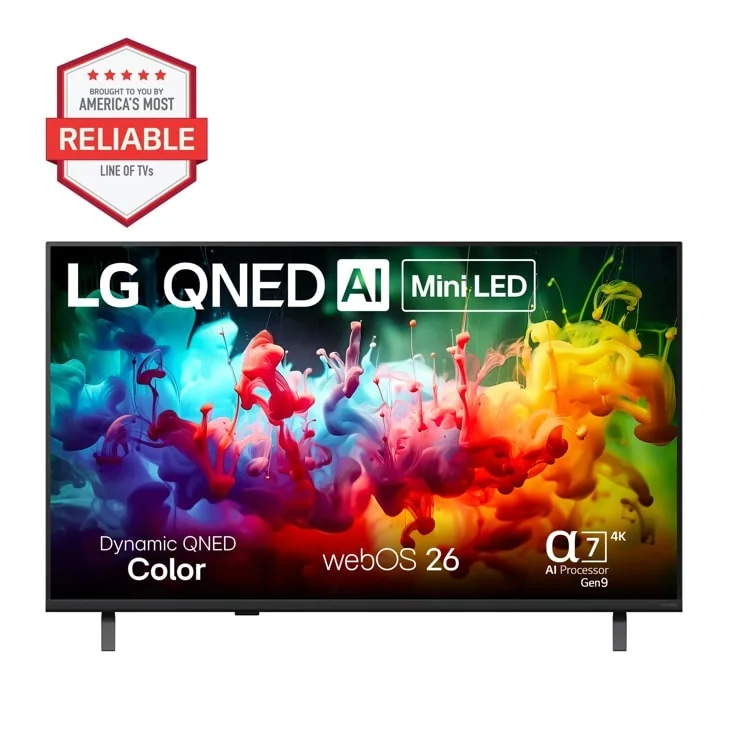
LG QNED 4K Mini‑LED Smart TV (2026 midrange series)
Smart Tv advice What a Smart TV Needs to Replace Cable Entirely A practical look at the antenna, apps, and internet speed a smart TV actually needs before you cancel cable. Read the guide →

Category Knowledge

How Smart Tvs Work

The details below explain why smart tvs behave differently and which differences you are likely to notice at home.

Category knowledge

What Actually Separates OLED and Mini LED Picture Quality

A clear breakdown of how OLED and Mini LED panels produce light differently, and what that means for the shows and games you actually watch.

Walk into any TV showroom and you'll see OLED and Mini LED sets sitting next to each other, both looking fantastic under bright store lighting. That's actually the worst place to judge either one. The real differences show up at home, in your own lighting, with your own content, and they come down to one basic engineering question: how does the screen control light at the pixel level. OLED lets each pixel light itself and turn off completely. Mini LED still relies on a backlight sitting behind the picture, just with far more zones than older LED sets. That distinction sounds small on a spec sheet but changes what you notice every single night you sit down to watch something.

OLED panels are made of millions of individual pixels that each produce their own light. When a scene calls for black, those pixels just switch off, producing true black with nothing bleeding into it. Mini LED panels place an LCD layer over a backlight made of small LED clusters, called zones, that turn brighter or dimmer depending on what's happening in that part of the screen.

This zone-based approach has improved a lot, with high-end sets packing in thousands of zones instead of dozens. But it's still an approximation. A bright object on a dark background, like a lantern in a nighttime scene, can cause a faint glow around it called blooming, because the zone lighting that lantern also touches nearby pixels that should stay dark. OLED doesn't have this problem since there's no shared backlight to bleed.

OLED's real strength shows up in a dark or dimly lit room during moody, high-contrast content: a horror movie, a nighttime drama, anything relying on shadow detail. Because individual pixels shut off, black areas stay black even next to something glowing bright, so you get depth instead of a washed-out gray. This is the difference people notice most when they finally see it side by side.

Mini LED earns its keep in bright rooms and daytime viewing, since it can push higher overall brightness than most OLED panels without the risk of long-term image retention that comes with organic pixels running at high output constantly. A living room with big windows and afternoon sun watching sports on a Sunday afternoon is exactly where Mini LED holds its own or even pulls ahead.

What this means when shopping: Choose based on your room's lighting and your typical viewing habits, not on which panel looks flashier under store lights.

Category knowledge

Making Sense of Dolby Vision, HDR10+, and Standard HDR

A practical explanation of the major HDR formats and why owning the hardware isn't the same as getting the benefit.

HDR sounds like one feature, but it's actually a handful of competing formats, and the one your TV supports doesn't always match the one your streaming show was mastered in. That mismatch is invisible on a spec sheet and only shows up once you're actually watching, wondering why the picture looks flatter than expected. Understanding the difference between static and dynamic HDR, and which services use which format, saves you from paying for a feature you'll rarely actually get to use.

HDR stands for high dynamic range, and it expands how much difference a screen can show between the darkest and brightest parts of an image. A sunset can show detail in both the bright sun and the shadowed trees instead of one or the other getting crushed into flat color. Standard HDR10 applies one brightness setting for an entire movie, decided once at the start.

Dynamic HDR formats, like Dolby Vision and HDR10+, adjust that brightness scene by scene or even frame by frame instead of locking in one setting for two hours straight. That means a bright daytime scene and a dark basement scene in the same film can each get their own calibrated range, rather than compromising to fit both under one static setting.

If a streaming show is mastered in Dolby Vision but your TV only supports HDR10, you'll still get a picture, but the scene-by-scene tuning gets ignored and the TV falls back to the static baseline. The hardware isn't broken, it's just not being handed the fuller instructions the content was built with. This is why two people with different TVs can watch the same show and describe noticeably different picture quality.

Streaming services split on which format they lean into, and it's not universal across their entire libraries either, since it depends on how each title was mastered. Before buying, it's worth checking which HDR format your most-used service actually supports for the titles you watch most, since paying for a Dolby Vision TV does nothing if your main service leans on the other format.

What this means when shopping: Match your TV's HDR format support to the streaming services you actually use, rather than buying based on whichever format sounds more premium.

Category knowledge

Why Refresh Rate Numbers Don't Tell the Whole Motion Story

A grounded look at what refresh rate actually controls, and why a higher number alone doesn't guarantee smoother motion.

Refresh rate gets tossed around like a simple bigger-is-better spec, but it's really just one piece of how motion looks on screen. A 120Hz TV can still look choppy or artificial depending on what's happening behind the scenes with processing and source content. Understanding what refresh rate actually measures, and how it interacts with the content you're feeding it, keeps you from overpaying for a number that won't change much in your living room.

Refresh rate is how many times per second the screen redraws its image, measured in Hz. A 60Hz screen redraws 60 times a second, a 120Hz screen doubles that. In theory, more redraws per second means smoother motion, since there are more individual frames to represent movement between one moment and the next.

But the refresh rate is only as useful as the content feeding it. A movie filmed at 24 frames per second doesn't suddenly become smoother just because the screen can refresh at 120Hz, since there's no extra source information to fill those additional refreshes. The screen has plenty of headroom, but nothing new to show in it without help.

To fill that gap, many TVs use motion smoothing, sometimes called interpolation, which generates in-between frames that didn't exist in the original footage to make movement look more fluid. This is where the so-called soap opera effect comes from, that overly smooth, almost live-broadcast look that some viewers hate on film content and others don't even notice.

Motion smoothing works differently for gaming versus movies, and most TVs let you toggle it separately for each. Leaving it on for movies can make cinematic content look artificially fast, while turning it off for fast-paced sports can make camera pans look slightly juddery. There's no universally correct setting, just a trade-off worth testing on your own TV once it's set up.

What this means when shopping: Buy refresh rate based on what your source content can actually deliver, not on the biggest number on the shelf tag.

Category knowledge

How Google TV, Roku, Tizen, and webOS Actually Differ Day to Day

A practical comparison of the operating systems running on modern TVs, and what changes about your daily routine depending on which one you get.

Nobody buys a TV for its software, then everyone ends up living inside that software every single night. The smart platform is the layer between you and every show you watch, and it decides how many taps it takes to get from off to watching, whether your favorite app shows up front and center or buried two menus deep, and how much you tolerate ads on the home screen before you're mentally checked out. The four you'll run into most are Google TV, Roku, Samsung's Tizen, and LG's webOS. They're not interchangeable skins on the same experience. Each one has a different philosophy about what the home screen is for, how search works, and how aggressively it pushes its own content over what you actually pay for.

Google TV builds its home screen around suggestions pulled from your watch history and connected accounts, organizing rows by mood or genre instead of just app icons. It's genuinely useful once it learns your habits, but the first week can feel cluttered because it's still guessing. Voice search through Google Assistant is strong here, handling natural phrases like finding a specific actor's movies without needing exact titles.

The tradeoff is that Google TV leans hard into promoting Google-owned services and paid rentals, so your subscribed apps sometimes get pushed below sponsored rows. If you already live in the Google ecosystem with Chromecast habits and Android phones, the platform feels familiar fast. If you don't, expect a short adjustment period before it stops feeling like an ad rail with a TV attached.

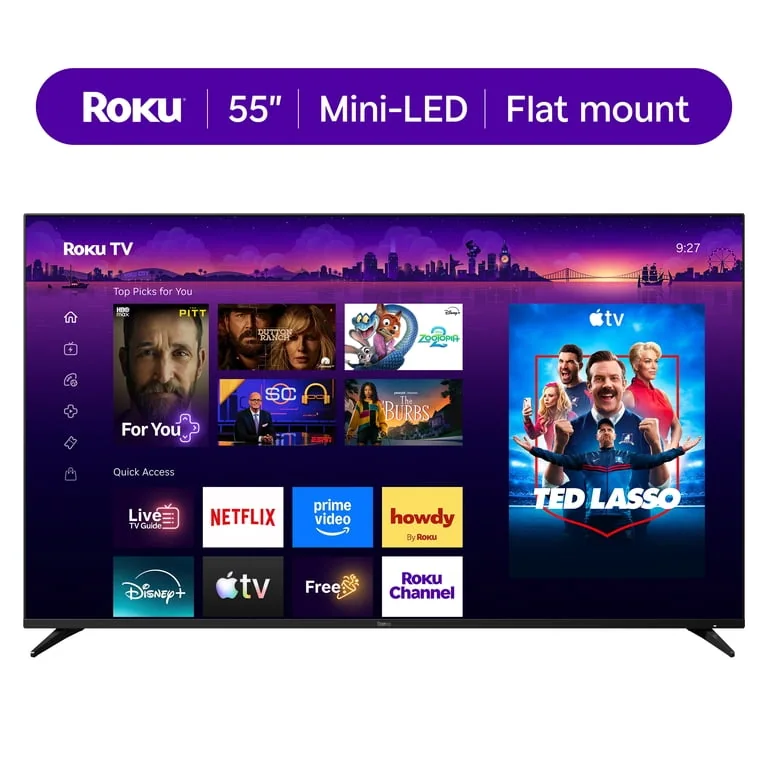
Roku takes the opposite approach: a plain grid of app icons, no algorithmic guessing, and a home screen that looks almost the same as it did years ago. That consistency is the appeal. There's less to parse, boot time to your chosen app is quick, and the interface doesn't try to out-think you about what to watch next.

The cost of that simplicity is fewer built-in extras. Roku's own content hub is thinner than Google's or Samsung's, and voice search, while functional, isn't as conversational. For someone who already knows exactly which app they want the moment the TV turns on, Roku gets out of the way faster than any competitor here. For someone who wants the TV to help decide, it won't.

What this means when shopping: Match the smart platform's philosophy (recommendation-driven, app-first, or manufacturer-integrated) to how you actually browse for something to watch, not just which brand has the better panel.

Specs That Matter When Choosing Smart Tvs

These specifications affect how smart tvs perform, fit, and feel to own after the first week.

Refresh Rate

How many times per second the image updates, usually 60Hz or 120Hz.

Why it matters: Higher refresh rates smooth out fast motion in sports and gaming, so a 120Hz panel avoids the blur a 60Hz set shows during a fast pan.

HDR Format Support

The system that expands brightness and color range scene by scene, with formats like Dolby Vision and HDR10+.

Why it matters: A TV without the format your streaming service uses won't get the full benefit, even if the hardware is capable.

Smart Platform

The built-in operating system, like Google TV, Roku, Tizen, or webOS, that runs apps and the home screen.

Why it matters: This is what you interact with every single day, so a laggy or confusing platform undercuts a great panel.

Ports and Connections

The number and type of HDMI inputs, including HDMI 2.1 for high frame rate gaming.

Why it matters: Too few ports means juggling a soundbar, game console, and streaming box behind the TV, which gets old fast.

Claims that need context

8K Ready: Almost no content is actually filmed or streamed in 8K yet, so the benefit is mostly theoretical for most buyers today.

Cinema-Quality Picture: Out-of-the-box color and brightness settings are often tuned for showroom pop, not accuracy, and usually need adjusting at home.

Works With Any Remote: Universal remote compatibility varies by brand and smart platform, and some voice features only work with the TV's original remote.

Brands in the Category

Smart Tv Brands Explained

Use these brand notes to narrow the field, then open the linked reviews for the model-specific details.

Samsung S95H OLED
Brand guide

Samsung

Samsung's lineup here spans OLED contrast with high brightness, a step-down value OLED, and an 8K Neo QLED for buyers who want the sharpest panel available. The S95H and S95F represent flagship-level performance, while the S90F offers similar identity at a lower tier.

What to know: Good for shoppers choosing between top-tier OLED brightness, a near-flagship value OLED, or the most future-facing 8K panel on the market.

LG OLED evo AI C6 42-inch TV
Brand guide

LG

LG's OLED range covers the long-standing C-series default recommendation, a newer C6H generation getting CES attention, and the wall-designed G-series, alongside a midrange Mini-LED option with thinner documentation.

What to know: Useful for buyers deciding between a proven mainstream OLED, the newest OLED generation, or a set built specifically for wall mounting.

TCL QM8L Mini‑LED 4K TV
Brand guide

TCL

TCL's sets split between Mini-LED brightness for daylit rooms and a range of sizes aimed at kids, from a small budget Roku set for younger children to a 55-inch QLED built for teen gaming setups.

What to know: Practical for bright-room shoppers and for parents matching TV size and features to a child's age, from starter bedroom sets to shared gaming spaces.

Sony BRAVIA 8 II QD‑OLED 4K HDR Smart TV
Brand guide

Sony

Sony's OLED and QD-OLED sets lean on processing known for handling motion and color grading, paired with panels built for both dark-room film viewing and daylight-heavy living rooms.
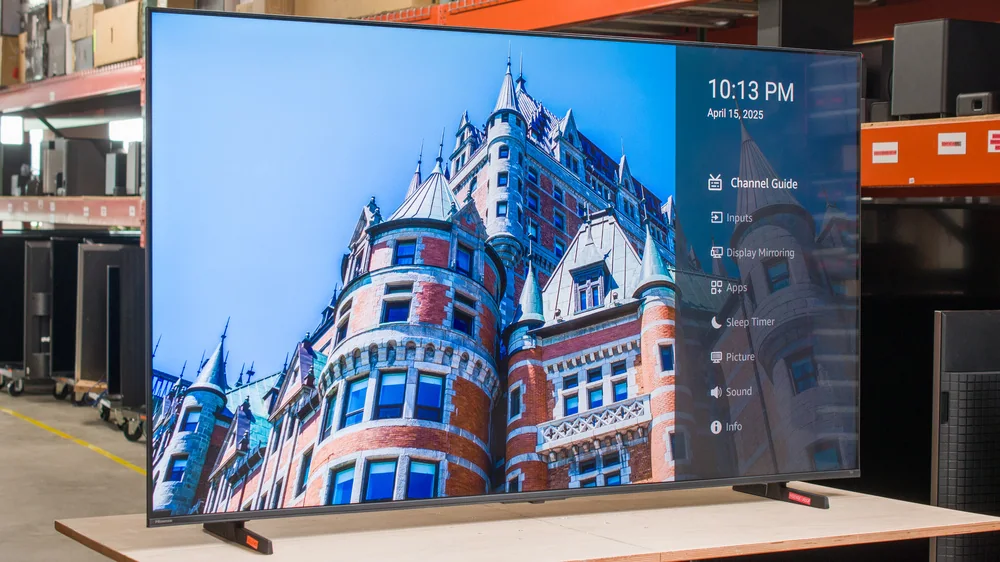
What to know: Suited to film fans and cinephiles who care about accurate motion and color, including large-room setups that need to hold up against daylight.

Hisense U65QF
Brand guide

Hisense

Hisense's range includes a budget set recognized for picture quality with real gaming upgrades like 144Hz and FreeSync Premium Pro, a brighter midrange 4K option, and a QLED step-up for older kids.
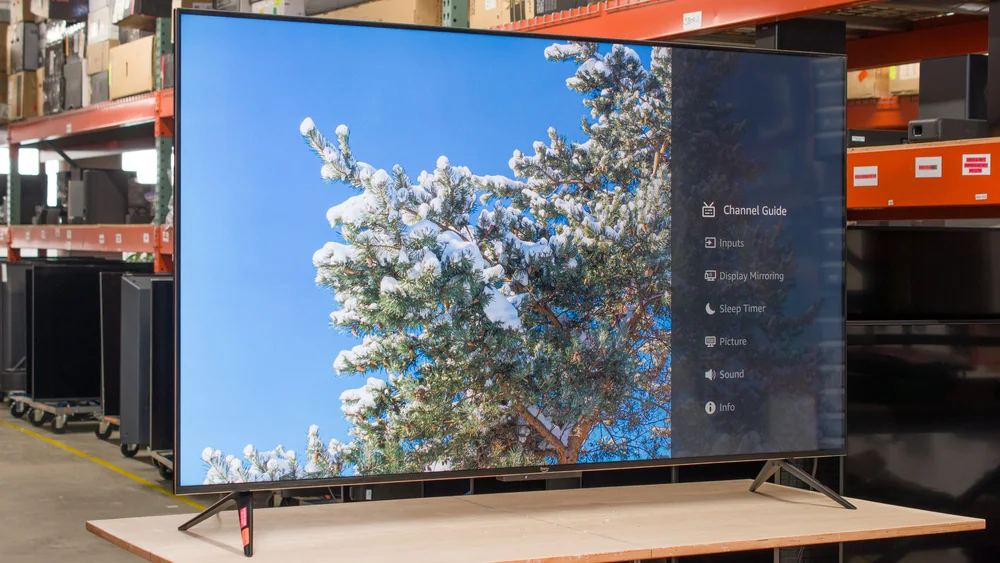
What to know: Good for value-focused shoppers, including families upgrading a kid's TV from cartoons to gaming and sports without paying flagship prices.

Amazon Ember Mini LED TV
Brand guide

Amazon

Amazon's Fire TV-native sets remove the need for a separate streaming box, with a Mini-LED value option and a 43-inch model sized up for growing households already using Alexa.
What to know: Best for Alexa-centric homes wanting a simpler setup, or a household needing a bigger screen as a kid outgrows a smaller TV.

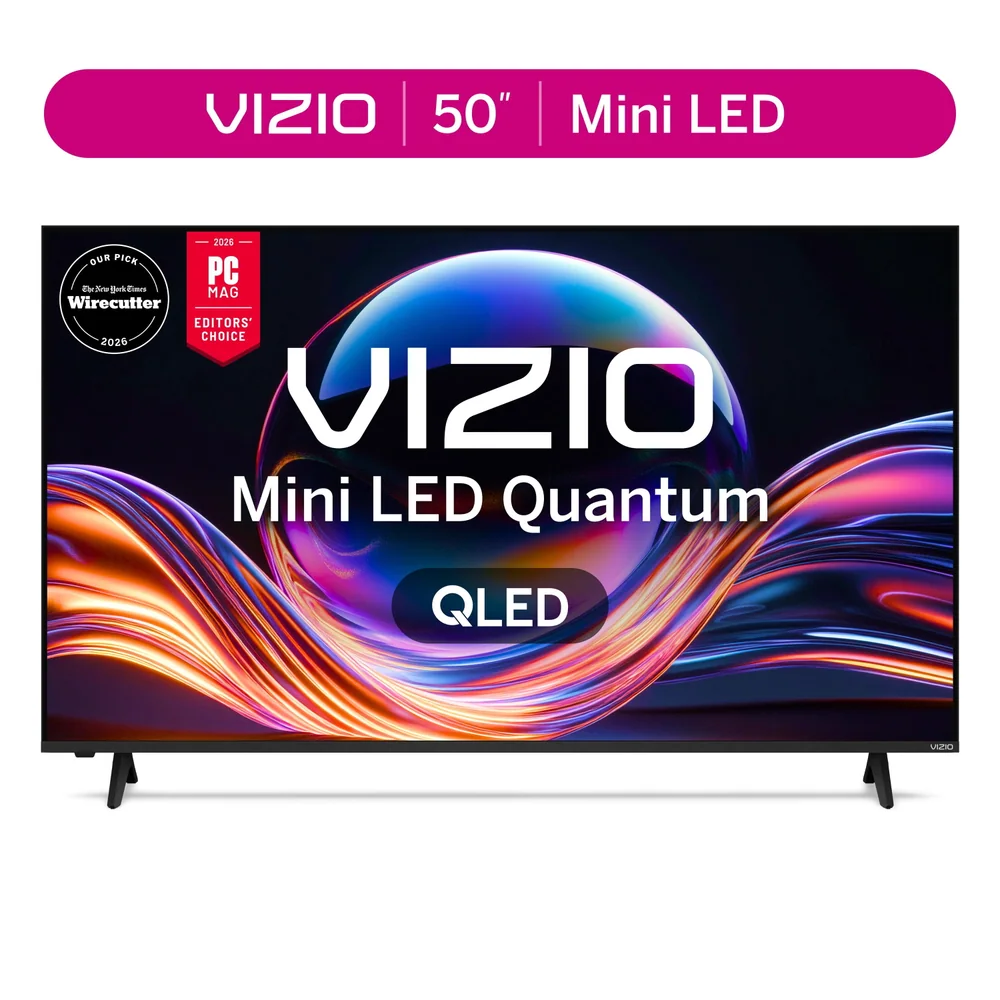
Vizio Mini LED Quantum Series 4K TV
Brand guide

Vizio

Vizio's Mini LED Quantum Series has drawn repeated recognition from independent reviewers for strong performance relative to its price.

What to know: A straightforward option for budget-minded shoppers who want performance that's been noted as good value rather than merely acceptable.

How to Choose a Smart Tv

  • Refresh Rate: Higher refresh rates smooth out fast motion in sports and gaming, so a 120Hz panel avoids the blur a 60Hz set shows during a fast pan.
  • HDR Format Support: A TV without the format your streaming service uses won't get the full benefit, even if the hardware is capable.
  • Smart Platform: This is what you interact with every single day, so a laggy or confusing platform undercuts a great panel.
  • Ports and Connections: Too few ports means juggling a soundbar, game console, and streaming box behind the TV, which gets old fast.

Smart Tvs FAQ

Is OLED always the better choice over mini-LED?

Not universally. OLED wins on per-pixel contrast and dark-room viewing, but mini-LED sets like the Hisense U65QF or Amazon Ember can get brighter for less money, which matters more in sunlit rooms.

Which TV is best for gaming?

The Samsung S95H has been noted for strong gaming performance, and the Roku Pro Series has been measured at under a frame of lag at 120Hz, so both are reasonable picks depending on your budget.

Do I need the newest model, or is a prior-generation flagship fine?

A set like the LG C5 or Samsung S95F offers most of the picture quality of the newest flagships at a friendlier price, as long as you're not chasing the latest AI processing features specifically.

What's the real trade-off with budget smart TVs?

Usually contrast and peak brightness in tricky lighting, plus sometimes plainer industrial design. The Hisense U65QF narrows that gap more than most budget sets by improving brightness, color, and refresh rate over its predecessor.

Should I worry about buying a smart TV during a platform transition?

It's worth noting when a manufacturer has already begun previewing a successor, as with LG's C-series. It doesn't make the current model a bad buy, but it does mean you're buying at the value end of that model's life cycle rather than the front.

Is an 8K TV actually worth it over a top-tier 4K OLED right now?

It depends on your priorities. The Samsung QN900D delivers the highest resolution ceiling available and is built for large screens viewed up close, but native 8K content remains limited, so much of the value is future-proofing. If deep contrast and black levels matter more to you today, a flagship 4K OLED like the S95H may deliver a more satisfying picture right now.

Before a large Amazon order

Check the delivery terms before counting on Prime

Prime includes fast, free delivery on eligible items, but oversized products and third-party sellers can have different terms. If you are already planning a busy month of shopping, an eligible 30-day trial gives you real orders to test. If it does not save money or make delivery meaningfully easier, cancel before renewal.