
What to know first
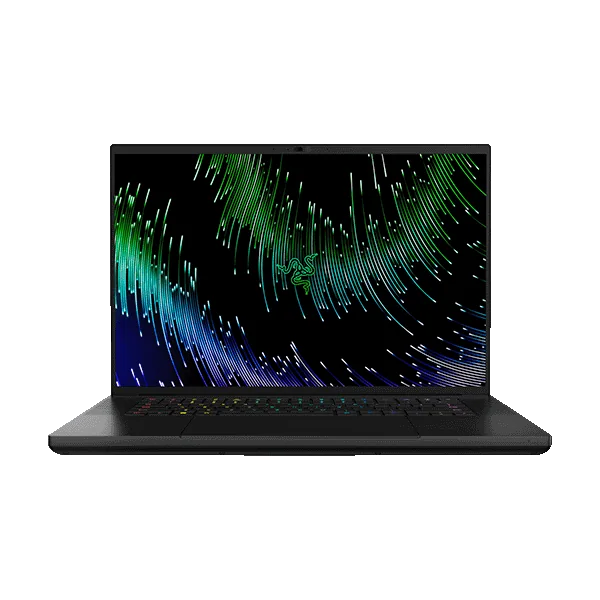
- Premium metal build in a comparatively slim 16-inch design.
- Configured across high-end RTX GPU options, including very high-end configurations.
- A strong fit for gaming plus demanding creative projects like video editing and 3D work.
- Expect to pay more than many gaming laptops with similar-class components.
- If you plan to play ray-traced games, the GPU tier matters a lot, and upscaling support can be key.
What the Razer Blade 16 is
The Razer Blade 16 is a premium 16-inch gaming laptop built for people who want high-end gaming performance without hauling around a bulky desktop-replacement machine. The big draw is the combination of a sleek, metal-built chassis and access to serious RTX graphics configurations.
In practical terms, it’s meant to be the laptop you can take to work or class, use like a normal high-end laptop, then plug in and play demanding games later. It’s also designed as a strong option for creative workloads like video editing and 3D, where a powerful GPU can matter just as much as it does in games.
The catch is simple and important: the Blade 16 sits at the expensive end of an already expensive category. You’re paying for the overall design and build, not just a parts list.
Why it stands out
The Blade 16 stands out because it targets a specific buyer: someone who wants a premium-feeling laptop first, and a gaming laptop second. The metal build and slim profile are a big part of the appeal if you carry your laptop often or just don’t want a thick, aggressive-looking chassis on your desk.
It’s also available with very high-end RTX graphics configurations, which is what makes it relevant for ray tracing. Ray tracing can be brutally demanding, and on laptops it often works best when you pair a high-tier GPU with upscaling features that many modern games support. The Blade 16 is built to be configured into that kind of “no excuses” performance tier.
For creators, the same GPU horsepower that helps with games can help with demanding creative tasks like 3D work and video editing. If you’re the kind of person who bounces between gaming at night and heavier projects during the day, this is the type of machine that can cover both without feeling like you bought two separate devices.
What it is like to own
Day to day, the Blade 16’s main quality-of-life advantage is that it’s designed to feel like a premium laptop you won’t mind carrying. A slimmer, metal-built gaming laptop tends to fit better in a bag and look more at home in non-gaming spaces than chunkier alternatives.
For gaming, plan your setup around being plugged in. Like basically every gaming laptop, the Blade 16’s real performance is tied to wall power, and battery-life claims you may see elsewhere are typically based on lighter tasks, not long gaming sessions. If you want consistent performance, treat it like a portable desktop that you move from place to place.
If ray tracing is part of your plan, expect to use modern upscaling and frame-generation features in supported games to keep frame rates comfortable at higher settings. That’s not a Blade-specific quirk, it’s just the reality of ray tracing on laptops, even expensive ones.
What to know before you buy
The biggest thing to understand is the pricing logic. The Blade 16 costs more than many gaming laptops with similar-class components because you’re paying for the premium build and the overall design. If you mostly care about raw frame rates per dollar, you can usually do better elsewhere.
Also, don’t get distracted by vague performance phrases like “desktop-level performance.” Laptop performance depends heavily on power limits and cooling, and even very fast gaming laptops can behave differently in short bursts versus long sessions. If you’re comparing configurations, pay attention to the GPU and how much sustained power the laptop allows it to use.
Finally, buy the configuration that matches your real use. If you’re not playing demanding AAA games, not using ray tracing, and not doing GPU-heavy creative work, you may be paying for headroom you’ll never touch.
The specs that matter
A 16-inch panel gives you more room for timelines, layers, and multitasking than 14-inch models, while still being more portable than many 18-inch gaming laptops.
This is the main reason to pay for a Blade. A metal, polished chassis tends to feel nicer every day and makes the laptop easier to live with in non-gaming settings.
Your GPU choice is what decides whether ray tracing is realistic at the settings you want. Higher-tier RTX configurations also help with GPU-accelerated creative work.
Ray tracing performance varies a lot by GPU tier and game settings. Even with a strong GPU, you’ll often rely on upscaling features in supported games to keep things smooth.
If you’re shopping on value, you’ll likely find similar-class components for less money in thicker laptops. The Blade is for buyers who will use the portability and care about the finish.
Who this product fits
You commute with your gaming laptop and hate bulky designs
Razer Blade 16 is built for this. You’re paying for a slimmer, metal-built machine that’s easier to carry and doesn’t scream “gaming laptop” in every room, while still letting you run demanding games when you’re plugged in.
You game at night and edit video or do 3D work during the day
The Blade 16’s high-end RTX configurations are the point here. The same GPU muscle that helps in modern games can also support heavier creative workloads, so you can keep one premium laptop instead of juggling a separate work machine.
You want ray tracing, but you also want a laptop that feels high-end
Blade 16 is a good match if you’re willing to pay for build quality and you plan to choose a configuration that’s actually strong enough for ray tracing. In many games, you’ll still lean on upscaling features to keep frame rates comfortable.
What else to compare
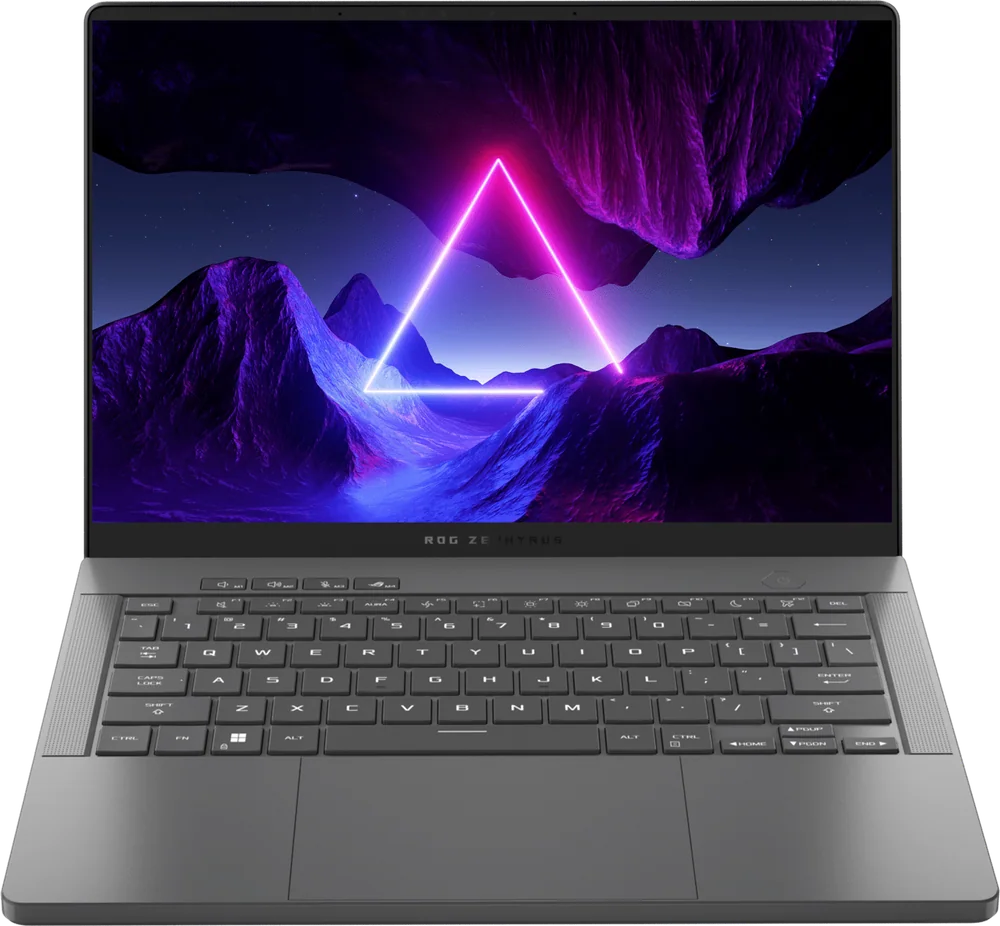
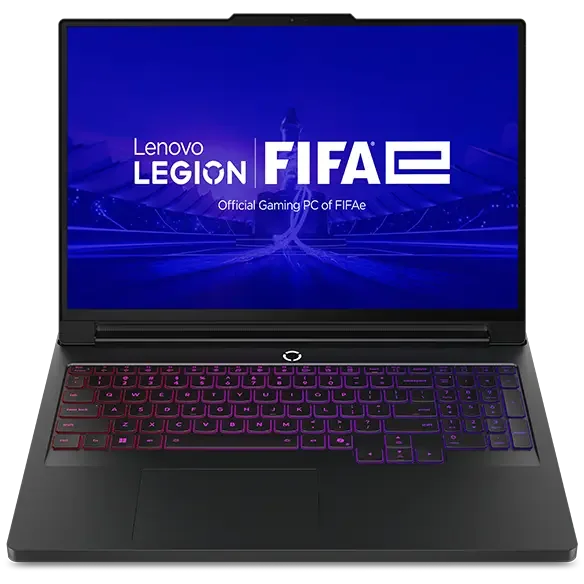
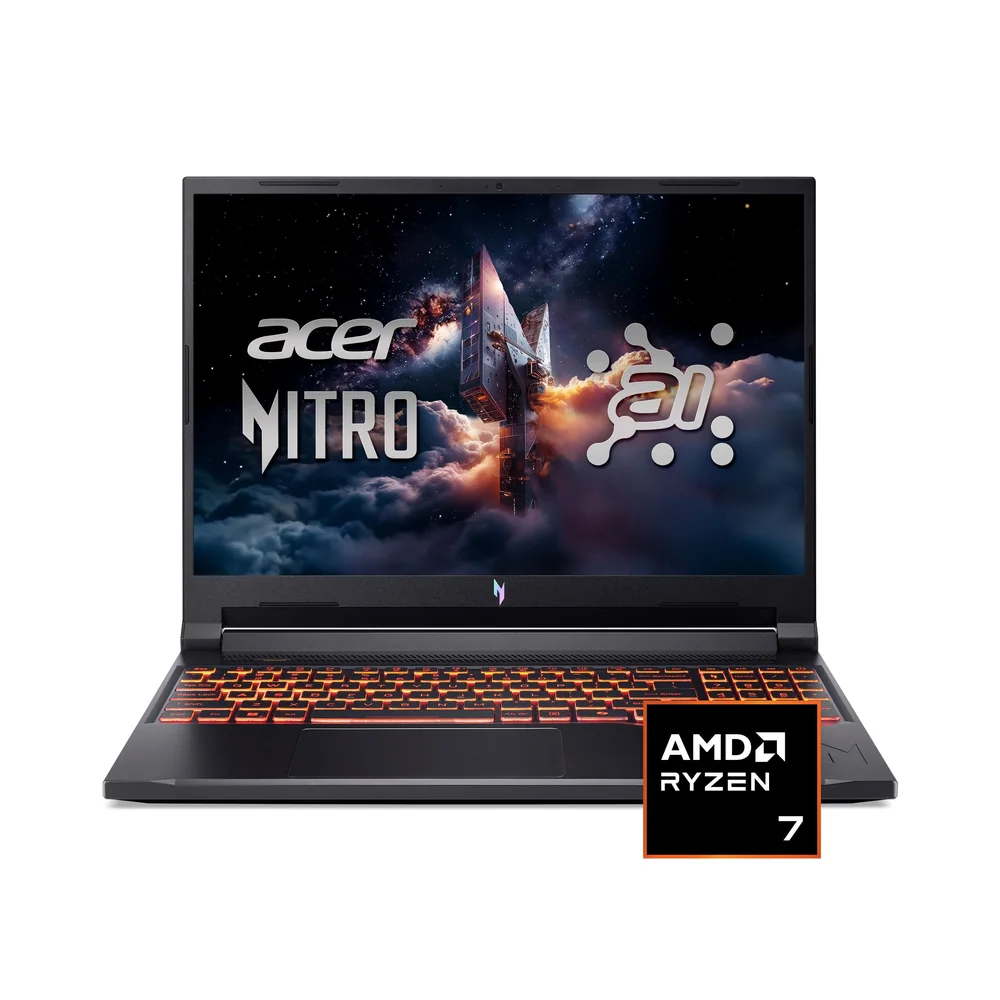
If the Blade 16’s price or size doesn’t fit, these alternatives make more sense for specific priorities.

Razer Blade 16 FAQ
Is the Razer Blade 16 good for ray tracing?
It can be, depending on the GPU configuration you choose. Ray tracing performance depends heavily on GPU tier and game settings, and many laptops still use upscaling features in supported games to keep frame rates comfortable.
Is the Razer Blade 16 good for video editing and 3D work?
Yes, it is a strong fit for demanding creative projects like video editing and 3D work, especially in higher-end RTX configurations. It’s meant to be a do-everything premium laptop, not just a gaming-only machine.
Why is the Razer Blade 16 more expensive than other gaming laptops with similar specs?
Because you’re paying for the premium metal build and the overall design, not just the components. If you only care about performance per dollar, thicker gaming laptops often deliver similar-class parts for less money.
Can the Razer Blade 16 replace a desktop?
For a lot of people, yes, but be careful with “desktop-level performance” expectations. Laptop performance depends on power limits, heat, and sustained cooling, and long sessions can look different than short bursts.
Should I game on battery with the Razer Blade 16?
Plan to game plugged in. Battery-life claims are typically measured in lighter tasks, and gaming on battery is usually limited by power caps and drains quickly.
Should you buy the Razer Blade 16?
Buy the Razer Blade 16 if you want a premium, slim 16-inch gaming laptop and you’re the kind of person who will appreciate the metal build and polished feel every single day. It’s a strong match for gaming plus demanding creative work, and it can be configured with very high-end RTX graphics for modern, demanding games.
If you’re trying to maximize frame rates per dollar, the Blade 16 is not the smart buy. In that case, put your money toward a thicker, more value-focused gaming laptop with similar-class components, and save the premium pricing for when portability and finish are truly part of what you’re buying.