
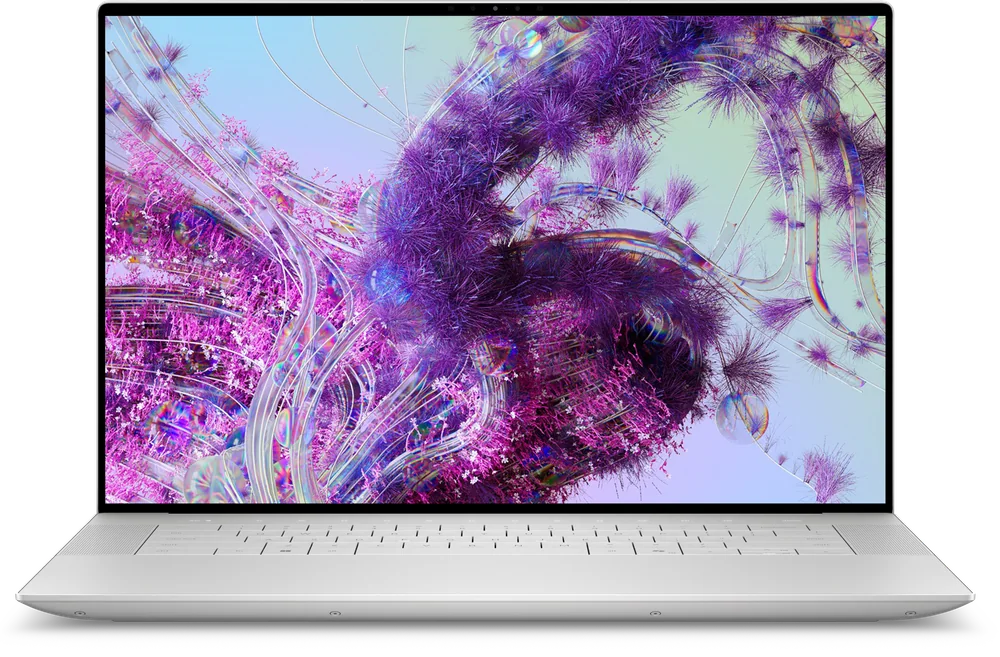
What to know first
- The Dell XPS 16 is a premium Windows laptop with an OLED touchscreen as a headline feature.
- It is a screen-first choice for creators who spend hours looking at photos or video timelines.
- It makes sense as a high-end everyday laptop that also handles creative work, not as an editing-only specialist.
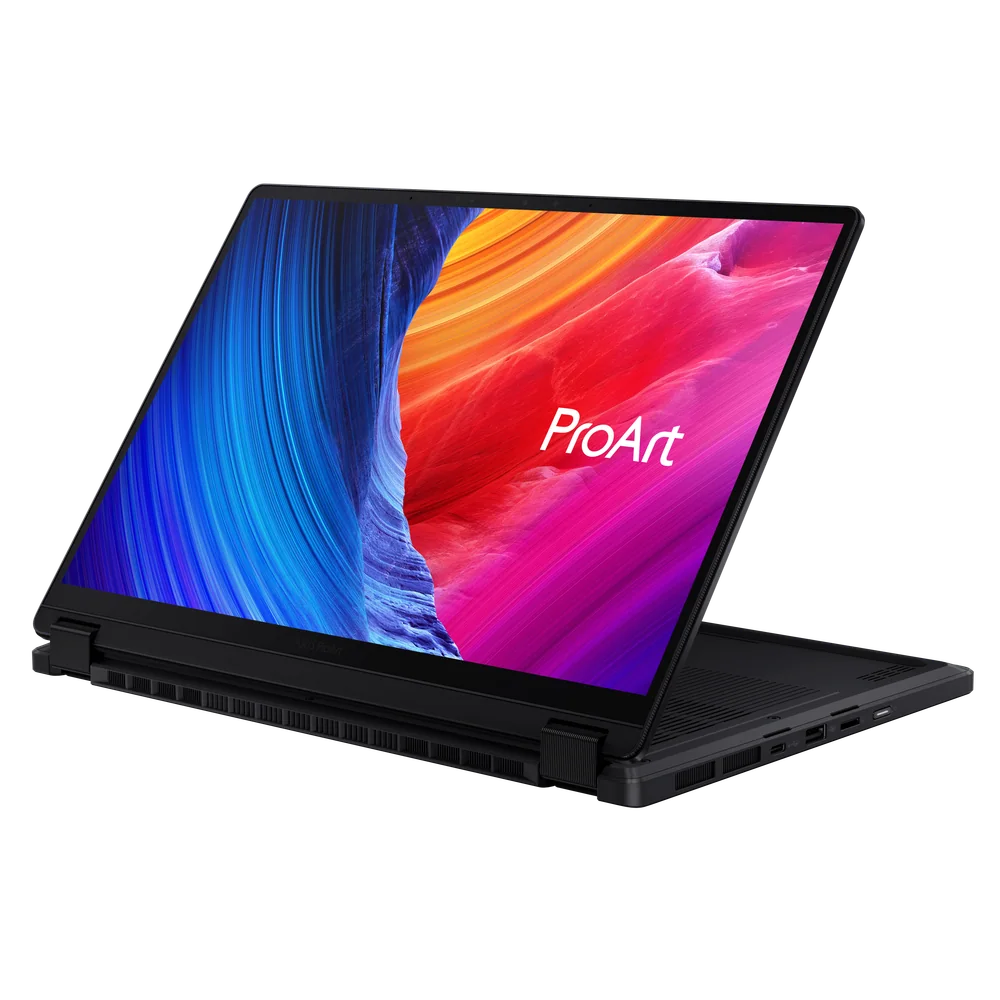
- If you want a creator-first design with more clearly documented editing strengths, a ProArt-style alternative is the safer direction.
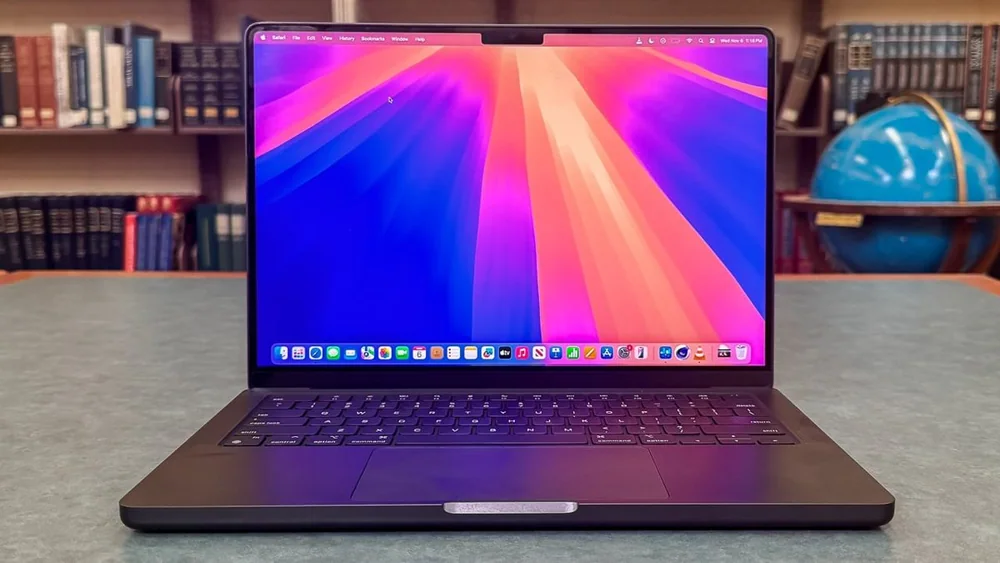
- If you want the simplest “buy it and edit” option and you are open to macOS, a MacBook Pro is often the more straightforward fit.
What the Dell XPS 16 is
The Dell XPS 16 is a premium, thin Windows laptop built around a larger screen. It is meant to be your main computer, the one you carry to work, use at home, and rely on for everything from email and documents to creative projects.
The reason to pay XPS money is the overall experience: a high-end design and a display that is meant to feel like an upgrade every time you open the lid. In the XPS 16’s case, the standout is an OLED touchscreen, which is a big deal if you spend long stretches staring at photos, video, or text.
If you are shopping specifically for photo editing or content creation, the XPS 16 sits in a particular lane. It is not framed here as the most creator-specialized machine. It is the premium Windows laptop you buy because you want a great screen and a high-end daily driver that also does creative work.
Why it stands out
The OLED touchscreen is the clearest reason to choose the Dell XPS 16. OLED panels are known for the kind of rich contrast and color pop that makes photos and video look more lifelike than they do on many standard laptop screens. In practical terms, it is easier to judge images, easier to spot subtle differences, and simply nicer to look at for hours.
The other reason is the premium XPS approach in a larger format. If you like the idea of an upscale Windows laptop but do not want to feel cramped, the XPS 16 is aimed at that bigger-screen preference. For a lot of editing workflows, more screen space makes it easier to keep panels open, compare images, and work without constantly zooming and rearranging windows.
The XPS 16 is best understood as a screen-first purchase. If you are choosing based on clearly documented creator performance details, the support is thinner here than it is for creator-focused models. That does not make it a bad laptop. It just means the strongest, most defensible reason to buy it is the display experience and premium daily-laptop feel.
What it is like to own
Day to day, the Dell XPS 16 is the kind of laptop you buy to enjoy using. The big, high-end OLED touchscreen changes the feel of normal tasks like reading, browsing, and working in documents, and it is especially noticeable when you are doing visual work like photo selects or color-checking.
As a larger-screen laptop, it is naturally better suited to people who want to work directly on the laptop display rather than living on an external monitor. If you do a lot of on-the-go work, a bigger screen can be the difference between “I can get real work done” and “I will wait until I am back at my desk.”
If your workflow includes lots of peripherals or you are picky about ports, make sure you check the exact configuration you are buying. Premium thin laptops often push you toward USB-C and adapters, and you do not want to discover that after you bring it home.
What to know before you buy
Do not buy the Dell XPS 16 just because it is labeled as a creator-friendly premium laptop. Buy it because you specifically want an OLED touchscreen and a high-end Windows daily computer in a larger format. That is where the evidence is strongest.
If your top priority is an editing-first machine with clearly documented strengths for creator workloads, you may be happier with a creator-focused alternative. The XPS 16 can absolutely be used for creative work, but the case for it is more about the screen and premium experience than about being the most proven creator workhorse.
Also remember that battery life claims are often presented as “up to” numbers. Real life varies a lot with brightness, video calls, and heavier apps, and OLED screens can tempt you to run higher brightness more often.
The specs that matter
OLED is the main reason to buy this laptop. It gives you the kind of contrast and color that makes photo and video work easier to judge and more pleasant to stare at for hours.
A larger screen gives you more room for editing panels, side-by-side comparisons, and timeline work without constantly resizing windows.
This is the right fit if you want one high-end Windows laptop for everything. If you want a creator-specialist, you may prefer a model designed more directly around creator workflows.
Who this product fits
You edit photos and want a screen you can trust more than a typical laptop panel
The Dell XPS 16’s OLED touchscreen is the point. It is built for people who spend hours selecting, retouching, and reviewing images and want a display that makes those decisions feel clearer.
You do video work and spend a lot of time scrubbing and checking color
If your day includes long timeline sessions, the XPS 16 is attractive because the screen experience is a major part of the purchase. It is a good match when you want a premium Windows laptop that makes visual work feel nicer.
You want one premium Windows laptop for work and creative projects
The XPS 16 makes sense when you want a high-end daily computer first, with creative work as a major second job. You are paying for the overall design and the display, not just raw creator specs.
What else to compare
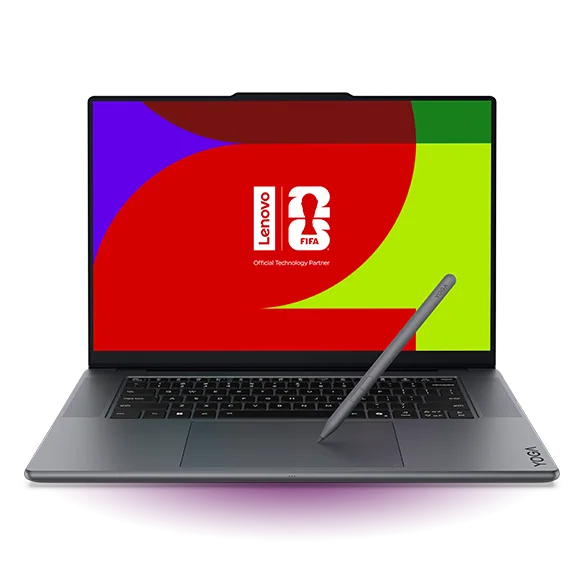
If the Dell XPS 16 is not the exact fit, these options make more sense for specific creator needs.
Dell XPS 16 FAQ
Is the Dell XPS 16 good for photo editing?
Yes, especially if your priority is the screen. The OLED touchscreen is the strongest reason to choose it for photo work, since display quality affects comfort and confidence when you are judging images.
Is the Dell XPS 16 a better choice than a creator-focused laptop?
It depends on what you value most. The XPS 16 is a premium Windows laptop where the display experience is the main draw. If you want a creator-first design with clearly documented editing-specific strengths, a creator-focused model is the safer bet.
Should I buy the Dell XPS 16 or a MacBook Pro for editing?
Choose the Dell XPS 16 if you want Windows and you care most about getting an OLED touchscreen in a premium chassis. If you want the most straightforward editing laptop choice and you are open to macOS, a MacBook Pro is often the simpler path.
What does an OLED touchscreen change in daily use?
It mainly changes how the screen looks and feels for long sessions. OLED is known for strong contrast and rich color, which can make photos and video look more lifelike and make the laptop more enjoyable to use for hours.
Is the Dell XPS 16 a good pick if I need lots of ports and accessories?
Make sure you check the exact configuration before you buy. Premium thin laptops often lean on USB-C and adapters, so it is worth confirming it matches your setup if you use multiple peripherals.
Should you buy the Dell XPS 16?
Buy the Dell XPS 16 if you want a premium Windows laptop and the screen is a major part of the decision. The OLED touchscreen and larger format are the clearest, most practical reasons to spend up for it, especially for photo and video work where you are staring at the display for hours.
Skip it if you are shopping for the most clearly creator-focused machine based on documented editing strengths. In that case, you will be better served by a creator-first alternative. But if you want a high-end Windows daily computer that makes visual work feel better every day, the Dell XPS 16 is the one to look at.