
What to know first
- ChromeOS makes the most sense when your work is browser-based and centered on Google services.
- This is a budget Chromebook meant for light workloads like docs, email, and school sites.
- Do not buy it if your program requires Windows software like certain engineering or CAD tools.
- A 14-inch Chromebook is a comfortable middle ground for carrying around campus and still getting a usable screen.
- If you need more than web apps, a Windows laptop or MacBook will fit better.
What the Lenovo IdeaPad Slim 3i Chromebook 14 is
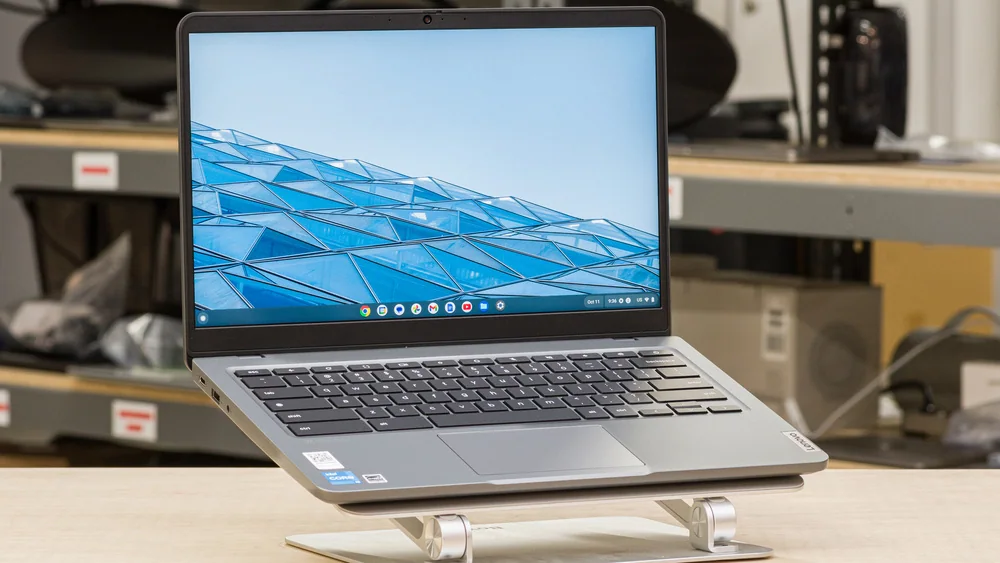
The Lenovo IdeaPad Slim 3i Chromebook 14 is a budget laptop that runs ChromeOS. That means it is designed around the Chrome browser and web apps, with Google Workspace (Docs, Sheets, Slides, Drive) as the default way most people get schoolwork done.
In day-to-day terms, it is the kind of computer you buy when you want to write papers, manage assignments in online portals, answer email, stream video, and live in a bunch of browser tabs. For a lot of students, that is most of college.
What it is not: a replacement for a Windows laptop or a MacBook when you need full desktop software. Before you buy any Chromebook, you should be confident that the apps you need are available as Chrome, Android, or Linux apps on ChromeOS.
Why it stands out
The main appeal here is value. If you do not need Windows or macOS, paying for that kind of hardware and licensing can be wasted money. A Chromebook like the Lenovo IdeaPad Slim 3i Chromebook 14 is a cleaner match for browser-first schoolwork.
It also keeps the workflow simple. ChromeOS is built for signing in and getting to your stuff quickly, especially if you already use Google services. For students who bounce between class, library, and dorm, that simplicity matters more than chasing high-end specs you will not use.
The 14-inch size is a practical choice for school. It is large enough to write comfortably and keep two windows side by side for lighter tasks, but still in the range most people are willing to carry around campus.
What it is like to own
Owning a Chromebook is mostly about living in your browser. If your daily routine is Google Docs for writing, a learning management system for assignments, and a handful of research tabs, the Lenovo IdeaPad Slim 3i Chromebook 14 fits that rhythm well. You are not constantly thinking about installing big programs or managing a complicated setup.
The biggest ownership win is that it encourages a lighter, cloud-based workflow. Your files and schoolwork naturally end up in Google Drive and other web services, which makes it easier to move between devices without babysitting a bunch of local files.
The biggest ownership limitation is also the point: ChromeOS is not Windows. If you suddenly need a specific desktop app for a class, you may end up borrowing a lab computer or needing a different laptop. It is worth confirming requirements early, not after the semester starts.
What to know before you buy
The first question is not the brand or the screen size. It is whether ChromeOS fits your required software. If your major expects Windows programs like AutoCAD, MATLAB, or SolidWorks, a Chromebook is the wrong tool. You will be fighting your laptop instead of doing your work.
Also keep your expectations aligned with the price tier. This model is positioned for lighter workloads. It is meant to be a capable school and browsing machine, not a performance laptop for heavy multitasking, creative exports, or gaming.
Finally, do not over-trust any laptop battery claim you see on a listing page. Real battery life depends heavily on brightness, video calls, and how many tabs and services you keep running at once.
The specs that matter
The processor sets the ceiling for everyday responsiveness and demanding coursework. Clock speed is only one part of performance, but the exact chip helps shoppers compare the right configuration.
Memory determines how comfortably the laptop can keep browser tabs, documents, video calls, and school apps open together.
Storage capacity determines how quickly local files and applications force you to manage space; SSD storage is also faster than eMMC or UFS storage.
The graphics processor matters for games, 3D work, video effects, and some technical applications. Integrated graphics are normally enough for documents, streaming, and basic creative work.
Screen size and resolution affect reading comfort and split-screen work, while brightness, panel type, and refresh rate shape how the display looks and feels.
Battery capacity and measured or rated runtime help estimate whether the laptop can cover a class day without a charger. Real runtime changes with brightness and workload.
Weight matters when the laptop travels between classes every day; larger screens usually trade some portability for working space.
Ports and wireless support determine which monitors, drives, chargers, and campus accessories work without extra adapters.
Who this product fits
You are a college student living in Google Docs
The Lenovo IdeaPad Slim 3i Chromebook 14 is a clean match if your assignments are papers, discussion posts, and online quizzes. You can keep your work in Google Drive, collaborate easily, and avoid paying for a more expensive Windows or Mac laptop you will not fully use.
You need a cheap laptop for general home use
For email, online shopping, streaming, and basic personal admin, this Chromebook covers the basics without the complexity of a full desktop OS. It is a straightforward household computer when you do not need specialized programs.
You are starting school and do not know your software needs yet
This is only a good idea if you can confirm your program is browser-first. If there is any chance you will need Windows apps later, you may be better off buying a Windows laptop now instead of replacing a Chromebook mid-year.
What else to compare
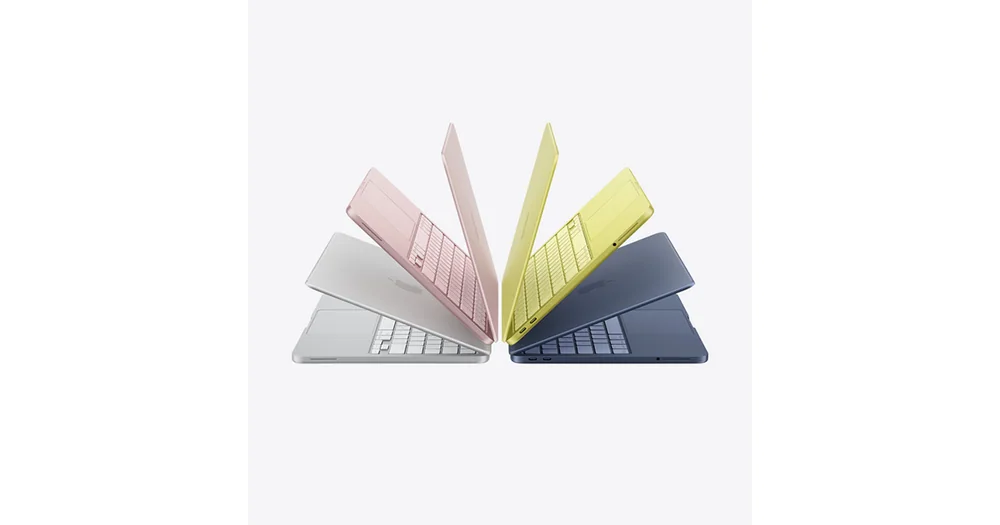
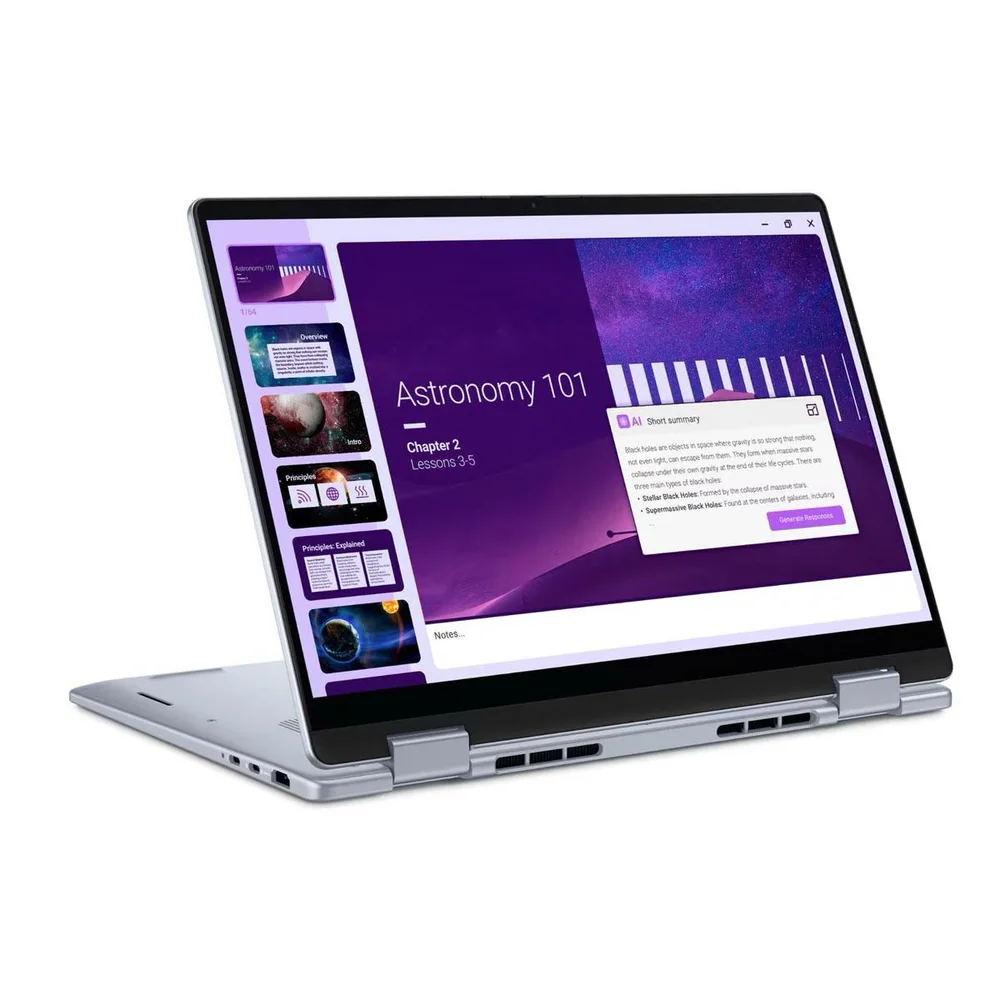
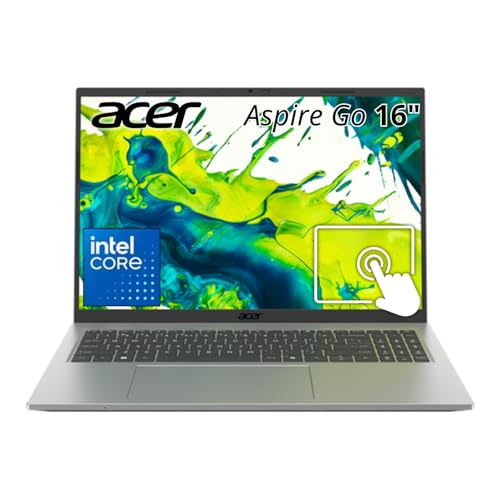
If ChromeOS is not the right fit, these are better directions to go.
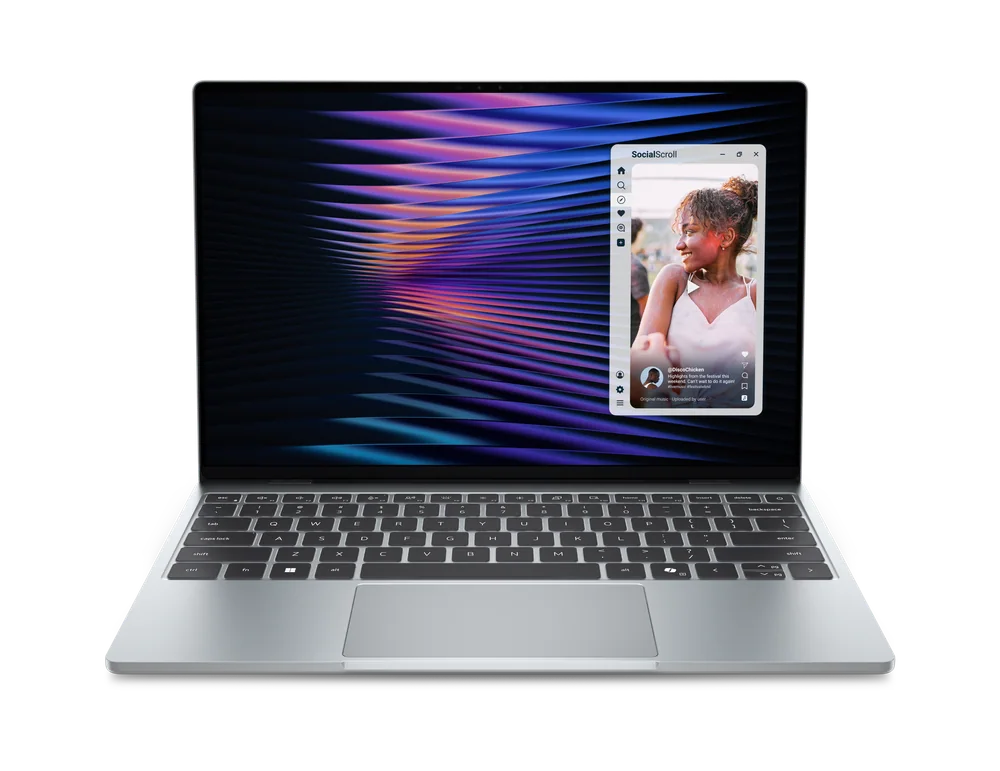
Lenovo IdeaPad Slim 3i Chromebook 14 FAQ
Is the Lenovo IdeaPad Slim 3i Chromebook 14 good for college?
Yes, if your college work is mostly browser-based and centered on Google Workspace and online portals. It is not a good choice if your classes require Windows-only or macOS-only desktop software.
Can the Lenovo IdeaPad Slim 3i Chromebook 14 run Windows programs?
Not in the normal way a Windows laptop does. Before buying, make sure the apps you need are available as Chrome, Android, or Linux apps on ChromeOS.
Who should buy a Chromebook instead of a Windows laptop?
Buy a Chromebook when you mainly browse the web, write in Google Docs, stream video, and use web apps. If you need specific desktop programs or want broader software compatibility, a Windows laptop makes more sense.
Is a 14-inch Chromebook a good size for students?
For most students, yes. A 14-inch screen is a comfortable balance between portability and having enough space to read, write, and research without feeling stuck on a tiny display.
What should I check before buying the Lenovo IdeaPad Slim 3i Chromebook 14?
Confirm your school or major does not require Windows-only software. Also think about your typical workload: if you are mostly in docs and browser tabs, this fits. If you do heavier work, you will want a different class of laptop.
Should you buy the Lenovo IdeaPad Slim 3i Chromebook 14?
Buy the Lenovo IdeaPad Slim 3i Chromebook 14 if you want a cheap, practical laptop for browser-based schoolwork. It is a sensible way to cover the basics without paying for an operating system and hardware tier you do not need.
Skip it if you need full desktop software for your classes or you want one laptop that can handle anything you might throw at it later. In that case, you will be happier spending more on a Windows laptop or a MacBook that matches your program requirements.