
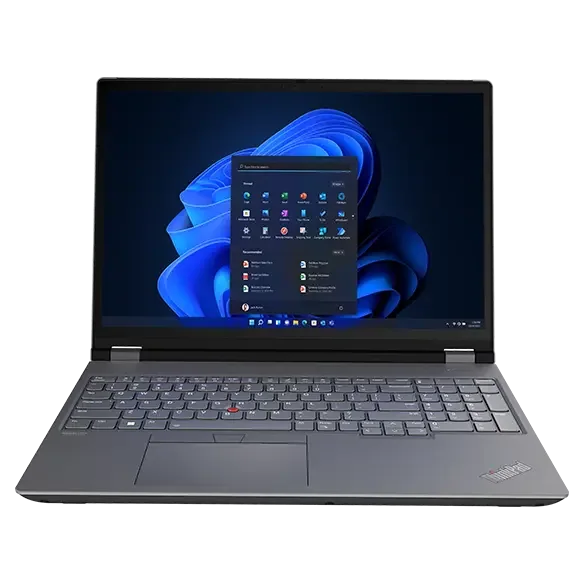
What to know first
- The Lenovo ThinkPad P16 is a workstation-class Windows laptop, not a thin-and-light creator machine.
- It’s a large-screen platform that fits best in a desk workflow where you are not constantly traveling with it.
- It’s a sensible choice when you want a more production-oriented setup and prefer Windows.
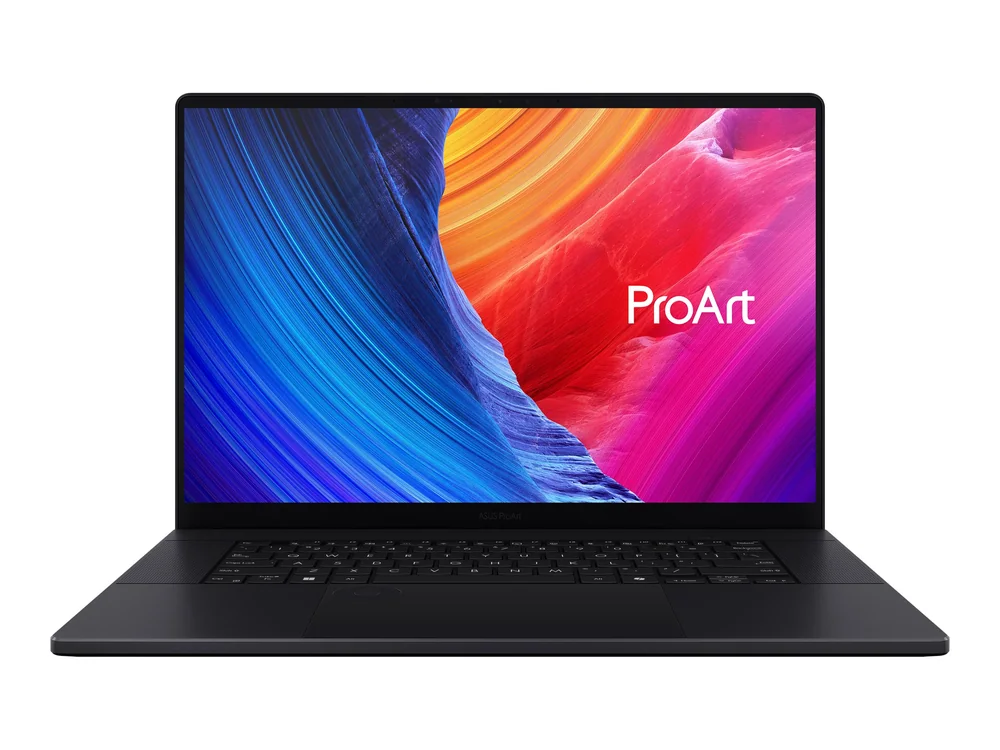
- For most photo editors, a creator-focused laptop like the ASUS ProArt P16 is the better first stop.
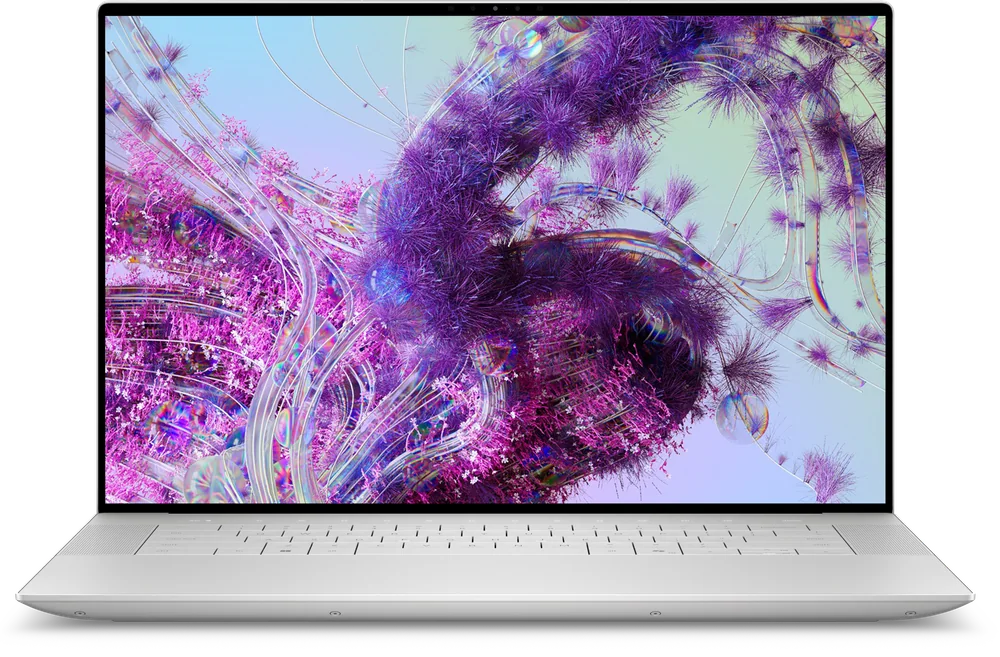
- If you want a premium Windows laptop vibe more than workstation roots, consider the Dell XPS 16.
What the Lenovo ThinkPad P16 is
The Lenovo ThinkPad P16 is a workstation-style Windows laptop built for heavier-duty work. In a photo editing context, that usually means you are treating the laptop as the center of your production setup, not as a travel companion you toss in a bag every day.
The practical appeal is straightforward: a large-screen, professional platform that’s comfortable for long sessions. If you do a lot of culling, retouching, exporting, and file management, a bigger, more workstation-leaning laptop tends to feel more like a “real computer” you can settle into.
This is also why it shows up as the Windows workstation-class option in a photo editing lineup. It represents the segment that prioritizes a production-oriented foundation over being slim, light, or creator-styled.
Why it stands out
The main reason to choose the Lenovo ThinkPad P16 is the direction it takes. It’s a workstation-class Windows laptop, which is a different mindset than most creator laptops. You’re buying into a more professional, desk-friendly platform for demanding workflows.
That large-screen approach matters for photo work because it changes how you use the machine. You can keep your editing app, file browser, and panels open without feeling like you’re constantly juggling windows. If you spend hours at a time editing, that “room to work” is a real quality-of-life upgrade.
It also fits buyers who want Windows as the base of a production setup. If your workflow is already built around Windows apps, Windows file management, and Windows peripherals, the ThinkPad P16 is a straightforward way to stay in that lane while moving up into a workstation-style machine.
The catch is that its editing-specific strengths are less clearly defined than the top creator-focused options. If your goal is to buy the most photo-editor-targeted laptop, you’ll usually be happier starting with a creator model like the ASUS ProArt P16.
What it is like to own
Day to day, the Lenovo ThinkPad P16 makes the most sense when it lives on a desk. That is where a large-screen workstation-style laptop pays you back: you open it up, plug in what you need, and it becomes the hub for editing, storage, and the rest of your workflow.
If you are building around a desk workflow, a bigger laptop can reduce friction. You are less tempted to hunch over a cramped screen, and you can work longer without feeling like the laptop is the limiting factor. This is the “sit down and get work done” experience people are after with a workstation-class machine.
If you are constantly on the move, the same traits that make it feel like a workstation can become a downside. A large-screen, workstation-style laptop is simply not the most convenient thing to carry everywhere, which is why creator laptops and thinner premium models often make more sense for travel-heavy routines.
What to know before you buy
The Lenovo ThinkPad P16 is not the default recommendation for most photo editors. The reason is simple: its photo-editing advantage is less clearly defined than creator-focused laptops that are built and marketed around creative work. If you want the most obvious “this is for editing” choice, start with the ASUS ProArt P16.
It’s also a desk-first machine. If your reality is commuting, coffee shops, flights, or carrying your laptop between classes and meetings, a large workstation-style laptop can feel like overkill in the wrong direction.
Finally, be careful with broad laptop marketing claims when you compare options. Battery life numbers are often “up to” estimates under light use, and performance can vary depending on cooling and sustained workloads. For a workstation-class laptop, what matters is how it fits your actual routine: long sessions at a desk versus constant portability.
The specs that matter
This is the main identity of the ThinkPad P16. It’s meant to be the foundation of a heavier-duty workflow, more like a mobile workstation than a thin everyday laptop.
More screen space makes editing and file management feel less cramped. It’s a bigger deal than it sounds when you are working with panels, timelines, and lots of images.
If your laptop mostly stays put, you can prioritize comfort and workspace over portability. That is where a workstation-style machine makes the most sense.
If you need something you will carry daily, a large workstation-style laptop can be the wrong kind of “upgrade.” A creator laptop or premium thin laptop may fit better.
This helps you shop correctly. You are comparing it to other workstation or production-oriented laptops, not to ultralights or budget models.
Who this product fits
You edit photos at a desk and want a Windows workstation-style setup
The Lenovo ThinkPad P16 is a good match when your laptop is the center of your workspace. The large-screen, professional platform is built for longer sessions and a production-oriented routine.
You want a “serious Windows laptop” for a heavier-duty photo workflow
If you are building a more demanding editing setup and you prefer Windows, the ThinkPad P16 gives you a workstation-class direction instead of a thin creator laptop vibe.
You travel constantly and edit on the go
This is where the ThinkPad P16 is less likely to fit. A large workstation-style laptop is harder to live with in a backpack-heavy routine, so a creator-focused or premium thin Windows laptop usually makes more sense.
What else to compare
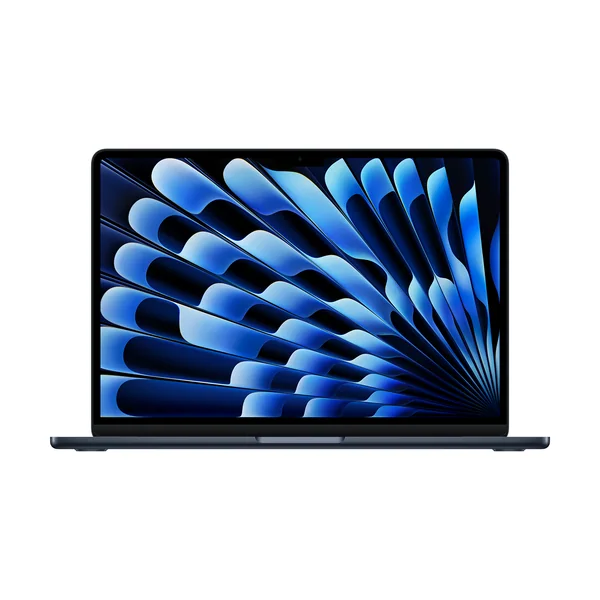
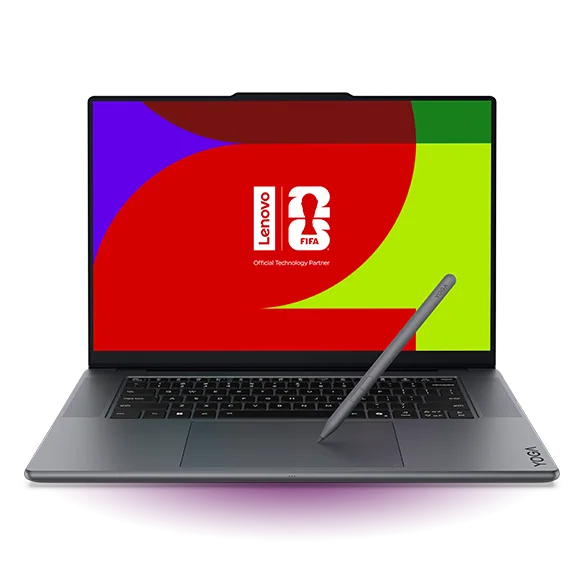
If the ThinkPad P16 feels too desk-first or not creator-focused enough, these are the cleaner fits.
Lenovo ThinkPad P16 FAQ
Is the Lenovo ThinkPad P16 good for photo editing?
Yes, it is a workstation-class Windows option for photo production, especially in a desk-based workflow. The main appeal is the large-screen, professional platform. If you want the most editing-specific creator laptop choice, the ASUS ProArt P16 is the better starting point.
Who should buy the Lenovo ThinkPad P16 instead of a creator laptop?
Buy it if you want a workstation-style Windows laptop as the foundation of a heavier-duty setup and you work mostly at a desk. It’s a more production-oriented direction than many creator laptops. If you want a laptop that’s easier to carry everywhere, a creator-focused model is usually the better fit.
Is the Lenovo ThinkPad P16 a good choice for a desk setup?
Yes. It’s specifically framed as a large-screen platform that suits desk-based editing workflows. If your laptop is going to live on a desk most of the time, that’s where this style of machine makes sense.
Should I get the Lenovo ThinkPad P16 or the ASUS ProArt P16 for photo editing?
Start with the ASUS ProArt P16 if you want the more creator-focused, editing-forward choice. Choose the Lenovo ThinkPad P16 if you want a workstation-class Windows laptop and you are building around a desk-based production setup.
What does “up to” battery life mean when shopping for a laptop like this?
It usually reflects light, controlled use. Real battery life tends to drop with higher screen brightness, video calls, lots of browser tabs, and demanding creative apps. For a desk-first workstation-style laptop, battery life often matters less than how well it fits your daily workflow.
Should you buy the Lenovo ThinkPad P16?
Buy the Lenovo ThinkPad P16 if you want a workstation-class Windows laptop that makes sense as the center of a desk-based photo production setup. The large-screen, professional platform is the point, and it’s a good match when you want your laptop to feel like a workstation you can settle into.
Skip it if you are looking for the most clearly creator-focused photo editing laptop or you need something you will carry everywhere. In that case, the ASUS ProArt P16 is the smarter first stop, and premium thin options like the Dell XPS 16 or display-led picks like the Lenovo Yoga Pro 9i can make more sense depending on what you value most.