
What to know first
- Portable, well-built 14-inch Windows laptop aimed at everyday productivity
- Battery life is strong for the size (around 11 hours light use, around 10 hours video playback reported)
- Two main display paths: FHD+ IPS or sharper 2.8K OLED (OLED is better for deep blacks and wide color)
- Wide port selection includes two Thunderbolt 4 ports
- Integrated graphics only. Fine for light games, not for demanding titles
- Fans are described as relatively quiet under load with minimal thermal throttling under load
What the Acer Swift Go 14 (2024) is
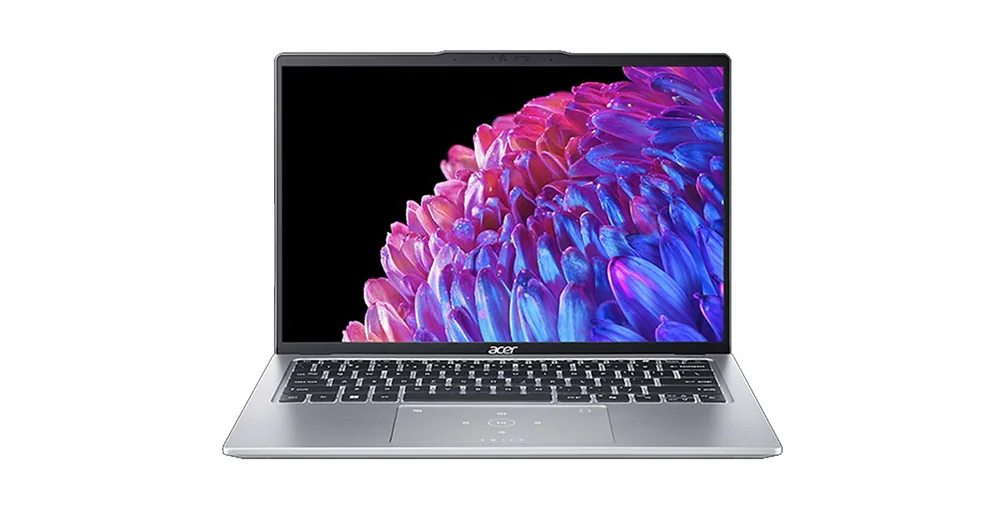
The Acer Swift Go 14 (2024) is a thin, portable 14-inch Windows laptop built for everyday work and school. Think: writing, web browsing, video calls, spreadsheets, and streaming. It is a value-minded option that still feels like a real daily driver, not a bargain laptop you tolerate.
The core appeal is balance. You get a modern Intel platform (Meteor Lake is cited), a sharp 14-inch screen that’s comfortable for split-screen work, and battery life that can carry you through a typical day away from an outlet. It is a laptop you can bring to class or a coffee shop without planning your day around charging.
Acer also gives you meaningful configuration choices where it counts, especially the display. You can go with an FHD+ IPS panel or step up to a 2.8K OLED panel, depending on whether you prioritize cost or richer contrast and wider color.
Why it stands out
Battery life is a real strength here for a 14-inch Windows laptop. Reported results put it around 11 hours in light use and around 10 hours for video playback. In plain terms, that’s enough runway for a day of classes or meetings, plus some streaming time later, without living on your charger.
The display options are unusually shopper-friendly. The FHD+ IPS option is described as sharp and bright enough to combat glare, which is what most people need for documents and everyday use. If you care more about movies, dark-room viewing, or color work, the 2.8K OLED option is the upgrade that changes the experience. OLED can produce deep blacks, and the 2.8K OLED panel is noted as having full DCI-P3 coverage. The FHD+ panel is noted as having full sRGB coverage.
Connectivity is another reason this model makes sense as a travel and school laptop. Its port selection is described as wide and includes two Thunderbolt 4 ports, which is what you want if you plan to dock at a desk, connect fast external storage, or run multiple accessories without juggling adapters.
It also sounds like Acer got the fundamentals right for day-to-day control. The touchpad is described as large and responsive, and under heavier use the fans are described as relatively quiet with minimal thermal throttling under load. That matters when you’re exporting something, running a long call, or working in a quiet room.
What it is like to own
As an everyday laptop, the Acer Swift Go 14 (2024) is built around portability. It’s described as easy to carry around, which is exactly what you want from a 14-inch machine that’s going to live in a backpack or tote. The screen size is also a sweet spot: big enough for side-by-side windows, small enough that it doesn’t feel like a chore to bring along.
Choosing the right screen option changes how it feels at home. The IPS panel is fine for general use, but it’s specifically called out as not ideal for dark-room viewing because of low contrast (blacks can look gray). If you watch a lot of movies at night, the OLED option is the one that will look noticeably better.
For work sessions, you should know the keyboard feel may not be everyone’s favorite. It’s noted that the keyboard can cause fatigue over extended periods. If you type for hours every day, that’s worth weighing more heavily than a spec sheet.
For media, the laptop is described as lasting over 10 hours of video playback, but speaker quality is a weak point. The speakers are described as quiet with no bass, so plan on headphones or a small Bluetooth speaker if you care about sound.
What to know before you buy
This is not a gaming laptop. The Acer Swift Go 14 (2024) relies on integrated graphics and has no discrete GPU option, so modern, graphically intensive games are not the point. Lighter and older titles can work, but you should expect to turn settings down to get playable performance in anything demanding.
It’s also not a true workstation replacement. The Intel CPU is described as capable for demanding tasks, but the ceiling is up to 32GB of soldered RAM. Soldered memory means you cannot upgrade it later, so you want to buy the amount of RAM you’ll need for the life of the laptop.
Finally, be thoughtful about the display choice. The IPS option is described as sharp and bright, but it’s not the one to buy if you care about deep blacks in a dark room. The OLED option can also come in a 90Hz version, which can make motion look smoother than a standard 60Hz panel, but it does not support VRR.
The specs that matter
A 14-inch screen is a practical middle ground: it’s big enough for split-screen work without feeling bulky in a backpack.
IPS is a solid everyday choice for documents and browsing. OLED is the upgrade that makes movies and dark scenes look better, and the higher resolution helps when you want more workspace or sharper text.
If you edit photos or video, wider, more complete color coverage helps you trust what you’re seeing on screen. For everyday work, sRGB coverage is the baseline you want.
This is the difference between carrying a charger everywhere and leaving it at home for a typical day of classes, meetings, and streaming.
Thunderbolt 4 makes docking and fast external drives simpler. Two ports gives you flexibility when one is already used for charging or a hub.
Integrated graphics are fine for everyday work and lighter games, but they are not built for modern AAA gaming or GPU-heavy creative workloads.
Soldered RAM means you cannot upgrade later. If you keep lots of apps and browser tabs open or do heavier creative work, it’s worth buying the right amount up front.
Who this product fits
You need a carry-everywhere Windows laptop for school
Acer Swift Go 14 (2024) makes sense if you’re bouncing between classes, the library, and home. The 14-inch screen gives you room for split-screen notes and research, and the reported battery life is long enough to get through a typical day without hunting for outlets.
You travel for work and want one laptop that can dock at your desk
With two Thunderbolt 4 ports, this laptop is set up for the common travel routine: plug into a dock or fast external drive at your desk, then unplug and go. The portability and battery life are the main reasons it works for this.
You watch a lot of movies at night
Choose the 2.8K OLED configuration. OLED is called out as much better for dark-room viewing because it can produce deep blacks, while the IPS option can make blacks look gray.
You want light creative work without buying a heavier pro laptop
If your work is mostly CPU-driven and you care about screen color, the OLED panel’s full DCI-P3 coverage gives you a better foundation for color-critical photo and video work. Just keep expectations realistic about GPU-heavy effects and 3D work since there’s no discrete GPU.
What else to compare
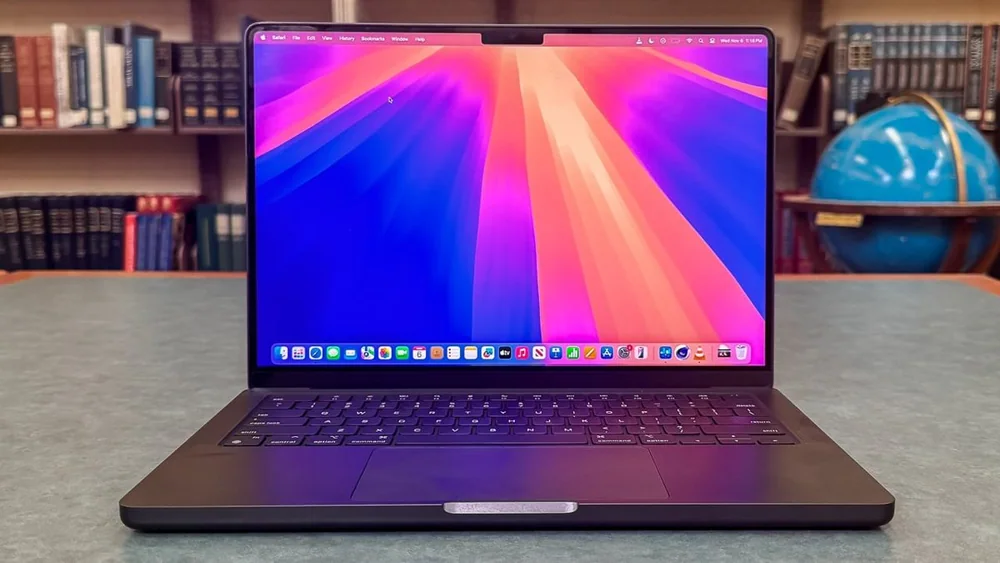
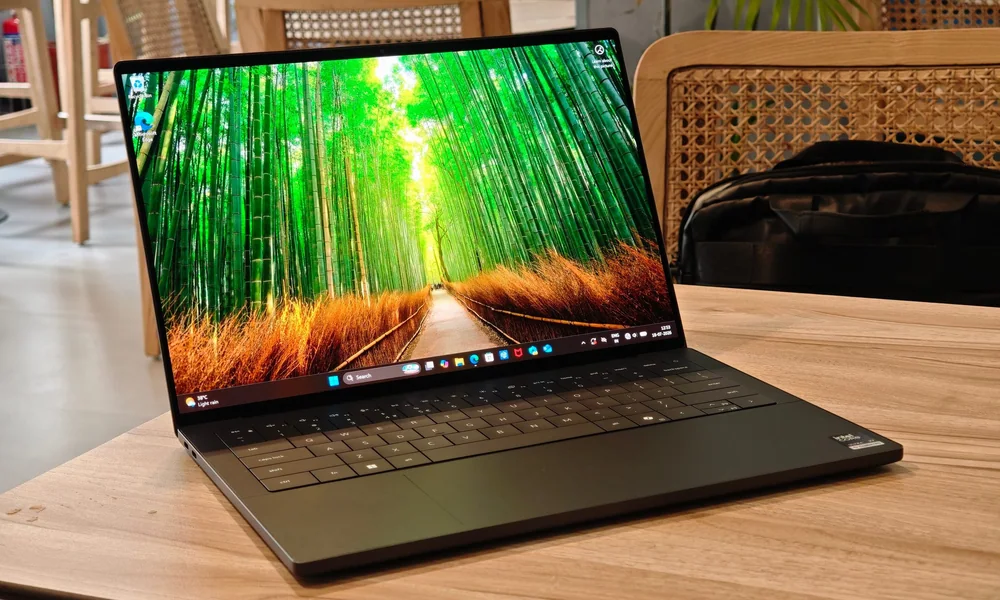
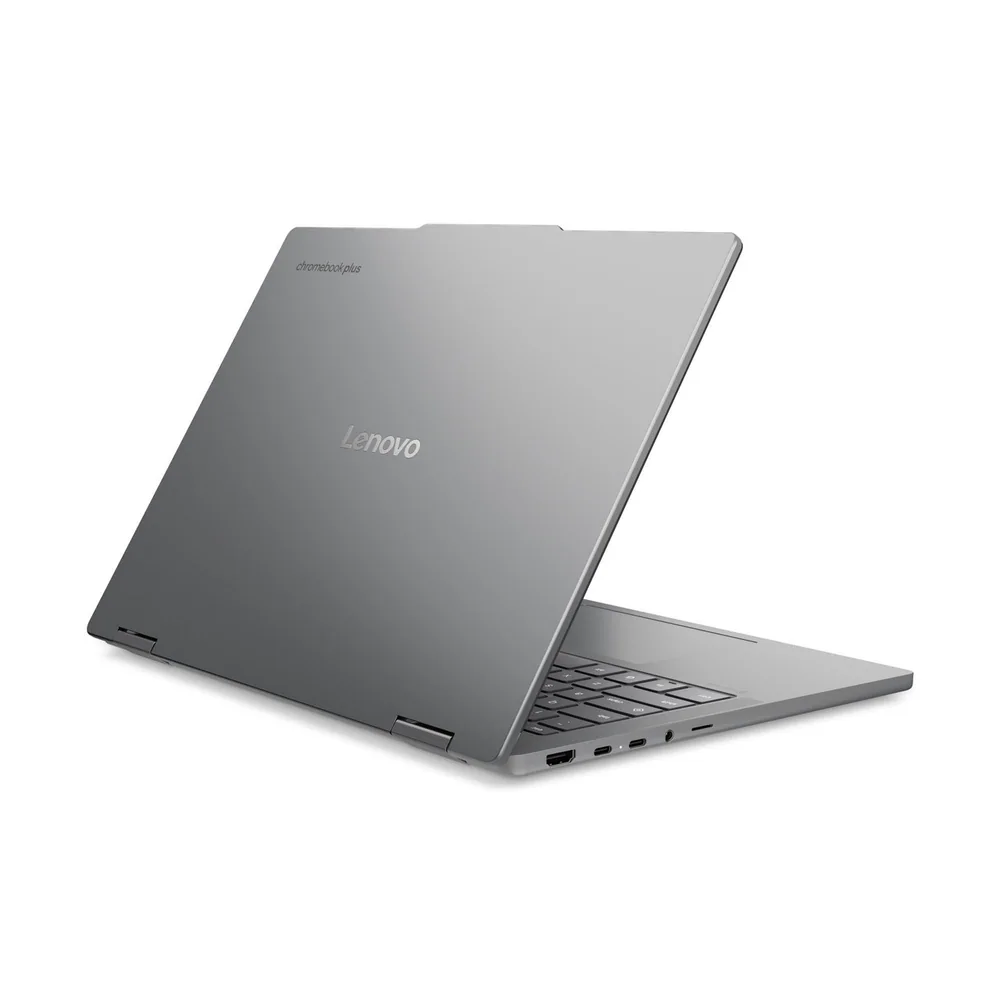
If you like the size but want a different priority, these are the models I’d look at next.

Acer Swift Go 14 (2024) FAQ
Is the Acer Swift Go 14 (2024) good for college?
Yes, it fits the college use case well: it’s described as well-built and easy to carry, with battery life that can last through a typical workday. The 14-inch display is also described as sharp with enough space for split-screen multitasking.
Can the Acer Swift Go 14 (2024) play games?
It’s not designed for gaming. It uses integrated graphics with no discrete GPU option, so demanding games are not going to run smoothly. Lighter and older titles are more realistic, typically at low settings.
Which display should I choose: FHD+ IPS or 2.8K OLED?
Pick FHD+ IPS if you want a sharp, bright everyday screen for documents and browsing. Pick 2.8K OLED if you care about deep blacks for movies or you want wider color coverage for creative work (full DCI-P3 is noted for the OLED panel).
How is the battery life on the Acer Swift Go 14 (2024)?
Reported battery life is around 11 hours in light use and around 10 hours of video playback. Real life will still vary with brightness, video calls, and heavier apps, but the baseline is strong for a portable Windows laptop.
Does the Acer Swift Go 14 (2024) have Thunderbolt?
Yes. Its port selection is described as wide and includes two Thunderbolt 4 ports, which is useful for docking, fast external storage, and connecting accessories.
Can I upgrade the RAM later?
Plan as if you cannot. The laptop is described as offering up to 32GB of soldered RAM, and soldered memory is not meant to be upgraded after purchase.
Should you buy the Acer Swift Go 14 (2024)?
Buy the Acer Swift Go 14 (2024) if you want a portable 14-inch Windows laptop that handles everyday work confidently and doesn’t leave you scrambling for a charger halfway through the day. The combination of strong reported battery life, a sharp display, and Thunderbolt 4 connectivity is exactly what most students and commuters actually benefit from.
Skip it if your laptop needs to double as a real gaming machine or a GPU-powered workstation. Integrated graphics and soldered RAM (up to 32GB) are fine for productivity and lighter creative work, but they set clear limits. If those limits match your day-to-day, this is a smart, practical buy.