
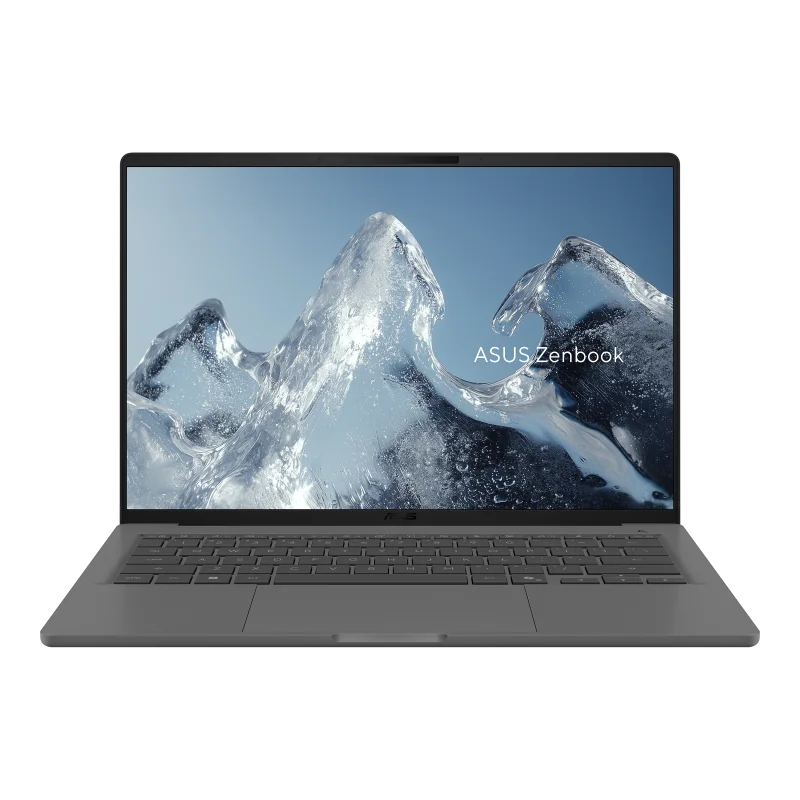
What to know first
- Standout battery life for a thin 14-inch laptop (around 19 hours cited in light use, with a 24:07 result also reported).
- 14-inch 1,920 x 1,200 OLED looks sharp and delivers deep blacks, great for movies and late night reading.
- Snapdragon X platform is efficient and responsive for everyday work, but Windows on ARM compatibility can still trip you up.
- Not built for demanding gaming. Some games may not run at all on Windows on ARM, and others may run poorly through emulation.
- Comfort features are strong: comfortable keyboard, large touchpad, 1080p webcam, and facial recognition login.
- Storage is user replaceable, but RAM is soldered (up to 32GB).
What the Asus Zenbook A14 is
The Asus Zenbook A14 is a 14-inch thin and light Windows laptop designed around one main promise: you can carry it everywhere and you do not have to think about charging constantly. It uses Qualcomm’s Snapdragon X platform (an Arm based processor) and is a Copilot+ PC, meaning it includes a dedicated NPU for on device AI features.
In practical terms, this is a travel and school friendly laptop for everyday work: web browsing, Office or Google docs, streaming, and video calls. It is not aimed at people shopping for a gaming rig or a mobile workstation. The Zenbook A14 can handle normal productivity, but it is not designed for highly intensive workloads or demanding AAA games.
The other big part of the appeal is the screen. The Zenbook A14 uses a 14-inch OLED panel at 1,920 x 1,200 resolution (often called WUXGA or FHD+). OLED is the display tech that gives you inky blacks and punchy contrast, which makes a noticeable difference for movies, shows, and reading in dim rooms.
Why it stands out
Battery life is the reason to pay attention to the Asus Zenbook A14. For light use, endurance is cited around 19 hours, and one measured result is 24 hours 7 minutes. Even if your real world use is heavier than those scenarios (higher brightness, lots of video calls, many tabs), the underlying point holds: this laptop is built to go long.
The Snapdragon X platform is a big part of that. Efficient chips can do everyday work without burning through the battery, and that changes how you use a laptop. You can take meetings, write papers, or work through a travel day without planning your seat around an outlet.
The OLED display is the other daily win. At 1,920 x 1,200 on a 14-inch panel, text looks crisp, and OLED’s deep blacks make streaming and darker scenes look better than typical LCD laptops. The flip side is that the display has a glossy finish, which can make reflections more annoying in bright rooms or near windows.
As a whole package, the Zenbook A14 also checks the comfort boxes that matter when you are on it for hours: a comfortable keyboard, a large touchpad, and a 1080p webcam. It also includes facial recognition for quick logins, which is a small feature that becomes a habit fast.
What it is like to own
Day to day, the Zenbook A14 is set up for the typical laptop routine: open it up, sign in quickly with facial recognition, and get to work. The keyboard is described as comfortable, and the touchpad is large, which matters more than you might think when you are writing for hours or living in spreadsheets.
For calls and classes, you get a 1080p webcam. That is the baseline you want in 2026 if you do any regular video meetings, because it tends to look cleaner than the older 720p webcams that still show up in cheaper laptops.
For entertainment, the OLED screen is the star. It is sharp enough for everyday use, and OLED contrast makes it easy to enjoy movies and shows in a hotel room or at night without blasting brightness. Just know that the glossy finish can be a pain if you are working under harsh overhead lights or by a sunny window.
If you keep laptops for a long time, one ownership detail is worth calling out: the storage drive is user replaceable, but the RAM is soldered. That means you can potentially swap the SSD later, but you cannot upgrade memory after purchase.
What to know before you buy
The biggest buying decision is not the screen or the keyboard. It is software compatibility. The Zenbook A14 runs Windows on ARM, and while that ecosystem is improving, some apps and many games still do not run natively. Some will run through emulation, but performance can be worse, and some titles may not run at all. If you depend on a specific pro app for school or work, confirm it supports Windows on ARM before you commit.
Gaming is the other clear limitation. The Zenbook A14 is not designed for demanding AAA games. Beyond raw performance, game support on Windows on ARM is still inconsistent, and the display is limited to 60Hz with no variable refresh rate, so it is not trying to be a high refresh esports machine either.
Finally, the OLED display is glossy. That is common for OLED laptops, but it is still a real day to day consideration. If you work outside, in bright classrooms, or in sunlit offices, reflections can be distracting.
The specs that matter
This chip is tuned for efficiency, which is a big reason the Zenbook A14 can run for so long on battery. It is plenty for everyday work, but it is not aimed at heavy workstation tasks or demanding games.
32GB is a comfortable amount for heavy multitasking, lots of browser tabs, and big school workloads. Because it is soldered, you want to buy the amount you will need long term.
1TB gives you breathing room for school files, photos, and offline media. The fact that the SSD is user replaceable is a practical longevity perk if you ever need more space or a replacement drive.
OLED delivers deep blacks and strong contrast for movies and late night reading. The glossy finish can reflect lights, and the lack of touch matters if you like tapping and scrolling on screen.
A 1080p camera is the minimum you want for regular video calls. It helps you look clearer in class sessions and work meetings.
It is faster than typing passwords repeatedly, and it is handy in public places where you do not want to broadcast your password.
This is the hardware that enables on device AI features in Windows that are designed to run locally. Whether you will care depends on the apps and features you actually use, but it is part of what defines this laptop class.
Who this product fits
You commute all day and hate carrying a charger
The Asus Zenbook A14 is built for this. With battery life cited around 19 hours in light use (and a 24:07 result also reported), it is the kind of laptop you can take to work, class, and a coffee shop after without immediately watching the battery percentage.
You want a small laptop that is also a great streaming screen
The 14-inch OLED panel gives you deep blacks and strong contrast, which makes movies and shows look better than typical LCD laptops. It is a strong fit for hotel rooms, dorms, and couch use, as long as you are not fighting glare from bright lights.
You do lots of writing, research, and video calls
Comfort features matter here: a comfortable keyboard, large touchpad, and a 1080p webcam. Facial recognition also makes it easier to hop in and out of the laptop quickly during a busy day.
You are tempted by Copilot+ laptops but do not want a tablet style device
The Zenbook A14 is a straightforward clamshell laptop built around Snapdragon X and a 45 TOPS NPU. If you want the Copilot+ class of efficiency and runtime in a normal laptop shape, it fits the brief.
What else to compare
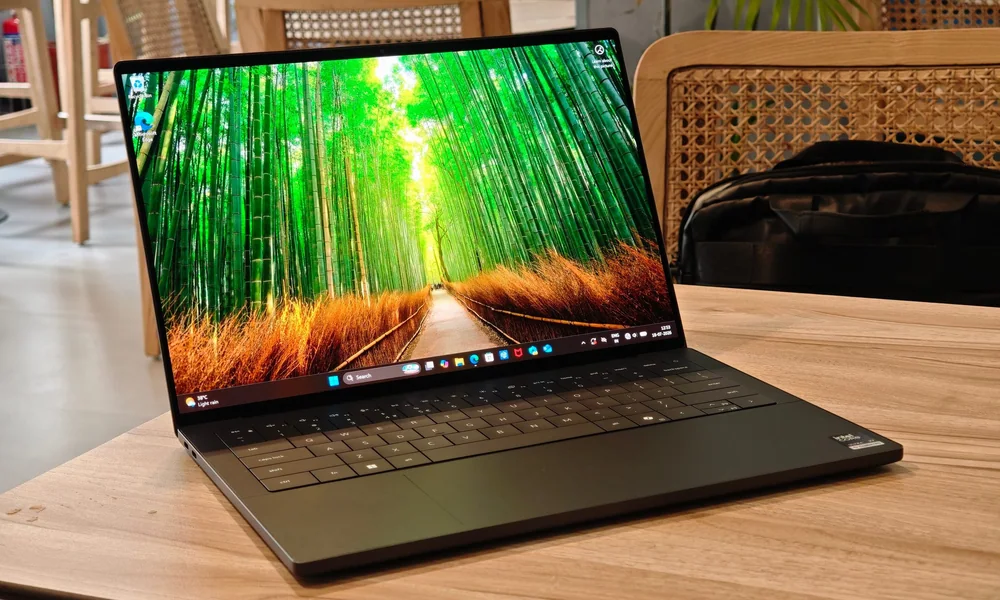
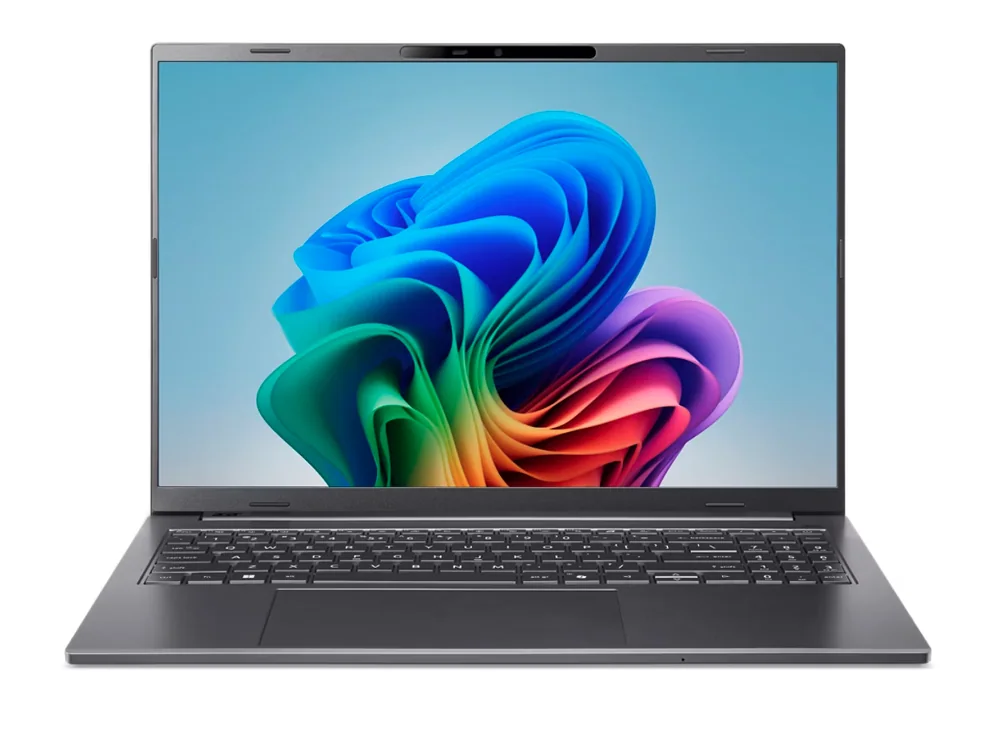
If the Zenbook A14 sounds right but one detail gives you pause, these are the closest alternatives worth considering.
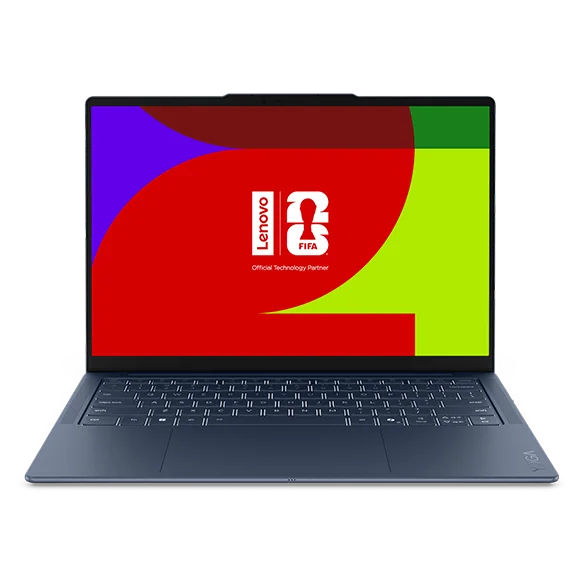
Asus Zenbook A14 FAQ
Is the Asus Zenbook A14 good for battery life?
Yes. Battery life is the main reason to buy it. Endurance is cited around 19 hours in light use, and one reported result is 24 hours 7 minutes. Real world battery life will vary with brightness, video calls, and heavier apps, but it is clearly built to last.
Can the Asus Zenbook A14 play games?
It is not designed for gaming, especially demanding AAA titles. Beyond performance limits, many games still lack Windows on ARM support, so some may not run at all or may run poorly through emulation. The display is also limited to 60Hz with no VRR.
What are the biggest Windows on ARM drawbacks on the Zenbook A14?
Compatibility is the big one. Some apps might not work or may perform poorly through emulation, and many professional applications and games still do not support Windows on ARM. If you rely on a specific tool for work or school, confirm it is supported before buying.
Is the Asus Zenbook A14 display good for photo and video work?
It can be suitable for some color critical work if your apps are compatible with Windows on ARM. The OLED panel is noted as having full sRGB and DCI-P3 coverage and near full Adobe RGB coverage. It is not a workstation laptop for highly intensive tasks, though.
Does the Asus Zenbook A14 have a touchscreen?
The 14-inch OLED configuration cited is described as having no touch support. If touch is important to you, this is a reason to choose a different model.
Can you upgrade the Asus Zenbook A14 later?
The storage drive is noted as user replaceable, which can help with longevity. RAM is soldered (up to 32GB), so you cannot upgrade memory after purchase.
Should you buy the Asus Zenbook A14?
Buy the Asus Zenbook A14 if you want a genuinely travel friendly Windows laptop and you care more about carrying less and charging less than chasing maximum performance. The combination of an ultralight 14-inch design, an OLED screen, and battery life that can stretch deep into a day (and beyond in light use) is exactly what most commuters and students are shopping for.
Skip it if your life depends on specific Windows software, pro apps, or games that may not behave on Windows on ARM. The Zenbook A14 is a great everyday laptop when your apps are compatible. When they are not, no amount of battery life makes up for it.