Explore Laptops for more buying guides, in-depth reviews, comparisons, and practical advice.
These are Pickori’s recommendations for the best laptops for content creators in 2026, chosen to help you buy quickly and avoid the wrong kind of “power” for your workflow. The list covers portable pro editing, touch-first 2-in-1 creation, OLED-focused Windows laptops, and workstation-class machines for heavier creative workloads.
Pickori may earn a commission from affiliate links.
1
Best for Most Editors
Apple MacBook Pro 14 (2024)
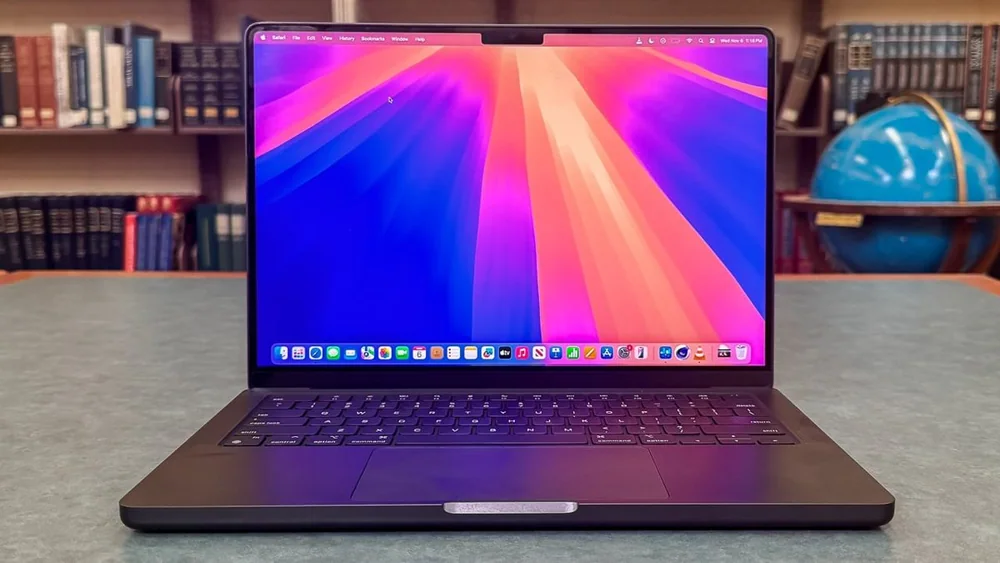
Apple MacBook Pro 14 (2024) fits creators who want a portable laptop that can handle demanding creative apps without turning into a charger-dependent desk machine. It earns the top spot for the basics that matter every day: strong all-around performance, a sharp accurate-looking display, a great touchpad and webcam, and battery life that can realistically carry a full workday. Skip it if gaming is a priority, because macOS game support and the base graphics performance can be limiting.
Best fit for portable editing and everyday creator work, not a desktop replacement
Long battery life for light use (around 16 hours) makes it easier to work away from an outlet
Strong overall user experience: sharp display, excellent haptic touchpad, and a very good webcam
Plenty of ports for a thin premium laptop, so you rely less on dongles
Not the right choice for demanding gaming workloads
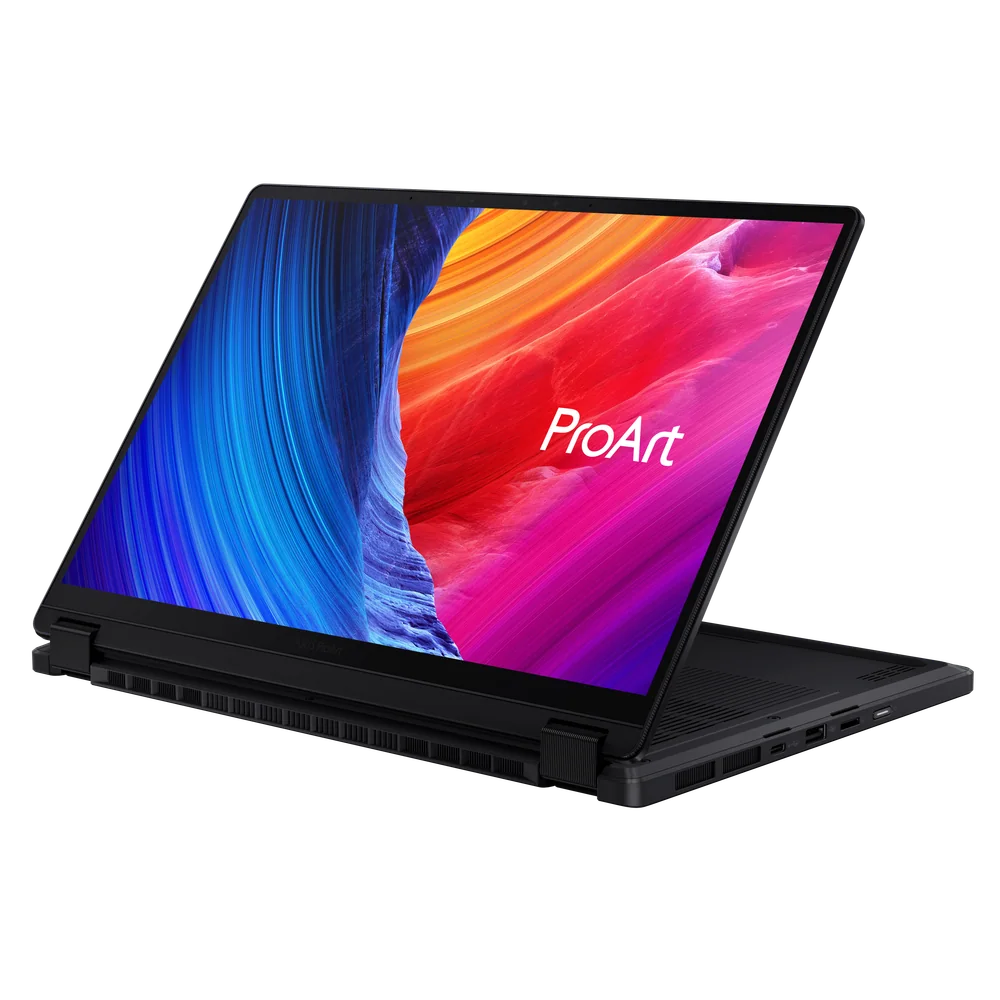
ASUS ProArt PX13 makes the most sense for creators who actually want a 2-in-1 laptop, not just a laptop that happens to fold. The convertible design gives you touch-friendly flexibility for creative work, and the performance and memory headroom are aimed at demanding apps like video editing. Choose it over a traditional clamshell when sketching, annotating, or working in tablet and tent modes is part of your routine.
Convertible 2-in-1 design for touch-first creative workflows
Strong performance with generous memory for demanding creative applications like video editing
Premium OLED panel class (2,880 by 1,800) in a compact 13.3-inch size
A good fit when you want one machine for laptop work and tablet-style creation
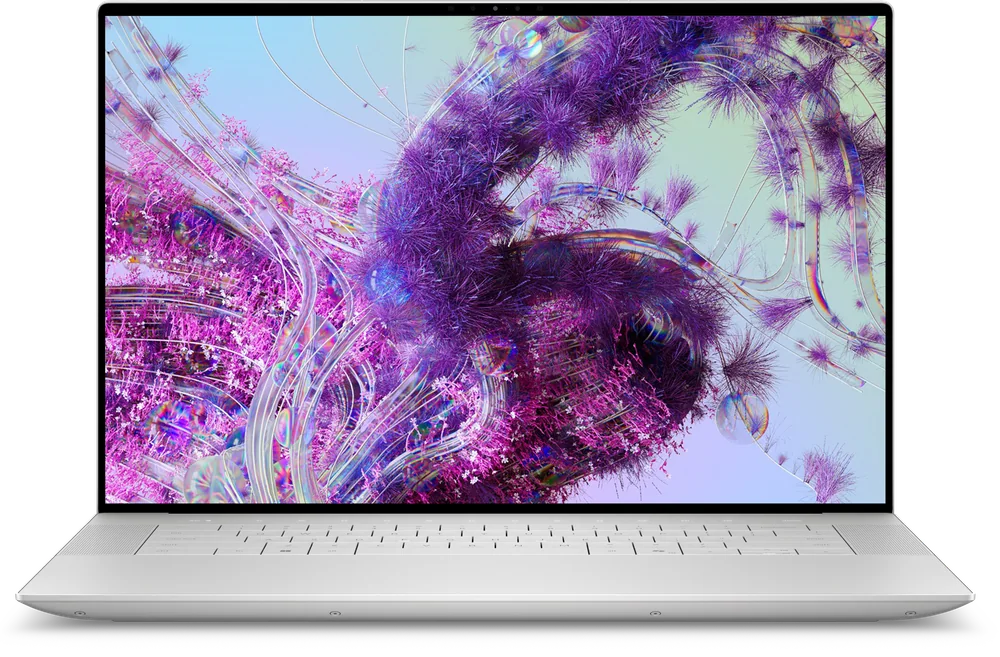
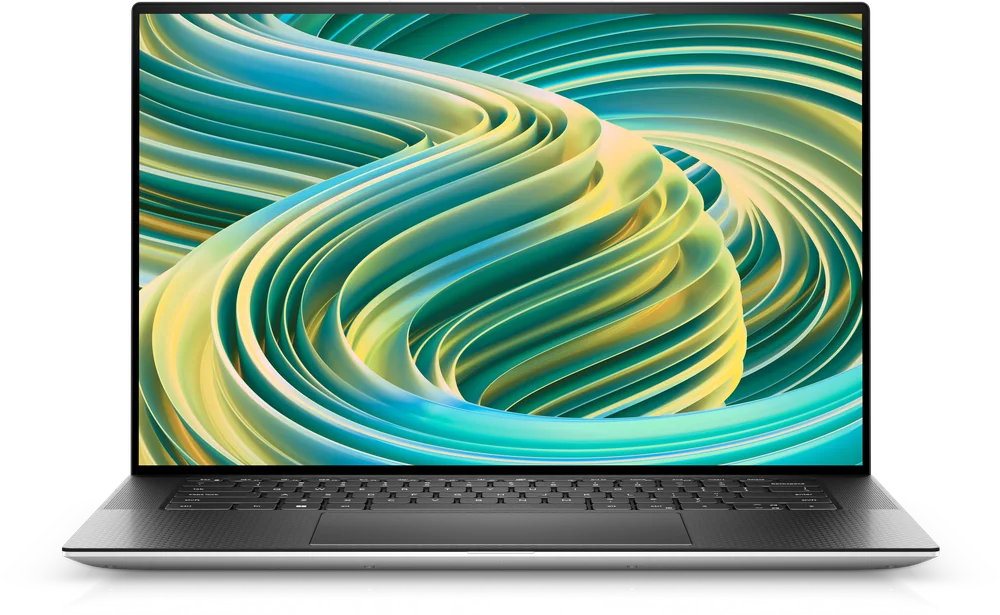
Dell XPS 16 suits content creators who want a premium Windows laptop where the screen experience is a major part of the purchase. It is the one to prioritize when you spend hours color-checking photos, scrubbing timelines, or simply want an OLED look in a thin, high-end chassis. Buy it for the OLED display and premium Windows design; choose one of the higher-ranked creator laptops when sustained editing performance matters more than the screen.
Best fit for creators who prioritize a premium Windows display experience
A strong match for photo and video work where screen quality drives comfort and confidence
Premium XPS build and thin design appeal for a high-end everyday carry
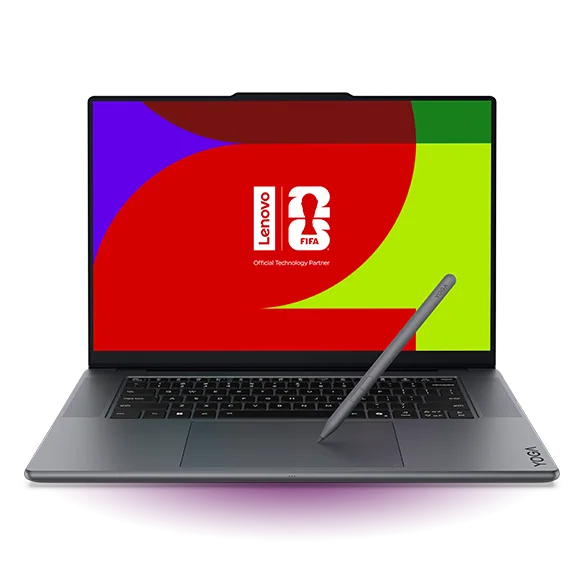
Lenovo Yoga Pro 9i works for creators who want a portable Windows laptop with a polished day-to-day experience and a display that looks great for media and creative work. It is also a good fit when you want touch and pen input in a convertible-style design for light creation and review work. Do not buy it expecting workstation-class headroom or serious gaming performance, because it is built more for light to moderately demanding workloads.
Portable design with a strong overall user experience for everyday creator work
Convertible flexibility (including tent mode) for watching, reviewing, and touch-friendly tasks
OLED display options (2.8k and 4k+) for a high-impact screen experience
Not designed for heavy workstation workloads (limited to 32GB soldered RAM)
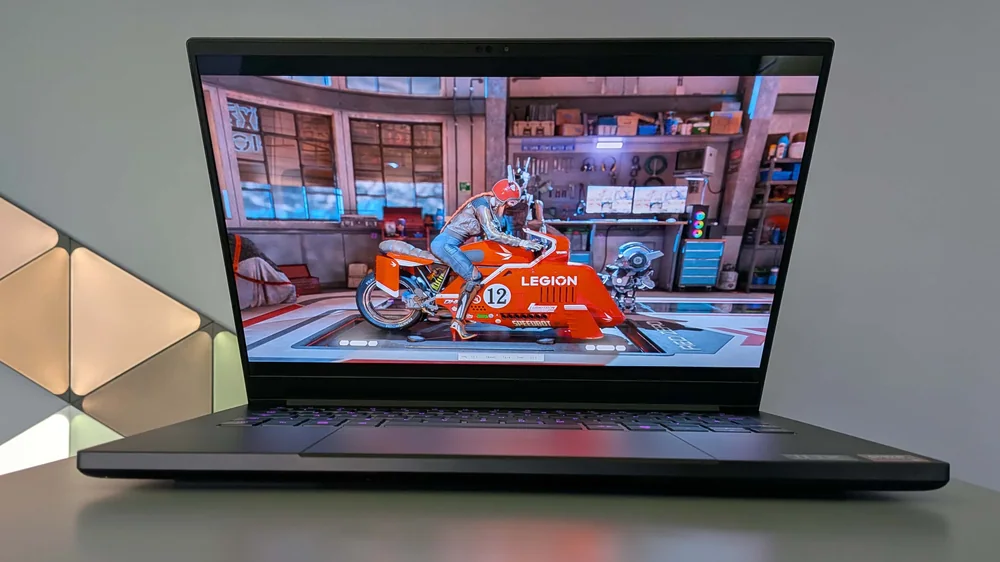
Razer Blade 14 (2025) is for creators who also game, or who lean on GPU-heavy creative work and want that capability in a premium, portable chassis. The core appeal is the gaming-laptop class performance approach packaged in a sleeker design than most performance machines. If you do not need that kind of GPU muscle, you can usually get a quieter, longer-lasting creator laptop experience by stepping back to a more creator-first model.
Best fit for creators who also want a serious gaming-capable laptop
Premium build approach paired with performance-oriented hardware
A sensible direction when your creative apps benefit from discrete GPU power
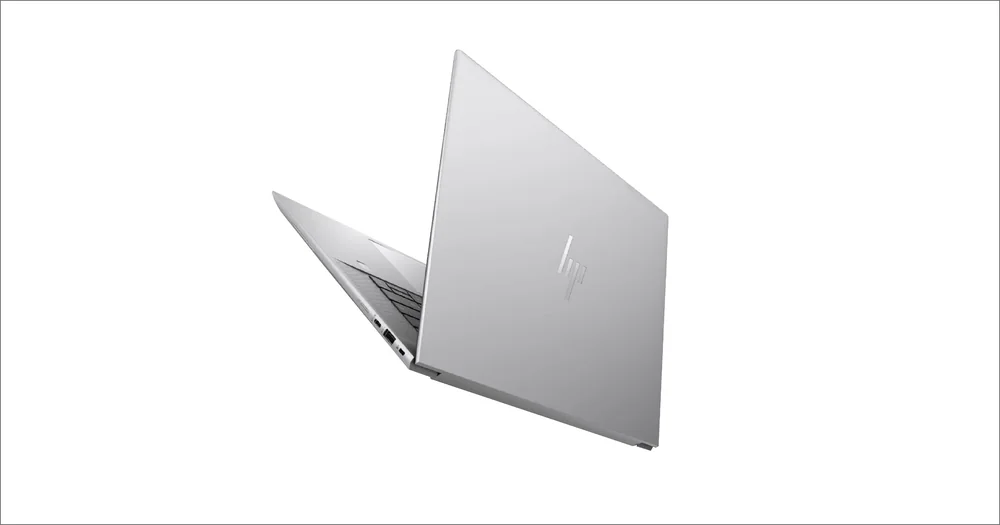
HP ZBook Studio G11 targets creators who want a workstation-leaning laptop that feels like a premium professional tool. It belongs on your shortlist when you care about the “work machine” experience as much as raw specs, and you want a design that signals pro intent. If you are willing to carry a heavier workstation, there are bigger models in the ZBook family that can deliver stronger performance and battery life.
Best fit for creators who want a premium-feeling mobile workstation style laptop
A professional, high-end design that reads as a serious production machine
Heavier workstation alternatives can deliver superior performance and battery life if portability is less important
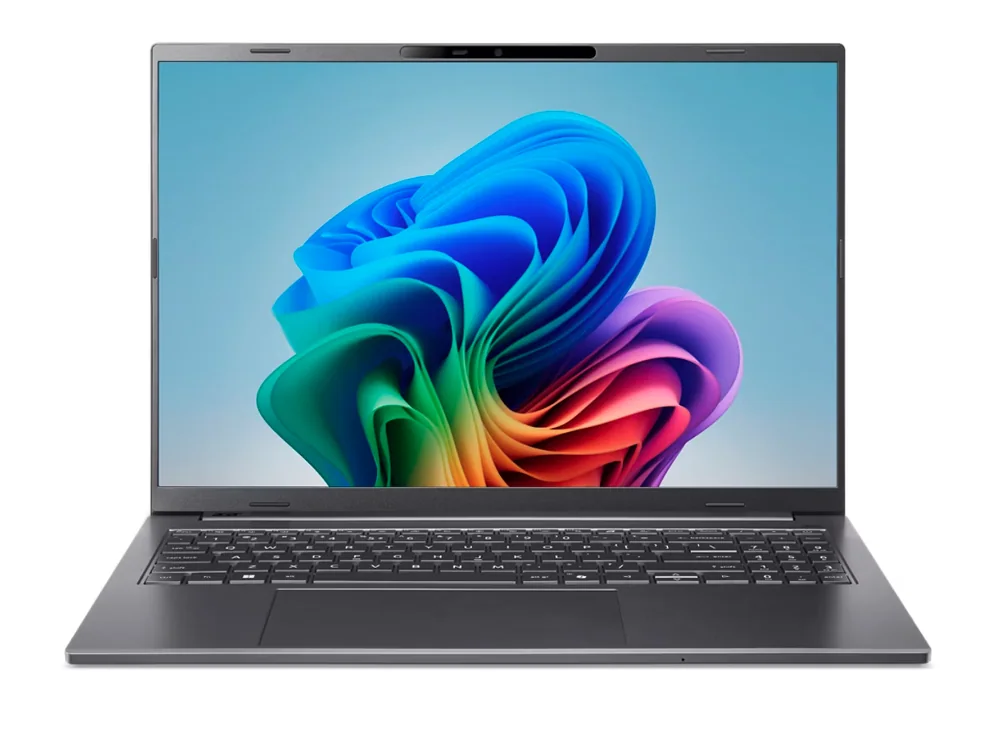
Acer Aspire 16 AI is the value play for creators who need a capable laptop for serious work but cannot justify premium pricing. The problem: the product-specific evidence here is thin, so it is hard to make confident claims about creator performance beyond the general value intent. If you can stretch the budget, the better-supported creator laptops above are safer buys for demanding editing.
Best fit for budget-conscious creators who still want a capable laptop for real work
Evidence is limited here, so treat it as a budget starting point rather than a proven editing workhorse
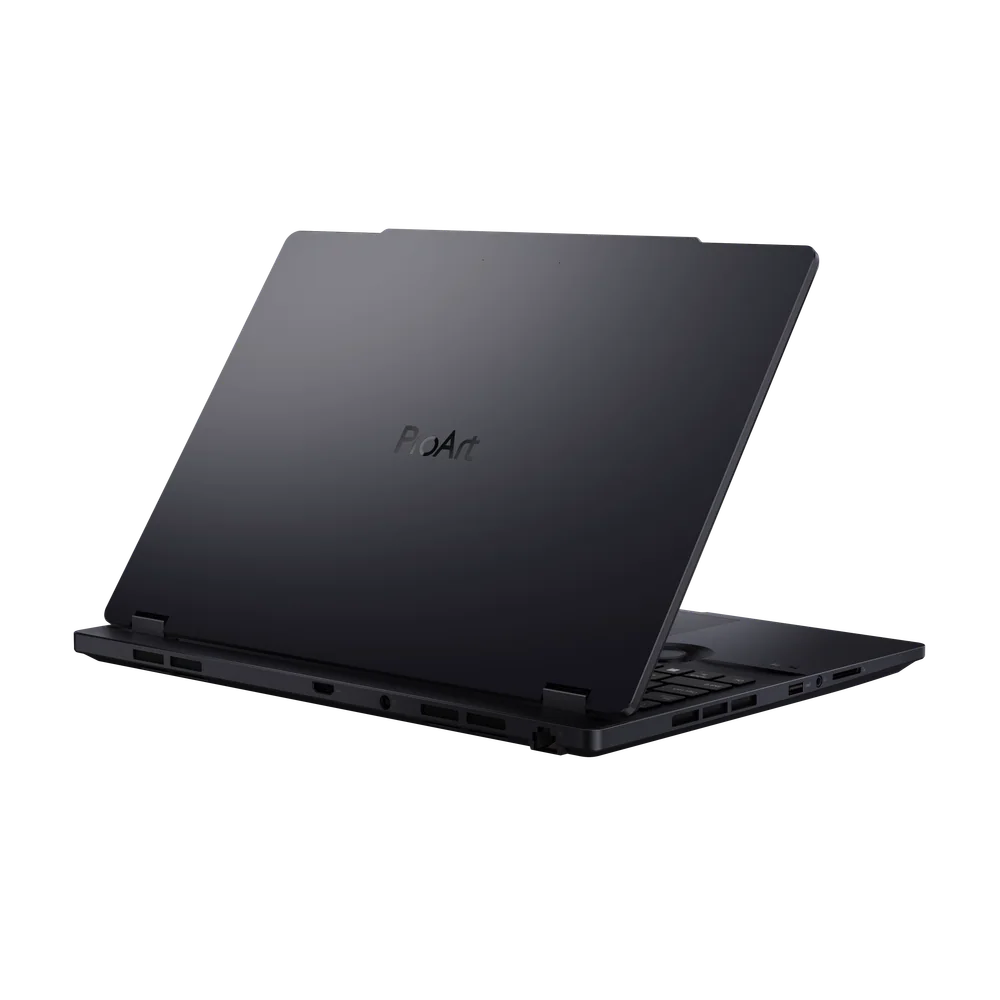
Asus ProArt Studiobook 16 OLED is aimed at Windows creators who want a bigger, more workstation-style laptop with an OLED display for color-focused work. It makes sense when your projects lean into heavier creative workloads and you want a machine built around that identity. The catch is that the strongest supporting details in this set lean more toward other ProArt models, so this one is best chosen by shoppers who already know they want the Studiobook form factor and OLED approach.
Best fit for workstation-leaning Windows creator workflows with an OLED display preference
A sensible direction for heavier creative workloads where a larger creator laptop makes day-to-day work easier
Dell XPS 15 is for creators who want a slimmer, more portable Windows laptop that still aims at creative work. It is the one to consider when you carry your laptop daily and want a premium chassis without jumping to a bulkier performance machine. As with the XPS 16, the creator-specific proof points in this set are limited, so it is best treated as a portability-first choice rather than the most defensible performance buy.
Best fit for creators who prioritize portability in a premium Windows laptop
A good direction when you want a thin-and-light feel for everyday carry and creative tasks
Creator performance details are not well established here compared with the top-ranked models
Choose macOS when you want a consistently strong portable editing experience with excellent battery life and a polished trackpad and webcam experience. Choose Windows when you want more variety in form factors like 2-in-1 convertibles, or when your workflow benefits from gaming-laptop style GPU performance.
Do I need a 2-in-1 laptop for content creation?
Only if you will actually use touch and tablet modes for sketching, annotating, or presenting work. If you mostly edit with a keyboard and trackpad, a traditional clamshell creator laptop usually gives you a simpler, more focused experience.
Is an OLED display worth it for creators?
OLED can be a great upgrade when you spend hours staring at your screen and care about rich contrast and color pop. It is not automatically “more accurate” for every workflow, so prioritize overall laptop performance and the display quality you personally prefer.
When should I step up to a mobile workstation laptop?
Move up when your projects are heavy enough that you routinely hit limits, or when you want a more professional, workstation-leaning design and experience. If portability matters most, a lighter creator laptop can be the better everyday tool.
Can a gaming laptop be a good creator laptop?
Yes, especially when you want strong GPU capability for creative apps and you also game. The trade is that gaming-oriented machines can be more than you need if your work is mostly lighter editing and general content creation.