
What to know first
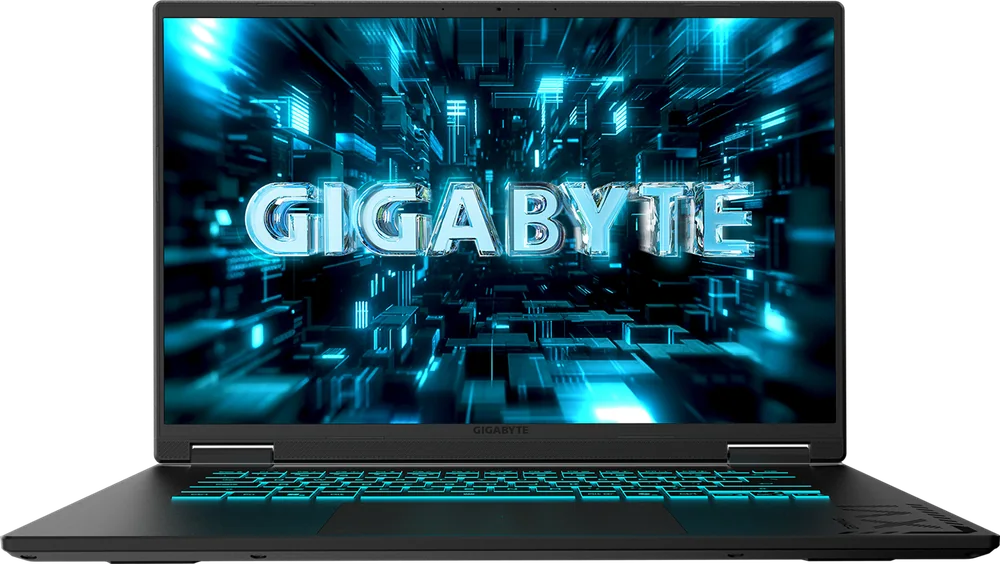
- The 18-inch 2560 x 1600, 165Hz IPS screen is the reason to buy it.
- Mainstream gaming parts: AMD Ryzen 7 260, RTX 5070 Laptop GPU (8GB), 32GB DDR5, 1TB PCIe Gen 4 SSD.
- It is a value play within 18-inch gaming laptops, not a cheap laptop overall.
- The GPU is down-tuned (reduced power draw), so don’t assume it beats smaller, higher-end 16-inch models.
- Wireless is modern: Wi-Fi 6E and Bluetooth 5.3.
- Big and heavy desktop-replacement build: 6.17 pounds, 0.98 inches thick.
What the Gigabyte Gaming A18 is
The Gigabyte Gaming A18 is a desktop-replacement style gaming laptop built around an 18-inch display. It’s meant to live on a desk or table most of the time, giving you a bigger, more comfortable screen for games and multitasking than a typical 15- or 16-inch gaming laptop.
In the US, the lineup is simple. The available configurations center on the same core platform: an AMD Ryzen 7 260 processor, 32GB of DDR5 memory, and a 1TB PCIe Gen 4 SSD. Graphics are handled by an Nvidia GeForce RTX 5070 Laptop GPU with 8GB of VRAM (with limited configuration variety overall).
Think of it as an 18-inch laptop for people who want the big-screen experience but are not trying to buy the most expensive, most aggressive 18-inch machine on the market.
Why it stands out
The screen is the headline feature. You get an 18-inch IPS LCD with a 2560 x 1600 resolution and a 165Hz refresh rate. In plain terms, that’s enough space to keep a game looking sharp while still having room for side panels, maps, chat, or a browser without everything feeling cramped. And 165Hz is fast enough to make motion look smoother than a standard 60Hz or 120Hz panel when your game can push higher frame rates.
It also stands out because it’s a more down-to-earth way to buy into the 18-inch category. Giant-screen gaming laptops can get wildly expensive. The A18 is a better value within that oversized segment, while still delivering respectable gaming performance for the money.
The catch is also part of what makes it a value model: the RTX 5070 Laptop GPU here runs at a reduced power draw. That matters because laptop GPUs with the same name can perform very differently depending on how much sustained power the laptop allows and how the cooling is tuned. With the A18, the down-tuned GPU caps the maximum frame rates and how far you can push detail settings compared with higher-wattage implementations.
What it is like to own
Day to day, the Gigabyte Gaming A18 is built for a mostly stationary setup. At 6.17 pounds and about an inch thick (0.98 inches), it’s not the kind of laptop you casually toss in a backpack every morning. It makes more sense as a “laptop that replaces a desktop,” where you can close it up, move it room to room, and still have one machine.
For streaming or development work, the 18-inch canvas is the practical win. It’s easier to keep an IDE, engine windows, and asset tools open at once, or to run a game with streaming controls and monitoring on the same screen without constantly alt-tabbing.
Wireless connectivity is current, with Wi-Fi 6E and Bluetooth 5.3. And for an 18-inch gaming laptop, battery life can be better than you’d expect for light tasks: one documented result is 9 hours and 49 minutes in a battery rundown. That does not mean you’ll game for anything close to that on battery, but it does make the A18 easier to live with away from an outlet when you’re doing non-gaming work.
What to know before you buy
Do not buy the Gigabyte Gaming A18 assuming “bigger laptop equals faster laptop.” The GPU is intentionally down-tuned, and that limits peak gaming performance. If you’re shopping specifically to chase the highest frame rates or to crank settings as high as possible, you may be happier with a smaller model that runs a higher-power GPU configuration.
Also, this isn’t the most flexible lineup. In the US, configuration choices are limited, so you’re not shopping a huge menu of CPU, RAM, and display options. That’s fine if you like the included spec mix, but it’s not ideal if you want to customize your way to a specific price or feature set.
Finally, understand what “lengthy battery life” means in context. The A18 can last a long time in lighter use for its class, but gaming laptops generally pull far more power in games and often run under stricter power limits on battery. Plan on using it plugged in for real gaming sessions.
The specs that matter
This is what changes your daily experience. You can keep more windows visible at once, and games feel more desktop-like without needing an external monitor.
Sharper than 1080p-class panels and gives you extra vertical space for timelines, code, chat, and game UI without everything feeling oversized.
IPS is a common choice for consistent color and viewing angles, which helps when you’re not sitting perfectly centered in front of a big screen.
When your game can run above 60fps, the screen can show those extra frames, which makes motion look smoother and input feel more immediate.
A strong mainstream CPU for gaming and multitasking. It’s the engine behind compiling code, running background apps while you game, and keeping the system responsive.
The RTX 5070 name tells you the general tier, but the reduced power draw is the real story. It can hold back maximum frame rates and high-detail settings compared with higher-wattage versions in other laptops.
32GB is comfortable for gaming plus streaming tools or development apps. A 1TB SSD gives you room for large game installs and project files without immediately needing an external drive.
This is a carry-it-sometimes laptop, not a commute-every-day laptop. Make sure you actually want a big chassis before you commit.
Who this product fits
You want a big-screen single-player gaming setup without a monitor
The Gigabyte Gaming A18 gives you an 18-inch, 2560 x 1600 display at 165Hz, so story games and open-world exploration feel more like playing on a desktop monitor. It’s designed to live on a desk, where the size is a benefit instead of a burden.
You stream from one screen and hate feeling cramped
The extra screen real estate makes it easier to keep your game up while still having room for chat, alerts, and monitoring. Wi-Fi 6E and Bluetooth 5.3 also fit a modern home streaming setup.
You do game development and want room for tools
An 18-inch panel is genuinely useful when you’re juggling an IDE, engine windows, and asset tools. With 32GB of RAM and a 1TB SSD, the A18 is set up for heavier multitasking than entry-level gaming laptops.
What else to compare
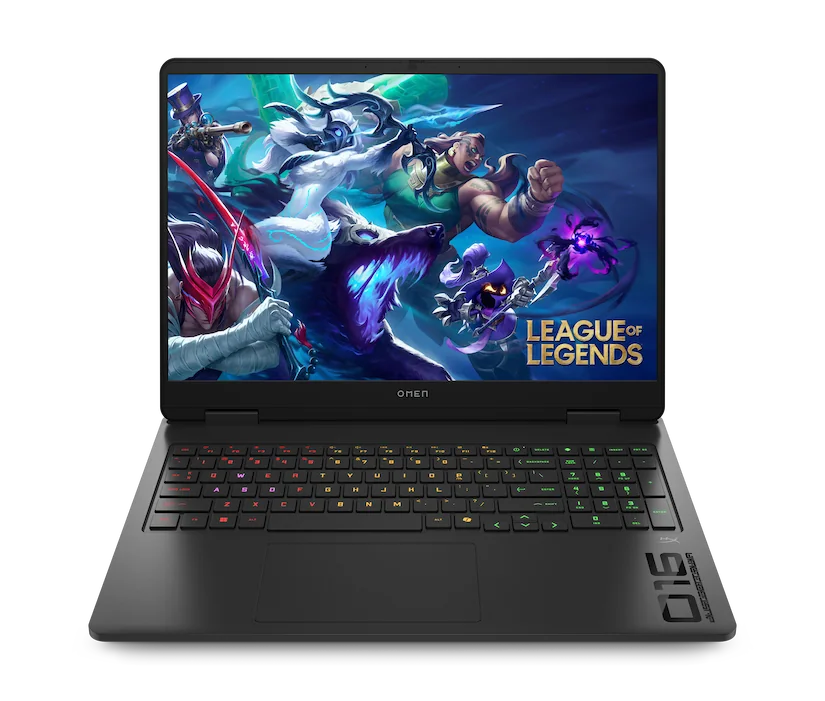
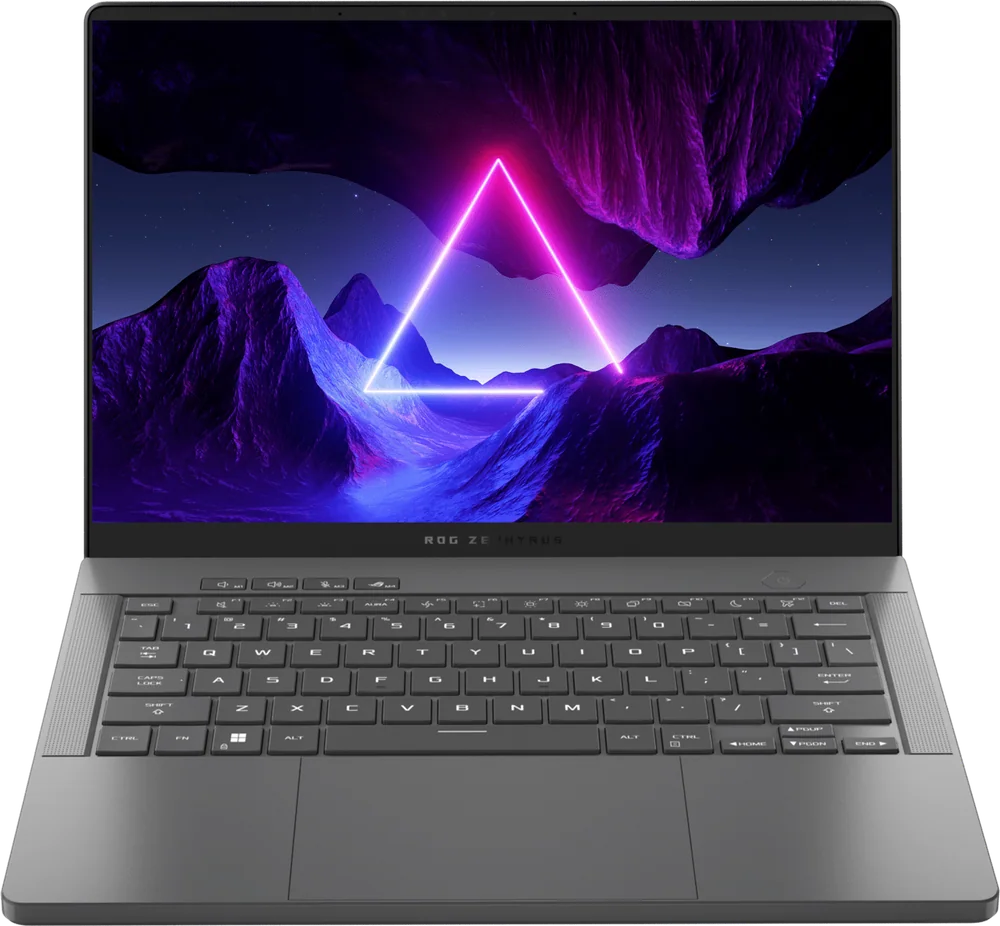
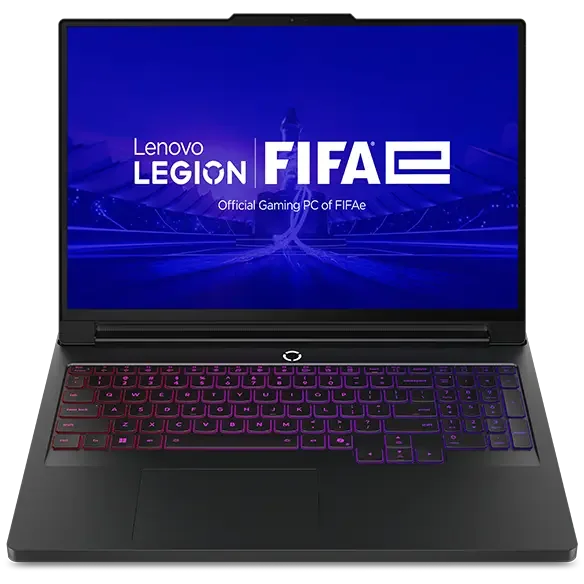
If the Gigabyte Gaming A18 isn’t the right fit, these are the directions I’d go depending on what you value most.
Gigabyte Gaming A18 FAQ
Is the Gigabyte Gaming A18 good for competitive esports games?
It can be, mainly because the display is 165Hz, which is fast enough to take advantage of higher frame rates. Just keep in mind the RTX 5070 Laptop GPU here is down-tuned, so you’re not automatically getting the highest fps possible for the GPU name.
Is the Gigabyte Gaming A18 portable enough for school or commuting?
It’s portable in the sense that it’s still a laptop, but it’s a big one. At 6.17 pounds and nearly an inch thick, it’s better as a desk-first machine than something you carry every day.
Does the Gigabyte Gaming A18 support fast Wi-Fi?
Yes. It supports Wi-Fi 6E, plus Bluetooth 5.3 for wireless peripherals.
What does “down-tuned GPU” mean on the Gigabyte Gaming A18?
It means the laptop limits how much power the GPU can use for sustained work. Two laptops can both say “RTX 5070 Laptop GPU,” but the one that allows higher sustained wattage (with cooling to match) can deliver higher frame rates and handle higher settings more comfortably.
Can the Gigabyte Gaming A18 replace a desktop?
For a lot of people, yes, especially if you want a big screen and you mostly play and work at a desk. It’s explicitly in the desktop-replacement class, but it’s still a value-oriented 18-inch model rather than a no-compromises flagship.
Should you buy the Gigabyte Gaming A18?
Buy the Gigabyte Gaming A18 if you want an 18-inch gaming laptop because you actually plan to use that space. The 2560 x 1600, 165Hz IPS screen is a real quality-of-life upgrade for desk gaming, streaming layouts, and development multitasking, and the rest of the spec sheet (Ryzen 7 260, RTX 5070 Laptop GPU, 32GB RAM, 1TB SSD) is a sensible match for that mission.
Skip it if your goal is maximum performance per dollar or you’re trying to get the fastest RTX 5070-class laptop you can. The A18’s down-tuned GPU is the limiter, and in the real world that can make a smaller, higher-end 16-inch model feel quicker in demanding games. If you want big-screen value first, though, the Gigabyte Gaming A18 is an easy one to justify.