
What to know first
- One independent test measured about 9 hours 41 minutes of mixed-use battery life, unusually long for a gaming laptop with a discrete GPU
- A separate single-source measurement found 675 minutes of YouTube playback and 172 minutes of actual gaming on battery, a useful real-world gap to know before buying
- The RTX 5060 in this laptop runs at an 80W power limit, a specification that caps gaming performance compared to higher-wattage versions of the same GPU
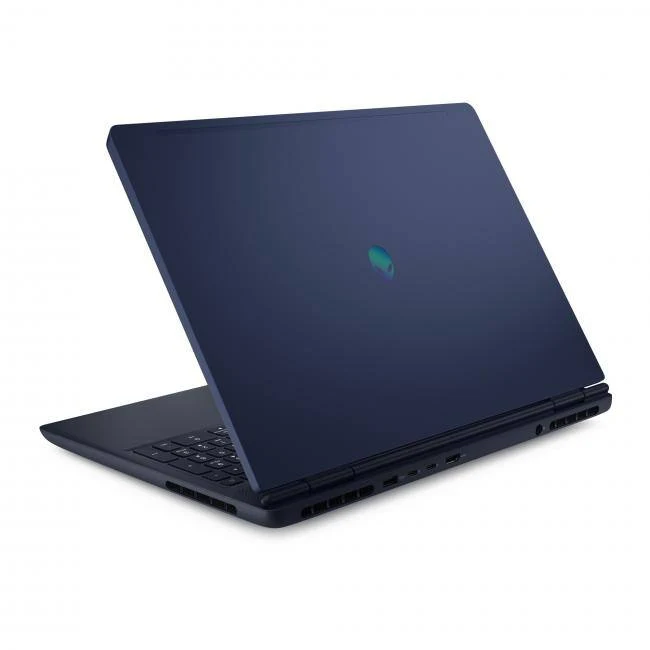
- Chassis uses Alienware's newer AW30 design language: aluminum lid, plastic body, rounded edges, and a shimmering indigo finish instead of sharp gamer styling
- Ports include Gigabit Ethernet, two USB-A and two USB-C, HDMI 2.1, and a proprietary barrel charging port with an included 180-watt adapter
A gaming laptop dressed for the office
Alienware laptops have historically leaned into a loud, unmistakably gamer look. The 16 Aurora doesn't. Its AW30 design language trades sharp angles for rounded corners, a subdued indigo finish with a slight shimmer, and an aluminum lid with a chrome logo instead of RGB accents. It's a laptop you could carry into a coffee shop or a client meeting without announcing what's inside.
That restraint extends to the spec sheet's balance. It sits in the mainstream gaming segment, not the enthusiast tier where RTX 5080 and 5090 laptops live.
The 16 Aurora exists for the buyer who wants a legitimate gaming GPU without committing to the size, weight, or battery compromises that usually come with one. Whether that tradeoff pays off depends heavily on what you actually plan to play.
The battery life a gaming laptop isn't supposed to have
Gaming laptops are notorious for needing a charger nearby at all times. The 16 Aurora breaks that pattern in a way worth taking seriously: one independent battery test measured roughly 9 hours and 41 minutes in a mixed workload of web browsing, video playback, and light graphics work. That's a runtime you'd expect from a thin productivity laptop, not one packing a discrete GPU.
A separate single-source measurement adds useful texture to that headline number. In that test, the same configuration ran for 675 minutes (over 11 hours) playing YouTube video and 172 minutes (under three hours) while actually gaming on battery. The gap between those two figures tells you what to expect in practice: leave the GPU idle and this laptop goes the distance, but ask it to render frames continuously and the battery drains far faster, as it would on almost any gaming laptop.
The 80W power limit and the long light-use results describe two important parts of this laptop, but the available measurements do not isolate the wattage as the cause of its browsing or video endurance. The defensible comparison is on performance: an 80W RTX 5060 has less graphics power available than higher-wattage versions of the same laptop GPU.
Living with the ports, the deck, and the daily grind
Day to day, the comfort details show up more than the spec sheet suggests. Rounded edges on the keyboard deck genuinely reduce the wrist and palm fatigue that comes from resting your hands on a sharp-edged chassis for hours, whether you're gaming or just typing through email.
Connectivity is a strong point for a laptop this size. You get two USB-A ports, two USB-C ports (one supporting 10 Gbps transfer speeds), HDMI 2.1 for external displays, a 3.5mm audio jack, and Gigabit Ethernet, a wired connection that plenty of modern laptops have quietly dropped. For gaming over a home network with the lowest possible latency, that Ethernet port is worth more than it sounds.
Alienware includes a 180-watt power adapter with a proprietary barrel connector rather than USB-C charging, so you're stuck carrying the included brick rather than a universal charger. At 5.64 pounds and 0.89 inches thick, it's not a laptop you'll forget is in your bag, though it's not dramatically heavier than comparable 16-inch gaming laptops either.
The 80W ceiling you need to know about before buying
Here's the catch that should drive the purchase decision: the RTX 5060 in the 16 Aurora runs at an 80W power limit. GPU manufacturers allow laptop makers to configure the same chip at different power levels, and 80W sits on the lower end for this GPU. That specification limits the graphics power available relative to higher-wattage RTX 5060 laptops; it should not be treated as the sole explanation for the battery results.
Storage performance is a second compromise worth flagging. Slower SSD read and write speeds mean longer game installs, slower level loading in some titles, and more waiting during large file transfers, an odd pairing with an otherwise well-rounded configuration.
The 720p webcam is the smallest issue on this list but the easiest to notice immediately. If video calls are part of your daily routine, expect noticeably softer image quality than laptops that have moved to 1080p cameras as a baseline.
The specs that matter
Handles everyday multitasking, background apps, and CPU-bound game logic; paired here with a GPU that's the more likely bottleneck for gaming performance.
Comfortably supports heavy multitasking, streaming while gaming, or running creative apps alongside a browser with dozens of tabs open.
Enough room for a sizable game library, though one independent evaluation noted the drive's read and write speeds trail faster SSDs, so large installs and transfers take longer.
This is one of the most important specs on the sheet because it limits the graphics power available relative to higher-wattage RTX 5060 laptops. The battery measurements are useful separate evidence, not proof that this wattage caused the endurance result.
Unusually long for a laptop with a discrete gaming GPU; tells you this laptop can realistically get through a workday or a long flight without the charger, as long as you're not gaming the whole time.
Shows exactly how much faster the battery drains under GPU load versus passive video watching, useful for setting expectations before an unplugged gaming session.
A wired Ethernet jack in particular is valuable for gamers who want the most stable, lowest-latency connection at home.
Portable enough to carry daily, but still noticeably heavier than a slim ultrabook, so expect it to weigh down a backpack on longer commutes.
Who this product fits
The commuter who games at night
Someone who rides a train or bus for an hour each way and wants to stream video or browse without hunting for an outlet will benefit directly from the roughly 9:41 mixed-use battery life measured in one independent test. Save the actual gaming for when you're near a charger, since that same evaluation found gaming battery life drops to under three hours.
The esports player on a budget-conscious build
If your main games are competitive titles like Valorant, League of Legends, or CS2 rather than the newest graphically demanding releases, the 80W RTX 5060 is less of a limitation, since those games don't push GPU wattage as hard to hit high frame rates.
The buyer who wants Ethernet at their desk
Anyone setting this laptop up as a semi-permanent desktop replacement for competitive online gaming will appreciate the built-in Gigabit Ethernet port, avoiding Wi-Fi latency without needing a USB dongle.
What else to compare
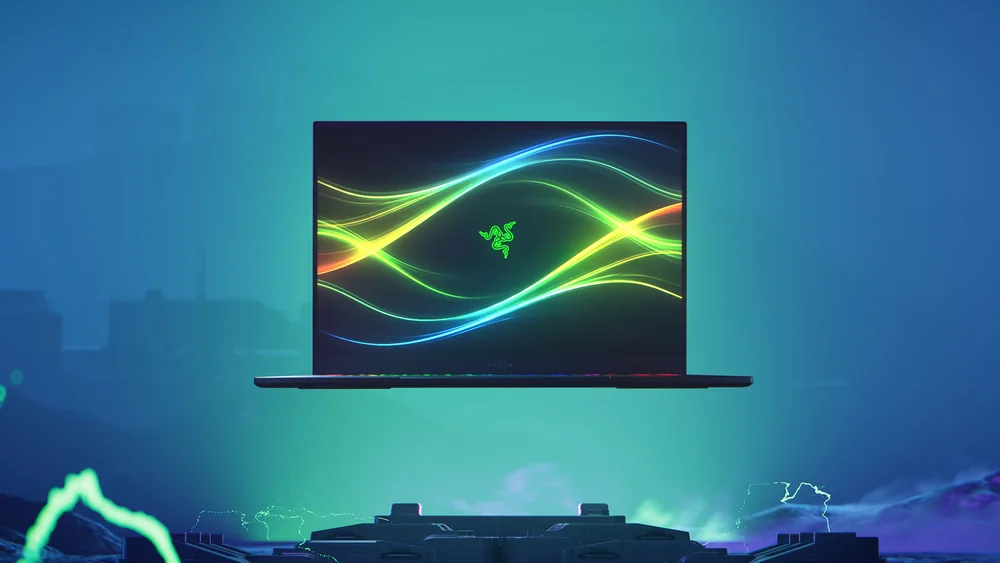
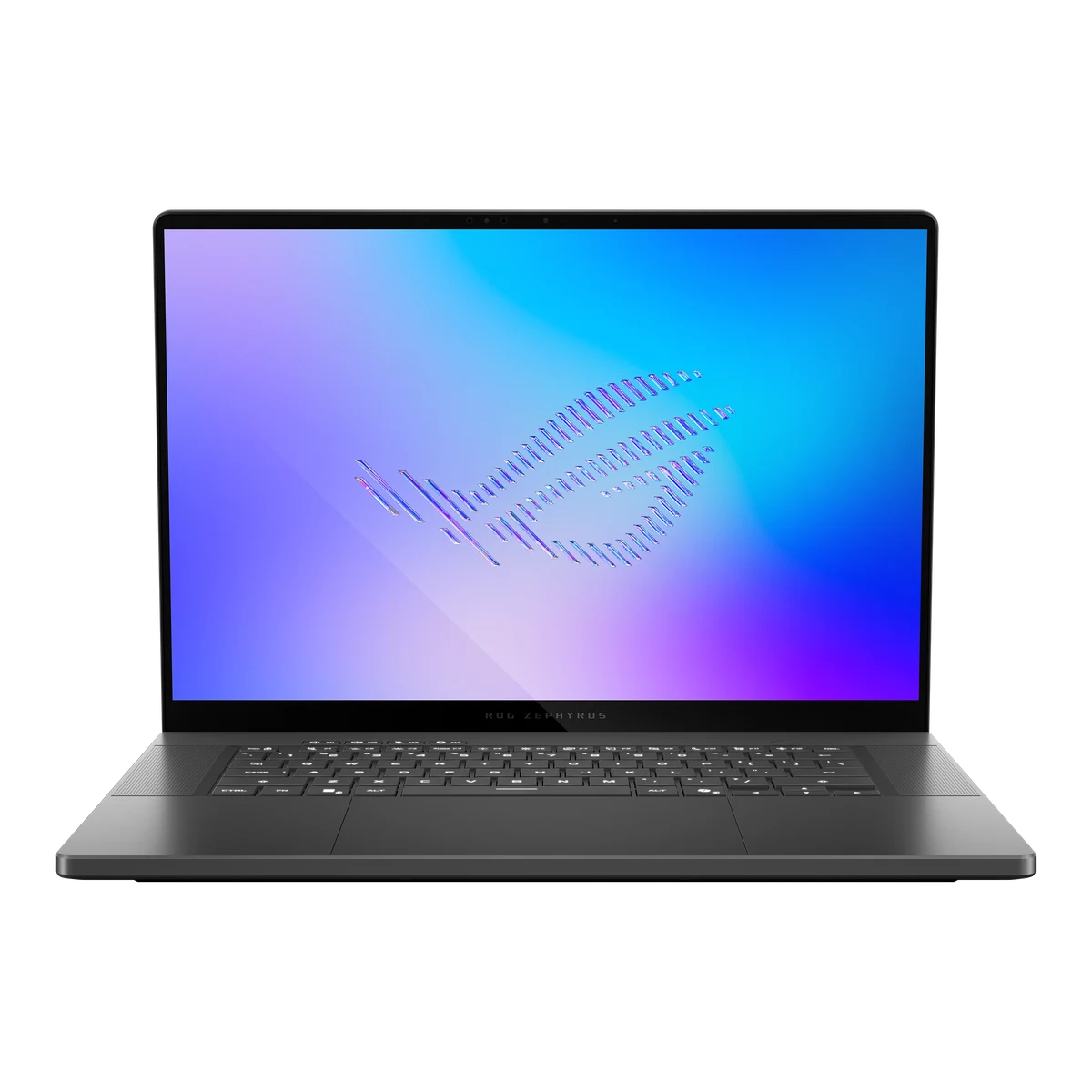
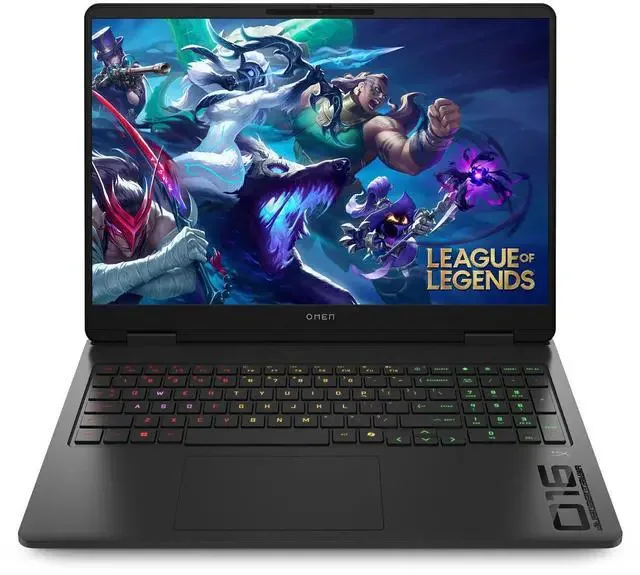
A few nearby options are worth a look depending on which side of this laptop's tradeoff matters more to you.
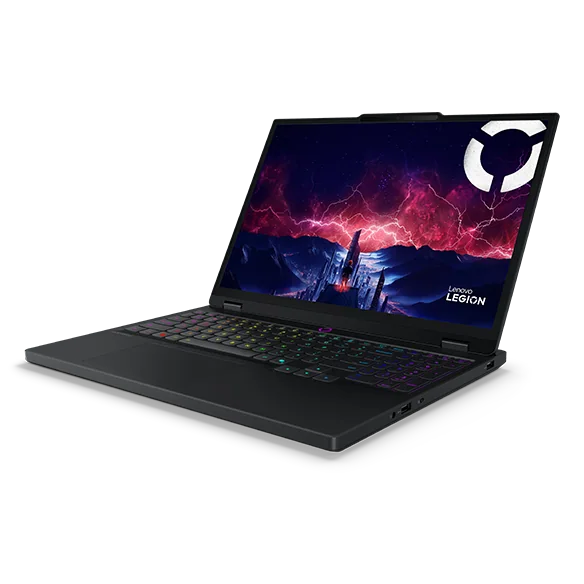
Alienware 16 Aurora (2025, RTX 5060) FAQ
Is the Alienware 16 Aurora good for gaming?
It's capable for esports titles and moderate settings in newer games, but the RTX 5060's 80W power limit means it won't match other RTX 5060 laptops configured with more GPU wattage. Buyers chasing top frame rates in demanding AAA titles should look at a higher-wattage configuration.
How long does the battery actually last?
One independent test measured about 9 hours 41 minutes in a mixed web browsing, video, and light graphics workload. A separate single-source measurement found 675 minutes of YouTube playback versus only 172 minutes while actively gaming, so expect a big drop once the GPU is under load.
Why is the RTX 5060 limited to 80W in this laptop?
Laptop makers can configure the same GPU at different power levels. Alienware uses an 80W configuration here, which is on the lower end for this GPU and limits the graphics power available compared with higher-wattage versions. The published battery measurements do not establish why Alienware chose that limit or how much it contributed to endurance.
Is the webcam good enough for video calls?
It's a 720p camera, which is below the 1080p standard many laptops now include. If frequent video calls are part of your routine, expect noticeably softer image quality than more recent competitors.
Does it come with a fast charger?
Alienware includes a 180-watt power adapter with a proprietary barrel connector, not USB-C charging, so you'll need to carry the included brick rather than relying on a universal charger.
Worth it if you value hours over horsepower
Buying the Alienware 16 Aurora means accepting two facts up front: its 80W RTX 5060 will not match higher-wattage versions in demanding games, and one independent test measured a standout 9 hours 41 minutes in mixed battery use. That combination will suit some buyers better than others, without proving that one fact caused the other.
For the buyer who games mostly on esports titles, wants a laptop that looks presentable outside a dorm room or gaming den, and cares more about surviving a full day unplugged than hitting maximum settings in the newest release, this configuration earns its price. Anyone chasing frame rate above all else should spend that same money on an RTX 5060 laptop configured with more GPU power instead.