
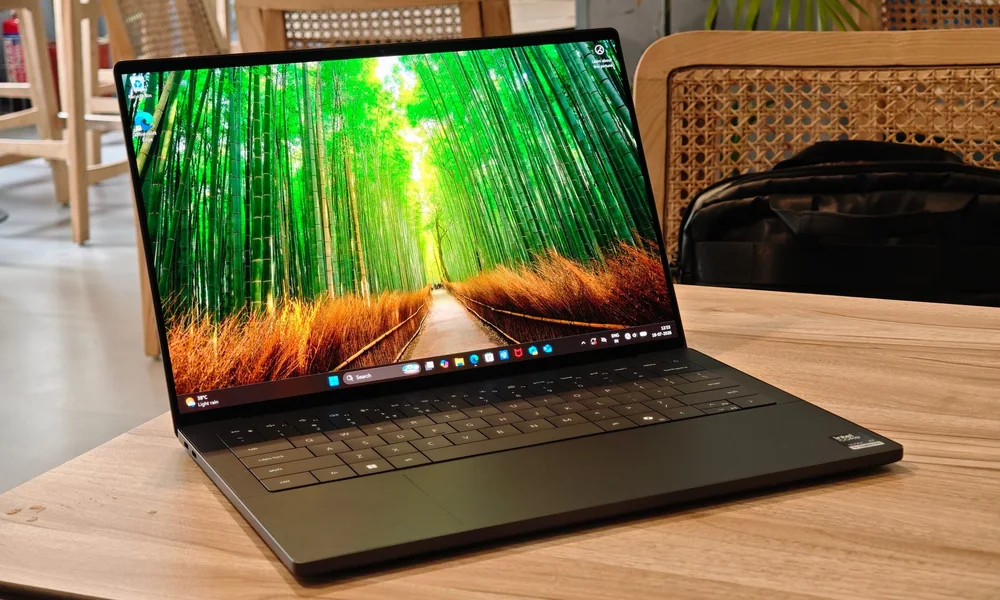
What to know first
- Measured battery life is 21:02, which is exceptional for a gaming-adjacent laptop.
- 14-inch 2880 x 1800 OLED touch option with a 120Hz refresh rate for smoother motion.
- Intel Core Ultra (Panther Lake, Core Ultra 300 series) focuses on speed and efficiency for daily work.
- Intel Arc B390 graphics can handle light gaming, but it is not a gaming-first GPU.
- All ports are Thunderbolt/USB-C, so plan on adapters if you use HDMI, USB-A, or an SD card.
What the Dell XPS 14 (2026) is
The Dell XPS 14 (2026) is a 14-inch premium Windows ultraportable that happens to have enough graphics capability to be relevant for light gaming. Think of it as a daily-carry laptop that can play games sometimes, not a gaming laptop that you also use for email.
The configuration details we have show a 14-inch OLED touch panel option at 2880 x 1800 with a 120Hz refresh rate, Intel Core Ultra X7 358H, Intel Arc B390 graphics, 32GB of RAM, and a 1TB SSD. It runs Windows 11 Home and supports Wi-Fi 7 and Bluetooth 6.
Physically, it is built like a thin-and-light: about 0.58 inches thick and 3 pounds. That matters because most laptops that prioritize gaming performance tend to get heavier and bulkier once you add a higher-power GPU and the cooling needed to sustain it.
Why it stands out
Battery life is the reason to pay attention. A measured 21:02 result is the kind of number that lets you leave the charger in your bag for a full workday and still have plenty left for streaming or late-night browsing. Most gaming laptops are the opposite: they are powerful, but they push you toward living near an outlet.
The screen is another big draw. The 2.8K (2880 x 1800) OLED option gives you the deep blacks and punchy contrast people buy OLED for, and the 120Hz refresh rate makes scrolling and motion look smoother than a standard 60Hz panel. Dell also offers a glass OLED touch-screen option, which is a nice fit for a laptop that is meant to be used all day, not just at a desk.
Performance is aimed at productivity and efficiency. The XPS 14 (2026) uses Intel’s Core Ultra 300 series (Panther Lake). In plain terms, that is the platform choice you make when you want a fast everyday laptop that is also trying to be power-efficient.
For gaming, the Intel Arc B390 is what keeps this model in the conversation. It is integrated graphics, not a dedicated GPU with its own high power limit, so you should set expectations accordingly. But it is stronger than the basic integrated graphics people associate with older thin-and-lights, which is why this XPS can credibly cover “occasional gaming” for the right buyer.
What it is like to own
Day to day, the XPS 14 (2026) is built around portability. At about 3 pounds and 0.58 inches thick, it is the kind of laptop you actually carry to class, to meetings, or onto a plane without resenting it. That portability pairs well with the long battery life, because you are not constantly hunting for an outlet.
For calls and media, Dell leans into quality-of-life upgrades that matter in real use: a 4K webcam and high-fidelity speakers are both called out as standout features. If you are on video calls a lot, that is a real difference compared with laptops that treat the webcam as an afterthought.
Port-wise, you need to plan ahead. This model’s ports are all Thunderbolt/USB-C. That is great if you live the USB-C life or you dock at a desk. It is annoying if you regularly plug in USB-A accessories, HDMI monitors, or wired peripherals without a hub.
On the gaming side, the practical expectation is “play sometimes,” not “replace a desktop.” The 120Hz display can make games feel smoother, but the GPU tier and power limits are what decide whether you can actually push high frame rates in demanding titles.
What to know before you buy
Do not buy the Dell XPS 14 (2026) expecting it to behave like a purpose-built gaming laptop. The Intel Arc B390 is not the same thing as a dedicated Nvidia RTX GPU, and thin laptops typically cannot sustain the same GPU power limits as thicker gaming models with more aggressive cooling.
The port situation is a real lifestyle choice. With all Thunderbolt/USB-C, you will likely want a small hub or dongle kit if you use HDMI, USB-A, or SD cards. Also note that no variable refresh support is listed for the display configuration we have, which matters if you are sensitive to tearing or frame pacing in games.
Finally, this is a premium machine and the configurations can be pricey. You are paying for the build, the OLED option, the battery life, and the overall “nice laptop” experience as much as you are paying for gaming capability.
The specs that matter
This platform is designed around speed and efficiency, which is a big reason the XPS 14 can be a work-first laptop with unusually long battery life.
Arc B390 is what makes light gaming possible in a thin ultraportable, but it is not a dedicated high-wattage gaming GPU. Expect occasional gaming, not max settings in every new AAA title.
OLED gives you deep blacks and strong contrast for movies, games, and dark UI themes. Touch is useful for quick navigation and casual use, but it is not required if you never tap your screen.
This is sharper than a typical 1080p-class laptop panel, which makes text and UI look cleaner. It also means games may need lower settings or resolution scaling to keep frame rates comfortable.
A higher refresh rate makes motion look smoother, whether you are scrolling web pages or playing faster games. It is most noticeable when your hardware can actually push higher frame rates.
This is the feature that changes daily use. It is the difference between carrying a charger everywhere and confidently working through a full day away from an outlet.
This is genuinely portable for a 14-inch laptop with gaming-adjacent graphics. If you commute, travel, or move between rooms all day, you will feel the difference.
These are current-gen wireless standards. On a compatible network, Wi-Fi 7 can help with faster, more responsive connections for downloads, cloud work, and streaming.
Who this product fits
You travel for work and game in hotel downtime
The Dell XPS 14 (2026) is easy to carry at about 3 pounds, and the 21:02 measured battery life means you can work all day without rationing power. When you are done, the OLED 120Hz screen and Intel Arc B390 let you play lighter games without hauling a bulky gaming rig.
You want one laptop for school, streaming, and occasional gaming
This is a strong fit if your day is documents, tabs, and video calls, and your nights are some gaming here and there. The 14-inch 2.8K OLED touch display makes everything look better, and the battery life is the kind that gets you through classes without living at the wall.
You code and do light-to-moderate game dev work
The Core Ultra platform is aimed at speed and efficiency for productivity, and the Arc graphics give you more headroom than basic integrated graphics. If your work regularly turns into heavy Unreal builds or constant AAA playtesting, you will want a true gaming laptop instead.
What else to compare
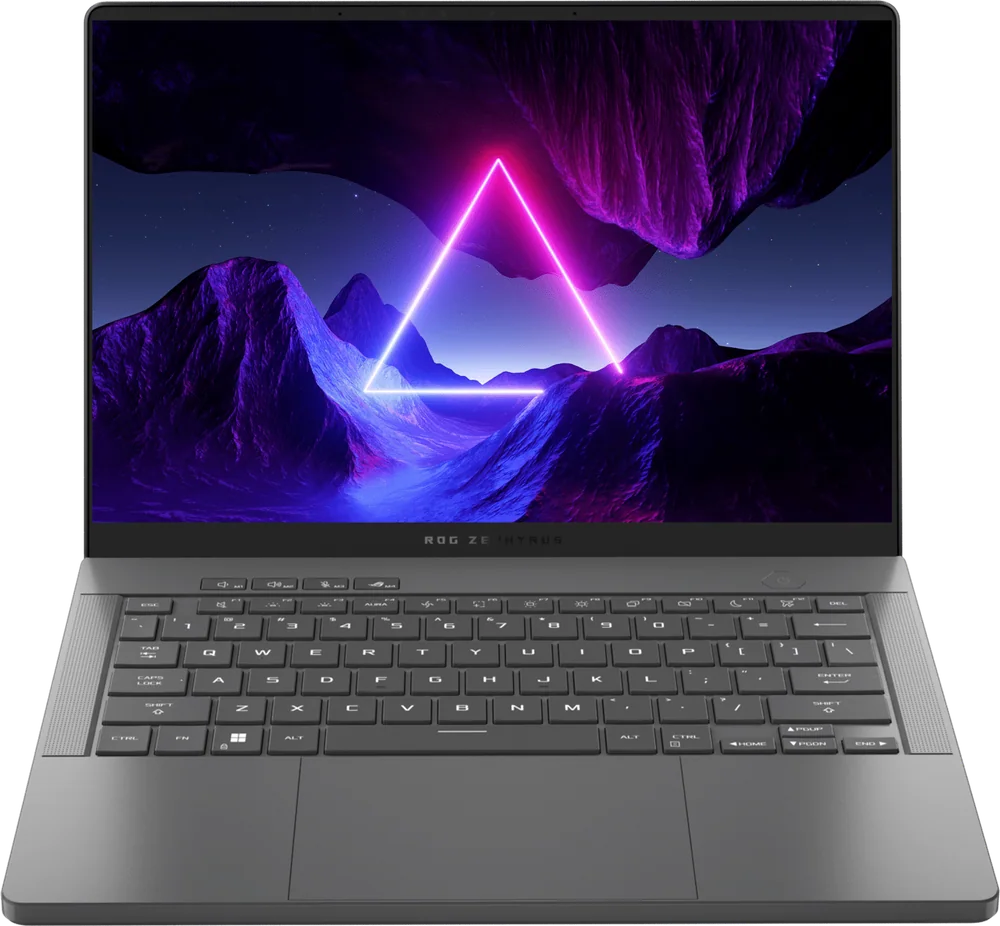
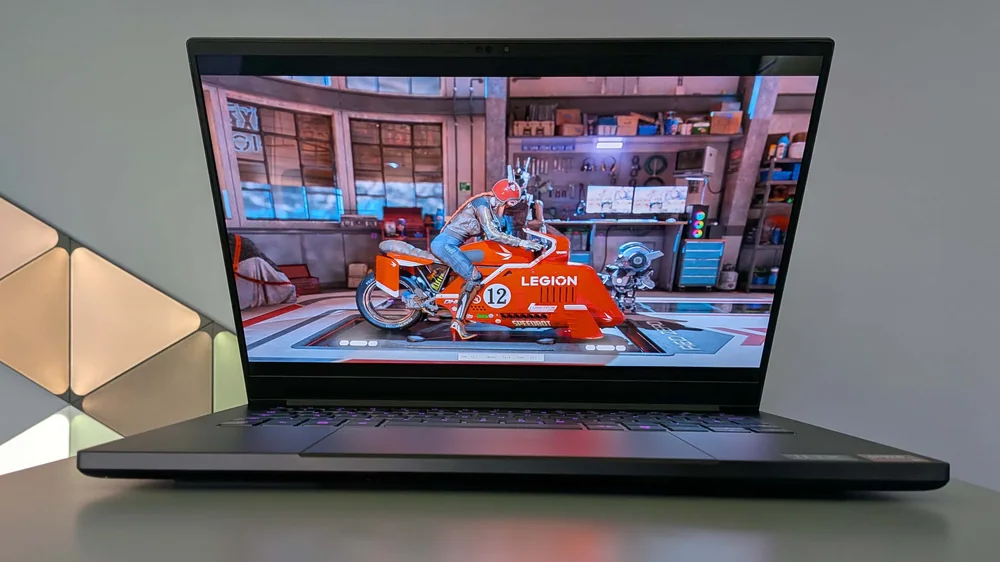
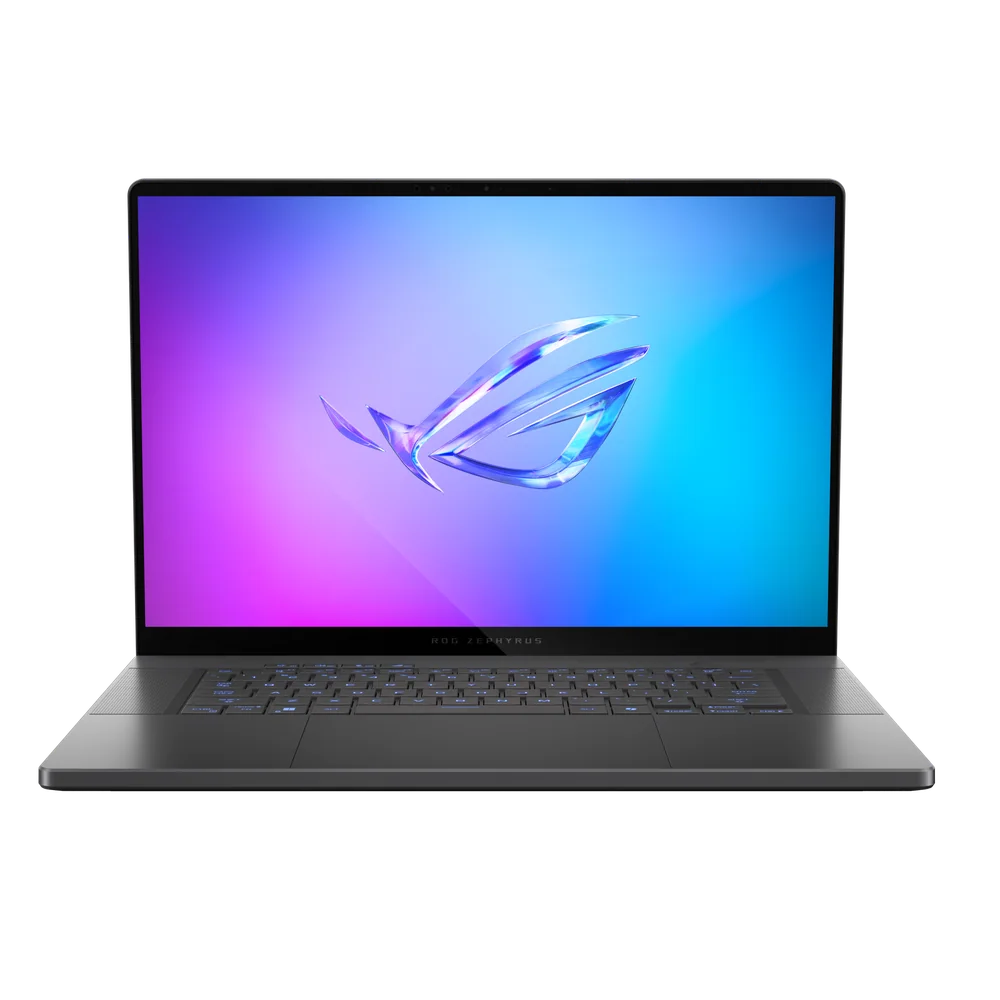
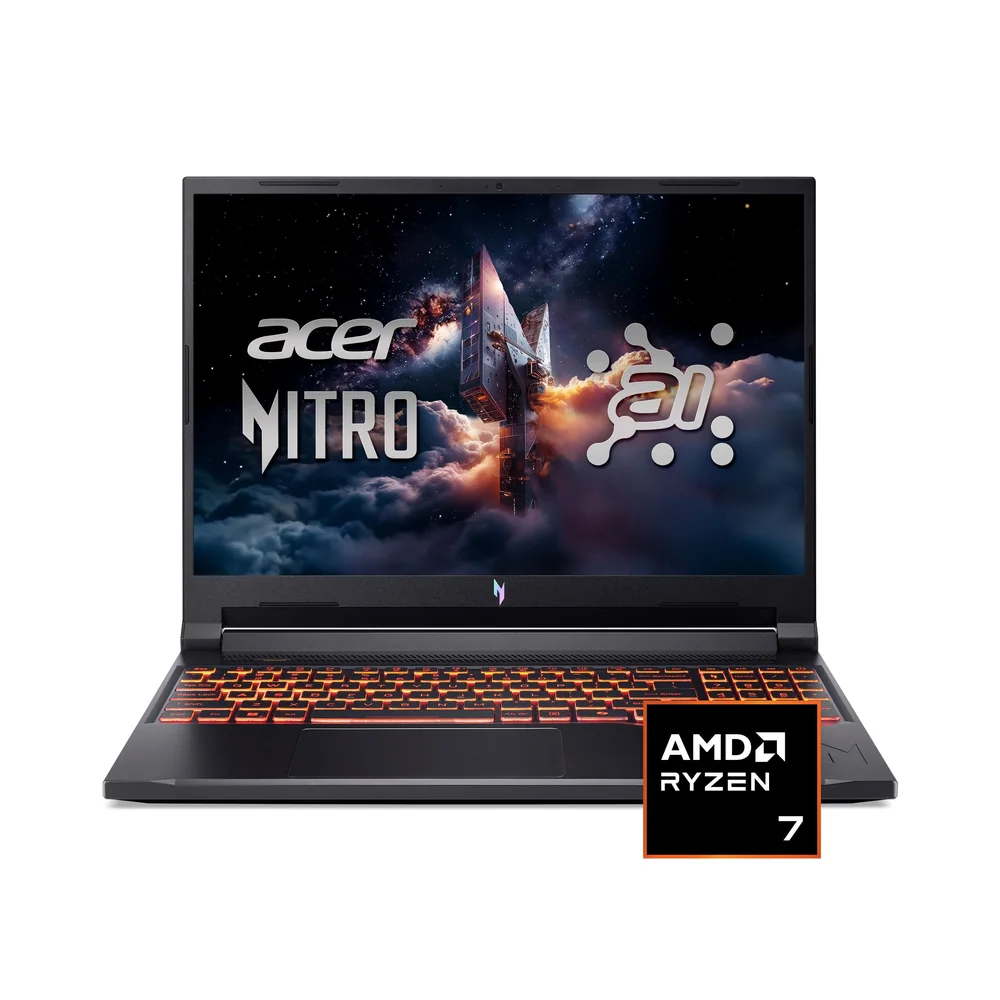
If you like the idea of a premium laptop that can game, but you want a more gaming-first setup, these are the models I would look at next.
Dell XPS 14 (2026) FAQ
Is the Dell XPS 14 (2026) a real gaming laptop?
It is gaming-capable, but it is not a gaming-first laptop. The Intel Arc B390 can handle light gaming, while the overall design priorities are portability, premium build, and long battery life.
How good is the battery life on the Dell XPS 14 (2026)?
A measured battery life result of 21:02 is the headline. That is far beyond what most gaming laptops deliver and is a major reason to choose this model if you work away from an outlet.
Does the Dell XPS 14 (2026) have an OLED screen and high refresh rate?
Yes, there is a 14-inch 2.8K (2880 x 1800) OLED touch option listed with a 120Hz refresh rate. That combination is great for media and makes motion look smoother in games and everyday scrolling.
What ports does the Dell XPS 14 (2026) have?
The port selection is all Thunderbolt/USB-C. If you need HDMI, USB-A, or an SD card slot, plan to use a hub or adapters.
Does the Dell XPS 14 (2026) support Wi-Fi 7?
Yes. The configuration details list Wi-Fi 7 and Bluetooth 6, which are current-gen wireless standards for faster, more capable connections on compatible networks.
Should you buy the Dell XPS 14 (2026)?
Buy the Dell XPS 14 (2026) if you want a premium 14-inch laptop that you will actually enjoy carrying and using all day, and you like having the option to game without owning a separate machine. The measured 21:02 battery life, OLED 120Hz display option, and modern wireless support make it feel like a high-end daily driver, not a compromised “gaming laptop in disguise.”
Skip it if gaming is the main job. The Intel Arc B390 is the right kind of graphics for light gaming in a thin chassis, but it is not the right tool for pushing high settings and high frame rates in demanding games for hours. In that case, you will be happier with a purpose-built gaming laptop with a dedicated GPU and the cooling to sustain it.