
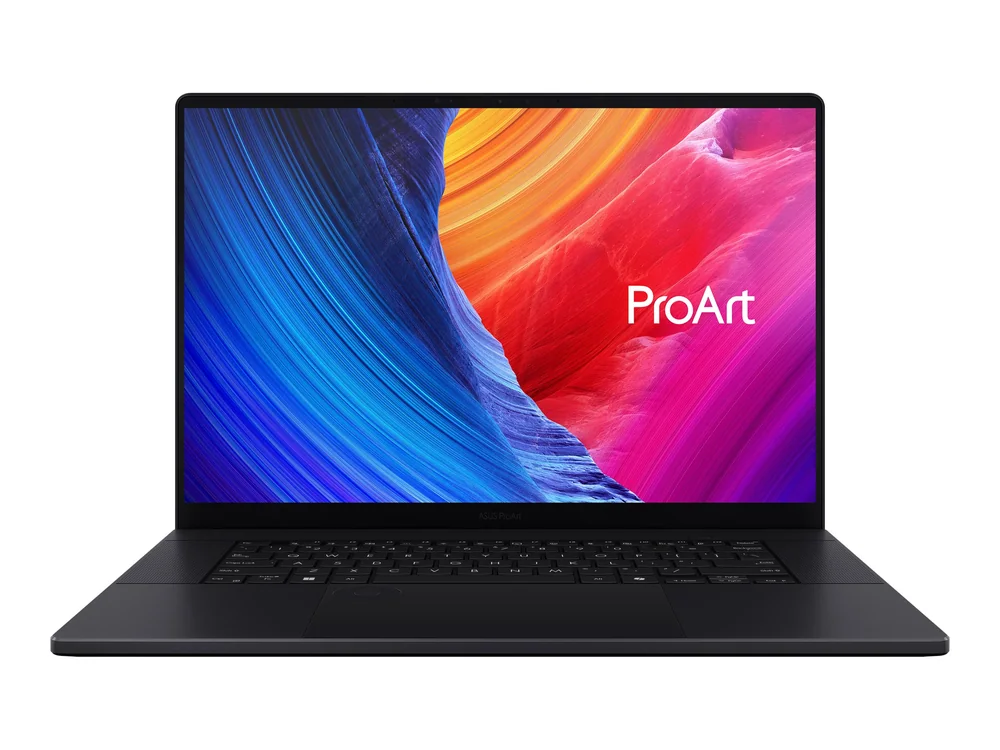
What to know first
- 16-inch OLED display with 100% DCI-P3 coverage is a strong fit for photo and video work.
- Comfort-focused inputs matter here: tactile keyboard and a large, responsive touchpad.
- Creator-friendly connections include an SD card slot and a wide port selection for peripherals and external displays.
- Expandable storage is a real perk: two M.2 2280 SSD slots.
- Expect heat and fan noise under heavy workloads, and plan around a glossy 60Hz screen.
What the ASUS ProArt P16 is
The ASUS ProArt P16 is a 16-inch Windows creator laptop built for people who do real work in creative apps, not just casual photo tweaks. It is a machine that can handle demanding workloads with a strong CPU and a discrete NVIDIA GeForce GPU, while still being manageable as an everyday laptop.
The centerpiece is its OLED display. You are getting the deep blacks and punchy contrast OLED is known for, plus full DCI-P3 coverage for color-critical work. In plain terms, it is the kind of screen that makes photo edits and video review feel more trustworthy than a typical laptop panel.
ASUS also leans into creator workflow details: a programmable capacitive dial (built into the touchpad area) for app controls, an SD card slot for quick ingest, and a port selection meant to support external drives and displays without turning your desk into a dongle pile.
Why it stands out
The display is the reason most people should consider the ASUS ProArt P16. A sharp 16-inch OLED with 100% DCI-P3 coverage is exactly what you want if you are adjusting color, judging contrast, or exporting work you need to look consistent across devices. It is also simply a great screen for media, with the deep blacks OLED does best.
Performance is the other half of the story. This laptop is built with a CPU and discrete GPU that can handle everyday productivity easily and still has the headroom for heavier creative work. That matters when you are scrubbing through timelines, working with large RAW batches, or stacking effects and layers without the whole machine feeling bogged down.
It is also unusually practical for a creator laptop. You get a wide port selection for peripherals and external displays, plus an SD card slot. Storage expansion is straightforward too, thanks to two M.2 2280 SSD slots, which is a big deal if your projects and caches grow faster than your internal drive.
Finally, it is comfortable. The keyboard is described as tactile, and the touchpad is large and responsive. Those are not flashy features, but they are the difference between a laptop you tolerate and one you can actually use for hours.
What it is like to own
Day to day, the ASUS ProArt P16 is set up to be a desk-friendly laptop that can still travel. For logins and calls, it includes a 1080p webcam and Windows Hello facial recognition, which makes getting into the machine quick and painless.
If your workflow involves cameras and external gear, the port selection is a quality-of-life upgrade. You can plug in peripherals and external displays directly, and the SD card slot is the kind of thing you miss immediately when it is not there.
The touchpad experience is a big part of the ProArt identity. Beyond being large and responsive, it includes a programmable capacitive dial that can improve certain creative workflows. If you use apps that support dial-style controls, it can be a faster way to adjust settings than hunting for tiny sliders.
Under heavy workloads, plan for the laptop to get hot and loud. It is not a silent workstation when you are pushing the CPU and GPU, even though sustained slowdowns from heat are described as minimal.
What to know before you buy
The OLED screen is glossy. That helps with perceived contrast and makes content look rich, but it also means reflections can be a real problem in bright rooms, near windows, or under strong overhead lighting. If you work in a bright studio or travel between unpredictable lighting environments, this is the biggest day-to-day annoyance to think about.
This is not a gaming-first laptop, and the screen is the giveaway. The panel is 60Hz with a relatively slow response time, which can look blurry in fast motion and can show ghosting. The hardware can run games reasonably well, but the display is not tuned for competitive or high refresh play.
Memory is another limiter for certain buyers. You can configure it up to 64GB, but it is soldered, so you are not upgrading RAM later. If your work involves extremely large datasets or you know you will need more than 64GB, you should be looking at a different class of machine.
The specs that matter
DCI-P3 coverage is a practical signal that the screen is built for color work, not just office tasks. The glossy finish boosts perceived contrast but can create distracting reflections in bright spaces.
For editing and general use, 60Hz is fine. For fast-paced gaming and motion clarity, it is a clear limitation compared with 120Hz and higher panels.
A discrete GPU helps with creative workloads that lean on graphics acceleration, like video editing and effects. It can also run games, but the laptop is tuned more for creator work than competitive gaming.
A 1080p webcam is a step up from the grainy 720p cameras still common in laptops. Windows Hello face login is one of those features you start using constantly once you have it.
This gives you a realistic path to add more fast storage later, which is huge for creators who accumulate project files, caches, and media libraries.
64GB is plenty for many photo and video workflows, but soldered RAM means you need to choose the right configuration up front. It is not the laptop for people who want to upgrade memory later.
If your apps support dial controls, it can speed up common adjustments like scrubbing, brush size, or timeline zoom. If you never use it, it is easy to ignore, but it is a genuinely creator-minded feature.
Who this product fits
You edit photos in Lightroom and Photoshop on Windows
The ASUS ProArt P16 gives you a large 16-inch OLED with full DCI-P3 coverage for color work, plus the performance headroom to keep big batches and layered edits moving. The SD card slot also makes importing shoots simpler.
You cut video and want fewer bottlenecks
With a strong CPU and discrete NVIDIA graphics, the ASUS ProArt P16 is built to handle demanding editing workloads. The dial control can also be useful for timeline and tool adjustments in supported apps.
You want a 16-inch laptop that still works as a daily driver
The tactile keyboard, large responsive touchpad, and Windows Hello face login make it comfortable for everyday work, not just creative sprints. It is also described as fairly portable for a 16-inch device.
You need ports and hate living on adapters
The wide port selection and SD card slot are a big part of the appeal. It is set up for external drives, peripherals, and external displays without forcing you into a hub for basic connections.
What else to compare
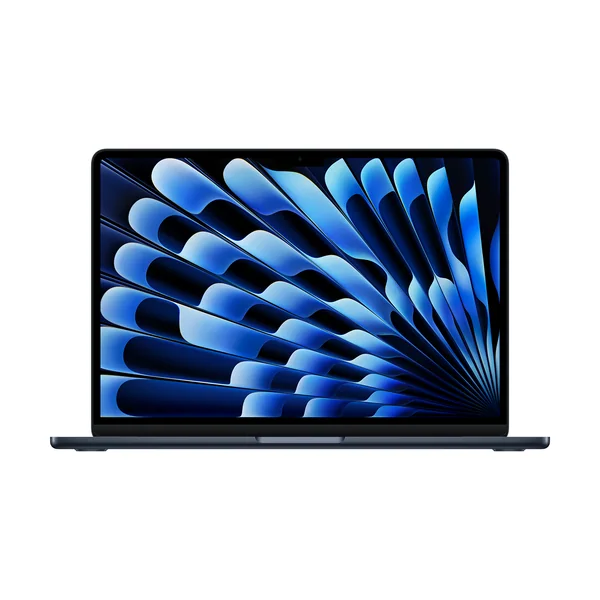
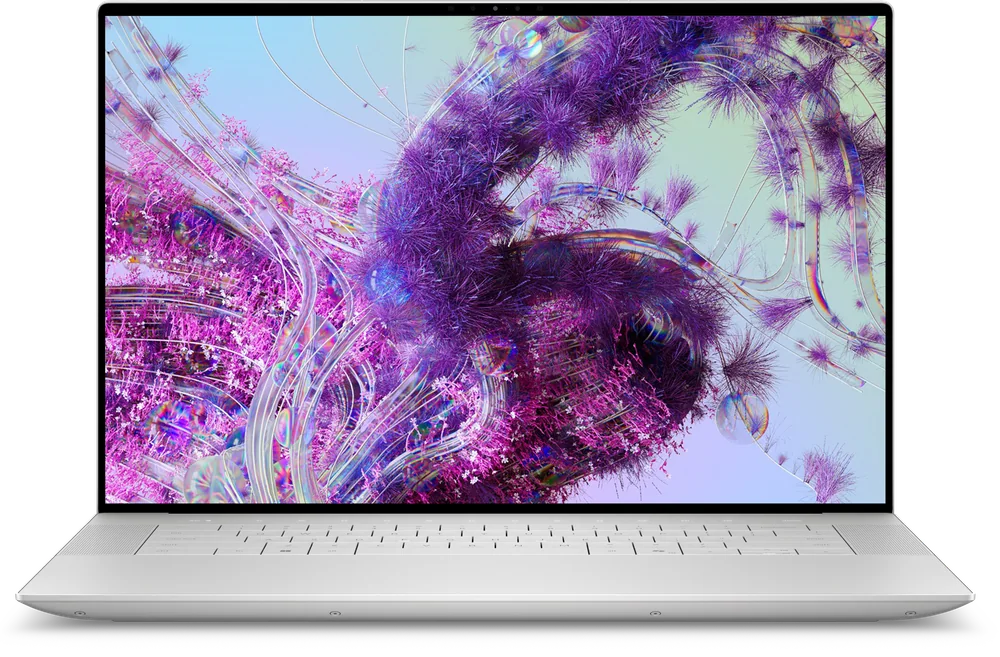
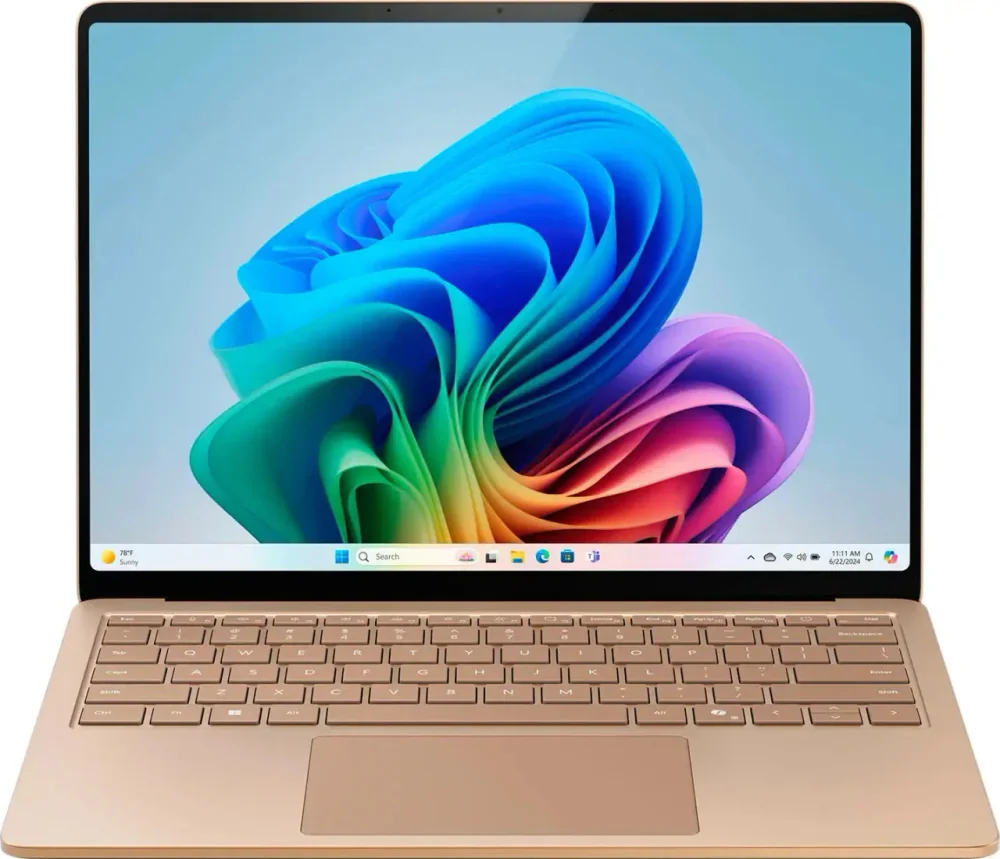
If the ProArt P16 is close but not quite right, these are the other directions that make sense.

ASUS ProArt P16 FAQ
Is the ASUS ProArt P16 good for photo editing?
Yes. Its 16-inch OLED display with 100% DCI-P3 coverage is well suited to color-critical work, and the CPU plus discrete GPU have the performance headroom for demanding editing tasks. The glossy finish can be a drawback in bright rooms.
Is the ASUS ProArt P16 good for video editing?
Yes, it is built for demanding creative workloads and includes discrete NVIDIA graphics. It also has creator-friendly touches like an SD card slot and a programmable capacitive dial that can help in supported apps.
Can you upgrade the ASUS ProArt P16 later?
You can expand storage because it has two M.2 2280 SSD slots. RAM is soldered and tops out at 64GB, so memory is not a later upgrade you can count on.
Is the ASUS ProArt P16 good for gaming?
It can run games thanks to its CPU and discrete GPU, but it is not designed around gaming. The 60Hz display with slower response time can look blurry in fast motion, and it can get hot and loud under load.
Does the ASUS ProArt P16 have an SD card slot?
Yes. That is one of the most practical creator features here, since it lets you import photos and video without needing a separate card reader.
Should I worry about the OLED screen on the ASUS ProArt P16?
Two things are worth knowing: the screen is glossy, so reflections can be distracting in bright environments, and the OLED can flicker, which may bother some people and cause eye strain.
Should you buy the ASUS ProArt P16?
Buy the ASUS ProArt P16 if you want a Windows creator laptop that feels purpose-built for photo and video work. The OLED screen with full DCI-P3 coverage is the headline feature, and the rest of the package supports that goal with strong performance, a comfortable keyboard and touchpad, and the ports creators actually use.
Skip it if your workspace is bright and reflective, if you are sensitive to OLED flicker, or if you want a high refresh display for gaming. But if your priority is a color-forward 16-inch Windows machine that can keep demanding creative work moving, the ASUS ProArt P16 is a smart, focused buy.