
What to know first
- The DreamColor 4K-class (3840 x 2400) IPS display option is the headline feature.
- At least one documented configuration pairs an Intel Core Ultra 9 185H with Nvidia RTX 3000 Ada (8GB).
- It is relatively thin and light for a 16-inch mobile workstation (3.8 lbs, 0.76 inches thick in one configuration).
- One measured battery rundown landed at 6 hours and 56 minutes.
- Premium touches include an RGB-backlit keyboard and a large, well-regarded touchpad.
What the HP ZBook Studio G11 is
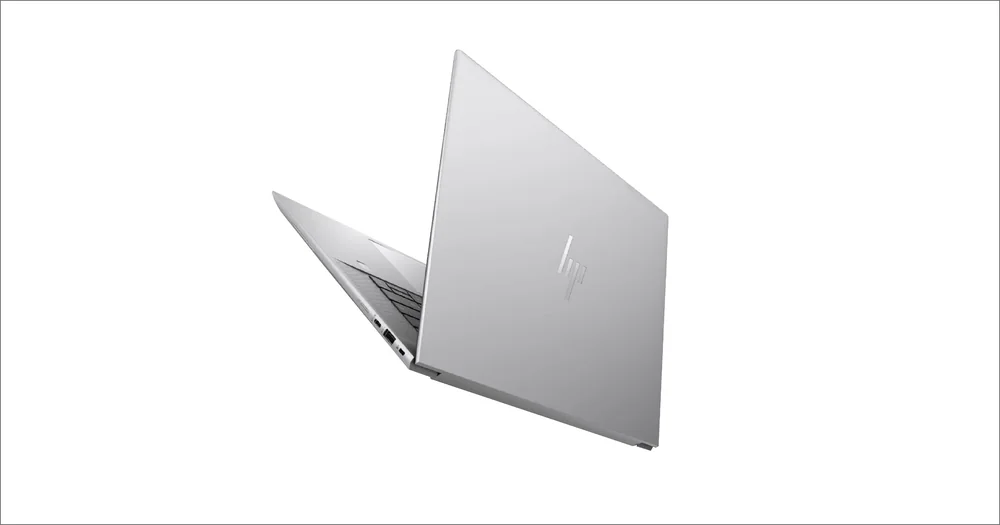
The HP ZBook Studio G11 is a 16-inch mobile workstation aimed at professional creators and specialized high-performance work. It sits in HP’s ZBook lineup as the luxury, creator-leaning option, positioned above the more portable Firefly and below the bigger, more powerful Fury models.
In plain terms, it is meant to be a serious production laptop you can still carry around. You are buying into a premium chassis, a high-end screen option, and workstation-class components, rather than a basic consumer laptop that just happens to have a fast chip.
The configuration we have the clearest details on runs Windows 11 Pro and pairs an Intel Core Ultra 9 185H with Nvidia RTX 3000 Ada graphics, plus 64GB of RAM and a 1TB SSD. That is the kind of spec mix people shop for when they want to edit, render, and multitask without the laptop feeling fragile or consumer.
Why it stands out
The screen is the main reason to pay attention. The ZBook Studio G11 can be configured with a DreamColor display at 3840 x 2400 resolution. On a 16-inch laptop, that is a lot of pixels, which makes fine text and detailed timelines easier to work with and gives you more room for tool palettes without everything feeling cramped.
It also aims for a premium day-to-day experience. Expect a handsome chassis, an RGB-backlit keyboard, and a large touchpad that feels smooth and controlled with quiet physical clicks. Those details matter when you are using the laptop as your primary work machine, not just a travel computer.
Performance is clearly in the real workstation-parts category, not ultrabook parts. The Intel Core Ultra 9 185H is an H-class processor, and the documented configuration includes Nvidia RTX 3000 Ada graphics with 8GB of VRAM. That combination is designed for demanding creative workloads that benefit from a discrete GPU, not just casual editing.
What it is like to own
As a daily driver, the ZBook Studio G11 is built around the idea that you will spend hours on the keyboard and trackpad. The touchpad is described as spacious and pleasant to use, with a smooth surface and quiet clicks. That is the difference between a laptop you tolerate and one you can actually work on all day without feeling like you need a mouse every minute.
Portability is part of the pitch. In one documented configuration, it weighs 3.8 pounds and measures 0.76 inches thick. For a 16-inch mobile workstation, that is in the bring-it-with-you class, not the leave-it-on-your-desk-forever class.
The big ownership reality check is battery life. One measured rundown lands at 6 hours and 56 minutes. That is workable for meetings and a short work session, but it is not the kind of battery life that lets you forget your charger on a long day of editing, calls, and high brightness.
What to know before you buy
The HP ZBook Studio G11 is an ultra-premium machine, and it is not priced like a best-specs-for-the-money laptop. If you are shopping mainly on performance per dollar, this is not the lane it is in.
If you are shopping this class of laptop because you need maximum performance and you do not care about carrying something heavier, the ZBook Fury line is called out as delivering superior performance and battery life. That is the decision to make before you pay for the Studio’s slimmer approach.
Also note the webcam detail: a 720p webcam is a weak point for a modern professional laptop. If you live in video calls, plan on an external webcam or choose a different machine.
The specs that matter
A 16-inch panel gives you room for timelines, layers, and side-by-side windows without feeling squeezed. It is also big enough that 4K-class resolution is actually useful for detailed work.
This high resolution makes text and UI elements look sharper and gives you more usable workspace. It is handy for editing and design apps where you want to see more of the canvas and tools at once.
IPS panels are known for stable viewing angles, which helps when you are working with others nearby or shifting positions at a desk. The DreamColor branding signals a display option aimed at color-critical work.
A higher refresh rate can make scrolling and cursor movement look smoother. It is not just for games, it can make long days of navigating timelines and web pages feel less choppy.
An H-class CPU is built for heavier work than typical thin-and-light chips. That usually translates to better responsiveness in demanding apps, though sustained speed still depends on cooling.
A discrete RTX GPU matters for GPU-accelerated creative tasks and some 3D workflows. The dedicated VRAM helps when projects get complex and you are pushing high-resolution assets.
For a 16-inch workstation, this is in the carryable range. It is still a real laptop to pack daily, not a desktop replacement that feels like luggage.
Who this product fits
You edit photos or video and want a Windows laptop with a truly high-end screen
The HP ZBook Studio G11 makes sense when the display is a deciding factor. The DreamColor 3840 x 2400 screen gives you sharp detail and lots of workspace, which is exactly what you want when you are living in an editor all day.
You want a client-facing work machine that looks and feels premium
This is the ZBook for people who care about the whole experience: the chassis, the keyboard, and the touchpad feel, not just chasing specs. If your laptop is part of your professional presence, the Studio’s design focus fits.
You need workstation parts but still carry your laptop constantly
With a 16-inch screen and a configuration documented at 3.8 pounds, it targets the middle ground between thin creator laptops and heavy mobile workstations. You get discrete RTX graphics and an H-class CPU without committing to the biggest, thickest workstation body.
What else to compare
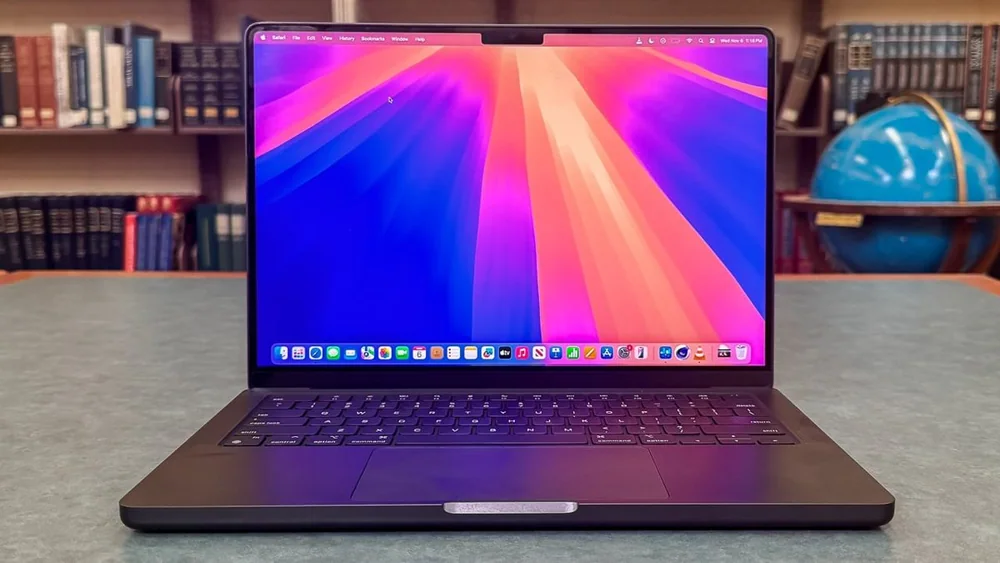
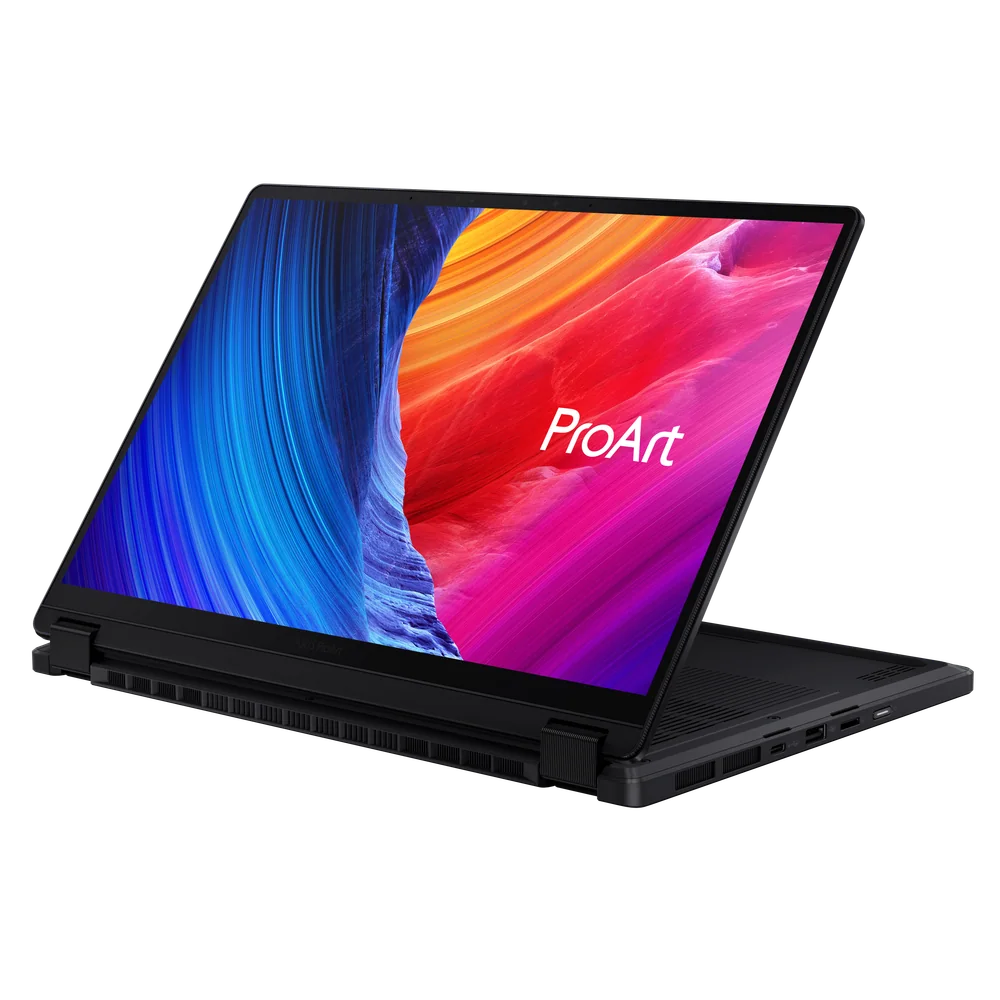
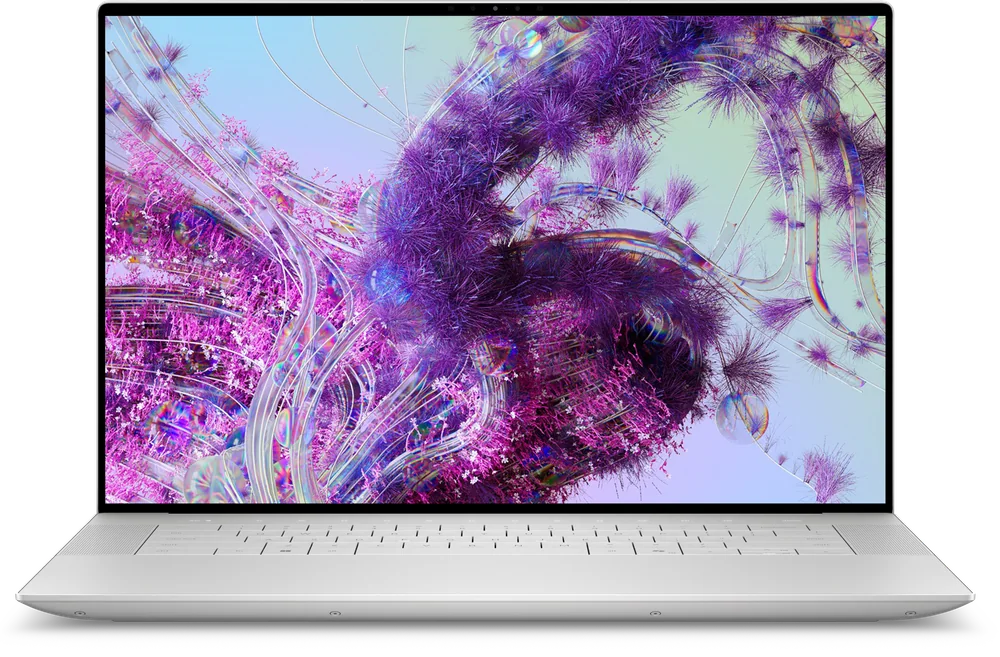
If the HP ZBook Studio G11 is close but not quite right, these are the models we would compare it against.
HP ZBook Studio G11 FAQ
Is the HP ZBook Studio G11 good for content creation?
Yes, it is built for creator and workstation-style workloads. The documented configuration includes an Intel Core Ultra 9 185H and Nvidia RTX 3000 Ada graphics, and the DreamColor 4K-class display option is a major draw for visual work.
How is the battery life on the HP ZBook Studio G11?
Battery life is short for this class. One measured rundown landed at 6 hours and 56 minutes, and you should expect less if you run high brightness, video calls, or demanding creative apps.
Does the HP ZBook Studio G11 have a 4K display?
It can be configured with a 3840 x 2400 DreamColor display. That is a 4K-class panel in a 16-inch format, giving you very sharp detail and lots of workspace.
Is the HP ZBook Studio G11 a touch screen laptop?
Touch support is not included on at least one 4K DreamColor configuration, but there is also a touch screen option available with the same 4K resolution. If touch matters to you, confirm the exact display option before you buy.
Is the HP ZBook Studio G11 good for video calls?
Do not buy it for the built-in camera. A 720p webcam is called out as a weak point, so frequent callers may want an external webcam or a different laptop.
Should you buy the HP ZBook Studio G11?
Buy the HP ZBook Studio G11 if you want a premium-feeling mobile workstation that puts the work-machine experience front and center, and you are specifically drawn to the DreamColor 4K-class screen option. It is a laptop for people who want their creator machine to feel polished and professional every time they open it.
Skip it if your top priority is long battery life or the best performance per dollar. Plan on bringing the charger, and if you can carry a heavier workstation, you will likely be happier with a bigger, more powerful model in the same family.