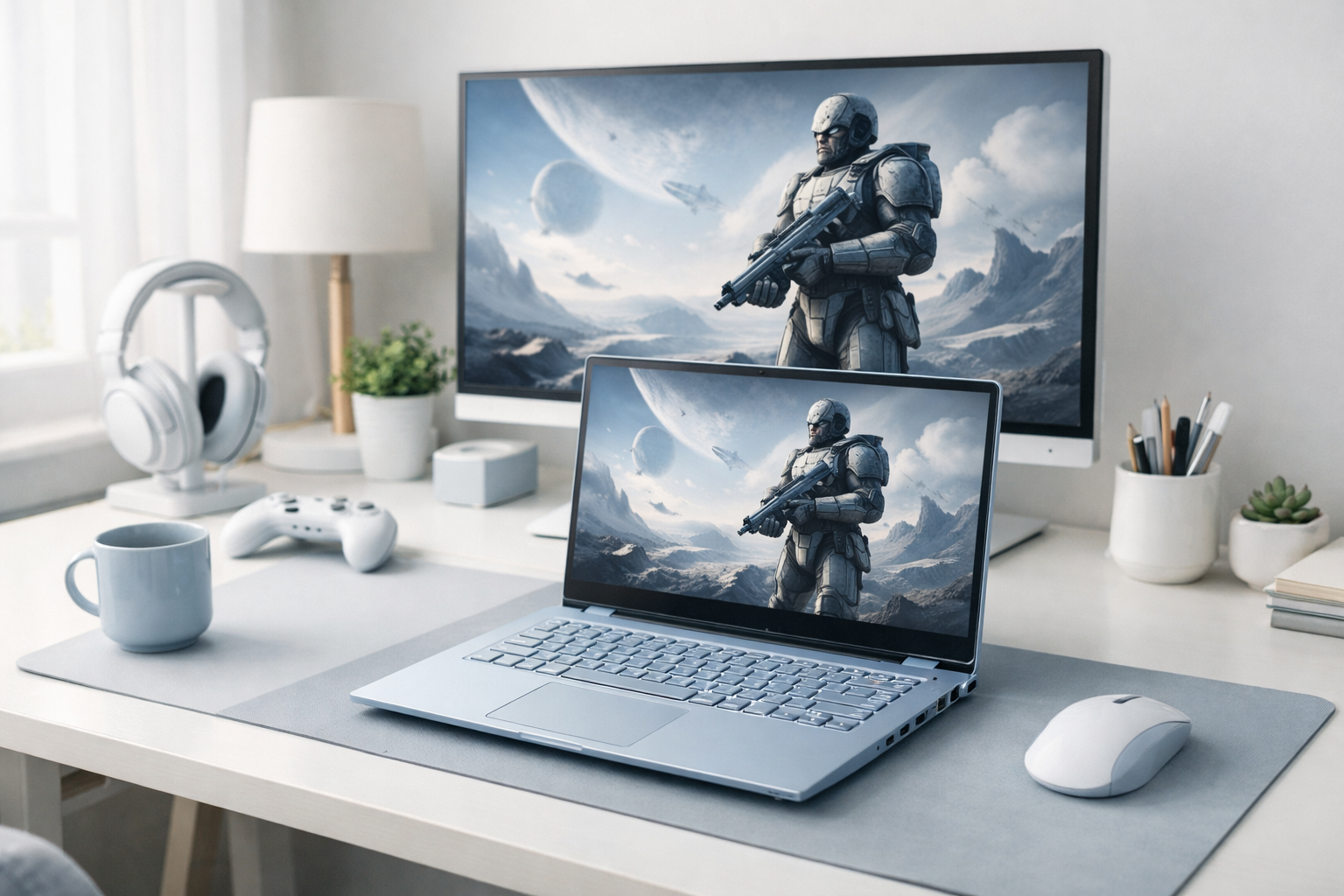
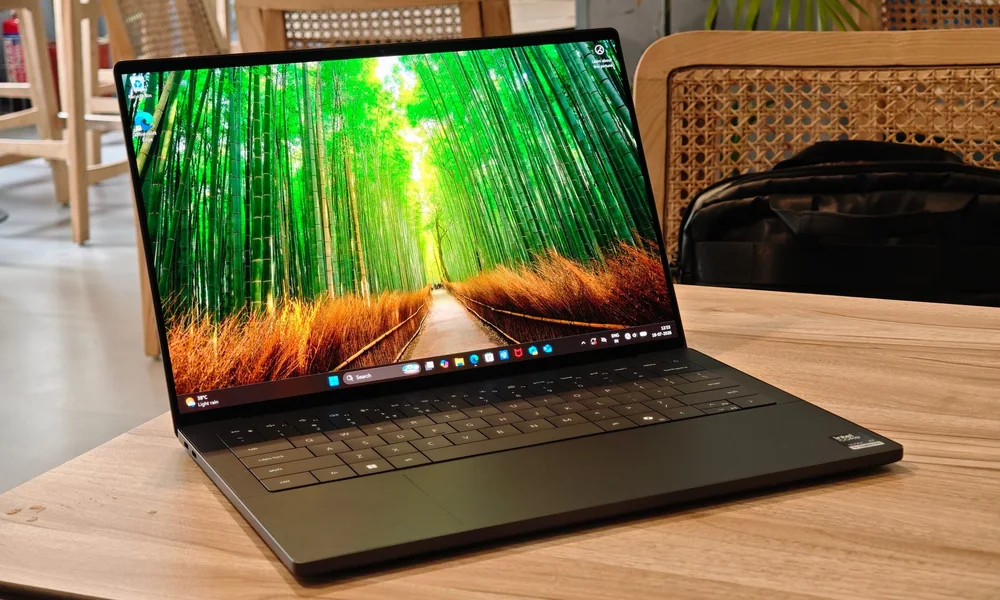
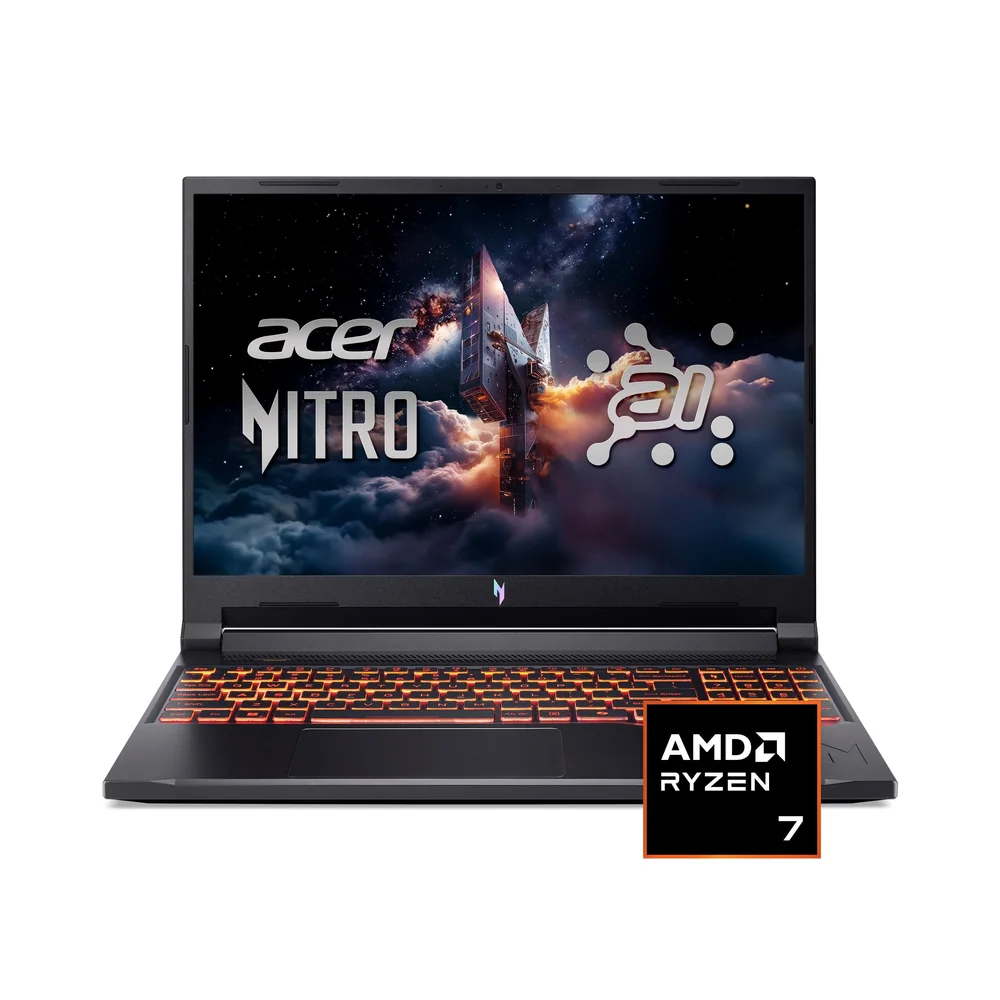
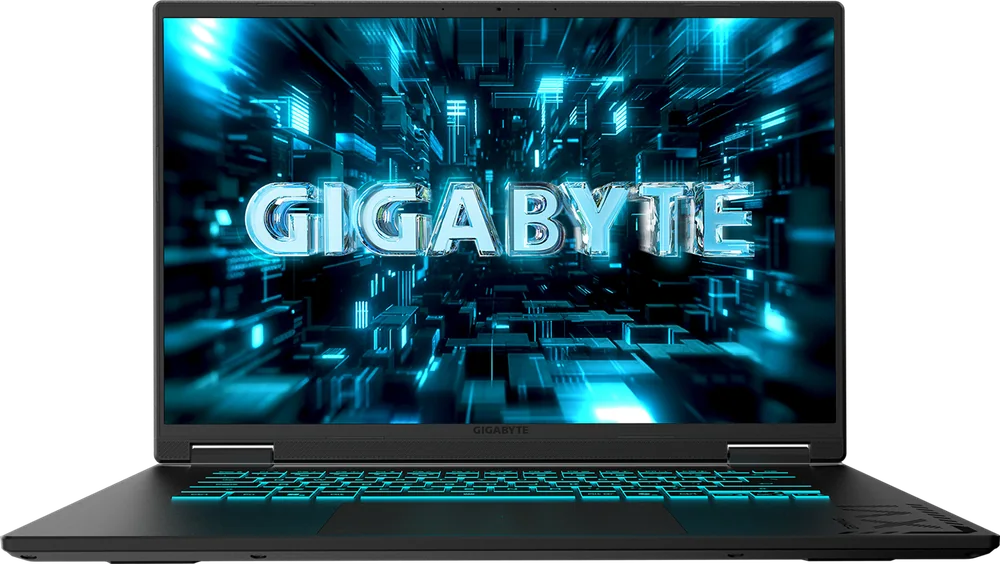
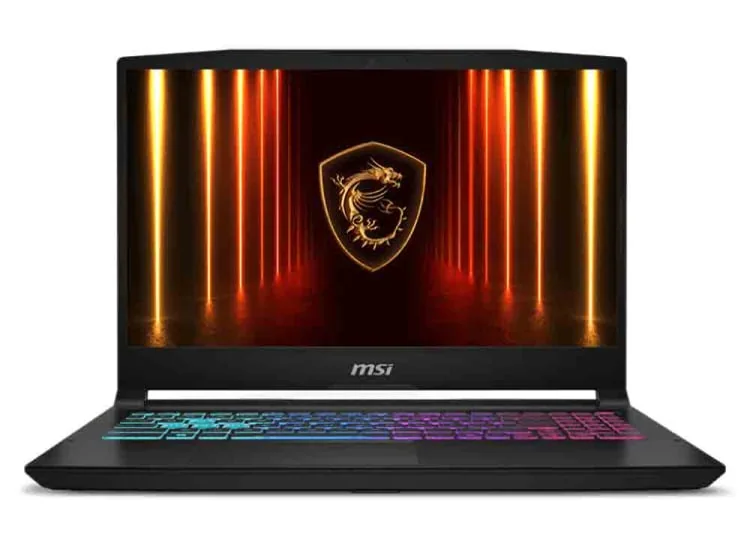
Your gaming laptop's screen is not just about resolution and refresh rate. The panel type, meaning the underlying display technology, changes how motion looks, how dark scenes render, how bright highlights get, and how readable the screen is in a bright room. It also affects ownership details like fan noise (brighter screens can add heat), battery life, and how comfortable the screen is for long sessions. OLED, IPS, and mini LED can all be "fast" and "high refresh," but they behave differently in real games. OLED tends to win on contrast and pixel response, IPS is the most predictable all-around choice, and mini LED targets brighter HDR with better blacks than IPS. The right pick depends on what you play, how you use the laptop when not gaming, and whether you are sensitive to things like blooming, glare, or static UI elements.
IPS (in-plane switching) is a common LCD type. It uses a backlight behind the panel, so blacks are never perfectly black, but color and viewing angles are usually solid. OLED (organic light-emitting diode) is self-emissive, meaning each pixel makes its own light. That is why OLED can show true black by turning pixels off. Mini LED is still an LCD, but it uses many small backlight zones to dim parts of the screen independently.
In practice, IPS looks consistent and "normal" across lots of content, with fewer surprises. OLED makes dark games look richer and can make colors pop, but it can also reveal compression artifacts and banding more clearly because blacks are so deep. Mini LED sits between them for blacks, but it introduces a new behavior called blooming, a halo around bright objects on dark backgrounds, because the backlight zones are larger than individual pixels.
Refresh rate (measured in Hz) is how many times per second the screen can update. Response time is how quickly pixels change from one color to another. You can buy a 240 Hz screen that still looks smeary if pixel response is slow, especially in darker transitions. This is why "high Hz" alone does not guarantee crisp motion in shooters.
OLED usually has extremely fast pixel response, so motion can look very clean at the same refresh rate. IPS varies a lot by panel quality and tuning. Many laptops use overdrive, which pushes pixels harder to transition faster, but too much overdrive can cause inverse ghosting (bright trails). Mini LED panels are typically IPS-type LCDs underneath, so motion behavior is closer to IPS than OLED. If you play competitive games, prioritize a proven fast panel, not just a big Hz number.
What this means when shopping: Pick a gaming laptop screen that matches your room lighting, the types of games you play, and your tolerance for blooming, glare, and static UI habits.