Explore Laptops for more buying guides, in-depth reviews, comparisons, and practical advice.
These are Pickori’s recommendations for the best laptops for light gaming in 2026. The list covers a do-it-all 16-inch gaming laptop, a compact 14-inch travel-friendly model, premium ultraportables, big-screen desk-first machines, and everyday laptops that can handle occasional casual play.
Pickori may earn a commission from affiliate links.
1
Best Overall
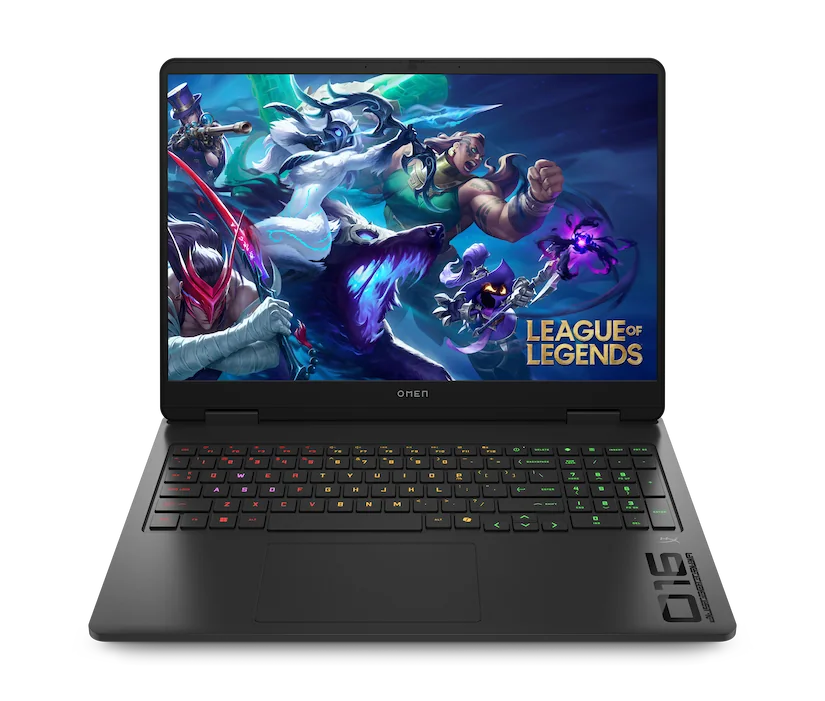
HP OMEN MAX 16 (2025)
HP OMEN MAX 16 (2025) fits the person who wants one main laptop for work and modern games, with enough performance headroom that “light gaming” does not feel limiting. It delivers smooth gameplay in demanding AAA titles and gives you multiple display paths, including fast-refresh options and a QHD+ OLED option for a more premium look. If you want a big-screen gaming laptop that can also cover everyday productivity, this is the clearest all-around buy here.
Strong gaming performance for demanding AAA titles
Multiple display options, including high refresh-rate panels and a QHD+ OLED option
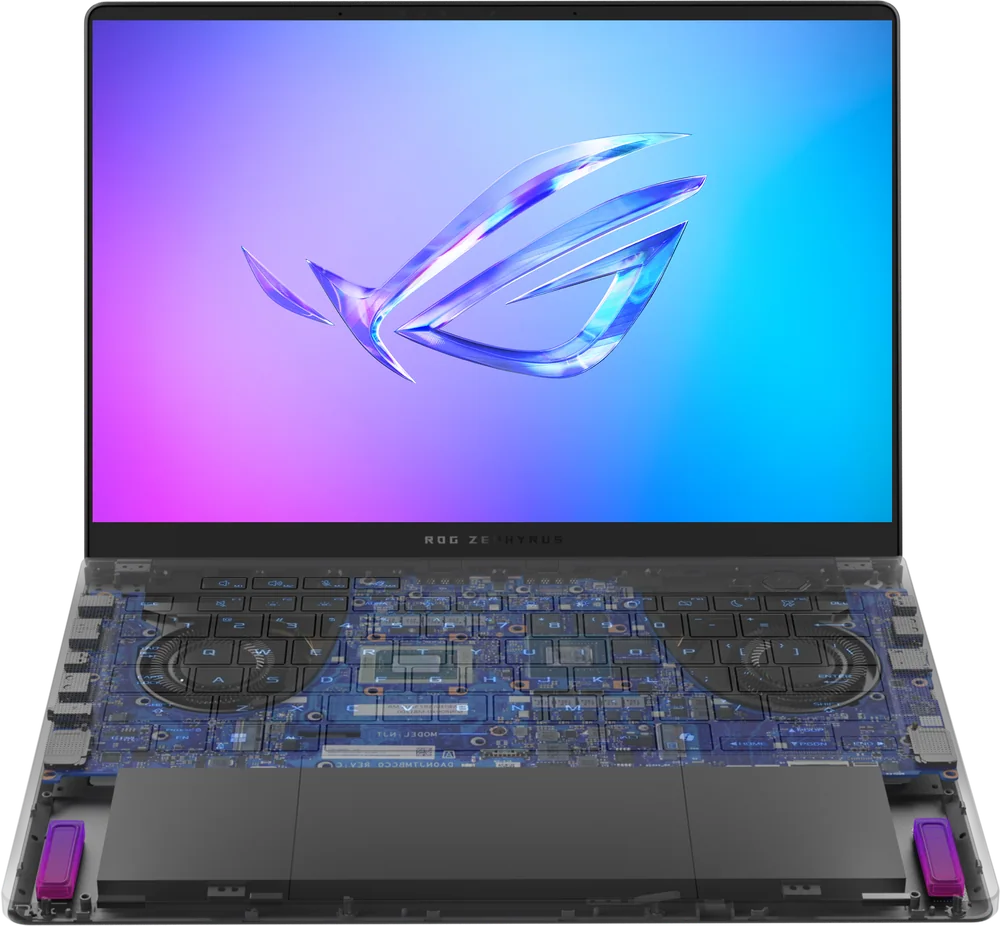
Asus ROG Zephyrus G14 makes the most sense for travelers, students, and commuters who want a smaller laptop that still feels like a real gaming machine. The 14-inch format keeps it easier to carry day to day, while still targeting the performance you want for on-the-go gaming. Choose it when portability matters almost as much as frame rates.
Compact 14-inch size for easier everyday carry
Built for on-the-go gaming without moving to a bulky chassis
Strong balance of performance and portability for a main laptop
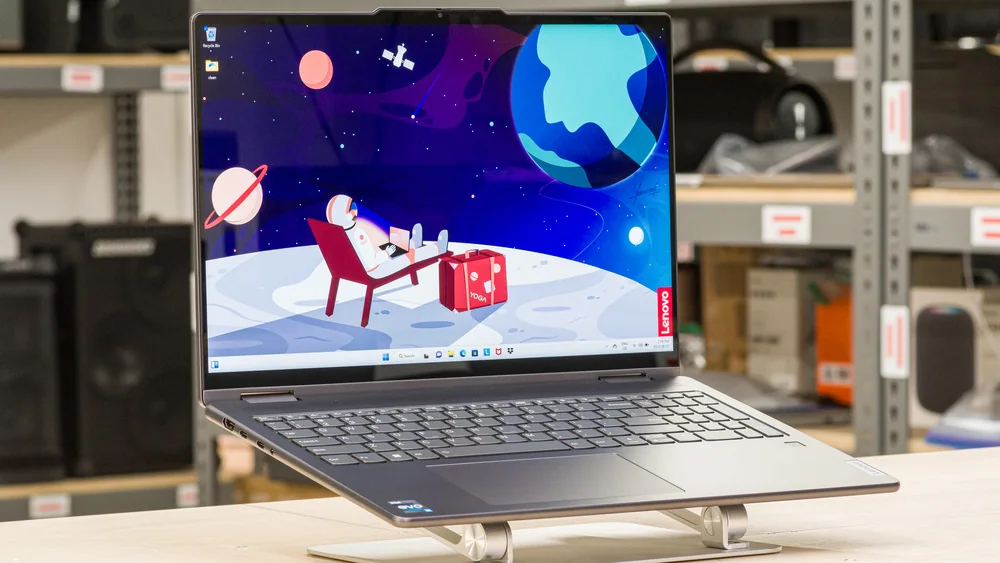
Lenovo Yoga 7i 16 (2023) only makes sense if you specifically want a 16-inch laptop and you are comfortable buying with limited, product-specific performance detail in this guide. It stays on the list as a potential bigger-screen route for shoppers who want gaming capability without going to an oversized, desk-only machine. If you want the most clearly supported 16-inch gaming recommendation, the HP OMEN MAX 16 (2025) is the safer choice.
16-inch format for shoppers who prefer a larger screen
Included as a potential performance-forward choice, but with limited documented detail here
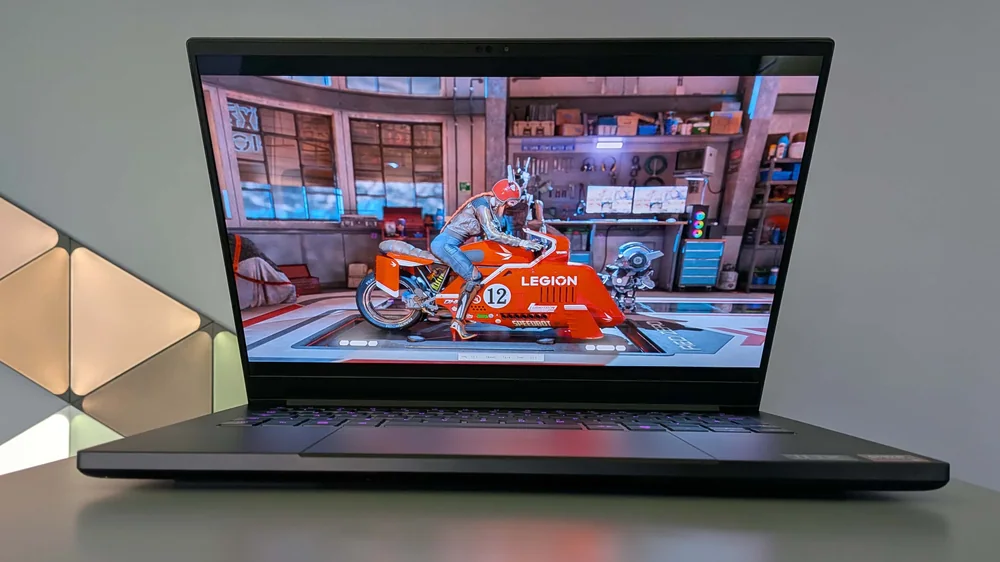
Razer Blade 14 (2025) suits the shopper who wants premium build quality in a truly portable gaming laptop and is willing to pay for it. You get a sharp 120Hz 3K OLED display, strong gaming muscle for modern 60fps-plus play, and long battery life for a machine in this class. Skip it if your priority is maximum graphics performance per dollar, since larger laptops at similar cost can offer stronger GPUs.
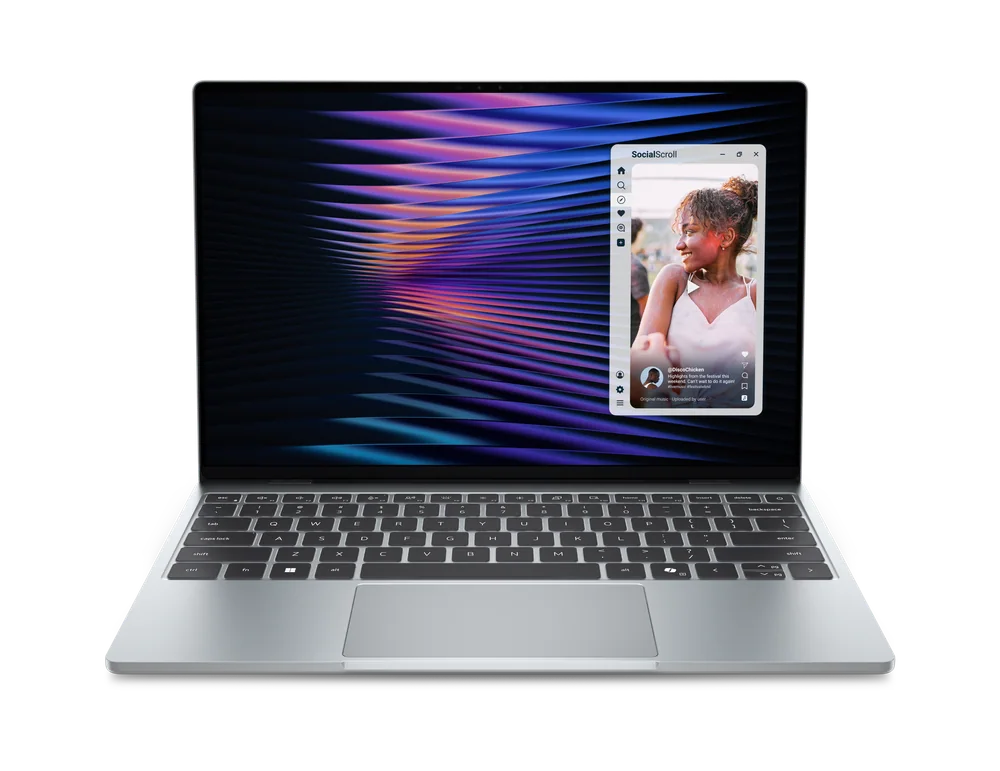
Dell XPS 13 (DX13260) works best for someone who mostly wants a thin-and-light everyday laptop and only plays lighter games on the side. It focuses on portability and an all-metal build while still delivering capable performance for its class, and the 16 GB memory configuration is the one to target for longer-term use. Pay attention to ports: it is limited to USB-C and it drops the headphone jack, which can be a deal-breaker for some setups.
Thin-and-light design with an all-metal build
Capable performance for its class (especially with 16 GB memory)
120Hz 1600p touch screen called out as a plus
Port limitations: only two USB-C ports and no headphone jack
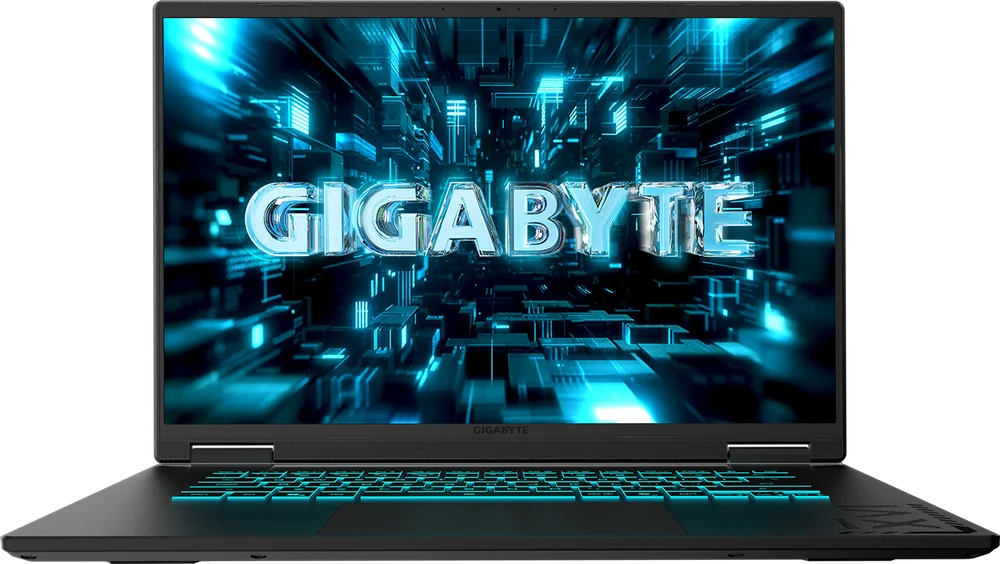
Gigabyte Gaming A18 is for desk-first gamers who want a giant 18-inch screen for more immersive play and less squinting at UI. It earns its spot by leaning hard into the big-display experience while still aiming for value within the 18-inch gaming-laptop segment. If you carry your laptop daily, this size and weight make it a tougher fit than the 14-inch and 16-inch models above.
18-inch class laptop for a more desktop-like gaming feel
Aimed at value within the giant-screen gaming category
Limited configuration choice in the US (two distinct configurations)
Large and heavy compared with more portable gaming laptops
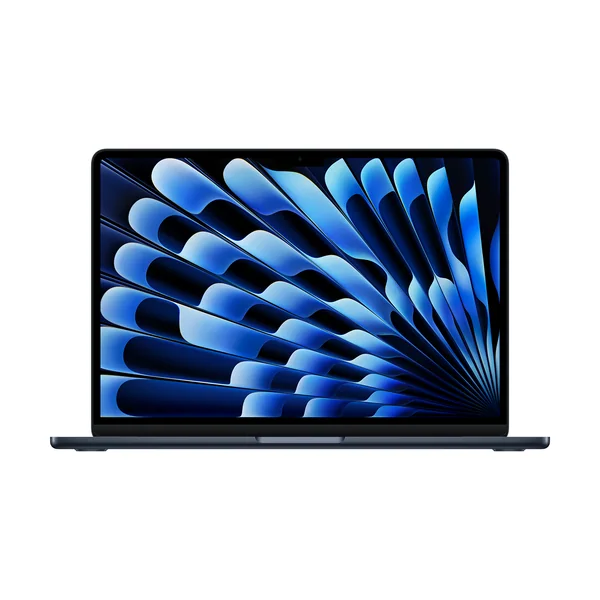
Apple MacBook Air 13-inch (M5) is the right call for work and school first, with gaming kept to casual and occasional sessions. It has the speed for everyday computing tasks, but it is not the laptop to buy for intensive gaming. Choose it when you care more about thin-and-light productivity than pushing modern AAA settings.
Fast enough for everyday computer tasks
Better suited to casual and occasional gaming than intensive gaming
Strong fit for portability-focused work and school use
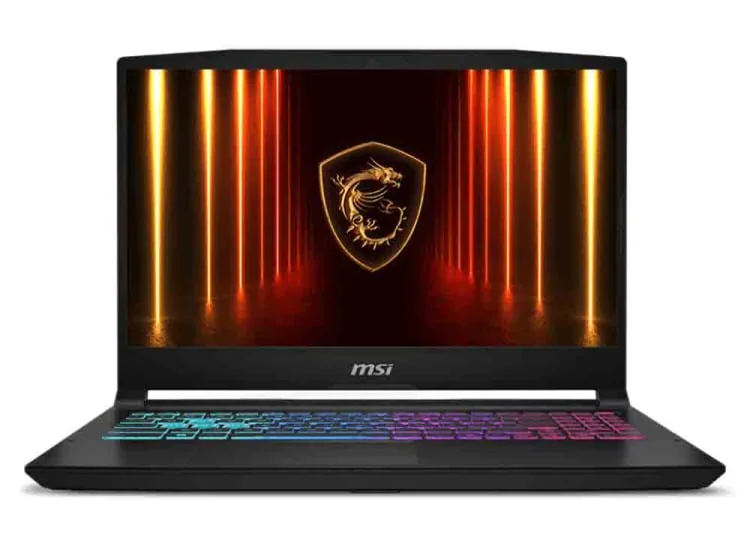
MSI Katana 15 HX fits the shopper who wants straightforward gaming performance without getting precious about premium materials or ultra-thin design. Its RTX 5050 graphics target smooth 60fps gaming, with or without DLSS 4, which is plenty for light gaming and a lot of mainstream play. Plan on managing storage, since capacity can be a constraint depending on how many large games you keep installed.
RTX 5050 graphics aimed at smooth 60fps gaming
DLSS 4 support called out for boosting performance
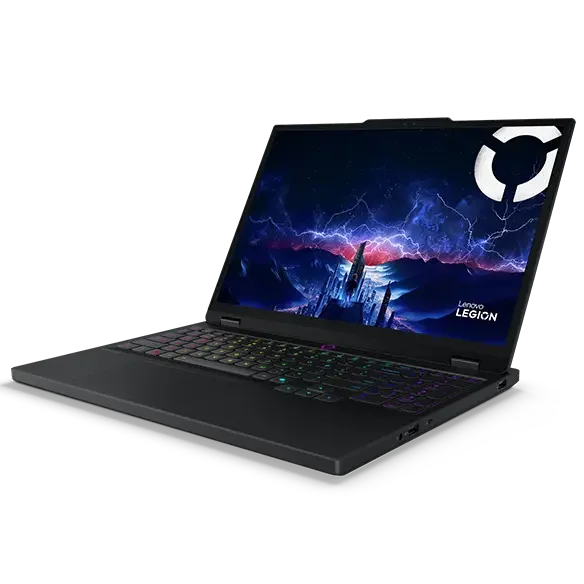
Lenovo Legion 5i Gen 10 is the move for someone who wants strong gaming performance for the money and cares about the screen as much as the GPU. The OLED display is a standout, and the Core i7-14700HX plus RTX 5060 pairing gives it the power to pull double duty for gaming and heavier work. Battery life is the main reason to hesitate, so it is best for people who play plugged in or do not mind charging often.
Compelling value in its base configuration
OLED display is a highlight (crisp, bright, and fast)
Core i7-14700HX and RTX 5060 pairing for strong performance
Short battery life compared with efficiency-focused laptops
Think esports and older AAA titles, plus newer games at reduced settings. If you want consistently high settings in demanding new AAA games, you are shopping more in the full gaming-laptop category than “light gaming.”
Should I prioritize a dedicated GPU for light gaming?
If gaming is a weekly habit, a laptop with a discrete GPU is the safer buy for smoother frame rates and fewer compromises. If gaming is truly occasional, a strong thin-and-light can still make sense, but it will not target intensive gaming.
Is a 14-inch gaming laptop actually practical as a main computer?
Yes, if you value portability and play in shorter sessions. The smaller chassis is easier to carry, but you are choosing convenience over the roomier feel of a 16-inch or 18-inch screen.
When does a big 18-inch gaming laptop make sense?
When the laptop mostly lives on a desk and you want a larger, more immersive screen without adding an external monitor. It is a poor fit for frequent travel because size and weight become a daily annoyance.
What is the most common mistake when buying a laptop for light gaming?
Buying a thin-and-light for the design, then expecting it to behave like a true gaming laptop. If you care about modern games, prioritize the gaming-focused models first, then decide how much portability you can give up.