
What to know first
- Battery life is the headline: around 16 to 17 hours in light use or video playback.
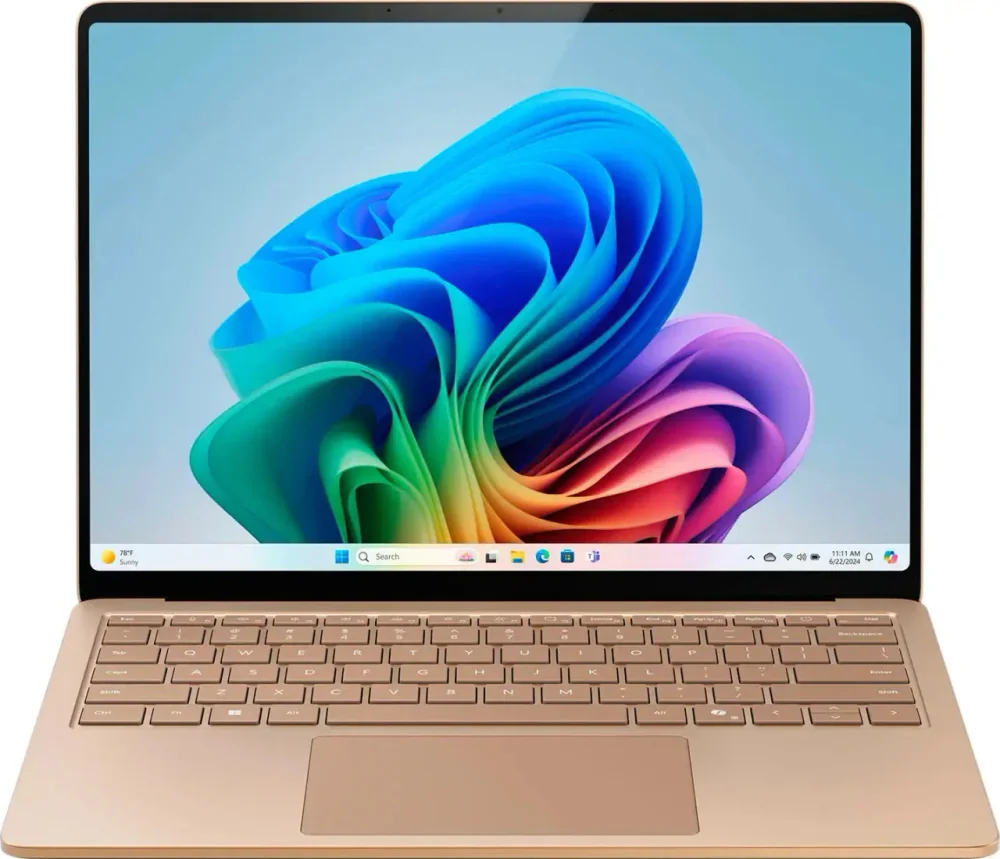
- It’s very compact for a 15-inch laptop and feels remarkably well-built.
- The display is sharp and bright, with a tall 3:2 shape that’s great for work but adds black bars in most video.
- Excellent 1080p webcam plus facial recognition for quick logins.
- Not designed for gaming or GPU-heavy creative work. The integrated GPU is a weak point.
- ARM-based Windows means some apps and games may not run natively, so check your must-have software.
What the Microsoft Surface Laptop with Snapdragon X Elite is
Microsoft Surface Laptop with Snapdragon X Elite is a premium Windows laptop built around an ARM-based Snapdragon system-on-a-chip. The big promise of this setup is simple: strong everyday performance with battery life that can stretch through a full day away from the charger.
This model is a 15-inch laptop, but it’s designed to feel more portable than most 15-inch machines. That matters if you want a bigger screen for split-screen work without committing to a bulky laptop that’s annoying to carry.
It’s also aimed at modern “work anywhere” use. You get an excellent 1080p webcam for video calls, facial recognition for fast logins, and a keyboard and touchpad setup that’s meant to feel like a primary computer, not a travel compromise.
Why it stands out
The reason to pay for Microsoft Surface Laptop with Snapdragon X Elite is battery life. It’s rated in real-world-style use at around 17 hours of light work and around 16 hours of video playback. In day-to-day terms, that’s the difference between bringing a charger “just in case” and confidently leaving it in your bag or at home for most outings.
The other standout is how much laptop you get without the usual 15-inch penalty. It’s described as very compact for its size and remarkably well-built. If you’ve ever bought a larger laptop and regretted how clunky it feels on planes, in coffee shops, or in a backpack, that design focus is the point.
The screen is another practical win. It’s sharp and bright, and it’s described as well-calibrated, which is a real benefit for photo work on the go. The 3:2 aspect ratio is also a productivity-friendly shape because you see more vertical content when you’re reading, editing, or working in documents.
Finally, the “human interface” stuff is strong: a comfortable keyboard, a large haptic touchpad that’s easy to use, and an excellent 1080p webcam. If your laptop is where you write, present, and spend hours in calls, those details matter as much as raw speed.
What it is like to own
For everyday work, this Surface Laptop is built to feel smooth and low-friction. Face unlock means you open the lid and get moving quickly. The keyboard is described as comfortable, and the haptic touchpad is large and easy to use, which helps if you do a lot of work away from a mouse.
The 15-inch display gives you room to keep two windows side by side without feeling cramped, and the taller 3:2 shape is especially nice for documents and web pages. For media, that same tall shape means you will see black bars in most video content, since most movies and shows are wider than the screen.
If you take a lot of calls, the 1080p webcam is a real quality-of-life upgrade over the 720p cameras that still show up on expensive laptops. The speakers can also get very loud with minimal compression, which is useful for calls, presentations, and casual listening.
Ownership-wise, one notable practical detail is that the SSD is user-replaceable. That can matter down the road if you need more space or you want a more serviceable laptop.
What to know before you buy
The biggest catch is Windows on ARM compatibility. Because Microsoft Surface Laptop with Snapdragon X Elite uses an ARM processor, some apps and many games do not run natively. That can lead to performance that varies from app to app, and in some cases, software that does not run at all. Before you buy, make a short list of your must-have programs and confirm they work the way you need.
This is also not a gaming laptop, even though the display supports a 120Hz refresh rate. The integrated GPU is described as weak, which limits modern, graphically demanding games. On top of that, game compatibility is a known issue on ARM, so even titles that run may not run consistently.
Finally, while the display is bright enough for typical on-the-go use, it does not handle reflections well. If you regularly work outdoors or under harsh overhead lighting, that’s worth considering.
The specs that matter
ARM is a big reason this laptop can last so long on battery, but it also means you need to double-check app and game compatibility. Some software may run through emulation with mixed results.
This is the difference between a laptop that needs midday charging and one you can take to class, meetings, or travel days without planning your life around outlets.
3:2 is great for work because you see more vertical content in documents and web pages. For movies and most streaming video, expect black bars.
Scrolling and pointer movement can look smoother. It does not turn this into a gaming machine, and slow response time can still cause visible ghosting.
A sharper camera makes you look clearer in video calls, which is a daily benefit if you work or study remotely.
You log in faster and more often without typing passwords, which sounds small but adds up when you open your laptop dozens of times a day.
It gives you a path to more storage later and can make the laptop feel less disposable if your needs change.
Who this product fits
You travel weekly and need a real 15-inch work screen
Microsoft Surface Laptop with Snapdragon X Elite makes sense when you want a larger display for spreadsheets and split-screen work, but you still care about carrying comfort. The compact design and 16 to 17 hour battery life are the practical wins on airport and hotel days.
You do photo selects and light edits away from your main setup
The sharp, well-calibrated display and long battery life are a good match for culling, quick adjustments, and on-the-go edits. If your workflow leans heavily on GPU acceleration or niche plugins, you should confirm your apps run well on Windows on ARM first.
You live on video calls
Between the excellent 1080p webcam, loud speakers, and easy face unlock, this Surface Laptop is built for remote work and school. It is a laptop that feels polished in the moments you repeat all day.
You want a Windows laptop for entertainment between work sessions
It’s a strong media machine for battery life and a bright, sharp screen, plus loud speakers. Just know the 3:2 screen will show black bars in most video, and the IPS contrast means blacks can look gray in dim rooms.
What else to compare
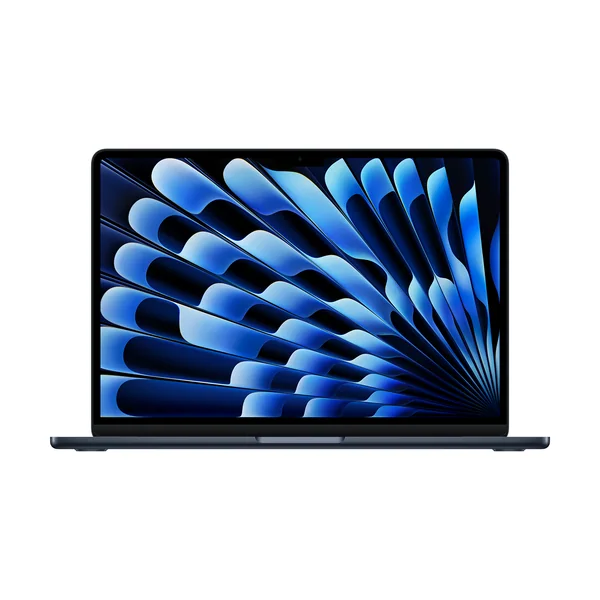
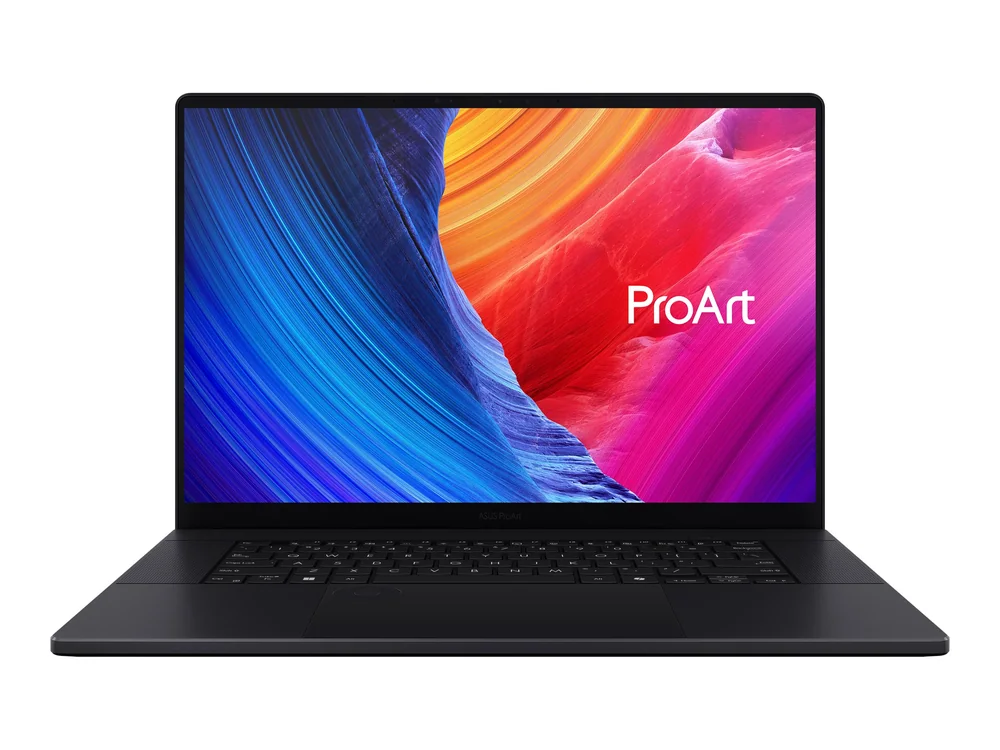
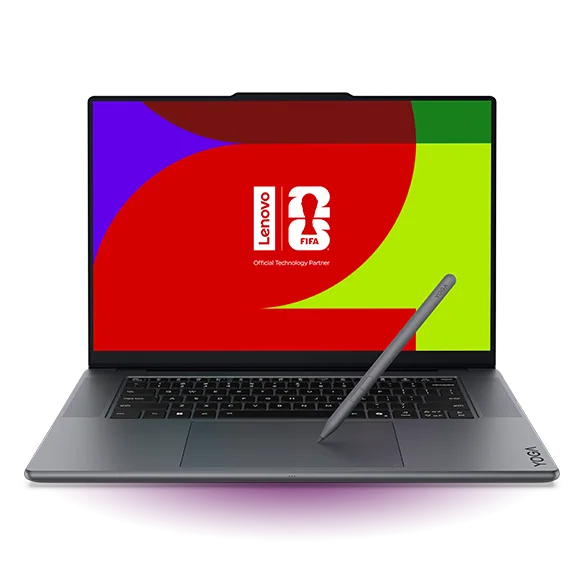
If the ARM compatibility piece gives you pause or you need more creator or gaming horsepower, these are the directions that make more sense.
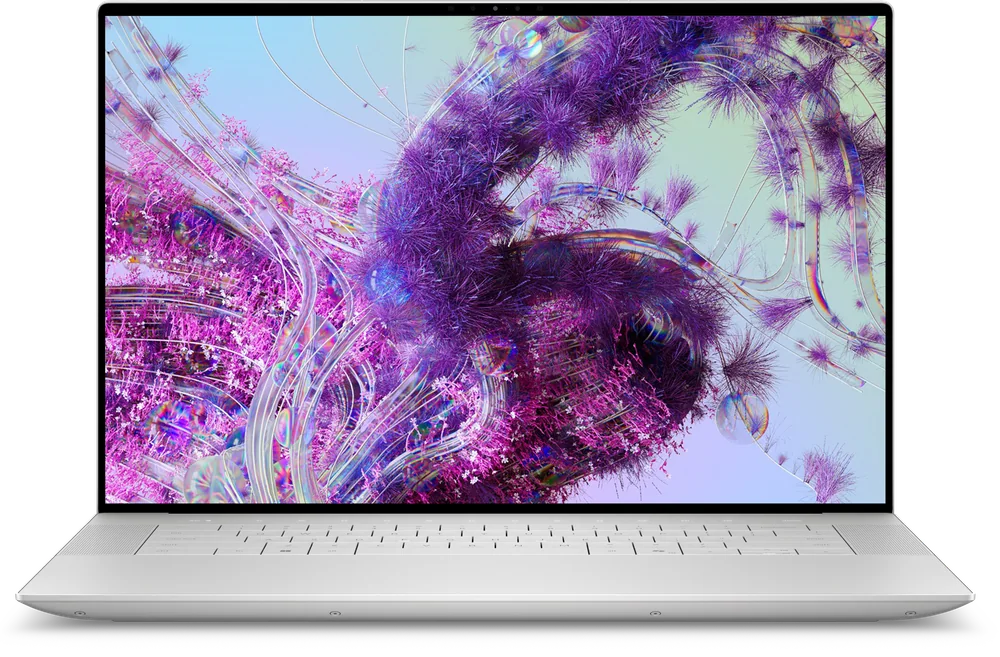
Microsoft Surface Laptop with Snapdragon X Elite FAQ
Is the Microsoft Surface Laptop with Snapdragon X Elite good for photo editing?
It can be a good travel photo-editing laptop because it has a sharp, well-calibrated display and very long battery life. It is not aimed at GPU-heavy creative work, and Windows on ARM compatibility can affect which apps run natively and how fast they feel.
Is the Microsoft Surface Laptop with Snapdragon X Elite good for gaming?
No. The integrated GPU is described as weak for demanding games, and many games do not run natively on ARM, so performance can vary a lot or a game may not run at all.
Will my Windows apps work on the Microsoft Surface Laptop with Snapdragon X Elite?
Some will, and some may not. Because this is an ARM-based Windows laptop, certain programs may need to run through emulation, which can change performance, and a few apps may not work. Check your must-have apps before you commit.
Is the 3:2 display good or bad?
It is great for productivity because you get more vertical space for documents, web pages, and editing tools. For movies and most streaming video, it usually means black bars because the content is wider than the screen.
Does the Microsoft Surface Laptop with Snapdragon X Elite have a good webcam for work calls?
Yes. It has an excellent 1080p webcam, and it also includes facial recognition for quick logins, which is convenient if you open and close your laptop throughout the day.
Should you buy the Microsoft Surface Laptop with Snapdragon X Elite?
Buy Microsoft Surface Laptop with Snapdragon X Elite if you want a premium 15-inch Windows laptop that you can carry easily and run all day. The combination of a remarkably well-built chassis, a sharp bright screen, a comfortable keyboard, a large haptic touchpad, and a great 1080p webcam makes it a strong everyday computer, not just a battery-life flex.
Skip it if you need guaranteed compatibility with specific Windows software or you want to game seriously. The ARM platform and weak integrated GPU are real constraints. If your work is mostly mainstream productivity and you value unplugged time, this Surface Laptop is one of the most practical Windows choices you can make.