
What to know first
- Ryzen AI 9 HX 370 (12 cores, up to 5.1GHz) and RTX 4060 Laptop GPU (100W max TGP with Dynamic Boost) share a 1.46 kg chassis
- 14-inch 2.5K (2560x1600) IPS-level panel hits 165Hz refresh, 100% sRGB coverage, and supports G-Sync
- One independent battery test measured 590 minutes on video playback and 144 minutes under gaming load, a gap worth planning around
- 73Wh battery pairs with a 200W charger, and USB-C power delivery gives you a lighter travel charging option for non-gaming use
- Two M.2 PCIe slots let you add storage later instead of paying for maximum capacity up front
- MIL-STD-810H durability evaluation and a metal-reinforced build target a laptop that survives backpack life, not just desk life
A 14-inch chassis doing a 16-inch laptop's job
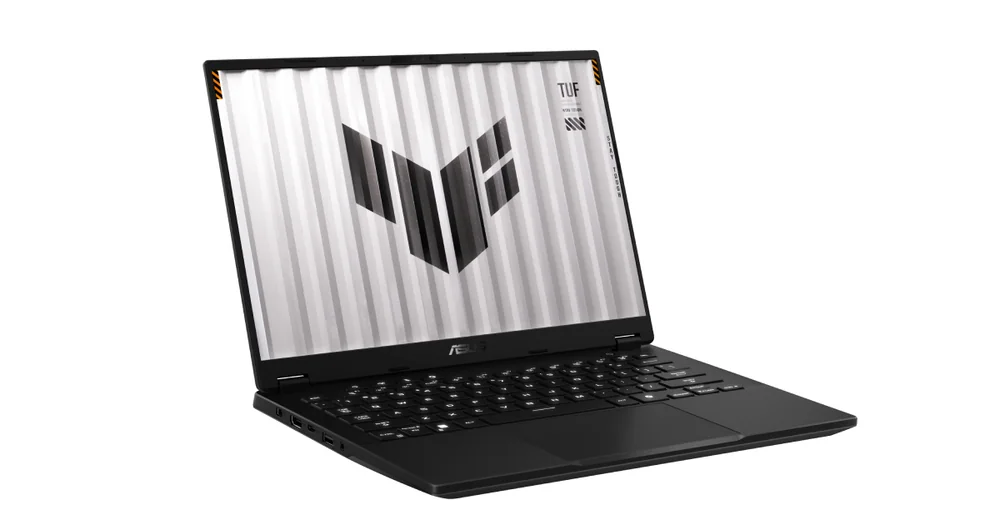
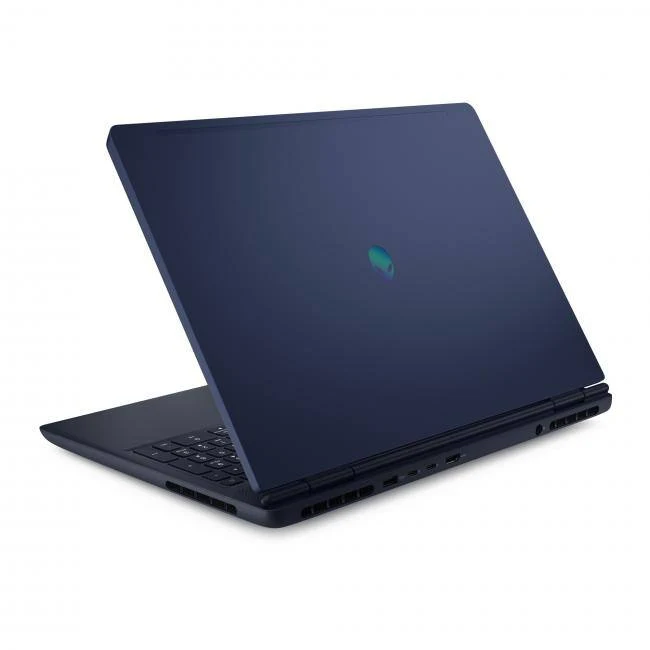
The TUF Gaming A14 slots into a category that's gotten crowded fast: compact gaming laptops that ask you to give up almost nothing. ASUS builds this one around AMD's Ryzen AI 9 HX 370, a 12-core, 24-thread processor that can turbo to 5.1GHz, and pairs it with an RTX 4060 Laptop GPU running at up to 100W with Dynamic Boost. That combination usually lives in a 16-inch, 2-kilogram chassis. Here it's packed into a 14-inch laptop weighing 3.22 pounds.
What makes that fit matter isn't bragging rights, it's what changes in your bag and your daily routine. A 14-inch, sub-3.5-pound laptop rides in a backpack differently than a 5-pound gaming rig, and the difference shows up every time you actually have to carry it somewhere instead of leaving it plugged in on a desk.
This isn't a budget play, either. ASUS pairs the CPU and GPU with a 2.5K, 165Hz display and up to 32GB of LPDDR5X memory, which puts the A14 closer to a productivity ultrabook with a gaming engine bolted in than a stripped-down gaming laptop wearing a smaller shirt.
The screen and the chassis are doing more work than the specs sheet suggests
Start with the display, because it's easy to undersell on a spec sheet. The 14-inch panel runs at 2560x1600 (2.5K) in a 16:10 aspect ratio, with a 165Hz refresh rate, 100% sRGB coverage, and support for G-Sync. That resolution and refresh combination matters for two different buyers: the 2.5K resolution gives you sharp text and enough vertical space for spreadsheets and code, while the 165Hz refresh and G-Sync support keep fast-paced games smooth without screen tearing. Most 14-inch gaming laptops pick one of those priorities. This one doesn't force the choice.
The chassis itself carries MIL-STD-810H durability evaluation, which is a manufacturer specification for surviving drops, vibration, and temperature swings rather than a guarantee against every accident, but it's a meaningful signal that ASUS built this to survive being tossed in a bag rather than babied on a desk.
Storage flexibility is another quiet advantage. The A14 ships with a PCIe 4.0 NVMe SSD (configurations go up to 4TB), and it has two M.2 slots, so you can add a second drive later instead of paying for maximum capacity at purchase. That's useful if your game library grows after you buy.
NVIDIA Advanced Optimus, paired with a MUX switch, lets the laptop route graphics through the integrated chip for everyday tasks and switch to the RTX 4060 for games. That explains how the graphics modes differ, but the evidence does not establish it as the sole cause of the measured battery split.
What a day with this laptop actually looks like
Charging is more flexible than most gaming laptops allow. The A14 comes with a 200W AC adapter for full-power charging, but it also supports USB-C power delivery through its Type-C USB4 port, meaning you can top off the battery with a smaller charger when you're just doing email and word processing away from an outlet, and save the bulky brick for when you're gaming or running the GPU hard.
On battery, expect a real split between modes. One independent test measured 590 minutes (roughly 9 hours 50 minutes) of video playback and 144 minutes (roughly 2 hours 24 minutes) of sustained gaming on this configuration. Translate that into a normal week: you can realistically leave the charger at home for a day of note-taking, browsing, and video calls, but plan to stay near an outlet for any serious gaming session longer than a couple of hours.
Connectivity covers the basics you'd want from a laptop you're actually going to travel with: Wi-Fi 6E, Bluetooth 5.3, an HDMI 2.1 port, a microSD reader, and a USB4 port that handles both DisplayPort output and power delivery. The keyboard is backlit (single-zone, not per-key RGB), and it includes a dedicated Copilot key, which signals ASUS is positioning this as a Windows AI PC as much as a gaming laptop.
The 50 TOPS NPU built into the Ryzen AI 9 HX 370 enables on-device AI features tied to Windows Copilot, though how much that matters day to day depends on which apps you use and whether those features actually run locally versus in the cloud. Don't buy this laptop specifically for AI features; buy it for the CPU and GPU, and treat the NPU as a bonus that may pay off more as software catches up.
Where the compact size actually costs you something
The battery split is the single biggest thing to understand before buying. A laptop that lasts nearly 10 hours on video but drops to under 2 and a half hours under gaming load isn't unusual for this GPU class, but it means the A14 is not a laptop you game with on a plane or during a long commute without a charger. If your gaming happens mostly at a desk near an outlet, this is a non-issue. If you wanted to game unplugged for a full afternoon, it's a real limitation.
The second SSD slot has a catch worth knowing: due to available PCIe lanes, the second M.2 slot runs at a slower Gen 4x2 speed rather than full Gen 4x4. That's fine for a secondary storage drive holding games or media, but don't expect it to match your primary drive's speed for demanding workloads.
At 14 inches, this also isn't the laptop for someone who wants a large, immersive gaming display or a keyboard with a dedicated number pad. ASUS chose portability over screen real estate, and that's the right call for the buyer this laptop targets, but it's the wrong call if a bigger canvas is what you actually want from a gaming laptop.
The specs that matter
This chip handles everything outside of gaming, from spreadsheets to video calls to compiling code, and its efficiency helps stretch battery life during non-gaming use.
This is the component that most directly affects which games run well and at what settings. The 100W figure identifies the exact configuration, while the separate battery test shows how long that evaluated laptop lasted under gaming load.
High resolution keeps text sharp for work, the 165Hz refresh and G-Sync keep fast games smooth, and full sRGB coverage means colors look accurate for photo or video editing too.
More memory helps you keep a browser with dozens of tabs open alongside a game or creative app, but since it's soldered, you need to choose your capacity at purchase and can't add more later.
You can buy a smaller drive now and add a second one later instead of overpaying for capacity you don't need yet, though the second slot won't match the primary drive's top speed.
One independent test measured 590 minutes of video playback versus 144 minutes of gaming on this configuration, so expect strong battery life for everyday tasks and a much shorter runtime once the GPU is working hard.
This is light and thin enough to carry daily without feeling like a dedicated gaming laptop, a real shift from the 5-pound-plus gaming laptops this class of hardware usually lives in.
This manufacturer evaluation standard indicates the laptop is built to handle drops, vibration, and temperature extremes better than a typical thin laptop, useful if it's riding in a backpack daily.
Who this product fits
The college student who games between classes
Light enough to carry all day in a backpack, with battery life measured at nearly 10 hours for video and browsing in one independent test, this laptop can handle lectures and notes without a charger, then run evening gaming sessions once you're back at your desk plugged in.
The freelancer who edits photos and plays games at night
The 2.5K display's full sRGB coverage makes it a credible screen for photo editing, and the RTX 4060 handles both creative app acceleration and gaming, so you're not choosing between a work laptop and a gaming laptop.
The traveler who wants one bag, one charger
USB-C power delivery means you can carry a smaller charger for everyday work trips and save the bulkier 200W brick for gaming-heavy days, cutting down on the number of cables and adapters you have to pack.
The gamer who mostly plays unplugged on the couch
This isn't the strongest match. With gaming battery life measured at under two and a half hours in one independent test, you'll want to stay near an outlet, so a laptop built around longer unplugged gaming stamina would serve you better.
What else to compare
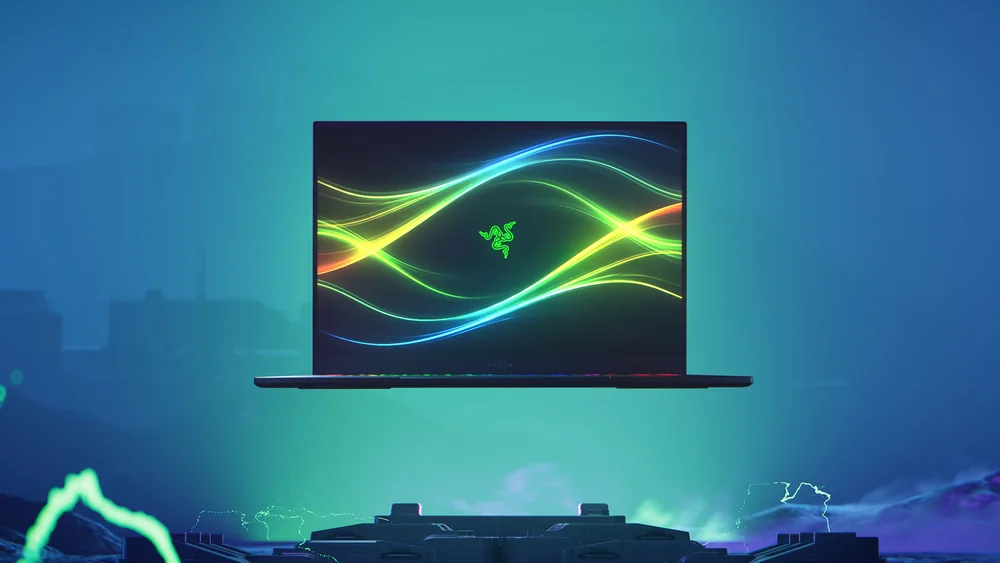
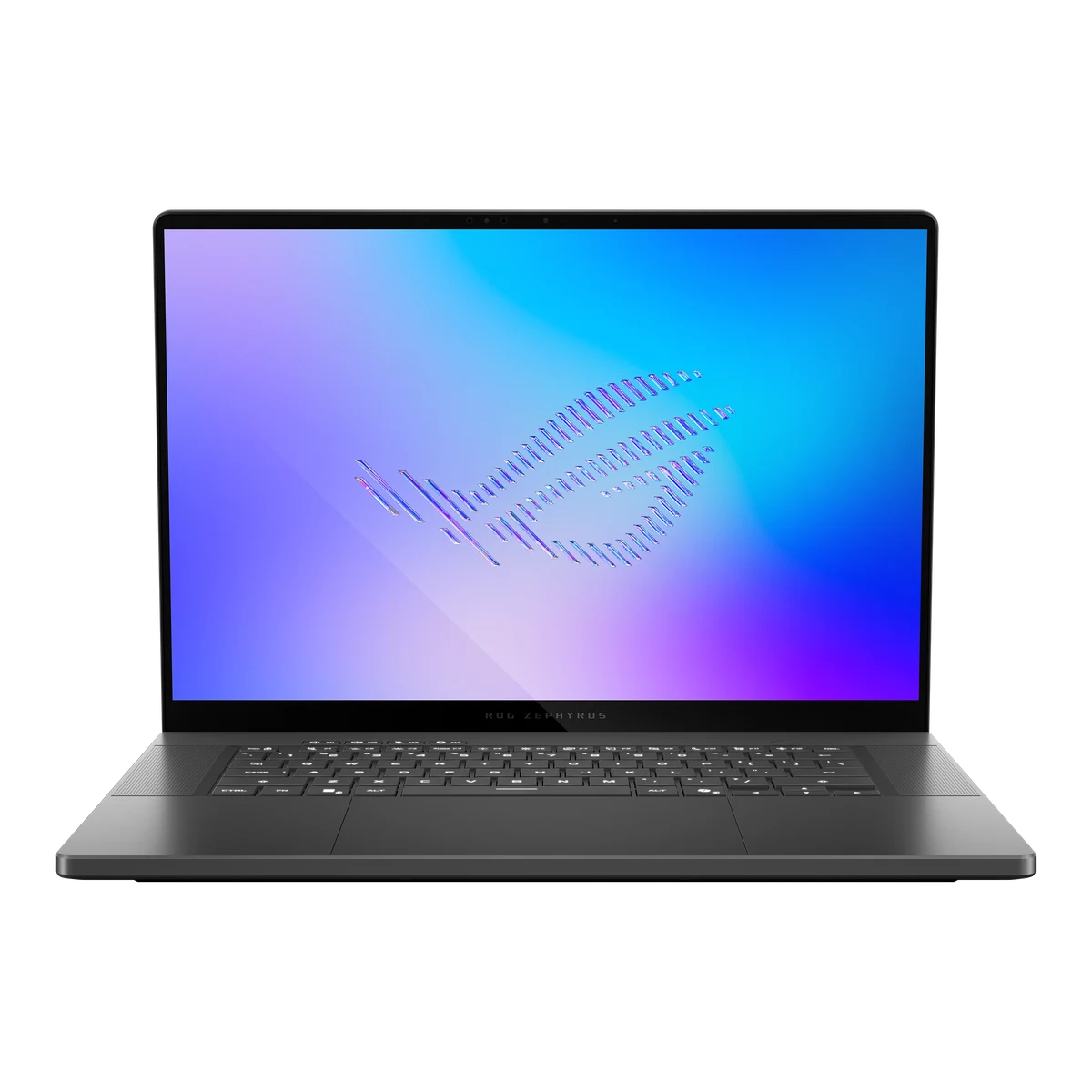
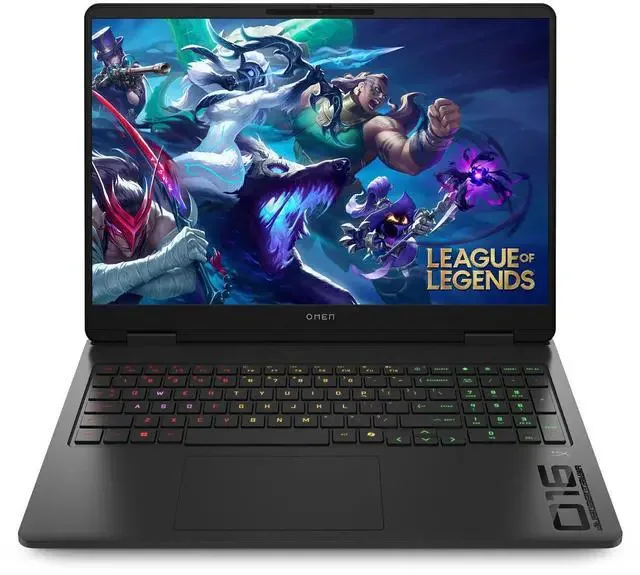
If your priorities point elsewhere, here's when another shape of laptop makes more sense.
ASUS TUF Gaming A14 (2024) FAQ
Is the ASUS TUF Gaming A14 (2024) good for gaming and everyday work on one laptop?
Yes. NVIDIA Advanced Optimus and a MUX switch let it use integrated graphics for daily tasks and switch to the RTX 4060 for games. Separately, one independent battery test measured nearly 10 hours of video playback and under two and a half hours under gaming load.
How heavy is the ASUS TUF Gaming A14 (2024)?
It weighs 1.46 kg (3.22 lbs) and measures 1.69 to 1.99 cm thick, which is notably light and thin for a laptop carrying an RTX 4060 Laptop GPU.
Can I upgrade the storage or memory later?
Storage yes, memory no. There are two M.2 PCIe slots so you can add a second SSD later (the second slot runs at a slower Gen 4x2 speed), but the LPDDR5X memory is soldered to the board, so you need to choose your RAM capacity at purchase.
How long does the battery actually last for gaming?
One independent test measured 144 minutes, about 2 hours and 24 minutes, of sustained gaming on battery for this Ryzen AI 9 HX 370 and RTX 4060 configuration. That's a single measurement rather than a guaranteed number for every game, but it's a useful planning benchmark if you intend to game unplugged.
Does the display work well for photo or video editing?
The 14-inch 2.5K panel covers 100% of the sRGB color space according to ASUS's specification, which is a solid baseline for color-sensitive work, though buyers doing professional color grading may still want to verify color accuracy against their specific workflow.
Who actually needs this laptop
Compact gaming laptops usually ask you to accept a smaller GPU, a dimmer screen, or a heavier chassis than you wanted. The ASUS TUF Gaming A14 (2024) doesn't ask for that compromise: it fits a real RTX 4060 and a sharp 2.5K, 165Hz display into a 3.22-pound chassis, and it charges flexibly enough to live as your only laptop rather than a gaming-only machine you keep separate from your work computer.
The honest caveat is battery life under load. If two and a half hours of unplugged gaming sounds like enough for how you actually play, this laptop earns its price by doing double duty well. If you need longer unplugged gaming sessions or a bigger screen, that's a real reason to look at a larger gaming laptop instead, and there's no shame in making that call before you buy rather than after.