
What to know first
- OLED touchscreen with pen support is the main day-to-day upgrade: better contrast for reading and great for notes and markup.
- Convertible hinge is actually useful: laptop for work, tent mode for streaming or presenting, tablet mode for quick touch tasks.
- Battery life is strong enough to get through a typical school or work day away from an outlet.
- Designed for light to moderate workloads, not heavy workstation work or serious gaming.
- If you are shopping for Copilot+ style laptops, this model is a value-friendly way into that category.
What the HP OmniBook X Flip 14 is
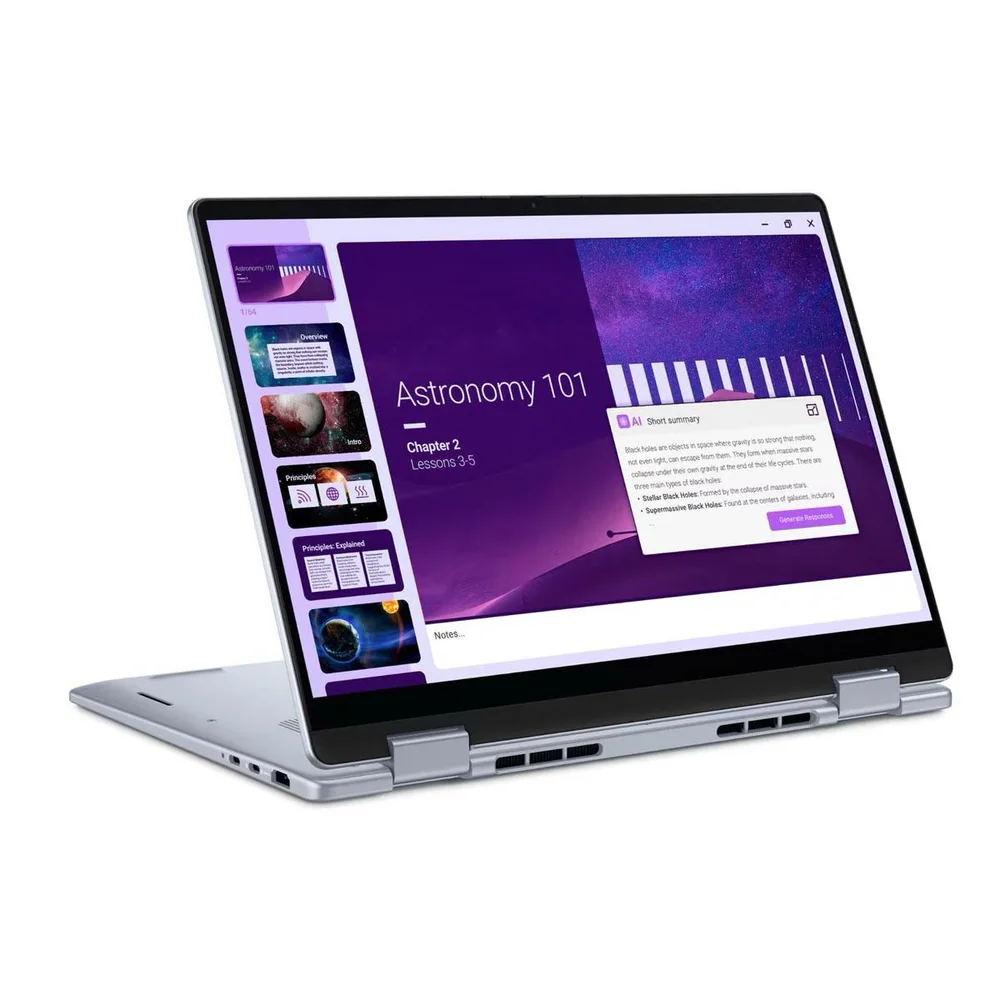
The HP OmniBook X Flip 14 is a 14-inch Windows 2-in-1 laptop with a 360-degree hinge. You can use it like a normal laptop for typing, flip it into tent mode for watching video or presenting, or fold it back into a tablet shape for touch and pen input.
This is aimed at everyday productivity: schoolwork, office apps, web browsing, video calls, and media. The core appeal is that it tries to nail the stuff you notice constantly, like screen quality, portability, and battery life, instead of chasing gaming performance.
If you have ever liked the idea of a 2-in-1 but worried it would feel like a compromise, this model makes the format make sense. The hinge gives you more ways to use the same device without turning it into a bulky, awkward laptop.
Why it stands out
The OLED touchscreen is the headline feature. OLED panels can deliver deep blacks and strong contrast, which is a real quality-of-life upgrade for reading, watching video, and working in darker rooms. On this model, you also get touch plus pen support, which is what makes the 2-in-1 design feel worth paying for if you take notes, annotate PDFs, or sketch casually.
Battery life is a big part of the appeal. It is built to last through a typical school or work day, which is what most people actually need for classes, meetings, and errands without packing a charger.
It is also designed as a value-oriented way into newer Windows AI laptop categories (often marketed as Copilot+ PCs). The practical upside is not magic AI features. It is that these newer platforms tend to prioritize efficiency, which shows up as longer unplugged time for everyday work.
What it is like to own
Day to day, the HP OmniBook X Flip 14 is built around flexibility. In laptop mode, it is your normal typing and trackpad workflow. When you are watching a lecture, streaming a show, or sharing your screen across a table, tent mode is the one you will use more than you expect because it is stable and keeps the keyboard out of the way.
If you use pen input, the workflow is straightforward: flip it back, open a notes app, and write directly on the screen. That is especially handy for marking up PDFs, doing homework problems, or jotting quick ideas without pulling out a separate tablet.
For remote work, the combination of portability, day-long battery life, and a screen that looks great for long stretches makes it easier to work from different rooms or take meetings away from your desk. It supports a more mobile routine instead of pushing you to stay near an outlet.
What to know before you buy
Do not buy the HP OmniBook X Flip 14 expecting it to replace a gaming laptop. Integrated graphics can handle some lighter play at reduced settings, but many demanding games will struggle. If gaming is a priority, you will be happier with a laptop built for that job.
It is also not a workstation-class machine. The design target is light to moderately demanding work, and configurations are cited as topping out at 32GB of soldered RAM. If you do heavy creative work, large engineering projects, or anything that routinely eats memory, that limit can be the thing that forces an upgrade sooner than you want.
Finally, pay attention to ports before you click buy. Thin 14-inch convertibles often make compromises here, and this family is noted for not always including legacy ports like USB-A or HDMI. If you regularly plug into projectors, wired peripherals, or older monitors, you may want a model with more built-in connections or plan on a dongle.
The specs that matter
You can switch between laptop mode for typing, tent mode for video or presenting, and tablet mode for touch and pen tasks without carrying a second device.
OLED contrast makes text and video look richer, and the touchscreen is what makes tablet mode and quick on-screen interactions feel natural.
This is the difference between a 2-in-1 you occasionally flip and one you actually use for notes, PDF markup, and casual creative work.
Long battery life changes how you use a laptop. You can take it to class or work sessions without hunting for outlets or carrying the charger everywhere.
Great for documents, browsing, and video calls. Not the right tool for sustained heavy exports, big simulations, or workstation-style multitasking.
Soldered RAM means you are choosing your multitasking headroom up front. If you keep large projects open or run heavier apps, the 32GB ceiling can be a deciding factor.
Who this product fits
College student who wants one device for class and dorm life
The HP OmniBook X Flip 14 covers the basics for papers and research, then folds into tablet mode for handwritten notes and PDF markup. Back at your desk, tent mode is a simple, stable setup for streaming.
Remote worker who bounces between rooms
You can work at a desk in laptop mode, then move to the kitchen table for a call without stressing about battery. The OLED screen is also a nice upgrade for long days of reading and video meetings.
Everyday Windows user who cares about screen quality
If you are tired of washed-out midrange laptop screens, the OLED panel is the upgrade you will notice every time you open the lid. It makes browsing, movies, and general use feel more premium.
What else to compare
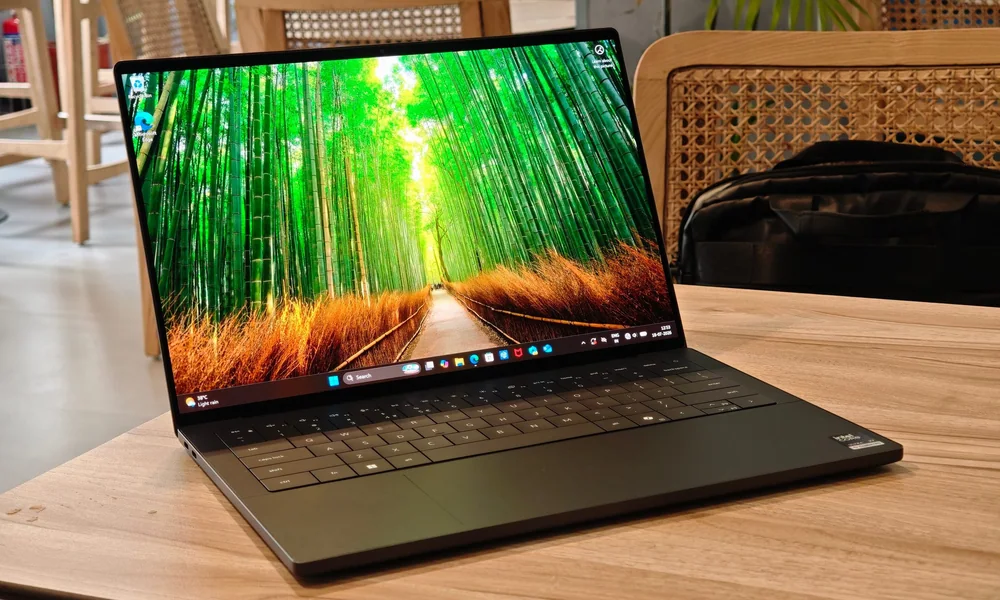
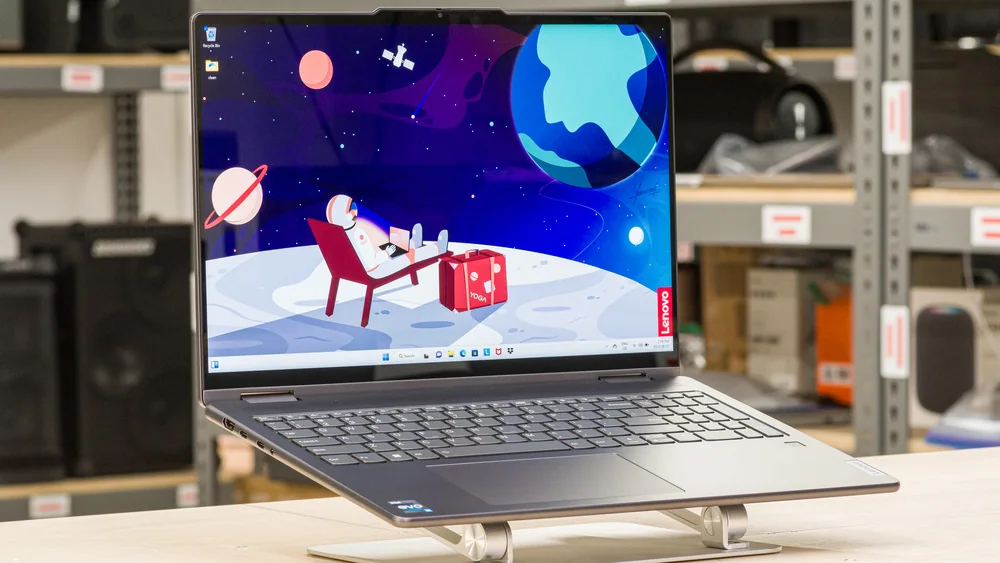
If the HP OmniBook X Flip 14 is close but not quite right, these are the other directions that make sense.
HP OmniBook X Flip 14 FAQ
Is the HP OmniBook X Flip 14 good for college?
Yes. It is a strong fit for school use because it is compact, lasts through a typical school day, and supports touch and pen input for notes and PDF markup. It is best for general coursework and multitasking, not heavy workstation-style loads.
Can the HP OmniBook X Flip 14 replace an iPad for note-taking?
It can for many people because it supports pen input and can fold into a tablet shape. The main difference is that it is still a Windows laptop first, so it is better when you need full desktop apps and a keyboard, and less ideal if you want a super-light tablet-only experience.
Is the HP OmniBook X Flip 14 good for gaming?
It is not designed as a gaming-first machine. Integrated graphics can handle some lighter titles at reduced settings, but many demanding games will struggle, so you should shop a dedicated gaming laptop if that is a priority.
Is the HP OmniBook X Flip 14 a workstation replacement?
No. It is positioned for light to moderately demanding work, and configurations are cited as topping out at 32GB of soldered RAM, which can be limiting for highly intensive workloads.
What is the main reason to buy the HP OmniBook X Flip 14 instead of a regular laptop?
You are paying for two things you will feel every day: the OLED touch display (plus pen support) and the flexibility of the convertible hinge. If you will never use tent mode or pen input, a traditional clamshell laptop can be a better value.
Should you buy the HP OmniBook X Flip 14?
Buy the HP OmniBook X Flip 14 if you want a midrange-priced 2-in-1 that feels premium where it counts: a sharp OLED touchscreen with pen support, a convertible hinge you will actually use, and battery life that makes it easy to leave the charger at home.
Skip it if your laptop needs to be a gaming rig or a heavy-duty workstation. For everyday productivity, school, remote work, and media, the HP OmniBook X Flip 14 is a practical, easy recommendation.