10 Best Budget Laptops for College Students in 2026
Published
Explore Laptops for more buying guides, in-depth reviews, comparisons, and practical advice.
Shopping for a cheap college laptop means balancing three things that fight each other: price, how long the machine lasts through late-night papers and video calls, and whether the operating system actually runs what your classes require. A Chromebook can be a smart budget move for note-taking and browser-based coursework, but it becomes a bad deal fast if your program needs desktop software. This guide ranks current, in-production machines by real usable value, not just the low-price claim tag, and flags the configurations worth avoiding.
Pickori may earn a commission from affiliate links.
1
Best Value
Apple MacBook Neo
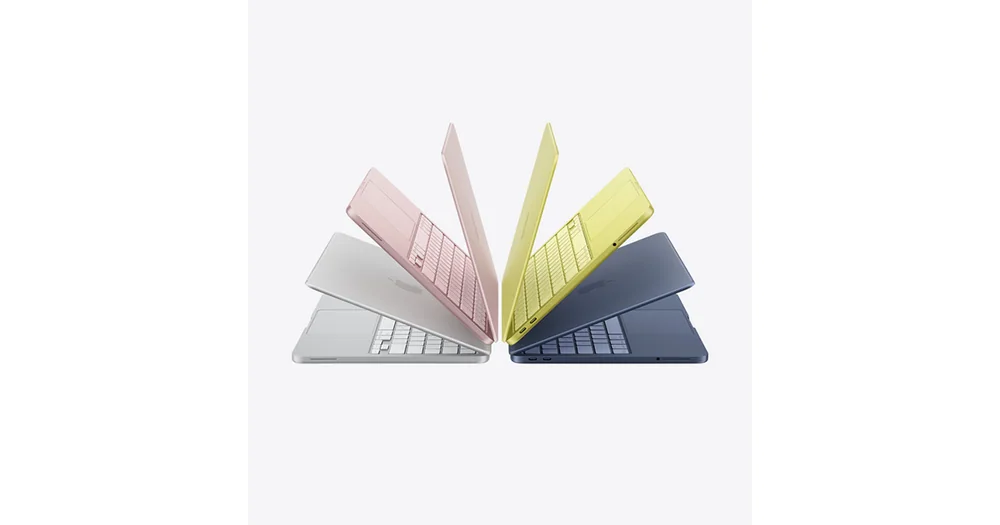
For most students, this is the safest bet: it runs macOS reliably, keeps up with the browser-tab-and-document-juggling that defines most semesters, and doesn't require the buyer to parse confusing spec sheets. Independent testing outlets treat it as a standing recommendation for budget student shoppers, which matters more than it sounds since so many cheap laptops get quietly discontinued or downgraded mid-cycle. If your coursework leans on Adobe, Xcode, or other macOS-native tools, this is the obvious lane. The tradeoff is ecosystem lock-in: if your program requires specific Windows-only software (some engineering and finance courses do), check that first before buying.
Currently in production with no signs of being phased out midyear
Best fit for students already comfortable in Apple's ecosystem or without Windows-specific software requirements
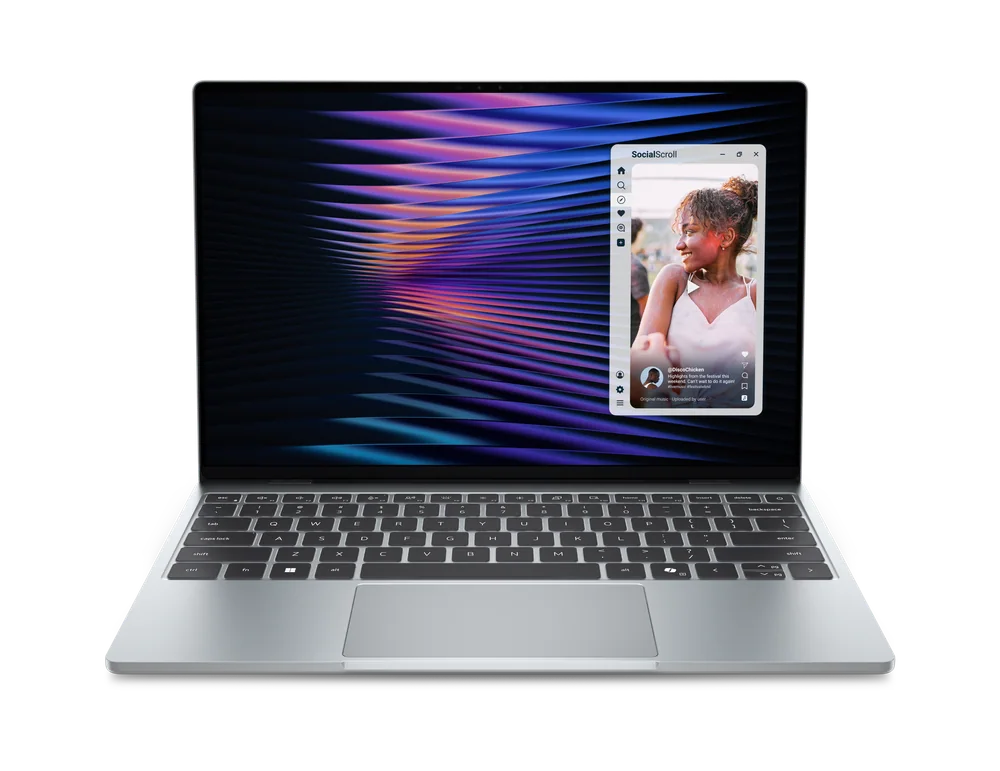
This is the pick for students who need Windows but don't want to feel like they bought a laptop built down to a price. It's been singled out repeatedly as a budget-tier laptop that doesn't sacrifice build quality or portability to hit its price point, which is the exact failure mode that ruins most cheap Windows machines. Multiple independent outlets point to it as the standing budget recommendation in the Windows category, which gives you more confidence than a single glowing review would. The compromise versus the top spot is mostly ecosystem: you're trading macOS's polish for Windows software compatibility, which for most STEM, business, and engineering majors is the right trade to make.
Built to avoid the thin-and-cheap compromises common at this price tier
Right call for any major requiring Windows-only software
The IdeaPad Slim 3x 15 is a budget Windows laptop where the exact configuration and sale price matter. Independent testing found enough performance for everyday productivity and exceptionally long battery life, but also called out a disappointing display, cramped keyboard, and basic touchpad. That combination makes it easier to recommend when discounted than at full list price. Check the memory, storage, and processor before checkout, then compare the final price with the Windows picks above it. It is a strong value when the configuration is right, not a model to buy by name alone.
Independent testing found strong everyday performance and very long battery life
Display, keyboard, and touchpad quality are the main compromises
Best value appears when the useful configuration is discounted
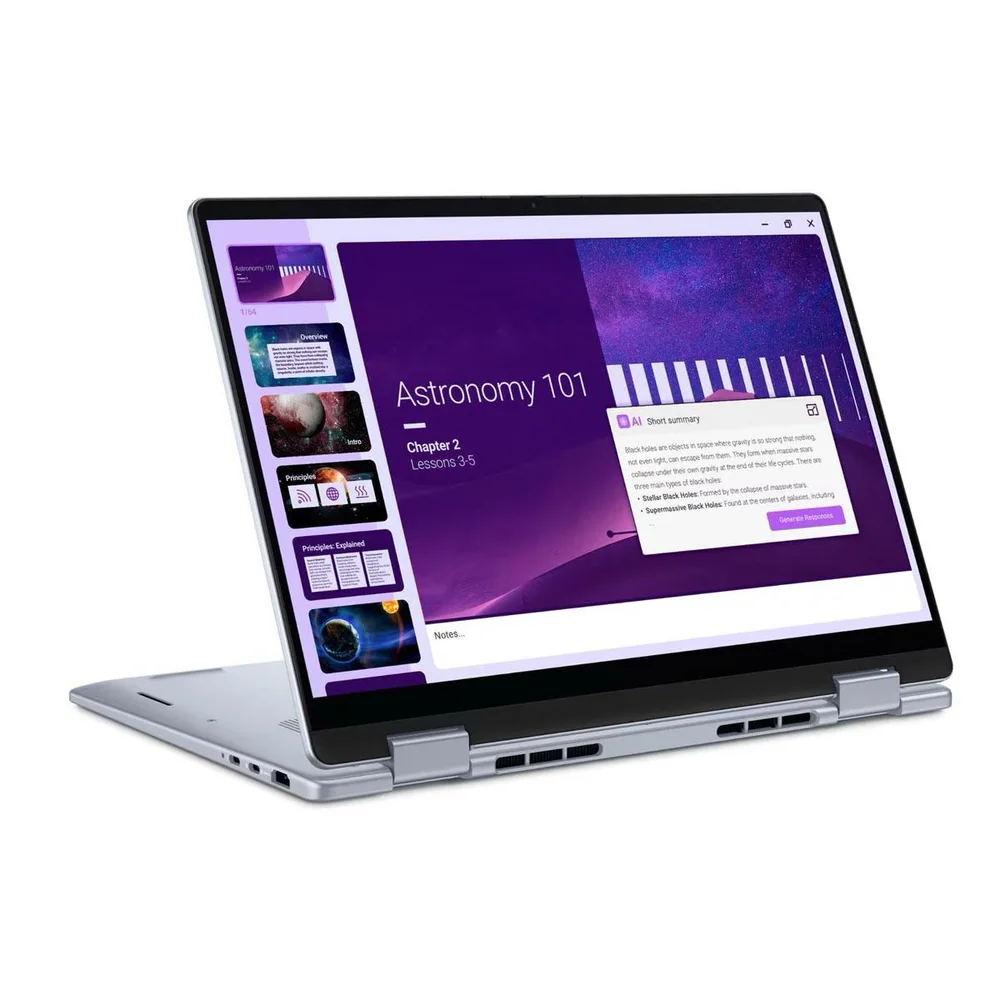
If flexibility matters to you more than raw horsepower, a convertible form factor lets you take notes by hand in a lecture hall and then flip back into laptop mode for typing an essay that night. This model shows up in current student-budget testing and broader college-laptop roundups, giving it a reasonable evidence base for reliability at this price. It's a more niche recommendation than the machines above it: most students don't need a touchscreen or tablet mode, and paying for one when you won't use it is money better spent on more memory or storage. Buy this specifically because you want the hybrid form factor, not because it's simply cheap.
Current production model with 2-in-1 hinge for tablet-style note-taking
Appears in independent student-budget testing coverage
Best suited to students who specifically want touchscreen and tablet flexibility
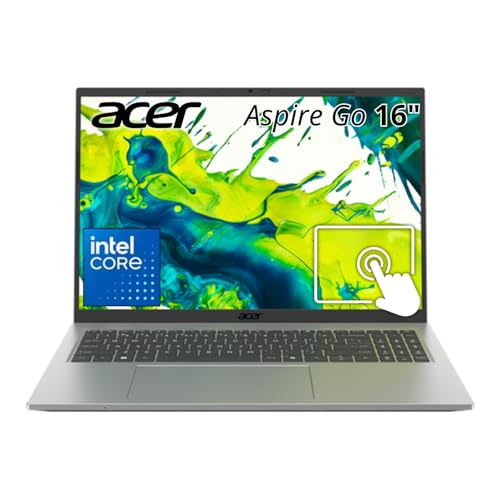
This is the backup-plan laptop, and that's not an insult. It's specifically named as the next-best option when a top pick from a major testing outlet runs out of stock, which tells you it's a credible fallback rather than a filler entry. Its 16-inch screen makes it a reasonable choice for students who do a lot of reading, spreadsheet work, or side-by-side document comparison and don't want to squint on a 13-inch panel. The compromise is that it's explicitly positioned as a substitute pick rather than a first choice, so if the machines ranked above it are available at similar money, they're the stronger buy.
Large screen size favors students doing heavy reading or multitasking
Also appears in independent student-laptop and value-laptop coverage
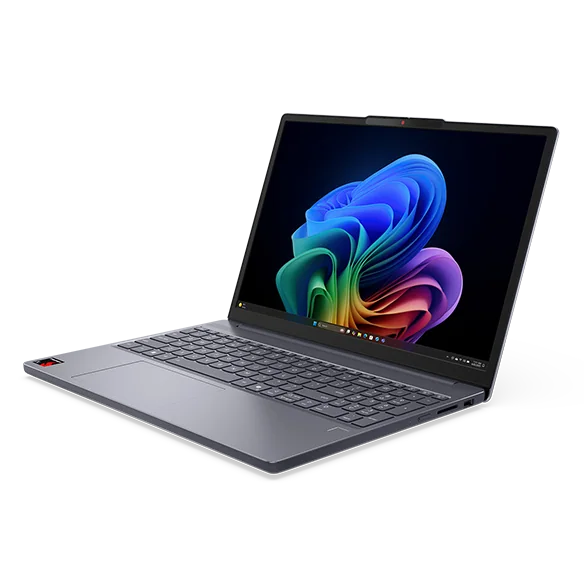
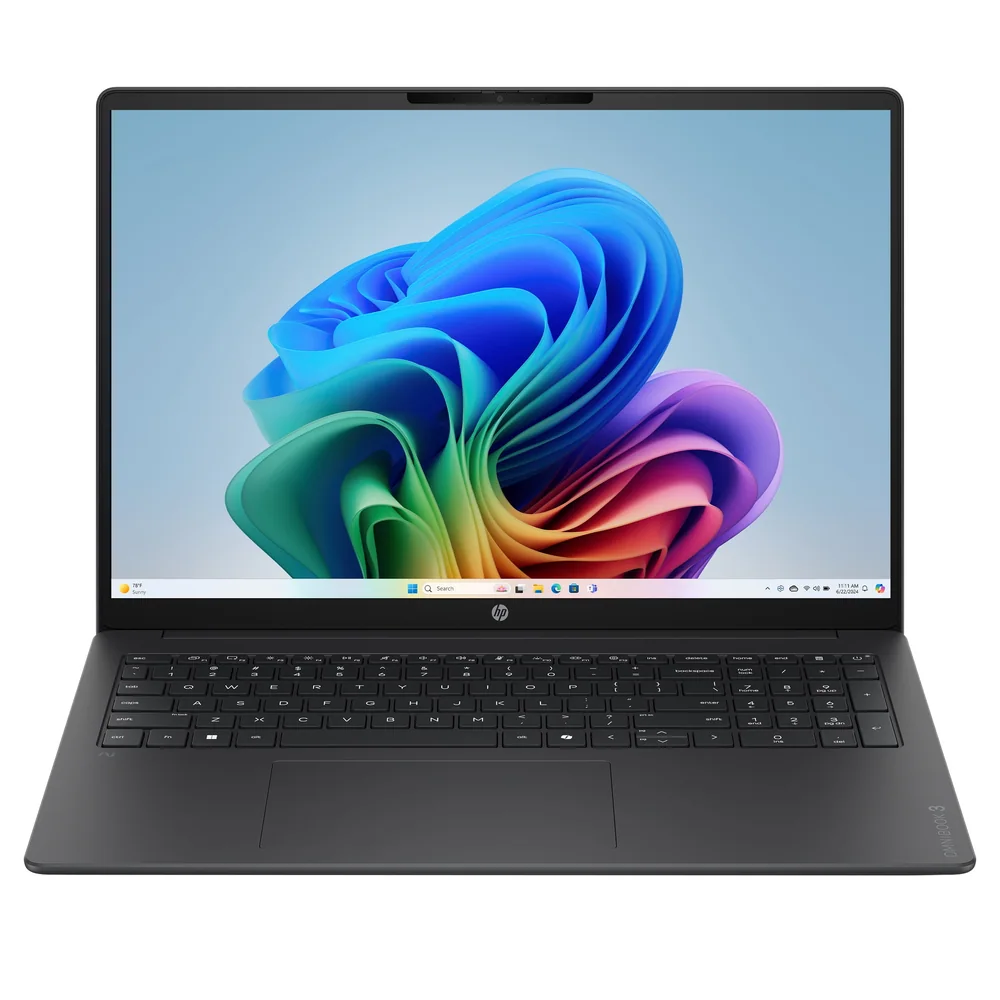
One independent battery test clocked this machine at just over 34 hours of runtime, a single-source measurement but a striking one that helps explain why it works especially well. If your dorm setup means you're rarely near an outlet, or you'd rather not carry a charger to every class, that number changes the calculus in a real way. The catch is the processor: it runs a Qualcomm Snapdragon X1, which reviewers note is a generation behind current chips, meaning some apps and on-device AI features may lag or run through compatibility layers. Build quality gets a pass despite the more plastic-heavy construction compared to HP's mainstream OmniBook 5. Buy this one for the battery, not for raw processing headroom.
One independent test measured roughly 34 hours of battery life, an outlier in this category
Snapdragon X1 processor is a generation behind current chips, per the same review
16-inch 1,920x1,200 display with 32GB of memory in the configuration tested
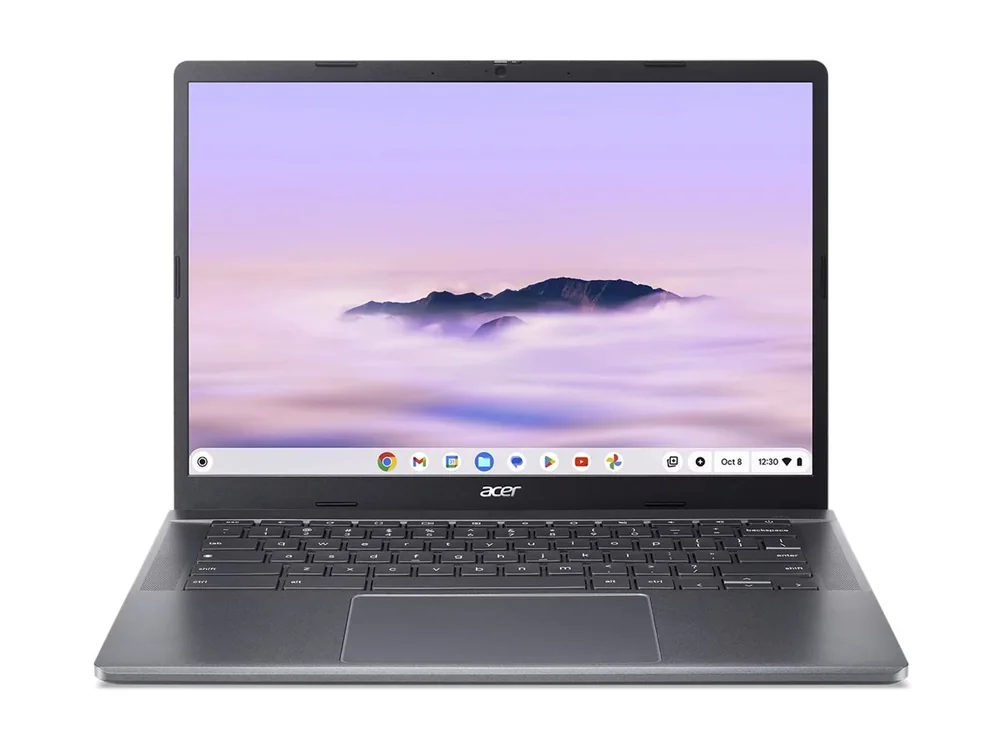
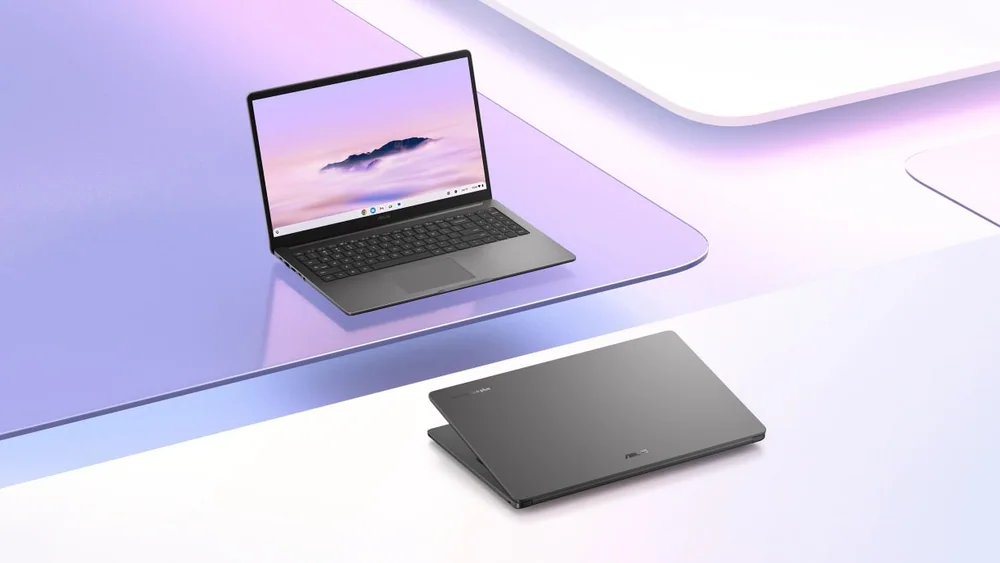
This is where the guide shifts from Windows and macOS territory into ChromeOS, and it's an honest fit for students whose coursework lives mostly in a browser: Google Docs, web-based research, streaming lecture recordings, email. It shows up in both student-budget testing and broader student-laptop coverage, which gives it decent standing as a current recommendation. The catch is real and worth stating plainly: if any of your classes require desktop-only software like specialized statistics packages, CAD tools, or certain finance platforms, ChromeOS may not support them, so confirm your program's requirements before buying. A successor model exists, but this one remains in current production and is still a sound buy today.
Currently in production, with a newer Chromebook Plus 515 also on the market
Recommended in both budget-student testing and general student-laptop coverage
Not a fit if any coursework requires desktop-only Windows or macOS software
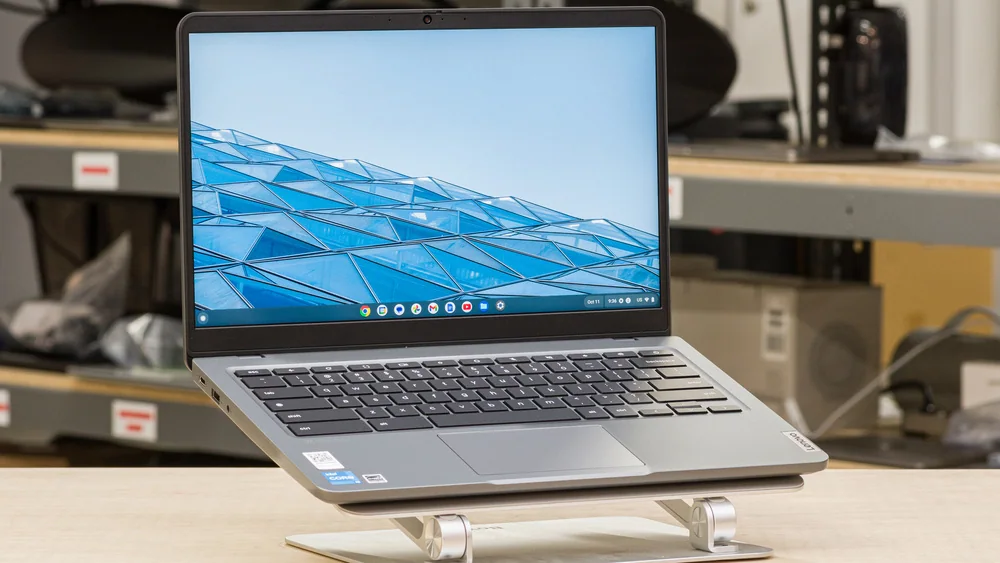
At this price tier, the honest pitch is that you're buying a machine for browser-based coursework and little else, and that's fine if that's genuinely what your semester looks like. It's named in independent student-budget testing as a workable pick at the lowest end of the price spectrum covered here. There isn't a deep bench of evidence behind it compared to higher-ranked entries, so treat it as a solid choice for a first-year student easing into coursework rather than someone juggling demanding multitasking. If you outgrow ChromeOS's limits, you'll likely be shopping again within a year or two.
One of the lowest-priced current options with independent student-budget support
Suited to lightweight browser-based coursework rather than heavy multitasking
Confirm every required course application works in ChromeOS before buying
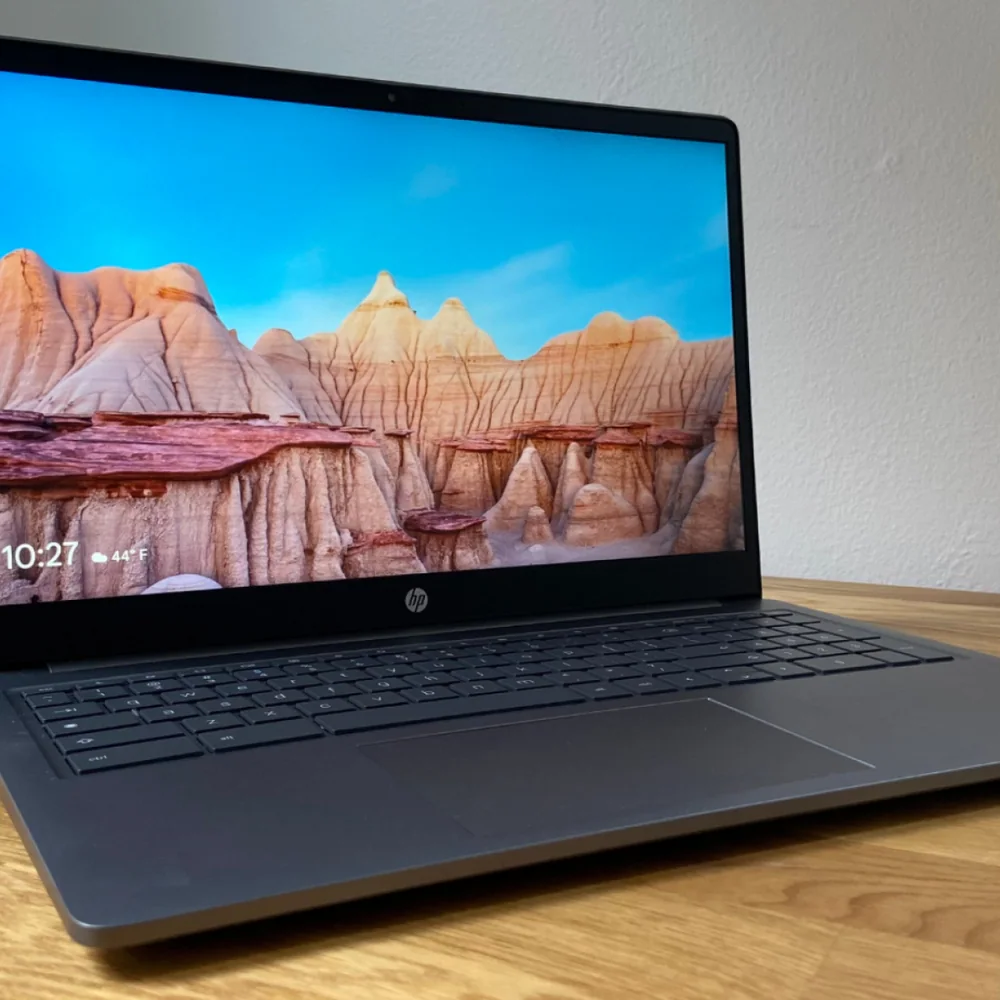
The appeal here is straightforward: a bigger 15-inch display at Chromebook pricing, useful for students who want more room to read PDFs or compare two documents side by side without constant scrolling. It's included in current college-laptop roundups, though the evidence base behind it is thinner than most machines ranked above it. This is a reasonable pick if screen size is your priority and you've already accepted ChromeOS's software limits, but it's a narrower recommendation than the more broadly supported picks earlier.
15-inch display size gives more working room than typical 13 or 14-inch Chromebooks
Included in current college-laptop recommendation coverage
Best for buyers who've already decided ChromeOS fits their coursework
This closes out the list as the biggest-screen Chromebook option, and it makes the most sense for a student who has already ruled out Windows and macOS and simply wants the largest display available at Chromebook pricing. It appears in current student-laptop recommendation coverage, but with a thinner evidence trail than anything ranked above it, so this is a pick built on a narrower foundation. If you're comparing it against the ASUS CX15 above, the decision likely comes down to brand preference and keyboard feel more than any documented performance gap. Treat this as the specialist's choice rather than the default answer to "what laptop should I buy for college."
Largest screen size among the Chromebooks covered
Appears in current student-laptop recommendation coverage
Thinnest evidence base, best suited to a narrow, screen-size-driven buyer
Should a college student buy a Chromebook or a Windows/macOS laptop?
It depends entirely on your coursework. If your classes rely on browser-based tools like Google Docs and web research, a Chromebook can save real money. If any class requires desktop-only software such as specialized statistics, CAD, or finance platforms, you need Windows or macOS instead.
What's the biggest configuration trap in cheap laptops?
Storage and memory are the usual culprits. Some budget models are sold in multiple configurations, and the cheapest version often skimps on RAM or SSD space to hit an attractive price point. Always check the exact configuration before buying, not just the model name.
Is battery life worth prioritizing for a college laptop?
Yes, especially if you're moving between classes, the library, and a dorm without easy outlet access. One independent test measured the HP OmniBook 3 16 at just over 34 hours of runtime, notably higher than typical budget laptops, though it comes with an older processor as a tradeoff.
Do I need a 2-in-1 laptop for college?
Only if you specifically want to take handwritten notes on a touchscreen or use tablet mode. For most students, a standard clamshell laptop with more memory or storage for the same money is the better use of a limited budget.