Explore Smart Tvs for more buying guides, in-depth reviews, comparisons, and practical advice.
The best smart TVs for streaming open apps quickly, keep menus responsive, and make movies, shows, and live sports look good without constant picture adjustments. These picks combine strong image quality with dependable smart platforms, broad app support, and controls that remain easy to live with after setup day.
Pickori may earn a commission from affiliate links.
1
Best overall
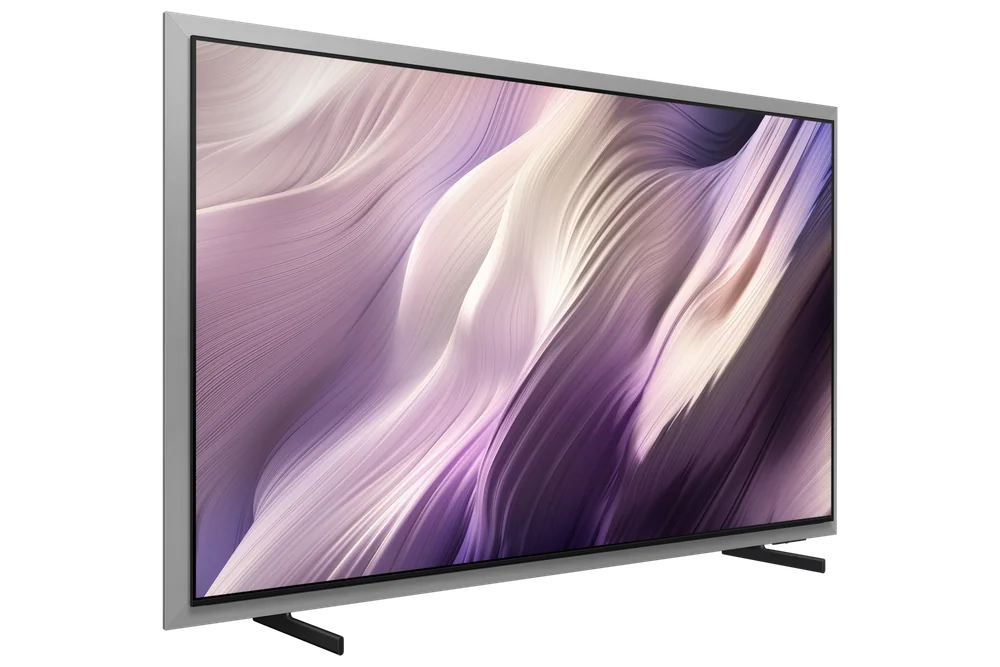
Samsung S95H OLED
This is the one to buy if you want the smart platform itself to disappear into the background, which is exactly what you want from a streaming-first TV. Its OLED panel delivers the kind of deep, uniform black levels that make dark scenes in prestige dramas look intentional rather than murky, and that picture quality pairs with a modern smart platform paired with flagship OLED picture quality. The tradeoff is one every OLED buyer already knows: it's not the TV for a sun-flooded living room where reflections fight the screen, so if your main viewing spot faces a big window, keep that in mind. For most households doing the bulk of their watching after dark or with curtains drawn, though, this is the rare case where the fastest software and the best picture happen to live in the same box.
OLED panel produces deep blacks well suited to dark-room streaming and HDR content
Smart platform is noted as fast and dependable across app navigation
Less ideal for very bright rooms where reflection handling matters more
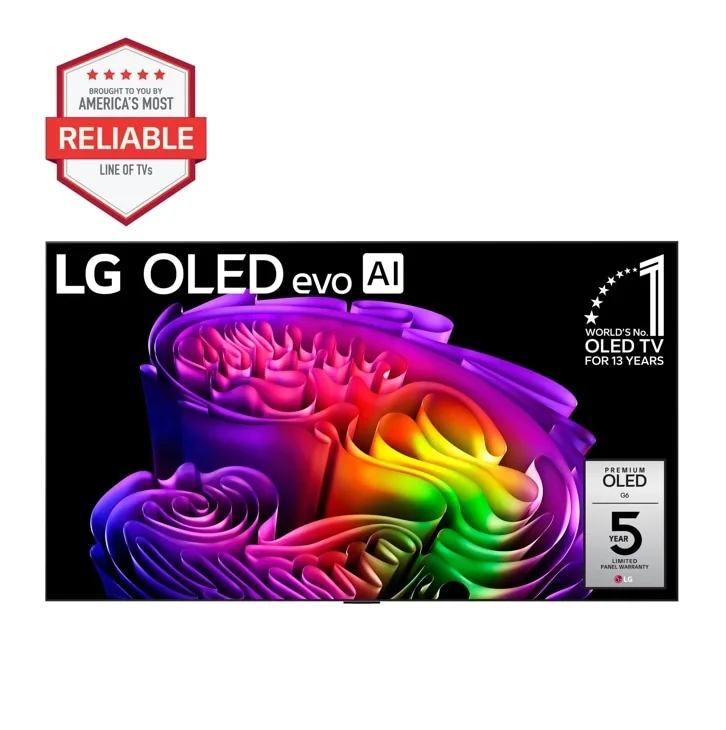
If your streaming setup doubles as a home theater, meaning the lights go down and the point is total immersion, the G6 earns its premium badge honestly. Independent testing describes it as excelling in dark rooms with no haloing around subtitles or highlights, which matters more than people expect once you're three episodes into a moody streaming series. It also holds up surprisingly well in daylight, with strong SDR brightness and reflection control that keeps glare from becoming a fight during afternoon viewing. Where it asks more of the buyer is size and cost planning, since it spans a wide range of screen sizes from 55 up to 97 inches, and getting the format right for your room matters more with a TV this capable.
Excels in both dark home-theater conditions and bright-room daytime viewing
Nearly instantaneous response time makes it strong for live sports streaming
Available across a broad size range, so matching the right size to your room is worth extra thought
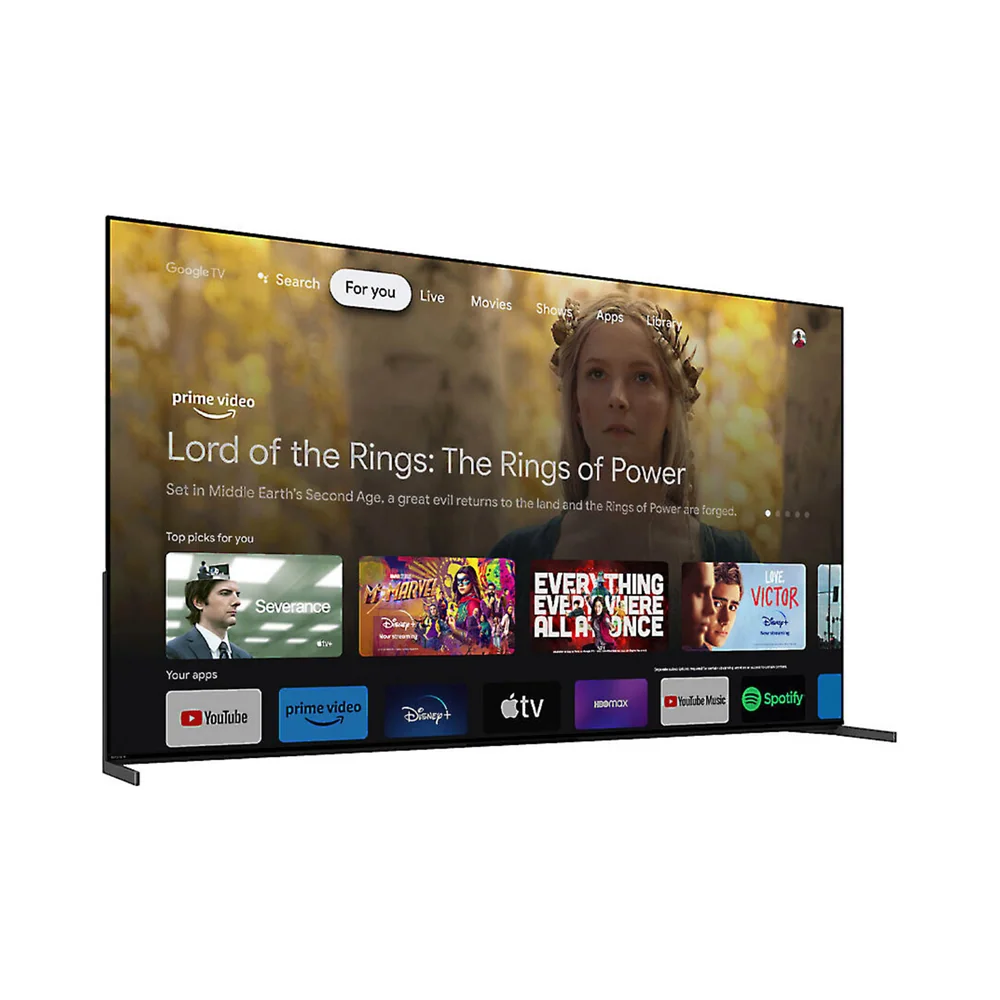
This one is for the viewer who treats a streamed film like a trip to a proper screening room rather than background noise. It shows up consistently in independent roundups focused specifically on streaming picture quality, which suggests its processing and color handling hold up well against the compressed files that services actually deliver. Where it falls a notch behind the top two spots is a thinner documentation trail around its smart platform's long-term reliability compared to the Samsung and LG entries above it. If cinematic color accuracy is your priority over raw app speed, this is a reasonable place to land, just go in knowing the newer-generation successor models are already arriving.
Google TV platform gives broad app coverage
Fewer independent details available on long-term software support compared to higher-ranked picks
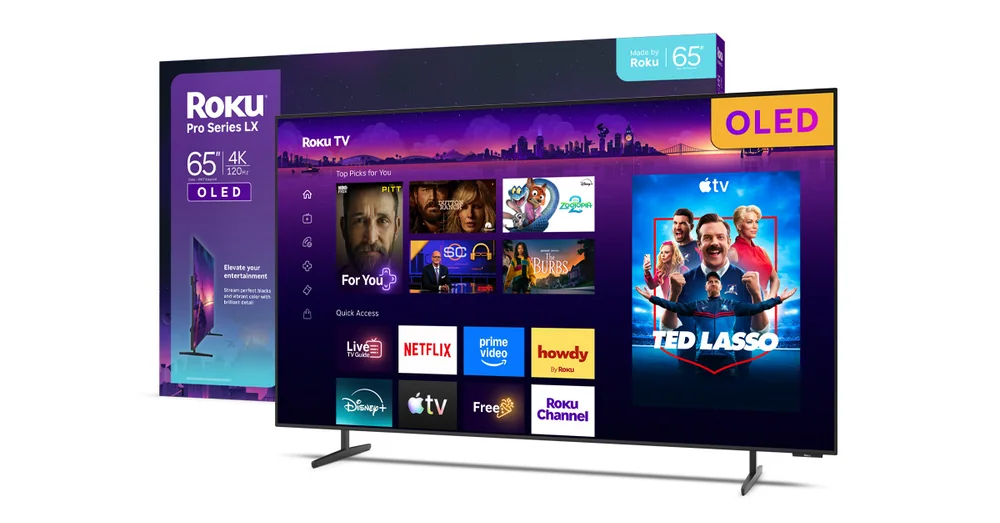
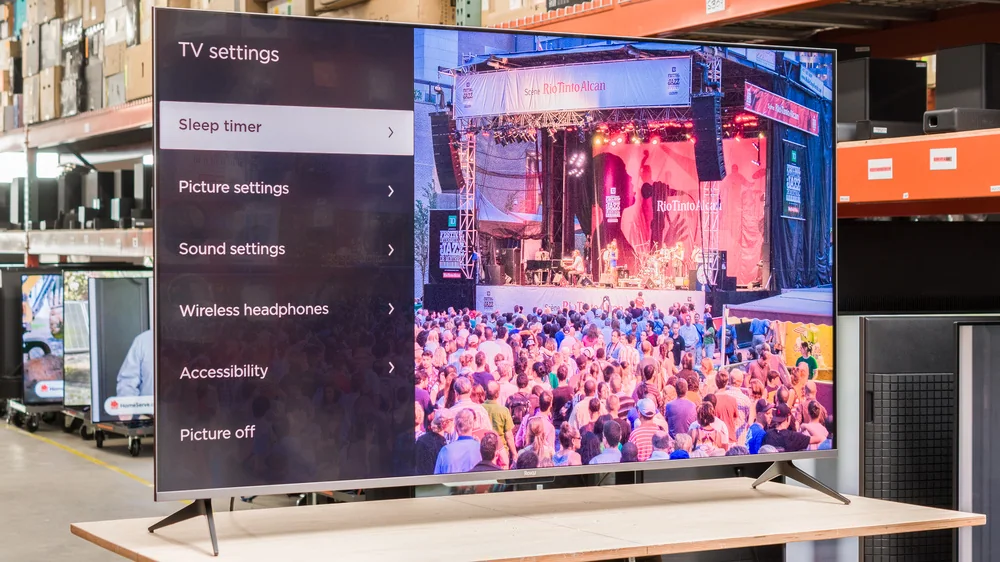
For anyone who has ever gotten lost in a clunky smart TV menu, the appeal here is simplicity. Roku's own interface has built a reputation for being easy to navigate, and this Pro Series model brings that same directness to a proper 4K set rather than a budget streaming stick. It shows up in general best-TV roundups more than in deep technical picture-quality breakdowns, which tells you its strength is usability rather than chasing the last percentage of HDR brightness. Buy this one if you want family members of every age level to find their show without asking for help, not if you're chasing reference-level contrast.
Roku's interface is straightforward, a real advantage for shared or multi-generational households
Positioned as a general streaming pick rather than a picture-quality specialist
Good fit for buyers who prioritize ease of use over top-tier contrast
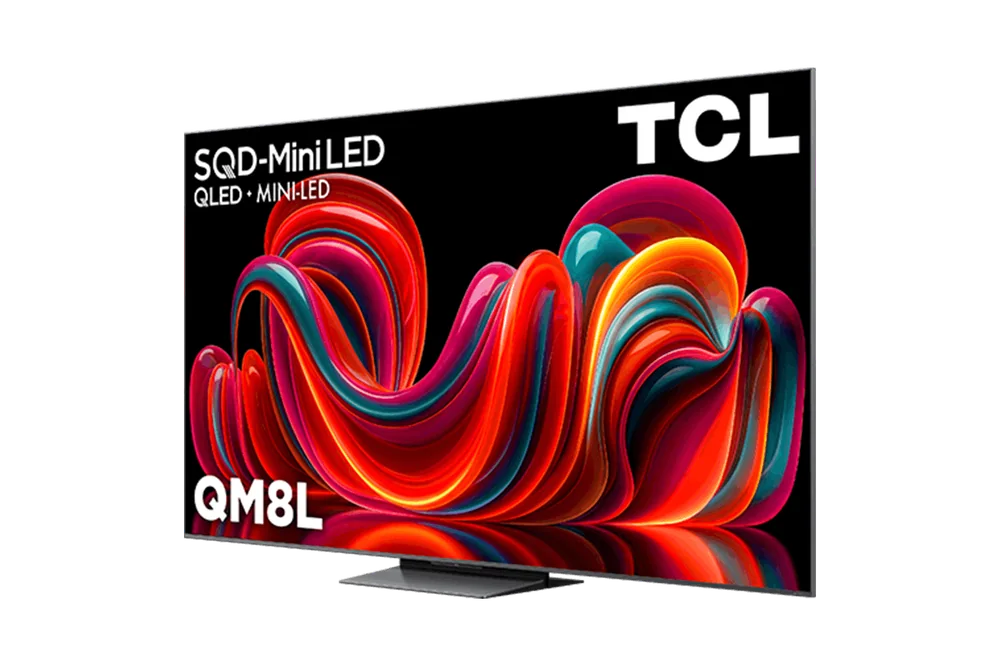
Mini LED backlighting exists to solve one specific problem: rooms with real daylight that would wash out an OLED screen. The QM8L uses that technology alongside Google TV, giving it wide app support without the light-sensitivity tradeoffs of the panels ranked above it. It's noted among current top-tested picks in general comparisons, though the available detail on it leans more toward category recognition than granular performance breakdowns. If your living room streaming happens mostly during the day with sunlight pouring in, this is a more practical fit than an OLED, even one ranked higher.
Mini LED backlighting suits bright, sunlit rooms better than OLED alternatives
Runs Google TV for broad app compatibility
Documentation leans general rather than deeply technical, so picture-quality specifics are thinner
The C-series has long been LG's answer to buyers who want OLED quality without the G-series price ceiling, and the C6 keeps that positioning intact for streaming duty. It's frequently grouped with other well-regarded upper-mid-range OLEDs in independent coverage, suggesting solid picture quality even if it isn't singled out with the same granular praise as the S95H or G6 above. A 65-inch version has appeared at notable promotions in the past, hinting that pricing on this line can move meaningfully depending on timing. Consider this one if you want OLED contrast for streamed content but don't need flagship-level extras.
Grouped consistently among upper-mid-range OLED recommendations
This model shows up repeatedly in streaming-focused comparisons as a value-minded alternative to the OLED sets above it, which usually signals a brighter panel built for mixed lighting rather than pure dark-room performance. It's the kind of TV that makes sense for a family room that gets used at all hours, not just after sunset. The available detail on it is fairly high-level compared to some of the other entries here, so buyers wanting exhaustive spec breakdowns may need to do additional homework before committing. Treat it as a dependable middle option rather than a specialist pick.
Regularly named in streaming-specific TV comparisons
Likely suited to rooms with variable lighting given its positioning against OLED alternatives
Limited granular detail available beyond its general ranking
Sometimes the right TV for streaming is simply the one that gets the basics right without asking for a premium budget, and that's the role this model plays. It's been described as a strong option for most people rather than a specialist pick, which fits its position lower: it won't out-dazzle the OLEDs above it, but it covers the fundamentals of app support and HDR compatibility that this whole guide is built around. Good for a secondary room or a first streaming TV where flagship contrast isn't the priority.
Positioned as a solid general-purpose streaming TV rather than a picture-quality specialist
QLED panel suits everyday, mixed-lighting use
A sensible choice for secondary rooms or budget-conscious first-time smart TV buyers
This is the TV for someone who wants to hand the remote to a houseguest and never field a single question about how to find Netflix. Its Roku platform has a long track record of being described as one of the easier smart TV interfaces available, and it appears repeatedly across streaming-specific recommendation lists, though usually toward the more accessible end of the range rather than the top. The QLED panel brings competent, unremarkable picture quality that suits casual viewing over demanding home theater use. Choose it when simplicity and predictable navigation matter more than chasing peak contrast.
Roku interface remains one of the more approachable smart TV platforms
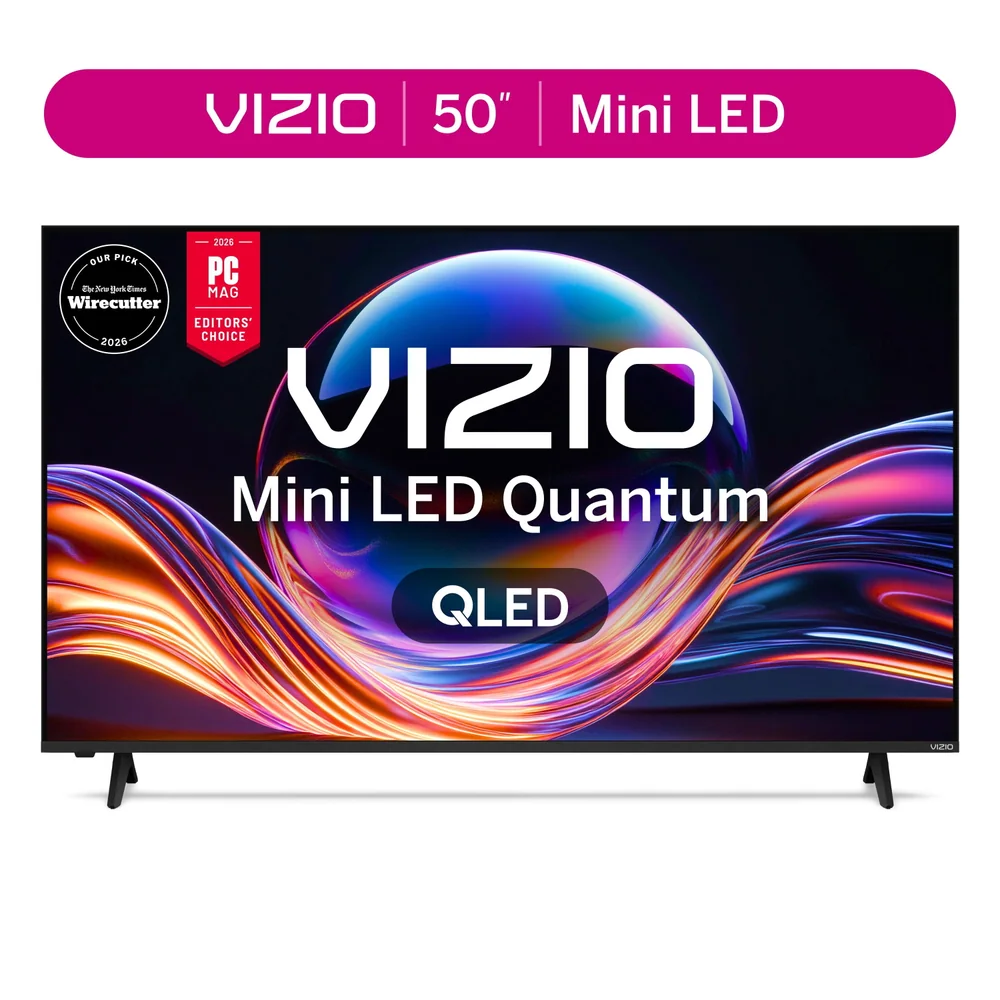
At the far end of this list sits the pragmatic choice: a Mini LED 4K TV described in independent reviews as delivering very good performance at prices well below the rest of this lineup. One notable caveat worth knowing before buying is that its best-looking calibrated picture mode caps brightness around 250 nits, which is comfortable for evening viewing but can feel dim during daytime streaming sessions in a sunlit room. It also keeps things simple with three HDMI ports, one supporting eARC, which is enough for a streaming box and a soundbar but not a houseful of gaming consoles. If your budget is the deciding factor and your streaming happens mostly in the evening, this is a genuinely reasonable place to land, just not the pick for anyone chasing the daytime brightness or platform speed of the TVs ranked above it.
Calibrated picture mode looks great at night but caps near 250 nits, limiting daytime brightness
Three HDMI ports including one eARC, adequate for basic setups only
Strong choice for budget-focused buyers prioritizing value over peak performance
Do I need an OLED TV for streaming, or is QLED good enough?
OLED tends to shine for dark, moody streaming content thanks to deep black levels, while QLED and Mini LED panels handle bright rooms better. If most of your viewing happens after dark, OLED options higher are worth the investment; if your room gets a lot of daylight, a Mini LED or QLED pick further down may actually look better in practice.
Does the smart platform matter more than the screen technology?
For daily streaming, yes, in a practical sense. A TV with a fast, reliable platform and broad app support prevents the daily friction of buffering menus and missing apps, which is why platform speed is weighted heavily at the top of this list even above raw picture specs.
Is a bigger screen always better for streaming?
Not automatically. Larger screens amplify both strengths and weaknesses, so a TV with excellent reflection handling and brightness control, like some OLEDs, holds up better at larger sizes than a panel that struggles with glare.
What's the real tradeoff with budget-friendly streaming TVs?
Budget-oriented sets often ask you to choose between picture calibration and daytime brightness. Some models look excellent in a calibrated evening mode but dim noticeably in modes meant for daytime viewing, so check how a TV performs in the room where you'll actually watch it.
Should I prioritize sports streaming or movie streaming when choosing?
Sports benefits most from fast response times and wide viewing angles, since motion clarity matters when everyone in the room is watching from a different seat. Movie-focused streaming benefits more from deep contrast and accurate color, which tends to favor OLED panels.