
Pickori

Smart Tv advice

Why Refresh Rate Numbers Don't Tell the Whole Motion Story

A grounded look at what refresh rate actually controls, and why a higher number alone doesn't guarantee smoother motion.

Refresh rate gets tossed around like a simple bigger-is-better spec, but it's really just one piece of how motion looks on screen. A 120Hz TV can still look choppy or artificial depending on what's happening behind the scenes with processing and source content. Understanding what refresh rate actually measures, and how it interacts with the content you're feeding it, keeps you from overpaying for a number that won't change much in your living room.

Reading time: 8 minutesBest for: Gamers and sports viewers who care about motion clarity, not just screen size
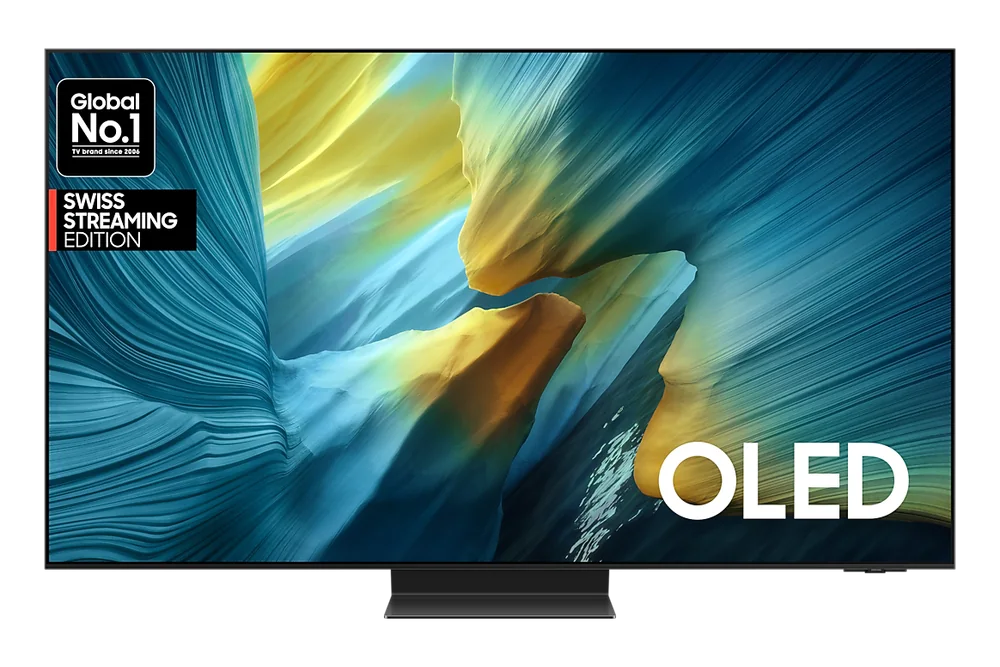
Samsung 55" S95F OLED 4K Smart AI TV (2025)

What the number is actually measuring

Refresh rate is how many times per second the screen redraws its image, measured in Hz. A 60Hz screen redraws 60 times a second, a 120Hz screen doubles that. In theory, more redraws per second means smoother motion, since there are more individual frames to represent movement between one moment and the next.

But the refresh rate is only as useful as the content feeding it. A movie filmed at 24 frames per second doesn't suddenly become smoother just because the screen can refresh at 120Hz, since there's no extra source information to fill those additional refreshes. The screen has plenty of headroom, but nothing new to show in it without help.

Where motion smoothing comes in, and why it looks odd

To fill that gap, many TVs use motion smoothing, sometimes called interpolation, which generates in-between frames that didn't exist in the original footage to make movement look more fluid. This is where the so-called soap opera effect comes from, that overly smooth, almost live-broadcast look that some viewers hate on film content and others don't even notice.

Motion smoothing works differently for gaming versus movies, and most TVs let you toggle it separately for each. Leaving it on for movies can make cinematic content look artificially fast, while turning it off for fast-paced sports can make camera pans look slightly juddery. There's no universally correct setting, just a trade-off worth testing on your own TV once it's set up.

Why 120Hz matters more for gaming than movies

The real payoff of a 120Hz panel shows up with gaming consoles and PCs that can actually output 120 frames per second, since the TV then has genuinely new frames to display each cycle instead of manufacturing them. Combined with HDMI 2.1 support, this reduces motion blur during fast camera pans in shooters or racing games and sharpens fast-scrolling menus.

Without a source capable of feeding it 120 frames per second, though, that same TV is running the same content a 60Hz set would show, just with unused headroom. Check whether your console or PC actually supports 120fps output before treating refresh rate as a deciding factor, since the number alone changes nothing without a source pushing it.

Reading motion specs without getting misled

Marketing terms like effective refresh rate or motion rate often combine the panel's real refresh rate with software processing tricks, inflating the number well beyond what the hardware physically does. These figures aren't outright false, but they're not directly comparable to a plain, unqualified 60Hz or 120Hz spec, so treat them cautiously when comparing across brands.

When comparing two TVs, look specifically for the native refresh rate and whether HDMI 2.1 ports are included, since those two details tell you more about real motion performance than any branded motion-rate label. The rest is processing dressed up to sound more impressive than it is.

What this guide helps you understand

Buy refresh rate based on what your source content can actually deliver, not on the biggest number on the shelf tag.

Confirm your gaming console or streaming habits can actually use a 120Hz refresh rate before paying extra for it.
Test motion smoothing settings separately for movies and sports rather than leaving factory defaults on.

Technique notes

Turning off motion smoothing entirely is a common preference among movie viewers who dislike the artificial look it creates on 24fps film content.
HDMI 2.1 ports are limited even on some 120Hz TVs, so check the number of full-bandwidth ports if you're connecting a newer game console.

More from Smart Tvs

As an Amazon Associate I earn from qualifying purchases.

← Back to Smart Tvs