
Pickori

Smart Tv advice

Making Sense of Dolby Vision, HDR10+, and Standard HDR

A practical explanation of the major HDR formats and why owning the hardware isn't the same as getting the benefit.

HDR sounds like one feature, but it's actually a handful of competing formats, and the one your TV supports doesn't always match the one your streaming show was mastered in. That mismatch is invisible on a spec sheet and only shows up once you're actually watching, wondering why the picture looks flatter than expected. Understanding the difference between static and dynamic HDR, and which services use which format, saves you from paying for a feature you'll rarely actually get to use.

Reading time: 8 minutesBest for: Streaming-heavy households who want their TV's HDR capability to actually get used
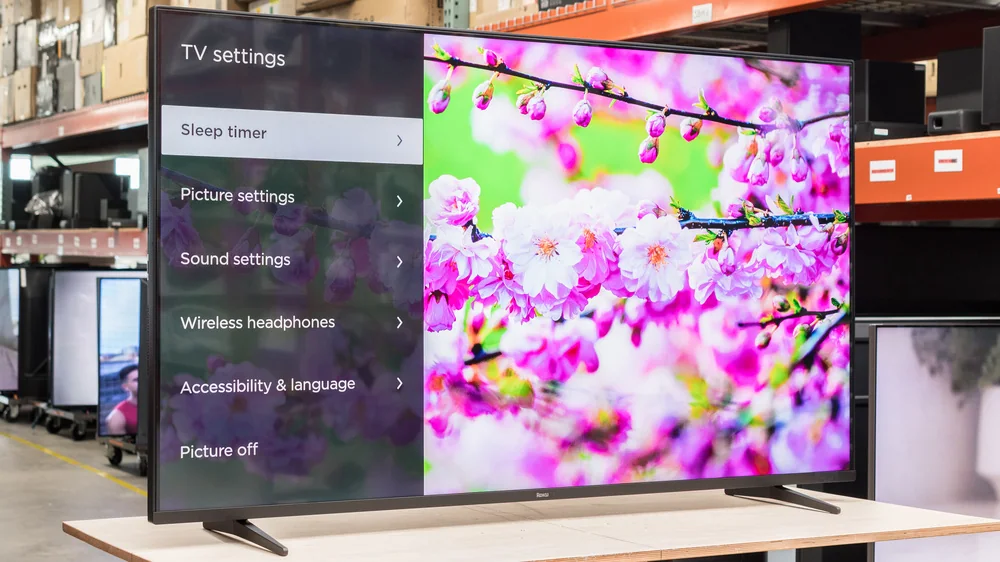
Roku Pro Series QLED TV

What HDR is actually doing

HDR stands for high dynamic range, and it expands how much difference a screen can show between the darkest and brightest parts of an image. A sunset can show detail in both the bright sun and the shadowed trees instead of one or the other getting crushed into flat color. Standard HDR10 applies one brightness setting for an entire movie, decided once at the start.

Dynamic HDR formats, like Dolby Vision and HDR10+, adjust that brightness scene by scene or even frame by frame instead of locking in one setting for two hours straight. That means a bright daytime scene and a dark basement scene in the same film can each get their own calibrated range, rather than compromising to fit both under one static setting.

Why the format your TV supports actually matters

If a streaming show is mastered in Dolby Vision but your TV only supports HDR10, you'll still get a picture, but the scene-by-scene tuning gets ignored and the TV falls back to the static baseline. The hardware isn't broken, it's just not being handed the fuller instructions the content was built with. This is why two people with different TVs can watch the same show and describe noticeably different picture quality.

Streaming services split on which format they lean into, and it's not universal across their entire libraries either, since it depends on how each title was mastered. Before buying, it's worth checking which HDR format your most-used service actually supports for the titles you watch most, since paying for a Dolby Vision TV does nothing if your main service leans on the other format.

Reading labels without falling for marketing

A TV described as HDR compatible isn't saying much on its own, since nearly every mid-range set today can technically accept an HDR signal. The more useful detail is which specific formats it decodes and, just as important, how bright and how dark the panel can actually get, since a panel with weak actual contrast range won't make dramatic use of even the best-mastered HDR content.

Terms like cinema-quality picture are marketing language, not a technical claim, and often describe out-of-box settings tuned to look punchy in a showroom rather than accurate at home. Real HDR performance depends on the panel's actual brightness range and format support, not a phrase on the box.

Setting up your TV to actually use it

Once home, dig into the picture settings and turn off any vivid or dynamic contrast mode left over from showroom calibration, since those modes often push saturation and sharpness in ways that fight against accurate HDR rendering rather than support it. Most TVs also have a cinema or filmmaker mode that better respects the format's actual intent.

Check that your streaming app and your TV both confirm the HDR format is active while playing something you know was mastered in it, since some setups silently fall back to standard HDR or even standard dynamic range if a cable or app setting isn't right, and you'd never know without checking.

What this guide helps you understand

Match your TV's HDR format support to the streaming services you actually use, rather than buying based on whichever format sounds more premium.

Confirm your main streaming service supports the HDR format your TV decodes before assuming you're getting full benefit.
Check picture mode settings after setup, since default modes often override accurate HDR rendering.

Technique notes

A TV's peak brightness number matters as much as its format support, since a dim panel can't fully render dynamic HDR's range regardless of what format it decodes.
Cables matter too: an older HDMI cable can bottleneck the bandwidth HDR content needs, especially at higher resolutions.

More from Smart Tvs

As an Amazon Associate I earn from qualifying purchases.

← Back to Smart Tvs