
What to know first
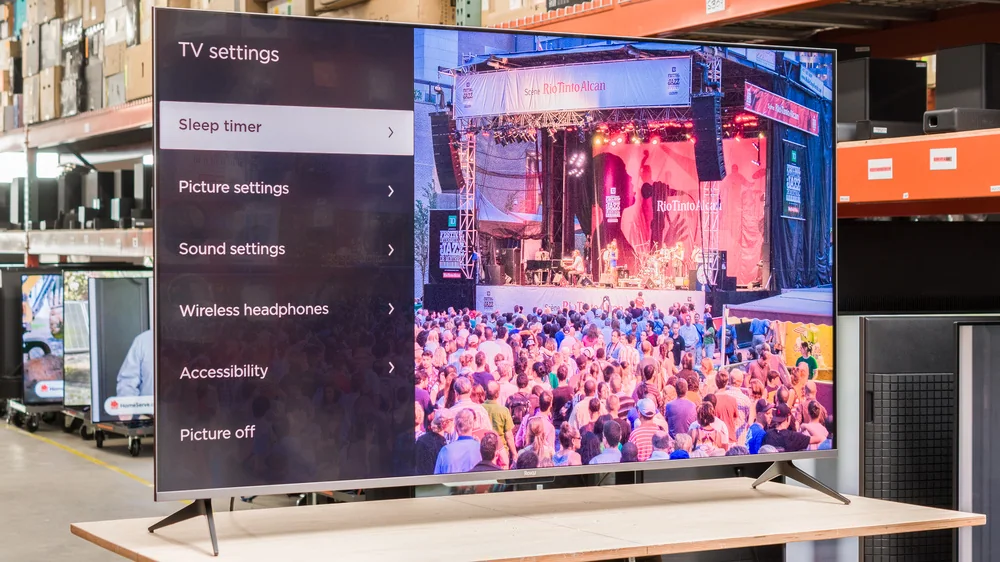
- Roku's first self-branded TV, sold in 55, 65, and 75-inch sizes
- Full-array mini-LED backlight with local dimming and quantum dots, supporting Dolby Vision, HDR10+, HDR10, and HLG
- Native 60Hz panel with no variable refresh rate, but Auto Low Latency Mode is included
- Ships with the rechargeable Roku Voice Remote Pro, which includes a lost-remote finder feature
- One independent review found the picture bright and colorful but noted a narrow viewing angle and a cool color cast
- VESA mount pattern is 300mm x 300mm on the 55-inch and 400mm x 300mm on the 65 and 75-inch models
Roku builds its own hardware for once
For years, Roku's software rode inside TVs built by other companies. The Plus Series QLED flips that arrangement: Roku designed the set itself, which means the interface, remote, and picture settings all come from one company instead of a licensing partnership. That matters more than it sounds, because Roku TVs made by third parties sometimes trim features or add their own quirks on top of the shared platform. This one is Roku's own vision of what a Roku TV should be.
It is an entry point rather than a flagship. Three sizes cover 55, 65, and 75 inches, aimed at someone replacing an aging 1080p set rather than someone chasing the best mini-LED panel money can buy. The mini-LED backlight with local dimming and quantum dot color puts it a notch above basic LED TVs, but it's competing against a crowded field of similarly priced sets from TCL, Hisense, and others that also run Roku's operating system.
That last point is worth sitting with. Roku's most distinctive advantage, its own software, isn't exclusive to this TV. You can get the same home screen and app library on a TV from a different brand for a similar price. What you're really buying here is Roku's own hardware choices and its own remote, not a software feature you can't get elsewhere.
The remote does more than most bundled clickers
The included Roku Voice Remote Pro is a genuine upgrade over the basic clicker that ships with cheap streaming sticks. It runs on a rechargeable battery instead of disposable AAAs, which cuts down on the drawer full of dead batteries most households accumulate. It also has a built-in microphone for voice search and a lost-remote finder you can trigger by voice or through the Roku mobile app, useful for the couch-cushion excavation everyone eventually has to do.
On the picture side, the format support is generous for the price point: Dolby Vision, HDR10+, HDR10, and HLG all pass through, along with Dolby Atmos audio and eARC on HDMI 3 for a soundbar or receiver. Covering both major HDR formats means you're not locked out of the extra brightness and color detail on services that favor Dolby Vision (Netflix, Disney+) or ones that lean on HDR10+ (Amazon Prime Video), which isn't something every budget TV manages.
Auto Low Latency Mode is also on board, so the TV automatically switches to a lower-lag picture mode when it detects a game console. That's a real convenience for casual gaming even though the set lacks variable refresh rate, which handles a different job (smoothing frame-rate fluctuations rather than just cutting input lag).
Put together, the hardware choices read like Roku prioritizing daily convenience over spec-sheet bragging rights. That's a reasonable bet for the buyer this TV is built for.
Living with the interface, and the picture's limits
Day to day, this is where Roku's software pays off. The home screen loads fast, app icons are large and easy to navigate with a basic remote, and there's no forced full-screen ad takeover the way some competing platforms do on startup. If you've used a Roku streaming stick before, you already know how to use this TV; there's no relearning curve.
Picture quality is the tradeoff. One independent evaluation found the panel bright enough to hold up against daytime glare and reasonably colorful thanks to the quantum dot layer, which is a real win for a bright living room. But that same evaluation flagged a narrow viewing angle, meaning colors and contrast shift noticeably if you're not sitting close to dead center, and a color temperature that skews cooler (bluer) than a naturally balanced picture. Neither issue ruins movie night for someone sitting in the sweet spot, but a wide sectional couch will expose both.
Wall-mounting is straightforward if you check the VESA pattern first: the 55-inch model uses a 300mm by 300mm mount, while the 65 and 75-inch versions step up to 400mm by 300mm. That's a manufacturer specification worth confirming against your existing mount before you buy, since swapping mounts after the TV arrives is an annoying return trip to the hardware store.
Where a gamer or picture purist should pause
No variable refresh rate is the clearest limitation for anyone buying primarily to game. VRR keeps motion smooth when a console's frame rate fluctuates, and without it, fast-moving scenes in demanding games can show visible tearing that ALLM's reduced input lag doesn't fix. If gaming performance is your top priority, a competing set with VRR at a similar price is the better call.
The cooler-than-neutral color temperature reported in one professional review is fixable to a degree through the picture settings menu, but it means this isn't a TV that looks accurate straight out of the box. Expect to spend a few minutes in the settings before the whites look properly white rather than slightly blue.
And the narrow viewing angle is a real household consideration, not a nitpick. If your seating spans a wide room or wraps around a corner, whoever sits off to the side will see washed-out color and reduced contrast compared to the person in the middle.
The specs that matter
Local dimming lets dark scenes stay darker while bright highlights still pop, and the quantum dot layer widens the color range compared to a basic LED panel.
Covering both Dolby Vision and HDR10+ means you get the enhanced brightness and color mapping no matter which streaming service you favor.
Fine for movies and most TV shows, but fast-paced console gaming can show tearing that a VRR-equipped TV would smooth out.
The TV automatically drops into a faster response mode when it detects a game console, cutting the lag between your controller and the screen.
No more replacing AA batteries, and the finder feature saves you from tearing the couch apart when the remote goes missing.
One independent review's test unit was the 65-inch model; if you want a screen bigger than 75 inches, this lineup doesn't go there.
Check this against your existing wall mount before buying so you're not stuck ordering a new bracket after delivery.
Lets you send high-quality, uncompressed audio like Dolby Atmos to a compatible soundbar or receiver over a single cable.
Who this product fits
The first-time 4K upgrader replacing an old 1080p TV
This is the buyer Roku built the Plus Series QLED for. The jump in brightness, color, and app selection from an aging 1080p set will feel dramatic, and Roku's interface makes the transition painless without a learning curve.
The household already using Roku streaming sticks
If your other TVs already run Roku, this set slots in without forcing anyone to learn a new remote or menu layout. The shared interface across devices is a real convenience for a multi-TV home.
The competitive gamer chasing tear-free motion
Auto Low Latency Mode helps with responsiveness, but the lack of variable refresh rate means fast-paced games can still show visible tearing during unpredictable frame-rate swings. A different TV with VRR support will serve this buyer better.
The wide living room with couch seating on both sides
Anyone sitting off to the side of this panel will notice a real drop in color and contrast compared to dead center, based on one professional evaluation's viewing angle findings. A wide or curved seating arrangement isn't this TV's strong suit.
What else to compare
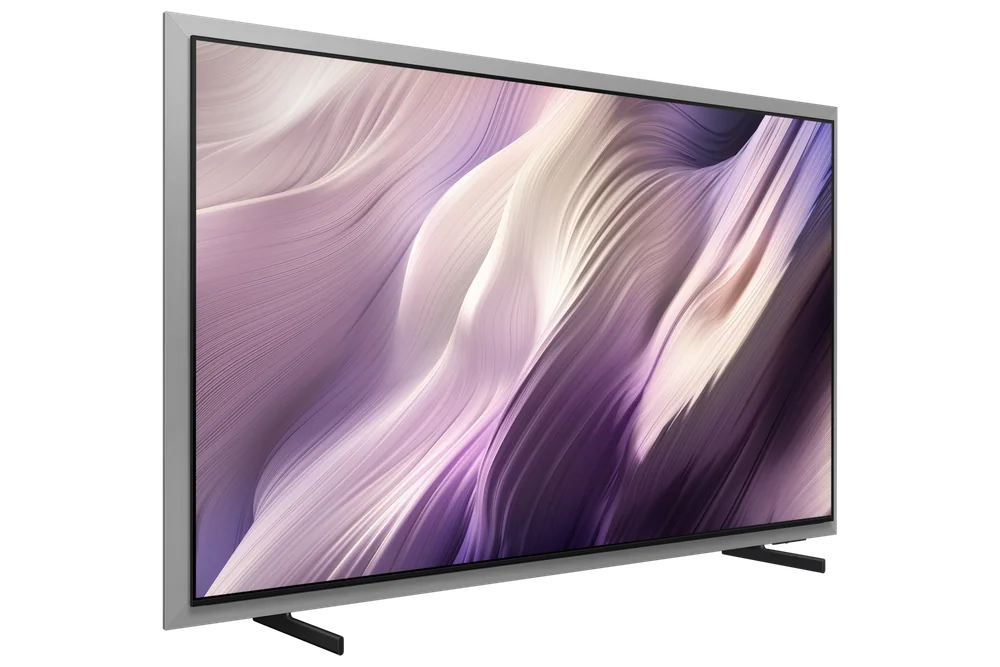
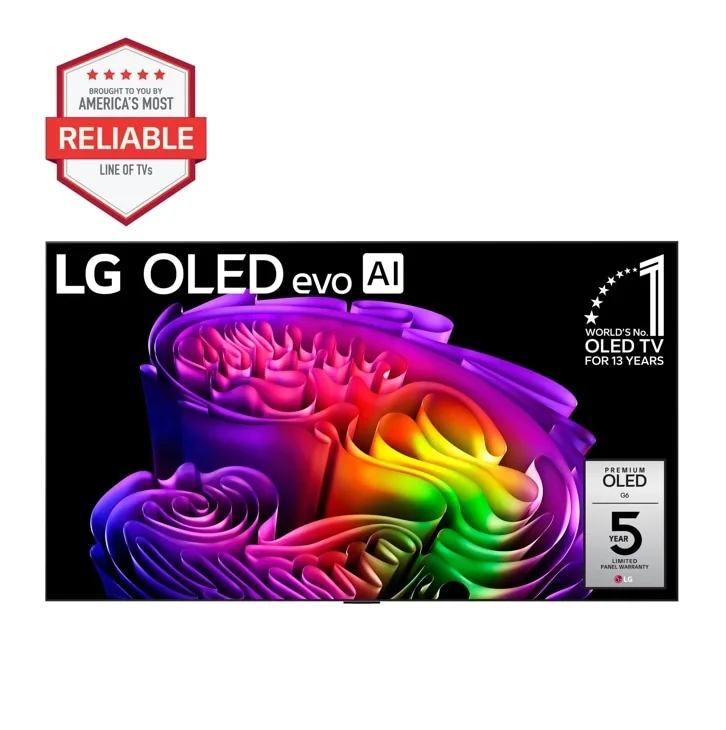
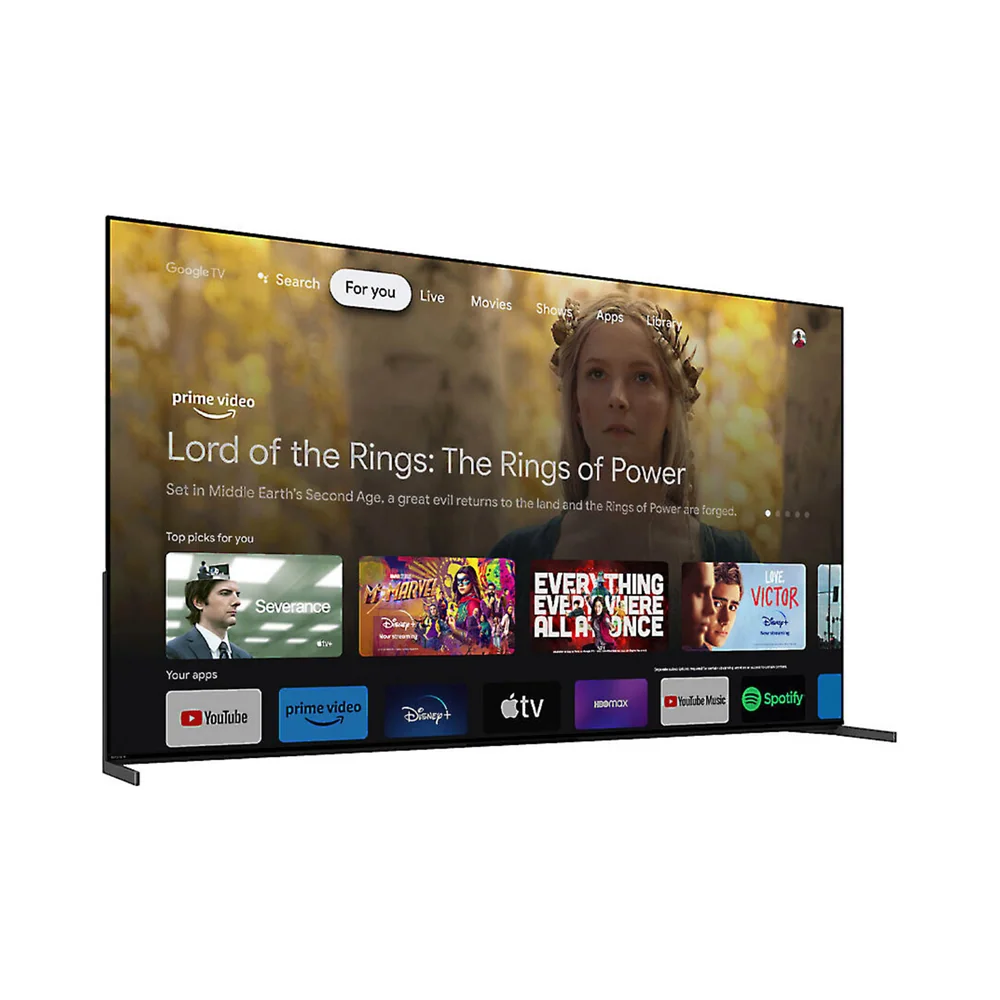
A few nearby options are worth a glance before you commit.
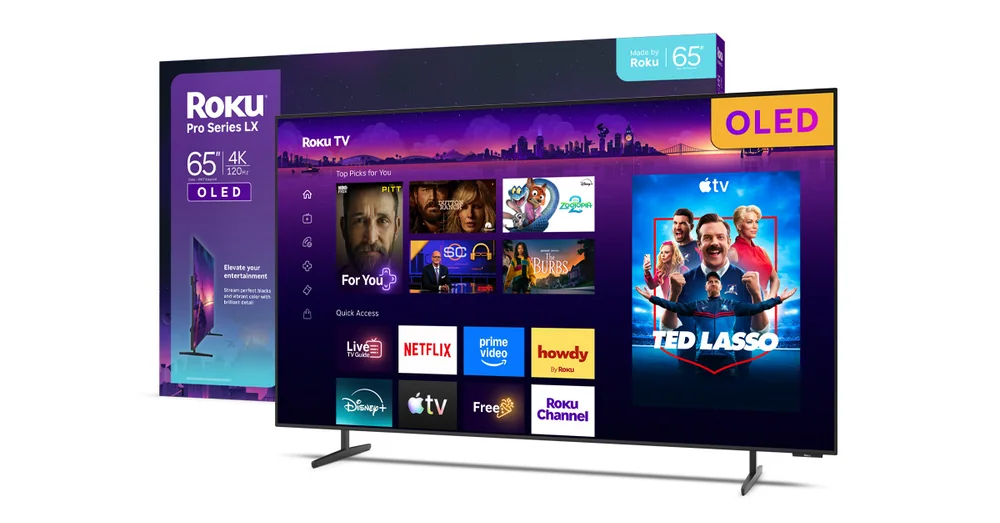
Roku Plus Series QLED TV FAQ
Does the Roku Plus Series QLED TV support Dolby Vision and HDR10+?
Yes, it supports both formats alongside standard HDR10 and HLG, which is a manufacturer specification. That coverage means you get enhanced brightness and color mapping regardless of which major streaming service you use most.
Can I play games with variable refresh rate on this TV?
No. The Plus Series QLED has a native 60Hz panel without VRR support, though it does include Auto Low Latency Mode. Gamers who prioritize tear-free motion should look at a competing set that includes VRR.
What sizes does the Roku Plus Series QLED come in?
It's available in 55, 65, and 75-inch models. One independent review's test unit was the 65-inch version, and there's no size option above 75 inches in this lineup.
Is the picture quality good on this TV?
One independent evaluation described it as bright and reasonably colorful, good news for daytime viewing, but noted a narrow viewing angle and a cooler-than-neutral color temperature out of the box. Expect to adjust picture settings and to sit fairly close to center for the best results.
What remote does the Roku Plus Series QLED TV include?
It ships with the Roku Voice Remote Pro, which uses a rechargeable battery instead of disposables, includes a built-in microphone for voice search, and has a lost-remote finder feature you can trigger from the Roku mobile app.
What VESA mount pattern does this TV use?
The 55-inch model uses a 300mm by 300mm pattern, while the 65 and 75-inch models use 400mm by 300mm, per Roku's official specifications. Confirm this against your wall mount before buying.
Should you buy Roku's own TV?
Buy the Roku Plus Series QLED TV for the software, not the panel. Roku's interface is the reason people seek out Roku TVs in the first place, and having it built by Roku itself rather than licensed to a third party doesn't change what you get day to day, it just means the remote and hardware decisions came from the same company that made the software you'll use every night.
If you're upgrading from an old 1080p set and want a fuss-free 4K TV with a smart platform you'll actually enjoy using, this is a reasonable, well-rounded choice, especially if your seating is centered and you're not chasing competitive gaming performance. If you need wide-angle picture consistency, VRR for gaming, or accurate color straight out of the box, spend your money on a set built around those priorities instead.