
Pickori

Guide

Understanding Smart TV Data Collection and Privacy Settings

What ACR tracking actually does and how to turn off the parts you don't want.

Most smart TVs sold today watch what you watch, in a fairly literal sense. A background feature called automatic content recognition takes snapshots of what's on screen and matches them against a database to figure out what show, movie, or channel is playing, then uses that information to build a profile for targeted advertising. This isn't a hidden conspiracy so much as a business model: smart TVs are often priced lower than the hardware costs, with the difference made up by advertising data collected after the sale. Understanding how it works, and knowing where the off switches live, lets you keep the parts of the smart platform you like while turning off the tracking you don't.

Reading time: 7 minutesBest for: Anyone who wants a smart TV's convenience without the advertising trade-off
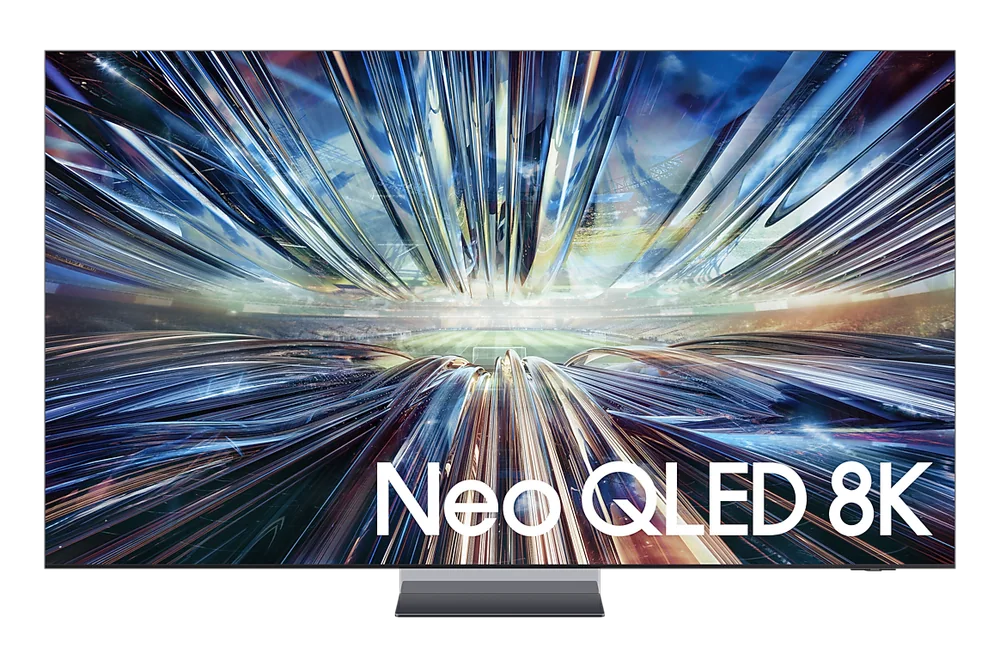
Samsung QN900D Neo QLED 8K TV

What automatic content recognition does

ACR works by periodically capturing what's displayed on screen, whether that's a cable broadcast, a streaming app, or a connected game console, and comparing it against a reference database to identify the content. Once identified, that viewing data gets tied to an advertising profile used to target ads within the smart platform's own apps and sometimes shared with outside advertising partners.

It's separate from the streaming apps you use, meaning turning off ACR doesn't affect a specific service's own tracking, like a streaming platform's internal viewing history and recommendations.

Where to find privacy settings by brand

Samsung TVs list this under Settings, then Terms and Privacy, often labeled Viewing Information Services. LG hides it under Settings, then General, then Additional Settings, labeled Live Plus. Roku calls it Smart TV Experience under Settings, Privacy. Google TV and Vizio use similarly named but differently located toggles, usually filed under a broader Privacy or Ads menu.

Because naming varies so much between brands, and even between software versions of the same brand, using the settings menu's search function for the word 'privacy' or 'ads' is more reliable than following a fixed set of menu steps.

Turning off ad personalization

Beyond ACR itself, most platforms have a separate advertising ID reset or opt-out toggle that limits how targeted ads within the home screen and apps can get, even if some data collection continues in the background. Resetting the advertising identifier periodically is one way to break the link between past viewing data and future ad targeting without fully disabling smart features.

Turning off personalization usually means seeing more generic ads rather than none at all, since ad-supported home screens are part of how many platforms fund their free content and apps.

Microphone and camera concerns

Voice remotes include a microphone that's typically only active when a button is held or a wake word is spoken, but some platforms also support always-listening voice search that keeps the mic in a low-power listening state. A small number of higher-end models include a built-in camera for video calling apps, usually covered by a physical shutter or removable cap when not in use.

Checking whether your model has an always-on microphone setting, and whether it can be switched to push-to-talk only, is worth doing if a live microphone in the living room bothers you.

What this guide helps you understand

The privacy toggles exist on every major platform, but they're worded and hidden differently enough that most owners never touch them, leaving default tracking running for the life of the TV.

A TV account (Samsung, LG, or similar) set up if you want to check collected data
A few minutes to search settings by keyword rather than menu-hunting

Technique notes

Disabling ACR doesn't stop tracking inside individual streaming apps
Advertising ID resets reduce targeting without disabling smart features entirely

More smart tvs help

As an Amazon Associate I earn from qualifying purchases.

← Back to Smart Tvs