
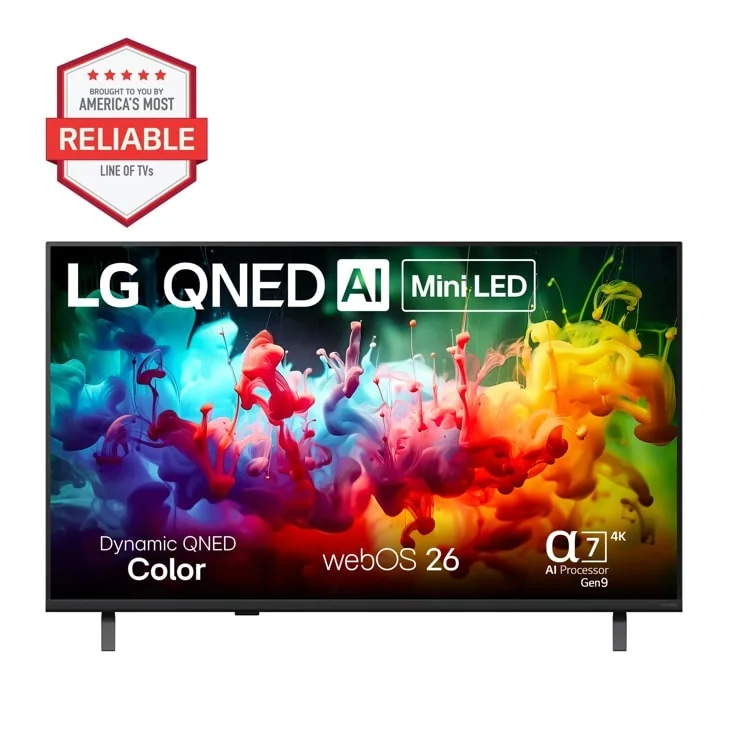
What to know first
- Mini-LED backlighting gives noticeably better contrast than standard LED, though it still trails OLED in the darkest scenes
- webOS is the standout daily-use feature: fast navigation, wide app support, easy multi-user setup
- Factory picture settings favor showroom brightness over accuracy, so plan on a quick manual adjustment
- Best judged against other midrange Mini-LED sets, not against LG's own OLED lineup
- Confirm HDR format support (Dolby Vision vs HDR10+) against your main streaming services before buying
- Check the exact HDMI 2.1 port count for your setup if you're running a current-gen console plus a soundbar
Where this QNED sits in LG's 2026 lineup
LG builds three tiers most shoppers actually cross-shop: standard LED, QNED Mini-LED, and OLED. This 2026 midrange QNED model is the middle rung, built around a Mini-LED backlight instead of the single uniform light source in a basic LED TV. That backlight is split into many more independently controlled zones, which is the entire reason this set exists: it's chasing OLED-like contrast at a lower cost by getting smarter about how it dims sections of the screen rather than lighting the whole panel evenly.
It's not trying to be a flagship. LG's own OLED sets still lead on per-pixel black levels and off-angle viewing, and this QNED isn't pretending otherwise. Instead it's aimed at the buyer who found OLED prices painful and standard LED contrast disappointing, and wants a documented step up without stretching the budget as far.
The 2026 refresh mostly means updated processing and the current version of webOS rather than a dramatically different panel concept. If you've seen LG's Mini-LED sets from the past couple of years, the fundamentals here should feel familiar, with the usual year-over-year software and processing polish.
The backlight trick that actually changes what you see
A basic LED TV lights the whole screen from one zone (or a small handful), so a bright object on a dark background tends to bloom, that faint gray glow around headlights in a night scene or subtitles on a black bar. Mini-LED backlighting divides that same panel into far more independently dimmed zones, which is what lets this QNED keep the surrounding darkness dark while the bright object stays bright. It's the single biggest reason to pick this over a cheaper LED set at a similar price.
Refresh rate is the other lever worth understanding before you buy. Faster refresh rates smooth out motion during sports and gaming, so if you're a console gamer or watch a lot of live sports, confirm the specific refresh rate on the exact model and size you're considering, since it can vary within a lineup.
webOS is where LG has quietly built a real advantage over the budget competition. The interface loads quickly, the app catalog covers what most households actually use, and setting up separate profiles for family members means everyone's recommendations and watchlists stay their own. It is a daily convenience that's easy to undervalue in a spec sheet and hard to give up once you're used to it.
Living with it: remote, ports, and the first-week settings tweak
Out of the box, expect the picture to look a little oversaturated and aggressively bright, standard for a TV tuned to grab attention on a showroom wall. Switching to a filmmaker or cinema-style picture mode and dialing back the sharpness a few notches gets you closer to how the content was actually meant to look. It's a ten-minute job, not a project, but it's a job you should plan on doing rather than skipping.
Port selection matters more than people expect until they're crawling behind the TV mid-movie trying to free up an HDMI slot. If you're running a current-gen game console, a streaming box, and a soundbar, count your devices before you buy and check how many HDMI 2.1 ports (the version that supports high frame rate gaming) this specific model includes, since that count differs across LG's own sizes and tiers.
Remote compatibility is worth a quick check too. Universal remotes and voice assistants generally work, but some of the more advanced voice and smart-home features are tied to LG's own remote and app ecosystem, so don't assume a third-party remote gives you full functionality.
Where the Mini-LED promise runs into its limits
More dimming zones is not the same as per-pixel control. In scenes with small bright details scattered across a dark frame, like a starfield or a candlelit room, you can still catch the backlight zones working, a faint blooming halo that OLED simply doesn't have because every pixel lights itself. It's a smaller version of the problem this technology exists to solve, not a total fix.
8K support, if this model advertises it, is worth putting in proper context: almost no service streams in 8K yet, so treat that spec as a future-proofing footnote rather than a reason to pay more today. The picture improvement you'll actually live with day to day comes from the Mini-LED contrast and processing, not the theoretical resolution ceiling.
Buyers set on the deepest possible blacks for a dedicated home theater room should still look at OLED, price allowing. This QNED is built for mixed-use living rooms with some ambient light, where its extra brightness headroom is actually an advantage, not a room built for lights-off, reference-grade viewing.
The specs that matter
Reduces the gray haze around bright objects on dark backgrounds, giving noticeably better contrast than a basic LED TV in mixed-brightness scenes.
This is the interface you'll touch every day; fast load times and multi-user profiles make daily streaming less of a chore than on slower budget platforms.
A higher refresh rate keeps fast motion in sports and gaming smooth; confirm the exact spec on your chosen size before buying if that matters to you.
Your TV only delivers full HDR benefit if it supports the format your streaming service actually uses, so mismatched support means you lose brightness and color range you paid for.
Fewer high-bandwidth ports mean juggling cables between a console, soundbar, and streaming box, so count your devices before buying.
Almost nothing streams in 8K today, so this is a future-facing checkbox rather than something that changes your picture right now.
Who this product fits
Upgrading from an old basic LED TV
You'll notice the Mini-LED contrast improvement immediately, especially in night scenes and dark movies where your old set showed a washed-out gray instead of black. Combined with webOS, this feels like a genuine generational jump rather than a minor refresh.
Choosing between this QNED and an entry-level OLED
If budget allows and you watch a lot of content in a darkened room, OLED still wins on black levels and viewing angles. Pick this QNED instead if you want extra brightness for a sunlit living room or need to save meaningfully on price.
Building a console gaming setup
Confirm the specific refresh rate and HDMI 2.1 port count on your exact size before buying, since both can vary within LG's own lineup and directly affect how smooth fast-paced games look.
What else to compare
A few comparisons worth making before you check out.
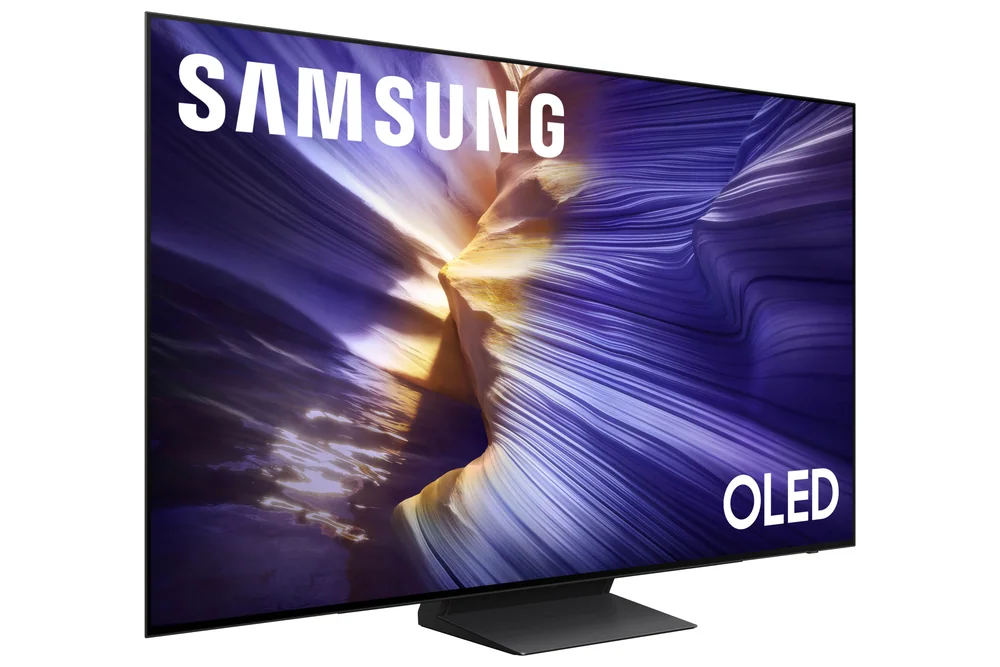
LG QNED 4K Mini‑LED Smart TV (2026 midrange series) FAQ
Is LG's QNED Mini-LED as good as OLED?
No, but it closes a real part of the gap. OLED still controls brightness at the individual pixel level, so it wins on the darkest scenes and viewing angles. This QNED's Mini-LED backlight gets meaningfully closer to that contrast than a standard LED TV, at a lower price than OLED.
Do I need to adjust the picture settings when I first set it up?
Yes, the factory picture mode is tuned to look bright and punchy for store displays, not for your living room. Switching to a cinema or filmmaker mode and toning down sharpness gets you closer to accurate color within a few minutes.
Does this TV support 8K content?
Some models in the lineup may list 8K support, but almost no streaming service currently delivers 8K video. Treat that spec as a future consideration, not something that improves your picture with the content you'll actually watch today.
Will a universal remote work with this TV?
Basic functions generally work with universal remotes, but some advanced voice and smart-home features are tied to LG's own remote and app. If those features matter to you, plan on keeping the original remote handy.
How many HDMI 2.1 ports does it have?
That varies by screen size and exact model within the 2026 QNED lineup, so check the specific product page for your size before buying if you're running multiple next-gen devices.
Who should actually buy this QNED
This TV makes the most sense for someone stepping up from a basic LED set who wants a real, visible contrast improvement without paying OLED prices. The Mini-LED backlight isn't a marketing footnote here, it's the whole reason to choose this over a cheaper LED alternative, and it shows up in the scenes that used to look muddy on older TVs.
Skip it if you're set on OLED-level black levels for a dedicated dark room, or if you're buying purely on the promise of 8K readiness rather than what you'll actually watch this year. Everyone else, especially households leaning on webOS for daily streaming, gets a genuinely solid middle-tier television that earns its place between LG's cheaper LEDs and its pricier OLED sets.