
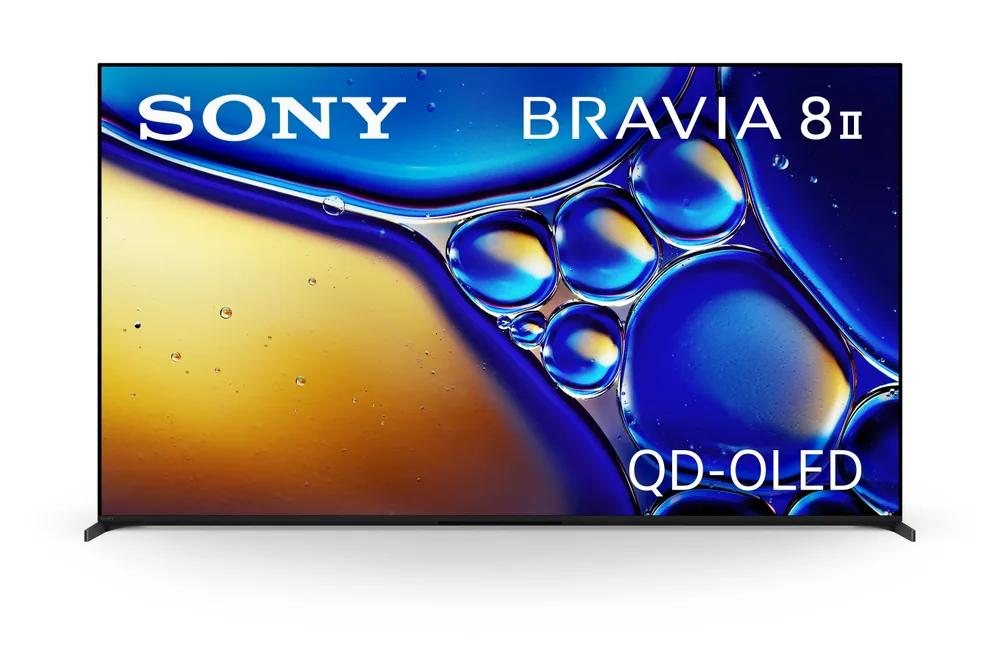
What to know first
- QD-OLED panel with over 8 million self-lit pixels, tuned by Sony for its highest OLED brightness to date
- XR processor handles the scene-by-scene HDR and color adjustments rather than relying on a single flat setting
- Runs Google TV, giving you Chromecast, a familiar app grid, and voice search out of the box
- Announced April 2, 2025, positioning it as Sony's current QD-OLED flagship rather than a budget pick
Where the BRAVIA 8 II sits in Sony's lineup
The BRAVIA 8 II is Sony's answer to a question flagship OLED buyers keep asking: why does my expensive TV look worse than a cheaper LED set the moment I open the curtains? Sony's fix is a QD-OLED panel, which adds a quantum dot color layer on top of the same self-lit pixel structure that gives OLED its perfect blacks. The result, according to Sony, is the brand's highest OLED brightness to date.
It's worth knowing this isn't the same TV as the standard BRAVIA 8. That model uses a different panel and a distinct One Slate Seamless Edge design with thinner bezels and built-in cable management. The BRAVIA 8 II is the step up in picture technology, not a redesign of the chassis, so don't assume the two share a design language just because the names are close.
Announced in April 2025, the BRAVIA 8 II slots in as Sony's current QD-OLED flagship at the 55 and 65 inch sizes, aimed squarely at buyers who already know they want OLED and are deciding how much brightness and processing power to pay for on top of it.
Quantum dots plus self-lit pixels: what that combination buys you
Standard OLED panels light up color using white subpixels filtered down, which caps how bright and saturated colors can get before the image starts to look washed out. QD-OLED swaps in quantum dots that convert light more efficiently, which is why Sony can push the BRAVIA 8 II to its highest OLED brightness while keeping the deep, uniform black levels that make OLED worth buying in the first place.
Over 8 million self-lit pixels means every one of them turns on and off independently, so a starfield or a candle in a dark room still renders as true black around the light source instead of a gray halo. Sony's XR processor is what decides, scene by scene, how far to push the quantum dot layer's extra headroom without blowing out skin tones or making a sunset look artificial.
The practical upshot: this is one of the few OLED sets built to compete with bright LED and Mini LED TVs in a room with windows, while still winning the dark-room comparison outright. If your last OLED disappointed you specifically because it looked dim during a football game or a daytime cooking show, this is the fix Sony designed for.
Living with Google TV and the daily routine
Google TV runs the interface, so setup means signing into a Google account, syncing your streaming logins, and getting a homescreen that mixes your apps with recommended content and, at times, ads for shows you're not looking for. If you've used a Chromecast or another Google TV set recently, there's nothing new to learn here, which cuts down on the usual first-week fumbling with a new remote and menu system.
Chromecast built in means casting from a phone works without extra setup, and Google Assistant voice search handles the usual "find me a comedy from the 90s" requests reasonably well on Google TV sets generally. What you're trading for that convenience is a platform that's more interested in surfacing content than staying quiet, so plan to spend a few minutes turning off recommendation rows you don't want cluttering the home screen.
Day to day, the picture quality is where this TV earns its price. Once your streaming apps and inputs are set up, the XR processor's HDR tone-mapping runs in the background without requiring you to fiddle with picture modes for every different show, which matters more than any menu feature once the setup phase is over.
The bezel and price catch worth knowing before you buy
That's the price of chasing brightness performance most casual viewers may not notice compared to a standard OLED costing several hundred dollars less, especially if most of your viewing happens after dark.
It's also worth repeating that the sleeker Seamless Edge design, thinner bezels, and 4-way stand belong to the standard BRAVIA 8, not this model. If a minimal, cable-free look on the wall or stand is part of why you're shopping OLED, confirm which model you're actually looking at before you buy, because the names are close enough to cause a mix-up.
Sony doesn't publish independent brightness or contrast measurements in what's been made available here, so treat "highest OLED brightness" as a manufacturer claim about this generation's improvement, not a number you can compare directly against competing TVs without seeing third-party evaluation first.
The specs that matter
Quantum dots boost brightness and color saturation beyond a standard OLED panel while keeping OLED's per-pixel black levels, which is the main reason this TV costs more than a regular OLED.
Handles scene-by-scene HDR tone-mapping and color adjustments automatically, so you're not manually switching picture modes between a dark drama and a sunlit sports broadcast.
Gives you built-in Chromecast and a familiar app layout, but expect an ad-supported homescreen you'll want to tidy up after setup.
Only two sizes means less flexibility than some competing lineups if you want something smaller for a bedroom or larger for a dedicated theater room.
Positions the BRAVIA 8 II as a flagship purchase, so it makes the most sense for buyers who specifically want QD-OLED brightness gains rather than OLED at the lowest possible price.
If ultra-thin bezels and built-in cable management matter to you, double-check you're not confusing this model with the standard BRAVIA 8, which uses that design instead.
Who this product fits
Replacing an OLED that looked dim during the day
If your current OLED TV only looks its best with the shades drawn, the BRAVIA 8 II's QD-OLED brightness gains directly address that complaint, making daytime sports and sunlit scenes hold up better without sacrificing the black levels you bought OLED for in the first place.
Building a dedicated home theater
In a room where you control the lighting, the BRAVIA 8 II's true blacks and Google TV app access to nearly every streaming service make it a strong centerpiece, though in a fully dark room you may not need the extra brightness headroom this specific model is built around.
Comparing against the standard BRAVIA 8
If a slim profile and minimal bezels on the wall matter more to you than peak brightness, the standard BRAVIA 8 with its Seamless Edge design may fit better, while the BRAVIA 8 II is the pick when picture performance is the priority over the physical design.
What else to compare
A few comparisons worth making before you commit to Sony's price tag.
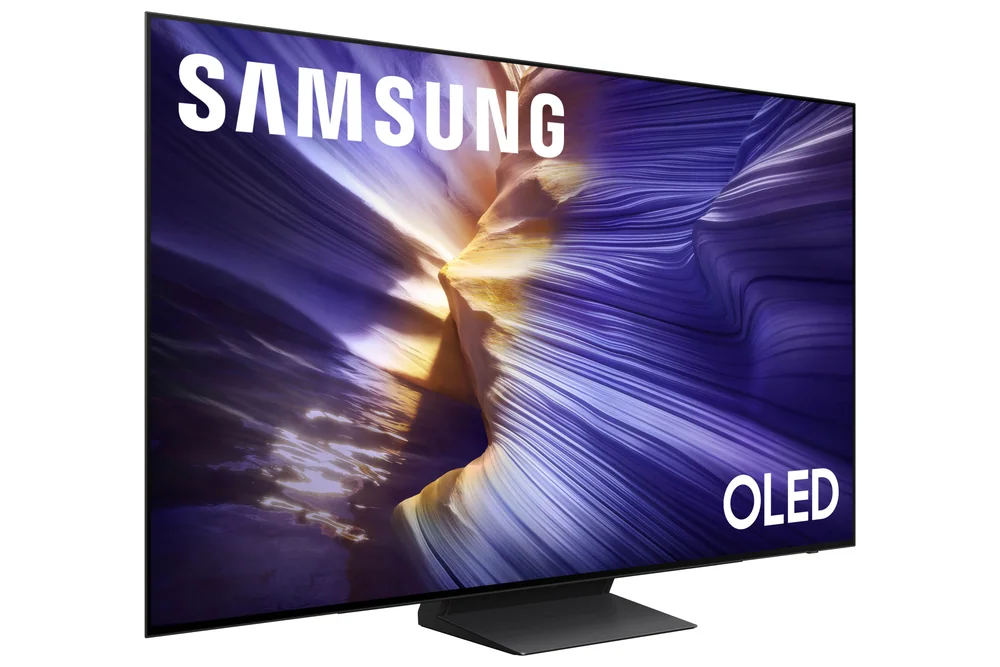
Sony BRAVIA 8 II QD‑OLED 4K HDR Smart TV FAQ
Is the Sony BRAVIA 8 II the same as the BRAVIA 8?
No. The standard BRAVIA 8 uses a different panel and Sony's One Slate Seamless Edge design with thinner bezels and built-in cable management. The BRAVIA 8 II uses a QD-OLED panel focused on higher brightness, and it does not carry that same slim-bezel design.
What screen sizes does the BRAVIA 8 II come in?
Sony offers it in 55 inch (139 cm) and 65 inch (164 cm) sizes. There isn't a smaller or larger option in this line based on available information.
Does the BRAVIA 8 II use Google TV or Sony's own interface?
It runs Google TV, which includes Chromecast built in, Google Assistant voice search, and a homescreen that blends your apps with Google's own content recommendations.
Why is QD-OLED better than regular OLED?
QD-OLED adds a quantum dot layer that converts light more efficiently than the filtered white subpixels in a standard OLED panel, letting Sony push higher peak brightness and richer colors while keeping OLED's true per-pixel black levels.
How much does the Sony BRAVIA 8 II cost?
Who actually needs this brightness boost
Sony built the BRAVIA 8 II to solve one specific problem: OLED TVs that look stunning at night and disappointing in daylight. If that's been your experience with a previous OLED, the QD-OLED panel and its higher brightness ceiling make a real difference, and the XR processor keeps that extra brightness from tipping into an oversaturated, artificial look.
For anyone who watches almost exclusively in a dark room, or who's more focused on a minimal wall-mounted look than peak picture performance, the standard BRAVIA 8 or a less expensive OLED will likely satisfy you for less money. But if you want an OLED that finally holds its own with the lights on, the BRAVIA 8 II is built for exactly that argument, and the price reflects the flagship position Sony is asking you to pay for.