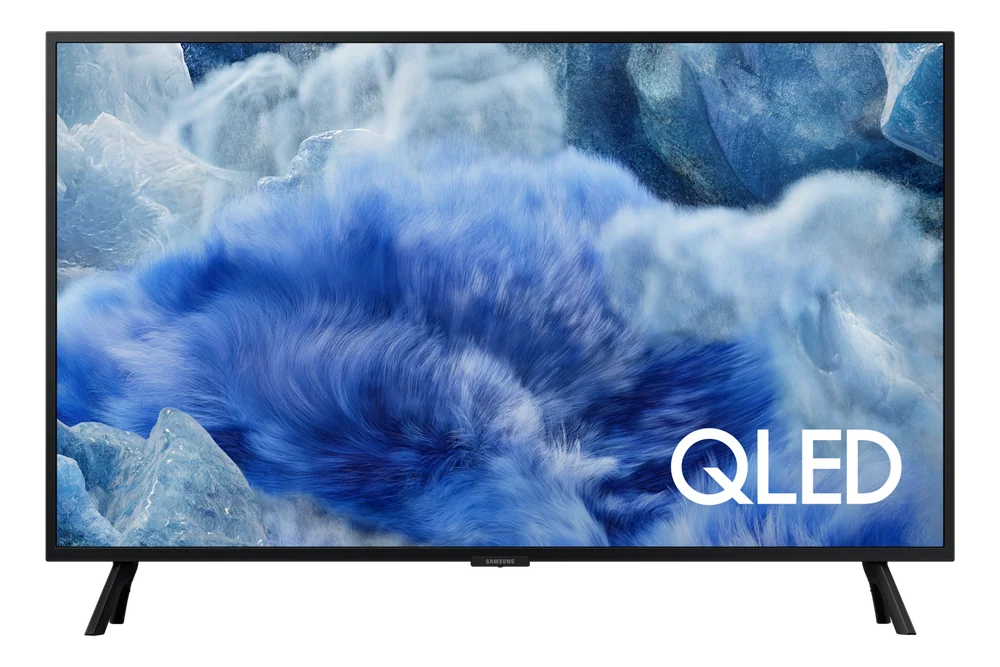
Everyday habits that protect the panel and electronics over years of use.
A TV doesn't usually fail all at once. It fades, dims unevenly, or starts lagging years before it actually dies, and most of that wear comes from daily habits rather than any single dramatic event. None of the habits that protect a TV are complicated or expensive. They're mostly about paying attention to heat, static images, and power, three things that quietly shorten a screen's useful life if ignored.
Reading time: 7 minutesBest for: Owners who want their TV to stay sharp well past the warranty period
Avoiding static image burn-in
Burn-in happens when a static image, like a channel logo, a paused game menu, or a news ticker, stays onscreen so long it leaves a faint permanent ghost behind. OLED panels are more susceptible to this because individual pixels age at different rates depending on how much they're used, while LED panels are far more resistant.
The fix is simple: avoid leaving a static image up for hours at a time, especially at high brightness. Most modern TVs have a pixel-shifting feature that nudges the image slightly to spread out wear, and it's worth leaving that on. If you pause content and walk away, get in the habit of switching to a screensaver or turning the TV off rather than leaving a frozen frame glowing for an afternoon.
Ventilation and heat management
TVs generate heat from their processing components and backlight, and that heat needs somewhere to go. Built-in vents, usually along the back or bottom edge, are there for a reason, and blocking them by pushing the TV flush against a wall or tucking it into a tight cabinet traps heat that shortens component life over time.
Leaving even a couple inches of clearance around vents helps a lot, especially for wall-mounted TVs in enclosed media cabinets. If a TV feels noticeably warm to the touch on the back panel during normal use, it's worth checking that nothing is blocking airflow, since sustained heat buildup is one of the more common causes of premature failure in the internal boards.
Surge protection basics
A power surge, a brief spike in electrical current from a storm or a grid fluctuation, can damage a TV's internal power supply instantly, sometimes without any visible sign of what happened. This is more common than people expect, especially in areas with older wiring or frequent storms.
Plugging a TV into a surge protector rather than directly into the wall is a cheap habit that protects against a fairly expensive repair or replacement. Not every surge protector is equal, and cheap power strips without real surge suppression won't help much, so it's worth using one rated specifically for surge protection rather than just extra outlets.
Software update habits
Smart TV software updates fix bugs, patch security issues, and sometimes improve performance on the smart platform side, but they occasionally introduce new problems too. Leaving automatic updates on is generally the right call, since manufacturers usually push fixes faster than they push regressions.
That said, if a TV suddenly runs slower or apps start crashing right after an update, it's worth checking the manufacturer's support page for known issues rather than assuming the hardware itself is failing. Restarting the TV fully, not just putting it to sleep, after an update often clears up small glitches that come with new software.
What this guide helps you understand
Most of what shortens a TV's life is heat, static images, and power surges, all of which are easy to manage with a few basic habits.
Leave clearance around vents, especially for wall-mounted or cabinet-enclosed TVs
Use a real surge protector, not just a basic power strip
Avoid leaving static images onscreen for extended periods
Technique notes
Full restarts after software updates often resolve small performance glitches
Safety note: Unplug a TV during electrical storms if it isn't on a dedicated surge protector.