
Pickori

Fitness Watch advice

GPS modes explained: accuracy, battery, and when each one makes sense

GPS settings change how your watch balances pace and distance accuracy against battery life, especially in tough signal areas.

Reading time: 9 minutesBest for: People who use GPS workouts and want fewer pace and distance surprises
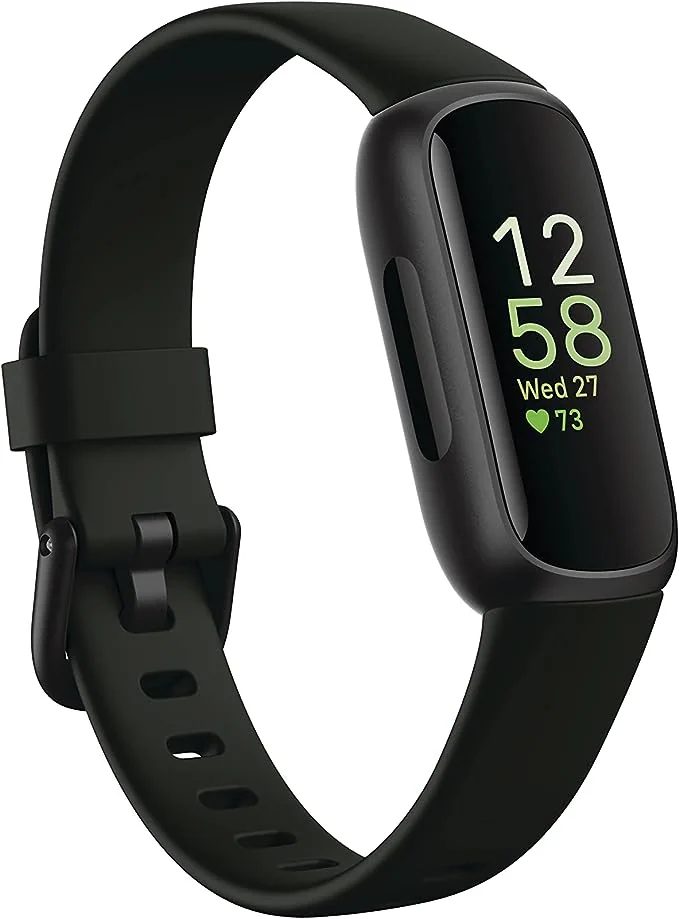
Fitbit Inspire 3

What GPS modes usually mean on a fitness watch

Most watches offer a standard or best accuracy mode, plus one or more battery saver modes. Standard mode typically samples satellite data frequently and uses more processing to smooth the track. Battery modes usually sample less often, simplify the track, or rely more on the watch's accelerometer (a motion sensor) between satellite checks. Some watches also offer a phone assisted mode that uses your phone's GPS to save watch battery. The practical effect shows up in two places: instant pace and total distance. Instant pace is the most sensitive because it is calculated from short time windows. When the watch checks satellites less often, pace can lag or spike, especially when you change speed. Total distance can drift if the watch cuts corners on turns or loses signal under trees or between buildings. Battery modes can still be great, but they are easiest to trust on steady efforts and open terrain.

GNSS options: GPS only vs multi-band and multi-system

GNSS is the umbrella term for satellite navigation systems. A watch may let you choose GPS only, or combine GPS with other systems. Some watches also offer multi-band (sometimes called dual-frequency), which listens on more than one signal band to reduce errors caused by reflections off buildings and rock walls. More signals and more bands can improve reliability, but they usually cost battery. If you run in a city, near tall trees, or on twisty trails, stronger GNSS options can make splits and routes cleaner. If you mostly run in open suburbs or on a track, GPS only may be plenty and can extend battery. The key is consistency. Switching GNSS settings every week makes it harder to compare pace and distance trends. Pick a default that fits your typical routes, then change it only when the day's conditions truly demand it.

Why pace looks wrong: signal quality, smoothing, and your route

When people say a watch has "bad GPS," they often mean the pace display feels unstable. That can happen even when the final distance is close. Instant pace is noisy because the watch is estimating speed from position changes, and small position errors become big pace swings. Watches try to fix this with smoothing (averaging pace over a few seconds) and with track filtering (ignoring impossible zigzags). Different brands tune this differently, so two watches can feel different on the same run. Your route matters as much as the watch. Tight turns, switchbacks, and stop and go traffic lights create pace swings that are real, then amplified by GPS noise. If you want a calmer number for training, use lap pace, average pace, or a longer pace averaging setting if your watch offers it. For intervals, rely on a track mode if available, or use a measured route and focus on lap time rather than second-by-second pace.

How to choose a mode for common workouts (and avoid battery surprises)

Use the highest accuracy mode for workouts where pace and distance precision matter: intervals, tempo runs, races, and any route where you care about clean splits. Use a battery saver mode for long steady sessions where you mainly need a reasonable track and total time: long hikes, easy long runs, or all-day events. If your watch offers an "auto" mode, learn what it actually does. Some auto modes change settings based on battery level, which can make the first half of an activity look different from the second. Battery life claims are usually based on specific settings. Always-on display, frequent notifications, music playback, and multi-band GNSS can cut runtime fast. Before a long day, do a short test activity with your intended settings and check the battery drop per hour. Also learn how your watch behaves when signal is lost. Some watches pause GPS, some keep estimating with motion sensors, and some create straight-line jumps. Knowing that behavior helps you interpret the map later instead of assuming your training suddenly changed.

What this guide helps you understand

Choose a GPS mode that matches your environment and workout so your pace and distance stay consistent without draining the battery.

Before a long GPS session, run a 20 to 30 minute test with your exact settings (GNSS mode, display, music, notifications) and note the battery drop per hour.

Technique notes

If you change GPS or GNSS settings, keep them consistent for at least a couple of weeks so your distance and pace trends stay comparable.

Safety note: If you rely on your watch for navigation, carry a backup plan (phone, map, or route notes) and do not assume a battery saver mode will keep tracking all day.

More from Fitness Watches

← Back to Fitness Watches