
Pickori

Troubleshooting

Why your fitness watch GPS looks wrong and how to improve it

GPS tracks can drift and cut corners, but the right satellite settings and a few habits can make pace and distance more dependable.

Reading time: 8 minutesBest for: Runners, walkers, and cyclists who see drifting routes, odd pace spikes, or short distances on curvy paths
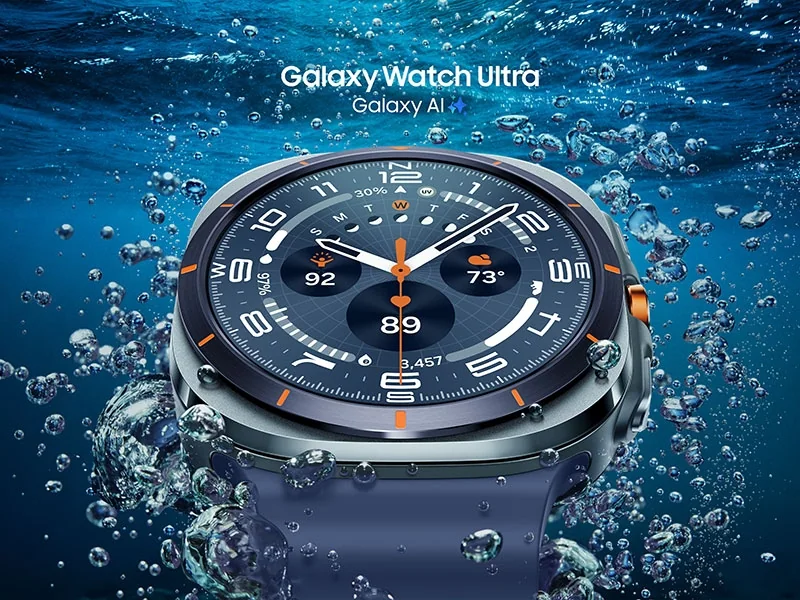
Samsung Galaxy Watch Ultra

What GPS and GNSS mean in plain English

GPS is one satellite system. GNSS is the umbrella term for multiple satellite systems your watch may use to find your position. When a watch supports more than one system, it can "see" more satellites from more angles, which can help in tricky spots. The tradeoff is usually battery life, because listening to more signals and doing more calculations takes more power. You will also see terms like "multi-band" or "dual-frequency." That means the watch can use more than one radio frequency from satellites. In plain terms, it can do a better job rejecting reflected signals, which is a big deal in cities and near cliffs. It does not make every track perfect, but it can reduce the worst corner cutting and random jumps.

City streets, tree cover, and trail switchbacks: what changes accuracy

In cities, the problem is often reflection. Signals bounce off glass and concrete, so the watch may think you are on the wrong side of the street or suddenly behind where you really are. That shows up as zigzags and pace spikes. In forests, the problem is blockage. Leaves and branches weaken signals, so the watch has fewer clean satellites to work with. On trails, tight turns and switchbacks make small location errors look bigger because the route changes direction constantly. A practical way to judge your GPS is to compare it to the route type. Straight roads with open sky should look clean. If those look messy, check settings and lock habits. If only downtown and dense tree cover look messy, that is normal to a point. In those places, use lap pace (for example, 1 mile or 1 kilometer splits) instead of instant pace, because averaging smooths out the noise.

Settings that trade battery for better positioning

Most watches let you choose a GPS mode per activity. Higher accuracy modes typically use more satellite systems, more frequencies, or more frequent sampling. Those modes can improve distance and pace stability, but they will shorten battery life, sometimes dramatically on long runs or hikes. If you do short workouts and charge often, you can prioritize accuracy. If you do long events, you may need a balanced mode. Also check whether your watch has options like "3D distance," "auto pause," or "smart recording." 3D distance can change how elevation is counted into distance on steep terrain, which can make numbers harder to compare run to run. Auto pause can create odd pace behavior in stop and go traffic. Smart recording (less frequent points) can save battery but can cut corners on winding routes. For curvy trails, more frequent recording usually gives cleaner tracks.

Pre run habits that help: waiting for lock, route choices, and updates

Give the watch time to lock before you start moving. "Lock" means it has enough satellite data to start tracking your position. Starting immediately often produces a messy first minute and can throw off the whole track. If your watch shows a GPS ready indicator, wait for it. If it does not, stand still for a short moment in an open area before you hit start. Route choices matter more than people think. If you want clean pacing, choose open sky routes for key workouts and accept that downtown runs will be noisier. Wearing the watch on the outside of your wrist (away from your body) can also help because your arm and torso block signals. Finally, keep your watch updated. GPS performance can improve over time through firmware updates and satellite data updates, and outdated software can cause avoidable quirks.

What this guide helps you understand

GPS errors are usually environment plus settings: use the highest accuracy mode you can afford on battery for important workouts, wait for a solid lock, and judge performance based on where you ran, not just the map line.

Before your next run, set your activity to a higher accuracy GPS mode and wait for the GPS ready indicator (or a short stationary pause) before starting.

Technique notes

If instant pace drives you crazy, switch your workout screen to lap pace or average pace. It is often more useful for training decisions.

Safety note: If you rely on GPS for navigation outdoors, do not assume the watch will always keep a signal. Carry a backup plan for route finding and timing.

More fitness watches help

← Back to Fitness Watches