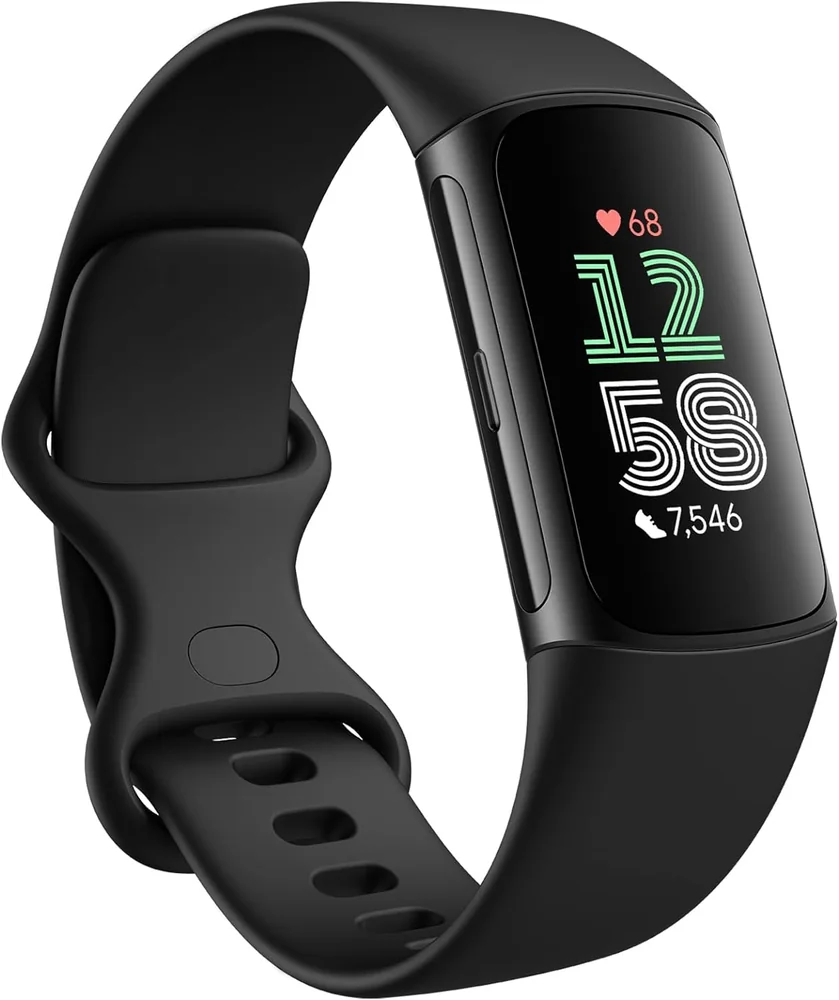
Setting notifications on a fitness watch without getting distracted
Published Updated
Allow only the alerts that support training, safety, and logistics, and turn the rest into scheduled check-ins.
Reading time: 8 minutesBest for: People who want key alerts on-wrist but do not want constant buzzing during work, workouts, or sleep
Which notifications are worth allowing for training and safety
Start with alerts that help you act quickly: calls from key contacts, texts from family, and calendar reminders you rely on to get to workouts or appointments. If you run or walk outside, consider allowing location or safety related alerts you would want immediately. Keep it tight. The more apps you allow, the less meaningful each buzz becomes.
For training, allow only what supports the session. A timer ending, a lap alert, or a workout prompt can be useful. Random app notifications during a run usually are not. If your watch supports "VIP" contacts or priority notifications, use that feature so your wrist only interrupts you for people and events that matter. Everything else can wait for a planned phone check.
How notification overload affects sleep and stress
Notification overload does not just distract you in the moment. It can keep your nervous system in a more reactive state, especially if you are constantly anticipating the next buzz. That can make it harder to wind down at night. Even if you do not wake fully, repeated vibrations can fragment sleep, which can make your sleep tracking look worse and your next day feel harder.
Use a sleep or do-not-disturb schedule. The goal is not to be unreachable. It is to protect a block of time where your body can settle. If you are on call or have a situation where you must be reachable, set exceptions for specific contacts. Also consider turning off "raise to wake" or always-on display at night if the screen light pulls your attention when you move.
Workout modes that reduce interruptions
Most watches have a workout mode focus setting, sometimes called do-not-disturb during workouts, theater mode, or a focus profile. Turn it on. During training, you want the watch to behave like a training tool, not a communication device. Allow only workout related alerts (laps, heart rate zones if you use them, timers) and block everything else.
If you use headphones, be careful with audio prompts. They can be helpful for pacing, but they can also become noise. Choose one or two prompts you will actually respond to, such as lap pace or interval cues, and disable the rest. If you do strength training, consider a simple setup: vibration for rest timer, screen stays on long enough to glance, and no app notifications until you end the session.
A simple weekly review to keep settings under control
Notification needs change. A new group chat, a new work app, or a travel week can quietly turn your watch noisy again. Once a week, take two minutes to review what actually buzzed your wrist. If you cannot remember why an app notification was useful, it probably was not.
Use a rule: if an alert did not lead to an action within a minute, it does not belong on your wrist. Move it back to the phone. Also review your focus schedules. Many people set do-not-disturb once and never adjust it, then wonder why the watch is annoying at the worst times. Small tweaks, like blocking notifications during your commute workout window, can make the watch feel calm again.
What this guide helps you understand
A focused notification setup is a boundary, not a feature. Let your watch interrupt you only for people, timing, and training cues that require immediate action, and push everything else to planned phone check-ins.
Turn on a sleep do-not-disturb schedule and limit notifications to calls, texts, calendar, and a small list of priority apps.
Technique notes
If you are trying to improve sleep consistency, reducing evening wrist alerts often helps more than adding new sleep metrics.
Safety note: If you use notifications while running or cycling outdoors, keep glances brief and avoid interacting with the watch in traffic or on uneven terrain.