
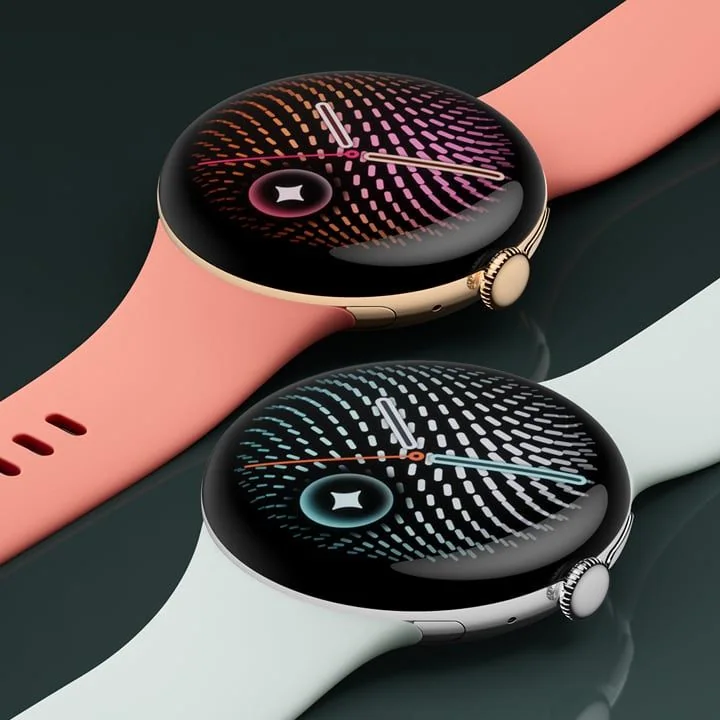
What to know first
- Two sizes: 41mm (31.0 g without band) and 45mm (36.7 g without band), both 12.3 mm thick.
- Battery estimates differ a lot by size: up to 30 hours AOD on 41mm, up to 40 hours AOD on 45mm (Battery Saver up to 48 hours and 72 hours, respectively).
- Dual-frequency GPS supports GPS, Galileo, and Glonass for cleaner tracking in tougher environments.
- Bright AMOLED LTPO display with up to 3000 nits peak brightness and 1 to 60 Hz refresh behavior.
- Water resistance is 5 ATM and IP68, which covers swimming and daily water exposure for most people.
- Comes with a Quick Charge Dock, but you need your own USB-C power adapter (minimum 7.5W).
What the Google Pixel Watch 5 is
Google Pixel Watch 5 is a Wear OS 7 smartwatch built for Android phones. It is meant to be your daily watch first, with fitness tracking that is robust enough for real workouts. You get the usual smartwatch basics like notifications, calls from the watch (it has a built-in speaker and microphone), and tap-to-pay with NFC, plus a long list of sensors for health and activity tracking.
For fitness, Pixel Watch 5 includes GPS and a multi-path optical heart rate sensor, along with motion sensors (accelerometer and gyroscope) that help it recognize movement. It also includes red and infrared sensors for SpO2 monitoring, a skin temperature sensor, and electrical sensors that are compatible with an ECG app. In plain terms, it is trying to cover the big three most people actually use: heart rate during workouts, location tracking for outdoor sessions, and sleep and recovery style insights from overnight data.
The big Pixel-specific angle is Gemini. Google positions Pixel Watch 5 as designed for Gemini Intelligence, with features like Raise to Talk and watch face updates that surface information when you need it. Whether you love that or ignore it, it is clearly the direction of this generation.
Why it stands out
The most important upgrade for everyday use is that Pixel Watch 5 is available in a 45mm size with a meaningfully larger battery (465 mAh typical versus 332 mAh typical on the 41mm). Google rates the 45mm for up to 40 hours with always-on display, and up to 72 hours in Battery Saver mode. That is the difference between a watch you can wear confidently through a long day and a watch you are always thinking about charging.
For outdoor workouts, Pixel Watch 5 supports dual-frequency GPS and multiple satellite systems (GPS, Galileo, Glonass). That matters if you run in a city, under tree cover, or on winding trails where weaker positioning can turn your pace and distance into a mess. You are paying for cleaner tracking and fewer weird spikes on your map.
The display is also built for real life. It is an AMOLED LTPO panel rated up to 3000 nits peak brightness, with an always-on display and a 1 to 60 Hz responsive refresh range. The practical benefit is simple: it stays readable outside, and it can dial down when it does not need to animate, which helps battery.
Finally, Pixel Watch 5 has the sensor set that makes health tracking feel complete instead of partial. You get optical heart rate, SpO2, skin temperature, and cEDA (skin conductance) for body response tracking, plus barometer and altimeter for elevation related data. Not everyone needs all of that, but if you like trends and context, it is all there.
What it is like to own
Setup is Android-first. Pixel Watch 5 works with most phones running Android 12.0 or newer, and it requires a Google Account and the Google Pixel Watch app. If you are already living in Google services like Gmail and Calendar, the watch is designed to pull useful bits of your day onto your wrist, including watch face updates that surface live information.
Charging is built around the included Quick Charge Dock. Google’s published charging speeds are fast enough to fit into normal routines: about 15 minutes to 50%, then roughly 45 minutes (41mm) or 60 minutes (45mm) to reach 100%. The one catch is that a USB-C power adapter is not included, and Google specifies a minimum 7.5W adapter.
Comfort and sizing are straightforward. The 41mm watch is 31.0 g without the band, while the 45mm is 36.7 g without the band. Both are 12.3 mm thick. Each comes with an Active Band (2nd gen) and includes both small and large sizes in the box, so you are not forced to buy a second band just to get a decent fit.
For day-to-day durability, Pixel Watch 5 uses Corning Gorilla Glass 5 and is rated 5 ATM and IP68. That is the kind of rating that lets you wear it through sweaty workouts, rain, and pool time without babying it.
What to know before you buy
First, compatibility is not flexible. Pixel Watch 5 is for Android phones, and Google specifies Android 12.0 or newer. If you are on iPhone, do not buy this expecting a great experience. Pick an Apple Watch instead.
Second, do not overinterpret the health metrics. Pixel Watch 5 has the sensors to estimate things like calorie burn and sleep stages, but those are still estimates based on heart rate and movement patterns. They are most useful for your own trends over time, not as a precise daily scorecard.
Third, choose your size based on your routine, not just your wrist. The 41mm is easier to wear for many people, but the 45mm is the one that makes battery life feel relaxed. If you want always-on display and you do GPS workouts, the bigger battery can matter more than you think.
The specs that matter
If you hate bulky watches, the 41mm is easier to live with. If you want longer battery life and do longer days or more GPS workouts, the 45mm gives you more breathing room.
Battery life determines whether you wear the watch consistently. The 45mm model is much more likely to get you through a full day and into the next without planning your charging.
Fast charging makes the watch easier to keep topped up. A short charge while you shower or get ready can cover a lot of the day.
Dual-frequency positioning helps keep your pace and distance more stable in cities, under trees, and on trails. It is a big deal if you care about splits and clean maps.
High peak brightness is what keeps the screen readable outdoors. LTPO and variable refresh help the watch stay responsive without burning battery on constant full-speed refresh.
This is the sensor mix that supports heart rate based training, sleep and recovery style insights, and richer workout context. Fit still matters. A loose strap can make heart rate readings noisy, especially during intervals or lifting.
You can wear it in the pool, in the rain, and during sweaty workouts without treating it like a fragile gadget. Water exposure is a common failure point for wearables, so a real rating matters.
Android 12 compatibility is a hard requirement. NFC is what enables tap-to-pay. LTE is what lets you stay connected when you leave your phone behind, if you choose that version and plan.
Who this product fits
You want one watch for workdays and workouts on Android
Google Pixel Watch 5 covers notifications, calls, and payments, then switches into workout mode with built-in GPS and heart rate tracking. You do not need a separate fitness tracker to get the basics done.
You run in a city or under tree cover and hate messy GPS tracks
The dual-frequency GPS support is designed for tougher environments where single-band GPS can drift. That means more reliable distance and pace for your runs and walks.
You have a smaller wrist and want a watch that looks like a watch
The 41mm Pixel Watch 5 is lighter and more compact, and it still includes the same core sensor set and Wear OS 7 experience. It is the size most people can wear all day without thinking about it.
You want less charging stress
Pick the 45mm Pixel Watch 5. Google rates it for up to 40 hours with always-on display, and the quick-charge dock can refill a big chunk of battery in about 15 minutes.
What else to compare
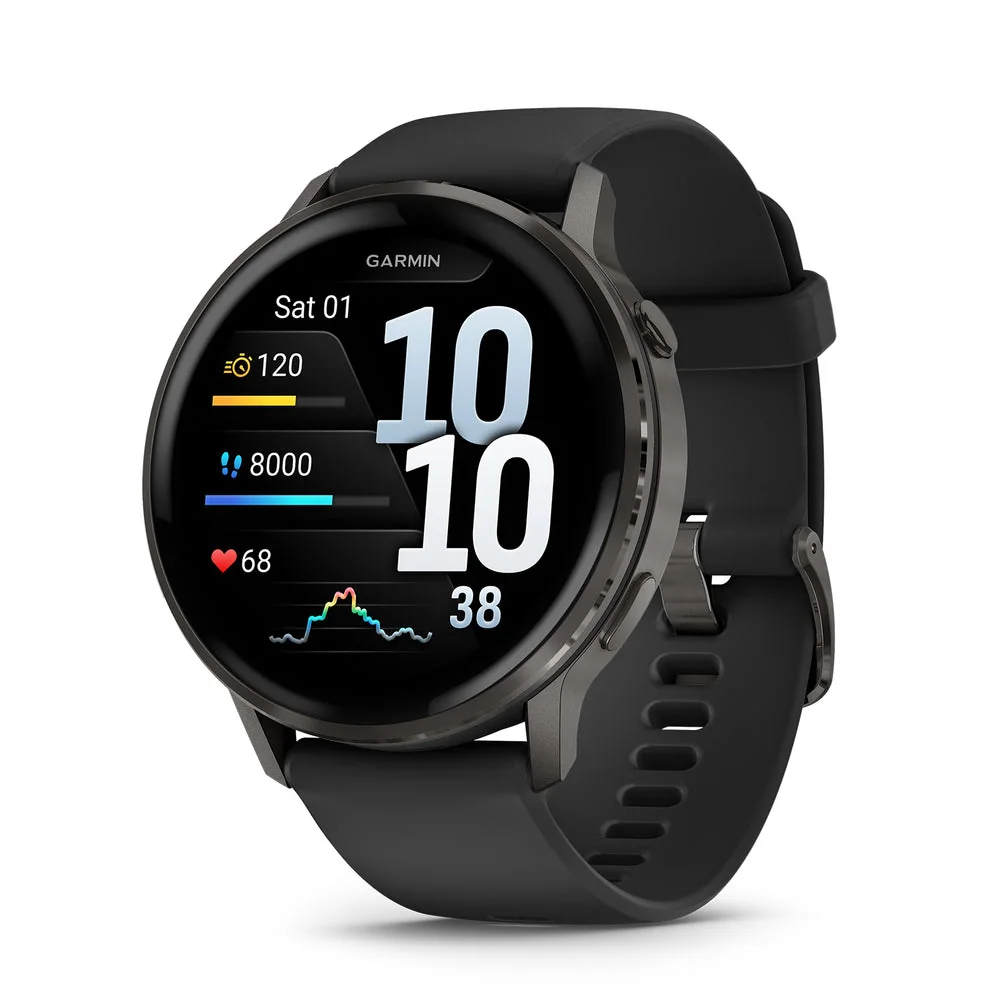
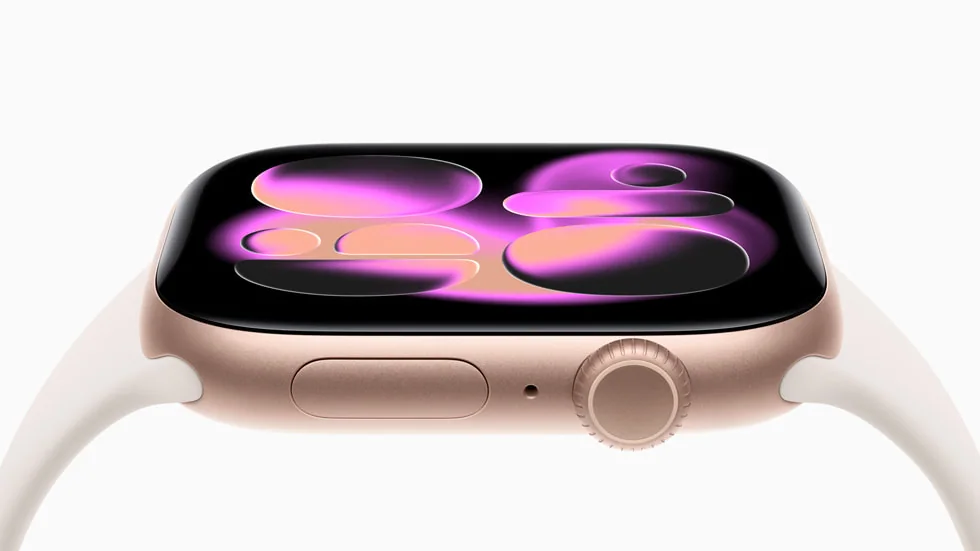
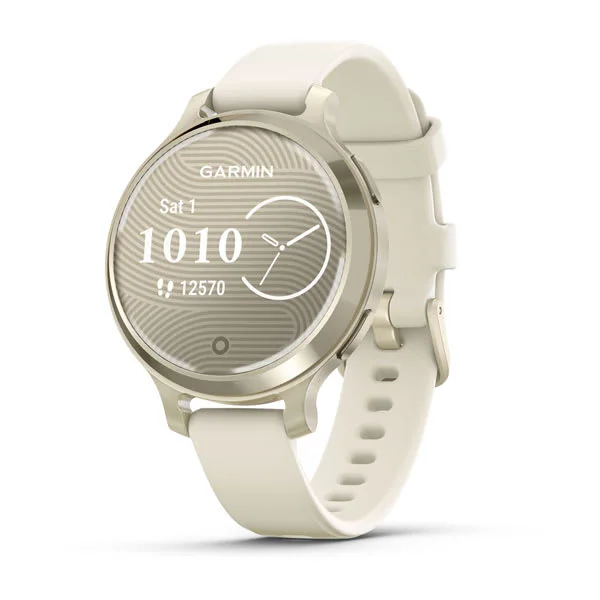
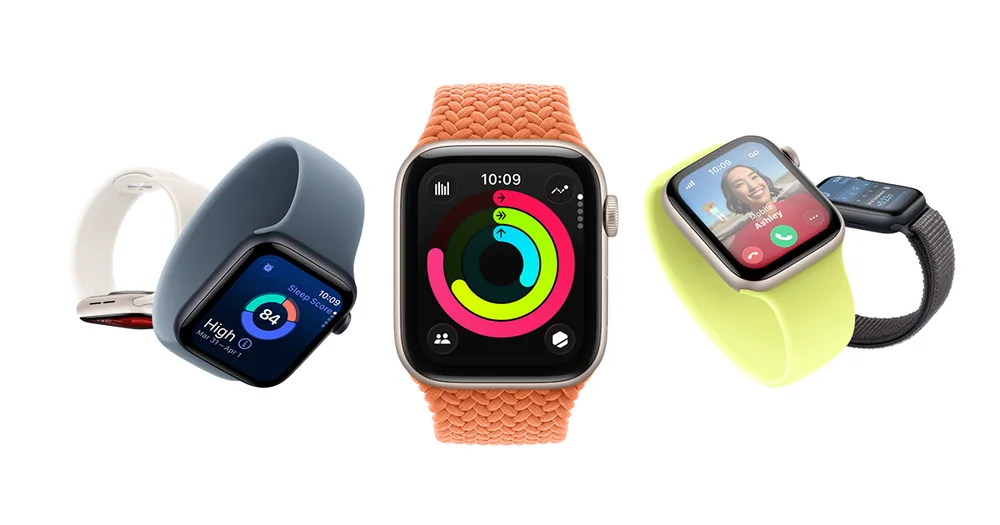
If Pixel Watch 5 is not the right fit, these are the watches I would look at next based on phone compatibility and what you want from fitness tracking.
Google Pixel Watch 5 FAQ
Does the Google Pixel Watch 5 work with iPhone?
No. Google says Pixel Watch 5 works with most phones running Android 12.0 or newer and requires a Google Account and the Google Pixel Watch app. If you use an iPhone, an Apple Watch is the better match.
Should I buy the 41mm or 45mm Google Pixel Watch 5?
Buy the 41mm if you want the lighter, smaller watch (31.0 g without band) and you are fine with Google’s up to 30 hour always-on estimate. Buy the 45mm if you want the battery to feel easier day to day (up to 40 hours always-on, up to 72 hours in Battery Saver).
Is the Google Pixel Watch 5 good for running and outdoor workouts?
Yes, it is built for it. It has dual-frequency GPS and supports GPS, Galileo, and Glonass, plus an optical heart rate sensor and motion sensors for activity tracking.
Can I swim with the Google Pixel Watch 5?
It is rated 5 ATM and IP68. That is the level of water resistance most people want for swimming, showers, and heavy rain, though water resistance ratings are not the same as a guarantee for every water activity.
How fast does the Google Pixel Watch 5 charge?
With the included Quick Charge Dock, Google lists about 15 minutes to reach 50%. From there, it is about 45 minutes to 100% on the 41mm and about 60 minutes to 100% on the 45mm. A USB-C power adapter is required and not included.
What health sensors does the Google Pixel Watch 5 have?
It includes a multi-path optical heart rate sensor, red and infrared sensors for SpO2 monitoring, a skin temperature sensor, and electrical sensors compatible with an ECG app. It also has cEDA for body response tracking, plus barometer, altimeter, and other motion and environmental sensors.
Should you buy the Google Pixel Watch 5?
Buy Google Pixel Watch 5 if you are on Android and you want a smartwatch that also takes fitness seriously. The combination of Wear OS 7, dual-frequency GPS, a full sensor set, and quick charging makes it a watch you can actually keep on your wrist all day and use for workouts without feeling shortchanged.
If you are deciding between sizes, I would not treat it as a style choice. The 41mm is the comfort pick. The 45mm is the battery pick, and it is the one that makes the watch feel less like another device you have to manage. If you are on iPhone, skip it and go straight to Apple Watch.