Explore Gaming Laptops for more buying guides, in-depth reviews, comparisons, and practical advice.
These are Pickori’s recommendations for the best gaming laptops under 1000 in 2026, chosen to cover the ways people actually shop this category. The list includes newer-hardware value buys, proven budget workhorses, big-screen value models, and a couple of near-ceiling machines for smoother 1080p and 1440p gaming plus everyday school and work.
Pickori may earn a commission from affiliate links.
1
Best New-Hardware Value
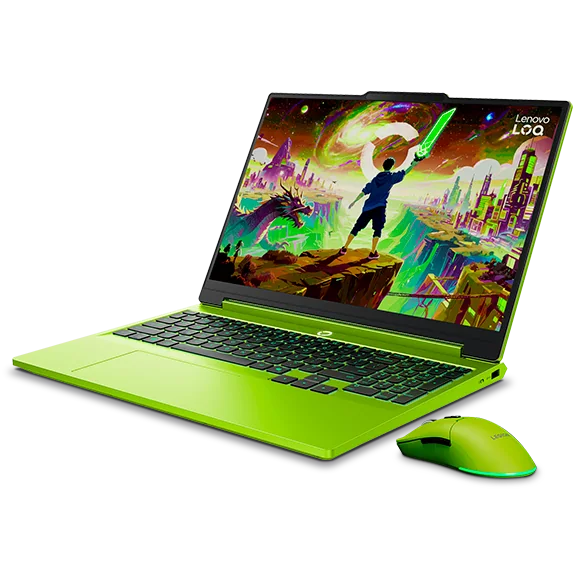
Lenovo LOQ 15
Lenovo LOQ 15 fits most shoppers who want a straightforward gaming laptop that can also handle school and real work without feeling like a compromise. It delivers smooth 1080p and 1440p gaming, and the high-refresh display options with VRR help fast games look cleaner and feel more responsive. Choose it when you want strong all-around performance and a comfortable daily-driver setup, and accept that it is not the one to buy for long battery life or frequent travel.
Strong 1080p and 1440p gaming performance for the money
High-refresh display options (144Hz FHD or 165Hz QHD) with VRR for smoother motion
Comfortable for everyday use with a spacious keyboard and responsive touchpad
Not a great fit for portability: bulky, heavy, and under four hours of video playback
ASUS TUF Gaming A15 makes sense for shoppers who want a familiar, no-nonsense budget gaming laptop and do not want to overthink the purchase. It is the kind of machine you can lean on for everyday 1080p gaming and general use without chasing the newest parts. If you are prioritizing newer-generation hardware specifically, the Lenovo LOQ 15 and Gigabyte Gaming A16 are the better direction in this list.
Solid all-around budget gaming approach for typical 1080p play
Good fit for shoppers who want a straightforward, widely understood gaming-laptop formula
Better choice for “set it and forget it” buyers than for spec-chasers
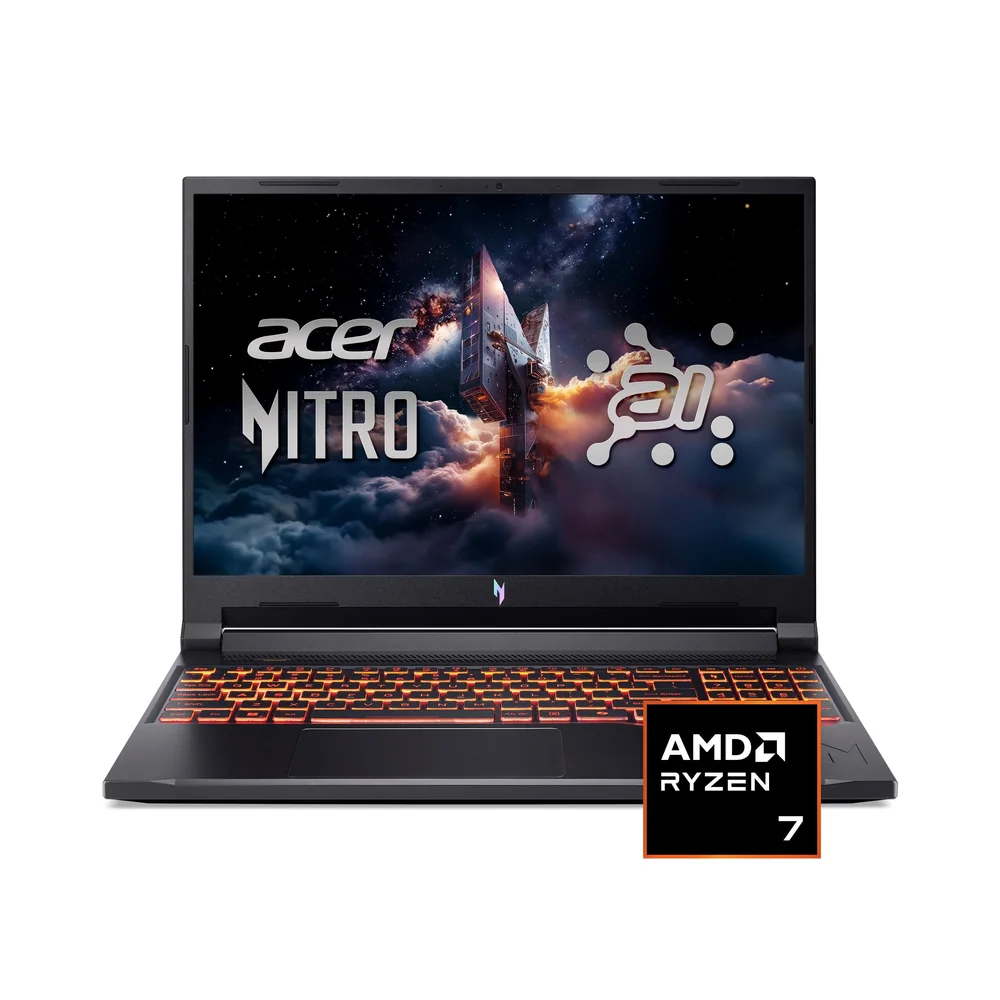
Acer Nitro V 16 AI works best for first-time PC gamers who want a big, fast screen and a low-stress entry into modern gaming. The 16-inch, high-refresh display and smooth 1080p to 1440p gameplay make it feel more expensive than many budget machines. The main reason to hesitate is everyday polish: it is only mediocre for general productivity, so if this will be your primary school or work laptop, the Lenovo LOQ 15 is the safer all-around buy.
Compelling value with entry-grade components paired to a big, fast 1200p display
Good 1080p and 1440p gaming with high-refresh 165Hz display options and G-SYNC support
Large 16-inch screen helps for multitasking and media
Only mediocre for general productivity compared with stronger all-around laptops
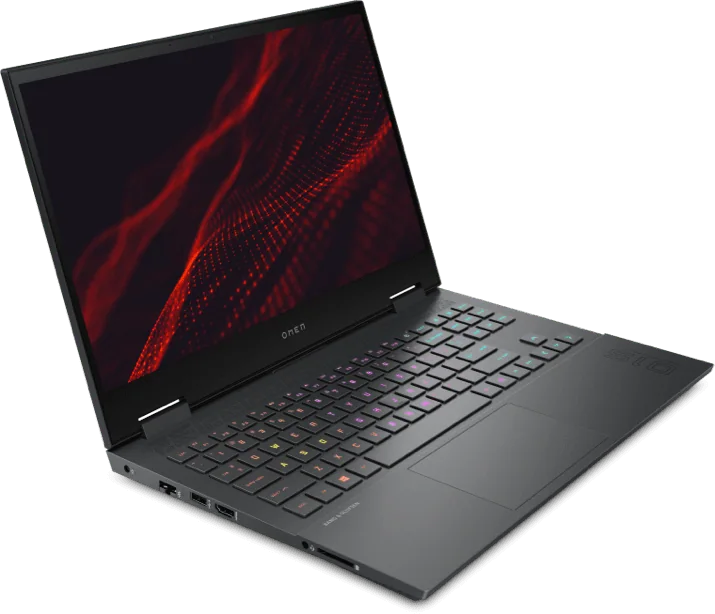
HP Omen 15 is for casual gamers who want a recognizable gaming-laptop line and plan to keep expectations realistic. It can make sense as a basic gaming-and-school machine when the priority is simply getting into PC gaming on a tighter budget. If you want a more clearly established performance and display story from this list, the Acer Nitro V 16 AI or Lenovo LOQ 15 are easier recommendations.
A straightforward entry point for casual gaming plus school use
Best suited to buyers keeping settings and expectations reasonable
Consider stepping up to Acer Nitro V 16 AI or Lenovo LOQ 15 for a clearer performance-focused buy
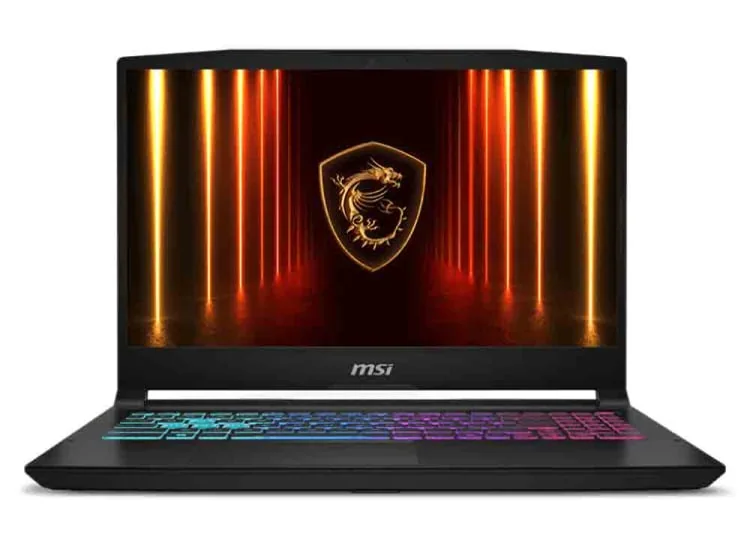
MSI Katana 15 HX is the one to grab when your goal is simple: smooth 60fps-class gaming without spending near premium territory. Its RTX 5050 setup targets modern games well, and it can keep gameplay smooth with or without DLSS 4. Plan around storage, though, because capacity can feel tight and may require juggling installs.
Delivers smooth 60fps gaming with or without DLSS 4
A performance-forward budget choice built around an RTX 5050 configuration
Storage capacity can be limiting, so expect to manage game installs
Gigabyte Gaming A16 is for shoppers trying to squeeze newer GPU performance into a strict under-1000 budget. It is a strong direction when you care more about reliable gaming performance than about thin-and-light portability or premium extras. If you want a more balanced everyday laptop feel, the Lenovo LOQ 15 is the better all-around choice in this list.
Reliable gaming performance at a budget-friendly level
A good fit for buyers prioritizing newer GPU capability over premium design touches
More performance-focused than “carry-it-everywhere” friendly
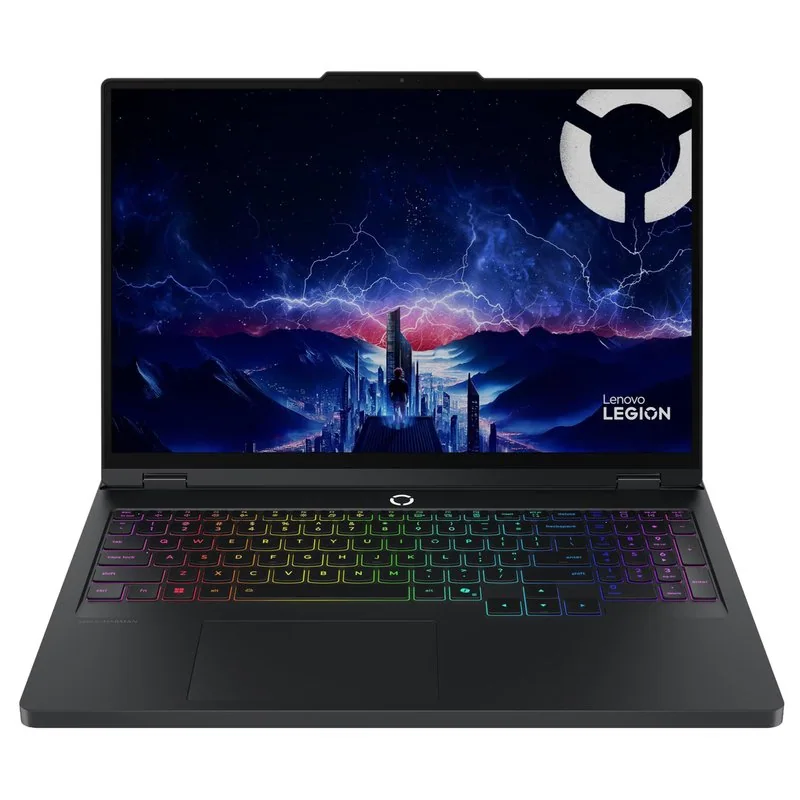
Lenovo Legion Pro 5 suits buyers who want a more serious-feeling gaming laptop and are willing to spend near the top of the budget to get it. It is a strong match for people who game regularly but also want a machine that can handle heavier everyday computing without feeling like a bargain-bin build. If your priority is maximizing value under the ceiling, the Lenovo LOQ 15 and MSI Katana 15 HX make the case more cleanly.
A more premium-leaning take on a budget gaming laptop for frequent gamers
Configured to push midrange gaming performance hard for the class
Best for shoppers comfortable shopping near the budget ceiling
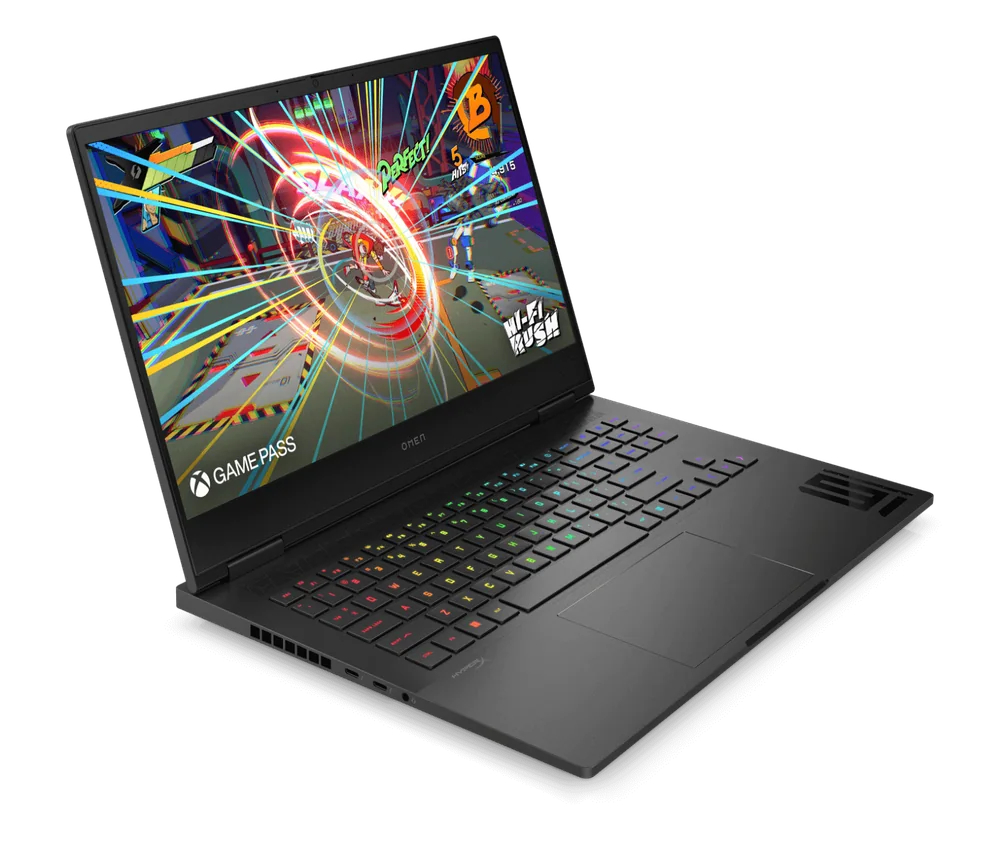
HP Omen 16 is for shoppers who want a bigger-screen gaming laptop that can feel closer to a higher tier, especially if you care about display options. It can deliver smooth gameplay in demanding titles, and the available high-refresh panels (including higher-end options) make it appealing for both gaming and media. The user experience can be so-so for general productivity, so if this will be your main school laptop, the Lenovo LOQ 15 is the safer everyday pick.
Great gaming capability with smooth performance in demanding titles
Multiple display options, including high-refresh panels and an OLED option on some configurations
Decent for media with a large 16-inch screen and reasonably loud speakers
General productivity experience can be only so-so despite strong CPU and GPU power
Can a gaming laptop under 1000 handle 1440p gaming?
Some can, especially with the right GPU and settings. In this list, Lenovo LOQ 15 and Acer Nitro V 16 AI are positioned to deliver smooth gameplay at 1080p or 1440p, and their high-refresh displays with VRR or G-SYNC help motion look cleaner when frame rates fluctuate.
What matters more for esports: GPU power or the display?
Both matter, but the display can be the difference between “fast” and “feels fast.” Look for a high-refresh panel and VRR support. Lenovo LOQ 15 offers high-refresh options with VRR, and Acer Nitro V 16 AI offers 165Hz options with G-SYNC support.
Are these good for school and productivity too?
Some are. Lenovo LOQ 15 is a strong all-around choice for school plus gaming thanks to its comfortable keyboard and touchpad and capable hardware. Acer Nitro V 16 AI can handle productivity tasks, but its overall productivity experience is only mediocre compared with stronger daily-driver laptops.
How much should I care about battery life in a budget gaming laptop?
If you plan to use it away from an outlet, care a lot. Lenovo LOQ 15 is not a great travel companion because it is bulky and its battery lasts under four hours of video playback, so it is better treated as a portable desktop you move around with the charger.
Which laptop here is the simplest choice for smooth 60fps gaming?
MSI Katana 15 HX is the most direct answer if your goal is smooth 60fps-class gaming. It is built around an RTX 5050 configuration and can keep games running smoothly with or without DLSS 4, though you may need to manage storage capacity.