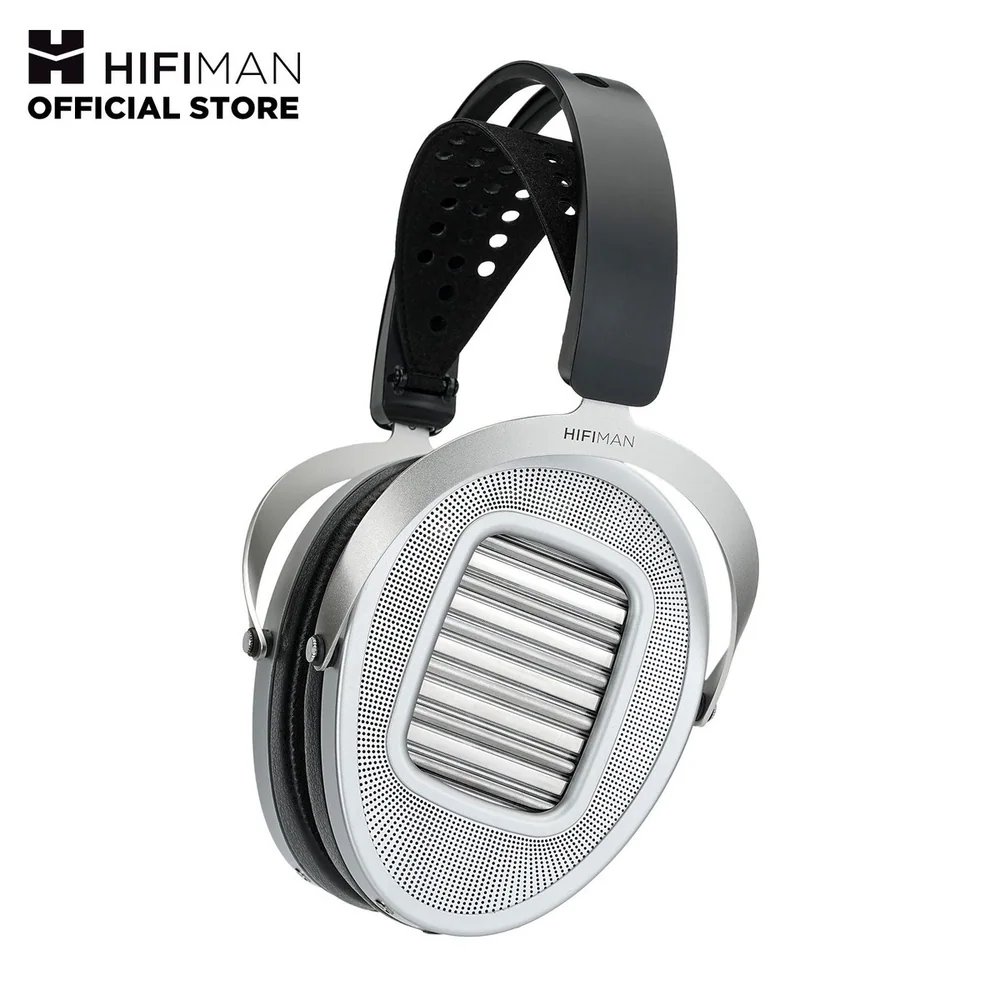
A practical guide to connecting 3.5 mm wired headphones and earbuds to phones that use USB-C or Lightning ports.
The old headphone jack did one thing beautifully: plug in, press play, forget about battery life. Modern phones can still give wired headphones that same dependable simplicity, but the small adapter between them has to speak the right language. The short answer is to identify your phone's port, then use an adapter with a built-in DAC if your headphones have a standard 3.5 mm plug. Most everyday headphones work from a good USB-C or Lightning adapter. Harder-to-drive wired models may need more power from a portable amplifier, but that is the exception, not the starting point.
Reading time: 8 minutesBest for: Phone listeners who want reliable wired audio without compatibility surprises
Finding the connection on your phone
Look at the bottom edge of the phone before buying anything. A 3.5 mm headphone jack is a small round socket, and if your phone has one, ordinary wired headphones or earbuds with a 3.5 mm plug connect directly. Many current phones omit it, leaving USB-C or Lightning as the physical connection. USB-C is the small, reversible oval port used by most newer phones, tablets, and laptops. Lightning is Apple's older narrow connector, found on some iPhones and accessories.
That port tells you the first part of the story, not all of it. A USB-C phone may send digital audio through the port, analog audio, or both, depending on the device. A Lightning phone needs an adapter designed for Lightning. Check the exact phone model and its port rather than relying on a listing that says only "for iPhone" or "USB-C compatible." One vague word on a product page can turn a tidy wired setup into a tiny, irritating return shipment.
What a DAC adapter does
When a phone sends audio digitally, headphones cannot play it until a digital-to-analog converter, called a DAC, turns that data into an electrical audio signal. A small USB-C-to-3.5 mm or Lightning-to-3.5 mm adapter often contains this converter. It is not just a piece of metal that changes one plug shape into another. It is a miniature audio device doing a necessary job.
For ordinary wired earbuds and easy-to-drive headphones, a reputable adapter with a built-in DAC is usually enough. It should provide clean sound, sensible volume, and a stable connection without asking you to carry another gadget. Do not get distracted by extravagant format claims before confirming the basics: the adapter works with your phone, has the 3.5 mm output you need, and can deliver enough volume for your headphones. A reliable connection beats a heroic spec sheet every morning.
USB-C and Lightning adapter basics
USB-C adapters come in two broad forms. A digital adapter includes its own DAC and works with phones that output digital audio through USB-C. An analog adapter expects the phone itself to provide analog audio through the port, a feature that is not universal on modern phones. The safer default is a USB-C-to-3.5 mm adapter that explicitly says it has a built-in DAC and lists support for your phone family or operating system.
Lightning adapters follow a simpler path: use one made for Lightning audio and a 3.5 mm headphone plug. Some adapters also include a second port for charging, which can be handy on a long trip or at a desk. Treat those combination adapters with a little more caution, since charging, audio, phone cases, and power demands can create compatibility wrinkles. If wired listening during charging matters, look for clear confirmation that both functions work at the same time with your specific phone.
Using headphones with a 3.5 mm plug
The familiar 3.5 mm plug is still the common endpoint for wired headphones and earbuds. Plug it into the adapter, connect the adapter to the phone, and audio should route to the headphones automatically. If it does not, remove the adapter, reconnect it firmly, and check the phone's audio output controls. Lint in a phone port or a plug that is not fully seated can cause one-sided sound, crackling, or a connection that drops when the phone moves.
Pay attention to the plug's extra rings if you need a microphone or playback controls. A three-contact plug carries left and right audio plus ground. A four-contact plug, often called TRRS, adds a microphone and remote-control connection. Most phone-oriented adapters work well with standard TRRS headsets, but older headphones, specialty cables, and gaming headsets can use different wiring arrangements. Sound may work while the microphone does not, so confirm headset-mic support if calls are part of the plan.
Avoiding incompatible adapters
The most common mistake is assuming that every adapter is interchangeable because the ends fit. A passive USB-C adapter may fit a phone that does not supply analog audio, leaving you with silence. An adapter intended for charging or data may not support audio at all. Some inexpensive multiport dongles also handle headphones poorly, especially when a phone is charging, because their audio circuitry or power management is limited.
Check four things before ordering: your phone's connector, whether the adapter has a DAC when one is needed, whether it supports a headset microphone if you use one, and whether a bulky case will block the plug. Also consider the other end of your headphones. A 6.35 mm plug, common on some home and studio headphones, needs a separate size adapter before it can connect to a 3.5 mm phone adapter. Stacking adapters can work, but every extra joint is another place for strain, looseness, and confusion.
When a portable amplifier helps
A portable headphone amplifier adds power between the phone and the headphones. It can help when a wired pair plays too quietly from a phone, sounds thin at normal volume, or has specifications that indicate it needs more power. Impedance is the electrical resistance a headphone presents, while sensitivity describes how loudly it plays from a given amount of power. Neither number alone settles the question, but together they offer a useful clue about how demanding a headphone may be.
Most portable amps also include a DAC, so they connect digitally to USB-C or Lightning and provide a headphone output of their own. That can be a satisfying desk or travel setup for full-size wired headphones, but it adds a cable, another battery or power draw, and more bulk in a pocket. Try the simple DAC adapter first if your headphones reach a comfortable volume without strain. Move to a portable amp when there is a real problem to solve, not because a larger box seems more serious.
What this guide helps you understand
Modern phones have not made wired listening difficult so much as less forgiving of assumptions. Match the phone port to a compatible DAC adapter, confirm microphone support if you need it, and only add an amplifier when your headphones genuinely need more power.
Identify whether your phone has a 3.5 mm, USB-C, or Lightning connection.
For a phone without a headphone jack, choose an adapter that explicitly includes a DAC when required.
Check whether you need headset microphone support, charging pass-through, or a case-friendly connector.
Confirm that your headphones use a 3.5 mm plug or have the correct size adapter.
Technique notes
A single-charge-free wired setup is especially useful for flights, desk work, and older audio gear.
If sound cuts out when the phone moves, inspect the port and plug for debris before replacing the adapter.
High-resolution audio support is secondary to a secure connection, comfortable headphones, and sound you enjoy.
Safety note: Keep headphone volume low enough to hear important alerts when walking near traffic or other hazards.