
Fitness Watches
Why Your Fitness Watch Heart Rate Looks Wrong (and How to Fix It in 5 Minutes)
Published
You buy a fitness watch, start a workout, and the heart rate number immediately looks off. Maybe it spikes during warmup, drops during intervals, or never matches how hard you feel like you are working. Before you blame the watch, fix the two things that most often break wrist heart rate: fit and expectations.
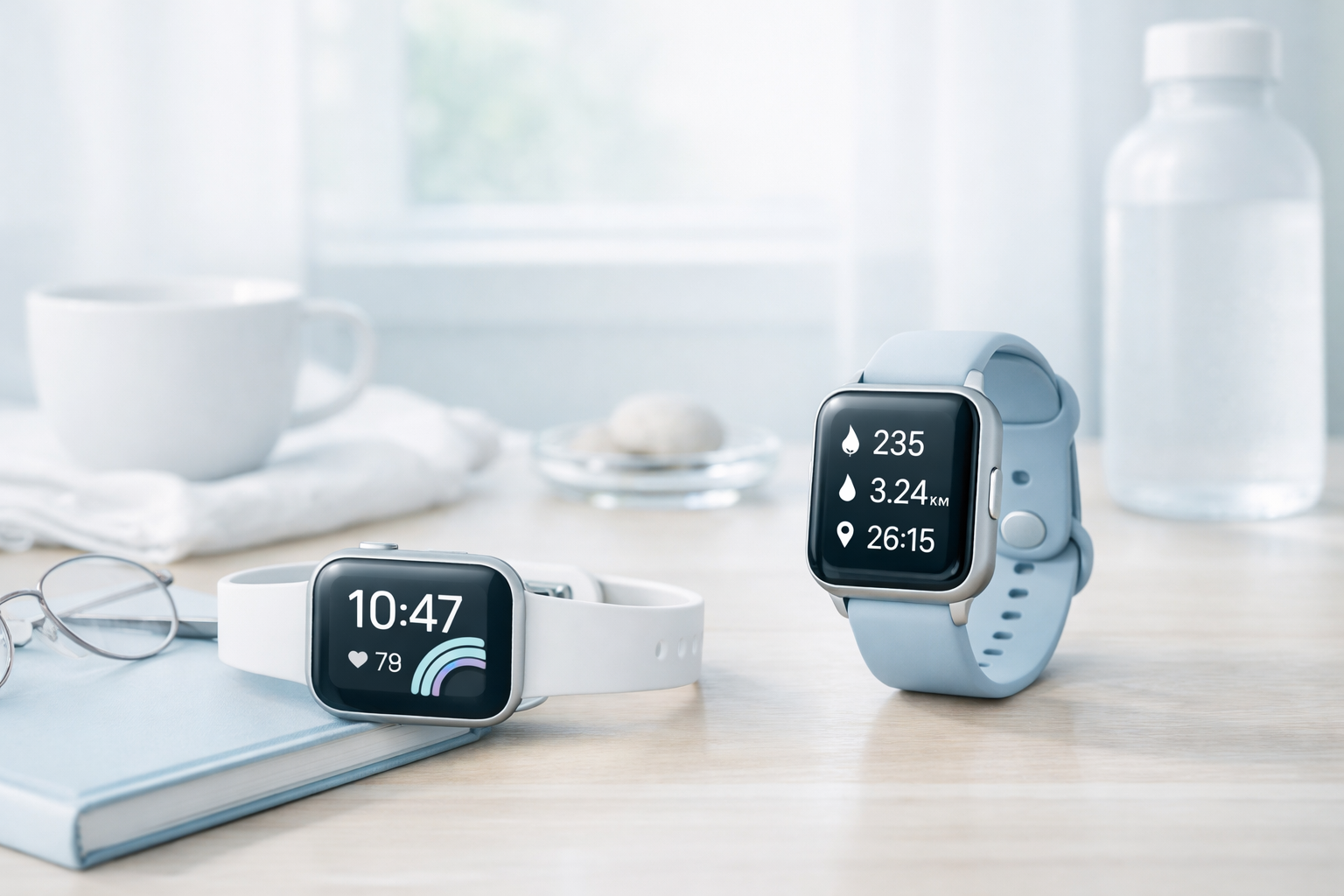
First, know what wrist heart rate is good at (and where it struggles)
Most fitness watches use an optical heart rate sensor, a light-based sensor on the back of the watch that estimates pulse by measuring blood flow changes in your wrist. When the sensor has steady skin contact and your arm motion is smooth, it can be a very useful tool for pacing easy runs, staying honest on steady cardio, and building consistent training habits.
Where it tends to struggle is exactly where many people want it most: fast changes in effort and lots of wrist movement. Intervals, lifting, rowing, and some cross training can create noisy readings because the sensor is trying to interpret blood flow while your wrist is flexing, gripping, or bouncing. That does not mean the watch is “bad.” It means you should treat the number as an estimate and set it up so the estimate is as clean as possible.
The 5-minute fit check that fixes most “wrong heart rate” complaints
Start with placement. Wear the watch a bit higher than you think, not right on the wrist bone. A good rule is to move it about a finger’s width up your forearm so the sensor sits on a flatter, more stable spot. Then tighten the strap so it is snug enough to prevent the watch from sliding during movement, but not so tight that it feels like a tourniquet. If the watch shifts when you swing your arms, the sensor is more likely to lose consistent contact and produce spikes or dropouts.
Next, match tightness to the workout. Many people wear a watch comfortably loose all day, then expect perfect readings during a hard session. For workouts, go one notch tighter than your everyday fit, then loosen it afterward. If you are seeing erratic data during strength training or intervals, this single change often makes the difference between a jagged line and a usable trend.
Set expectations: GPS, battery settings, and why “more features” can mean more frustration
Heart rate is not the only signal that can make a workout feel “wrong.” GPS and GNSS support affects pace and distance accuracy, especially in cities, under trees, and on tight trails. If your pace jumps around, it can make your heart rate look strange too because you start reacting to the watch instead of your effort. The practical move is to judge hard sessions by effort and splits over time, not by second-by-second pace in tough signal areas.
Also remember that battery life in real use changes with settings like always-on display, GPS use, and notifications. When a watch is constantly fighting for battery, people tend to turn features on and off without understanding the tradeoffs, then blame the data when it feels inconsistent. Pick the settings you will actually live with. The best fitness watch is the one you will wear, charge, and understand, because trends only show up when you keep collecting the same kinds of data week after week.
When a chest strap (or a different style of tracker) makes more sense
If your main goal is accurate heart rate during intervals, heavy lifting, or high-movement training, wrist sensors may never feel perfect. That is not a personal failure and it is not necessarily a watch defect. It is the reality of measuring pulse at the wrist while the wrist is doing a lot of work. In those cases, a chest strap can be a better match for how you train, and some watches can also broadcast heart rate to other devices for workouts.
On the other hand, if you mostly want daily movement, sleep trends, and basic workouts, you may be happier with an everyday fitness tracker watch that is lighter and easier to wear consistently. Comfort and habit matter more than a long feature list. If a watch is too big, too heavy, or annoying to sleep in, you lose the recovery and sleep context that makes training metrics meaningful in the first place.
Keep going: choose the watch that fits your training, not just your wishlist
If your heart rate data still feels unreliable after the fit fixes, it may be a sign you need a different type of device for your routine. Start with Pickori’s Fitness Watches hub for a clear breakdown of the sensors and tradeoffs that actually change accuracy and battery life, then compare beginner-friendly picks or training-focused models depending on how often you work out: /fitness-watches/, /best-fitness-watches-for-beginners-2026/, and /best-fitness-watches-for-strength-training-2026/.