Robot Vacuum Safety in Real Homes: Kids, Pets, Cords, and Messy Accidents
Published
Set up simple habits and home tweaks that prevent tangles, stuck robots, and the messes that make people stop using their robot vacuum.
Reading time: 8 minutesBest for: Households with kids, pets, or lots of floor clutter that want fewer tangles, fewer stuck runs, and fewer messy surprises.
Cord and small-object control: the stuff that causes tangles, jams, and broken chargers
Cords and small objects are the number one reason robots get stuck or cause damage. A roller brush is designed to grab hair and grit, so it will happily grab a charging cable, a hoodie string, or a headphone cord. Once wrapped, the robot can drag the item, pull something off a table, or grind the cord against the brush until the insulation is damaged. Small hard items like coins, LEGO pieces, and earrings can jam the brush or get wedged in the wheels, which can scratch floors or stop the robot mid-run.
Start by making "robot-ready" storage easy. Use a basket near the couch for remotes and chargers, and route long cords up and off the floor with clips or ties. If you have a desk area, treat it as a no-go zone unless you can fully manage cables. Before a scheduled run, do a quick sweep for strings, socks, and pet toys, especially in bedrooms and living rooms. If your robot supports no-go zones, place them around known cord nests like power strips, floor lamps, and under entertainment centers.
Pet bowls, litter, and kibble: keeping the robot from spreading a mess
Food and litter areas create a different kind of problem: the robot might not get stuck, but it can spread debris. A side brush can flick kibble under cabinets and baseboards. A roller can crush dry food into smaller pieces that are harder to pick up later. Litter is even trickier because it is gritty and can get tracked into wheels and brushes, which increases wear and can leave scratchy grit on hard floors. Water bowls add the risk of a robot bumping the bowl and pushing water across the floor.
Give pet stations a defined boundary. A low-edge mat under bowls helps catch splashes and keeps kibble in one place, but it can also become a "speed bump" that the robot climbs and drags, so choose a mat that lies flat and does not curl. If the robot tends to bump bowls, set a no-go zone around the feeding area or move bowls into a corner where the robot has less approach angle. For litter boxes, block off the area with a gate or use a no-go zone that includes the tracked-litter perimeter. Then vacuum that perimeter manually once or twice a week so the robot is not constantly grinding grit through its moving parts.
Accident prevention: what to do about pet waste risk and why schedules matter
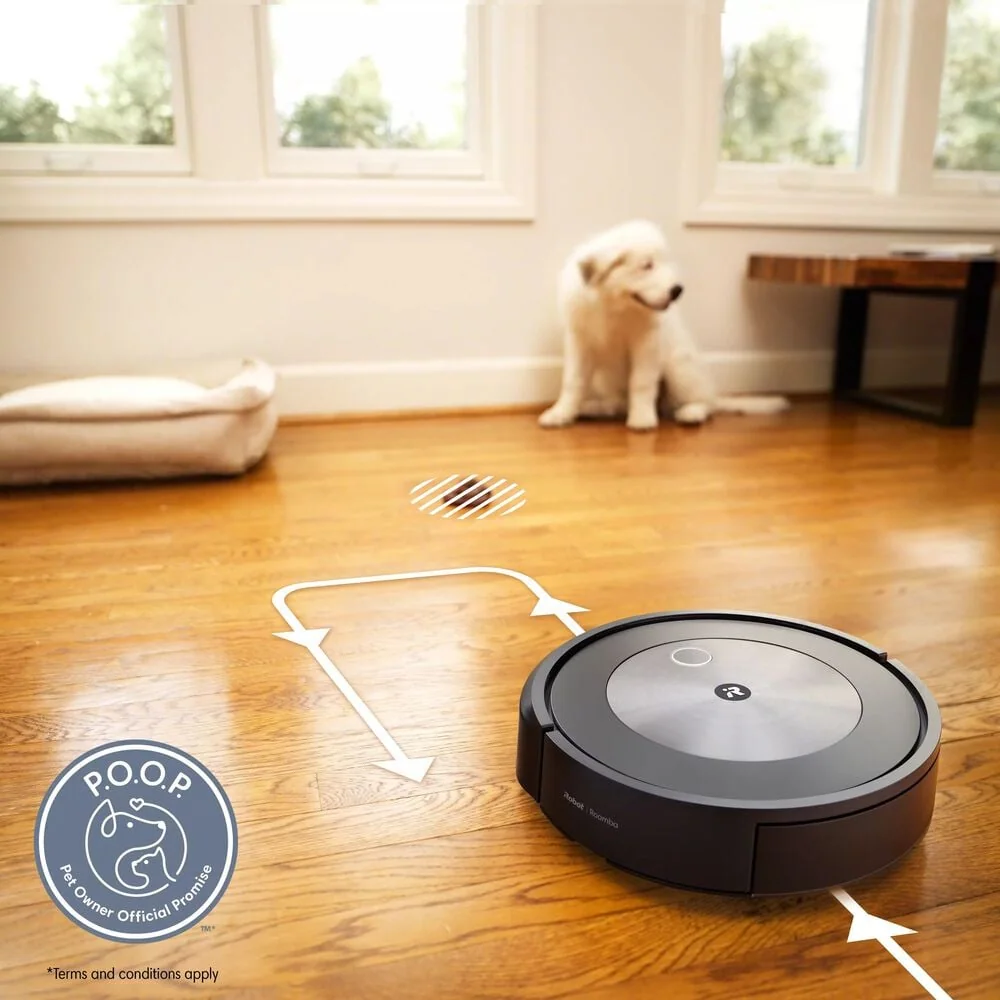
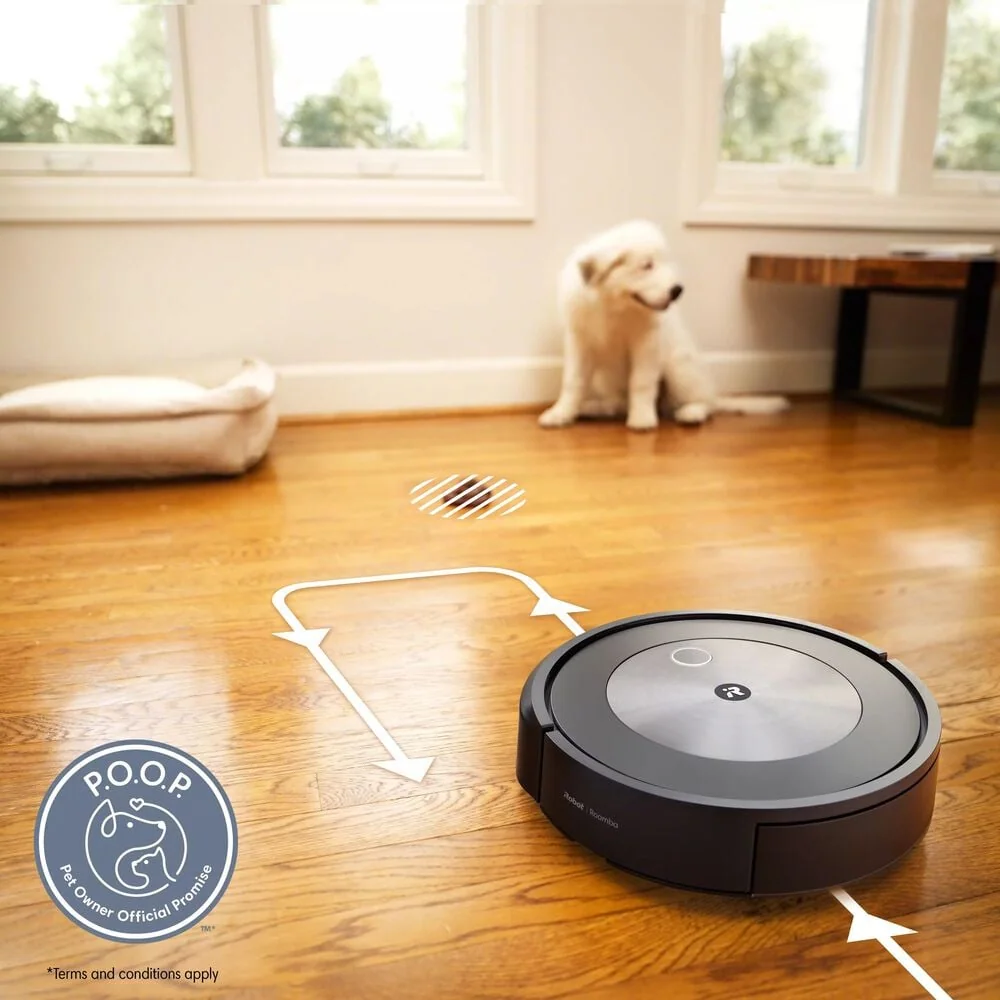
Pet waste is the mess that can ruin a robot vacuum in one run. If a robot rolls through an accident, the brush and wheels can smear it across multiple rooms, and the contamination can get into seams and air paths. Even if you clean it, the smell can linger and filters may need replacement. The biggest factor is timing. Accidents are more likely overnight, during long workdays, or when pets are stressed, sick, or adjusting to a new routine.
Use scheduling to reduce risk. Run the robot when someone is home and awake, or at least when you can do a quick floor scan first. If your household has a pet with occasional accidents, avoid unattended runs in the highest-risk windows and focus on shorter, more frequent cleans when you can supervise. If an accident happens, stop the robot immediately, remove the brush and any removable parts, and clean them right away so residue does not dry. Plan on replacing the filter after a contamination event, since filters are designed to trap fine particles and are hard to fully sanitize once soiled.
Kid-proofing the routine: buttons, docks, and keeping fingers out of brushes
Kids tend to interact with robot vacuums like toys: pressing buttons, riding them, blocking them, or "helping" by feeding them small objects. The risks are usually minor but annoying and avoidable. A child can start a run at the wrong time, undock the robot so it dies mid-clean, or repeatedly interrupt it so mapping and room schedules become unreliable. The dock area can also become a trip hazard if it is placed in a walkway, and the robot's brush and wheels can pinch hair or fingers if a child grabs it while it is running.
Treat the dock like an appliance, not a toy. Place it against a wall where it is not in a main path, and keep the area around it clear so the robot can dock reliably. If your robot has a child lock or button lock, turn it on so the schedule stays intact. Teach a simple rule: do not pick up the robot while it is moving, and do not touch the brush area. For households with toddlers, consider running the robot during naps or after bedtime, but only if pet waste risk is low. If kids leave small toys on the floor, add a quick "toy sweep" to the daily routine so the robot does not become the cleanup step that creates new problems.
What this guide helps you understand
A robot vacuum is safest and easiest to live with when you control three things: what is on the floor, what is near the dock, and when the robot runs. If you reduce cords and small objects, block off pet stations, and schedule runs when you can do a fast scan, you prevent most tangles, jams, and gross cleanups that make people stop using their robot.
Before each scheduled run, do a 60 second floor scan for cords, strings, socks, and small hard objects in the rooms the robot will clean.
Products that fit this practical guide
As an Amazon Associate I earn from qualifying purchases.
If you are constantly rescuing the robot in the same spots, do not keep "hoping it learns." Add a no-go zone or physically block the area so the robot can finish runs without intervention.
Safety note: Unplug and power off the robot before removing hair from the brush or clearing a jam, and keep fingers away from the brush and wheels while it is running.